
In this parental control app, you can monitor and manage your children's device usage, set time limits, and block apps during specified periods. Includes screen time tracking, app usage reports, and location alerts.
AppRecs review analysis
AppRecs rating 1.3. Trustworthiness 76 out of 100. Review manipulation risk 31 out of 100. Based on a review sample analyzed.
★☆☆☆☆
1.3
AppRecs Rating
Ratings breakdown
5 star
8%
4 star
2%
3 star
3%
2 star
4%
1 star
82%
What to know
✓
Credible reviews
76% trustworthiness score from analyzed reviews
⚠
Mixed user feedback
Average 1.5★ rating suggests room for improvement
⚠
High negative review ratio
86% of sampled ratings are 1–2 stars
About Screen Time Parental Control
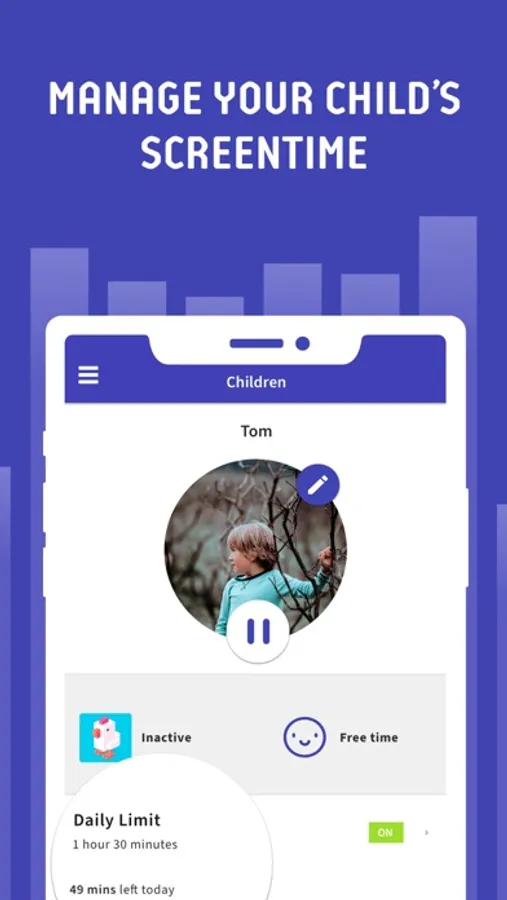
Screen Time Parental Control helps parents manage their children’s screen time and app usage. Set time limits, block apps during bedtime, reward them for chores and more.
Kids who have a smartphone spend an average of 7.5 hours on their devices per day. Screen Time was developed to help parents get their children to put their phones down and engage in outdoor activities, family chats at the dinner table, concentrate on their homework, and get a good night’s sleep.
The free version of Screen Time arms parents with information about their children's’ smartphone and tablet usage. With the free version of our screen time tracker, you are able to:
▪ Monitor your kids’ screen time
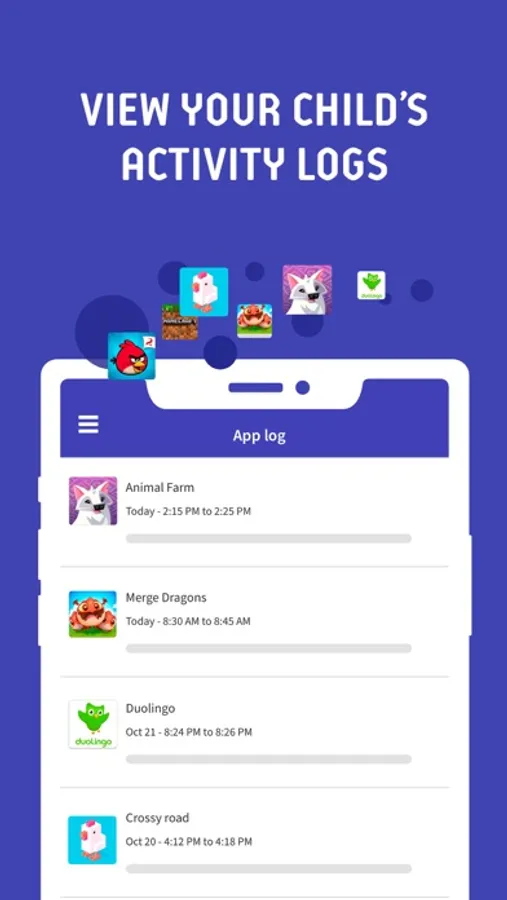
▪ View app usage - See which apps are being used and for how long
▪ Receive a notification when your kids try to install a new app
▪ Receive a daily summary of your kids app and web usage
If you decide you need to proactively manage your children's’ screen time on iPhone or iPad, our Premium version of our app gives parents greater control over their kids’ devices.
With Screen Time Premium, you can:
▪ Set a specific daily time limit for your kids’ screen time
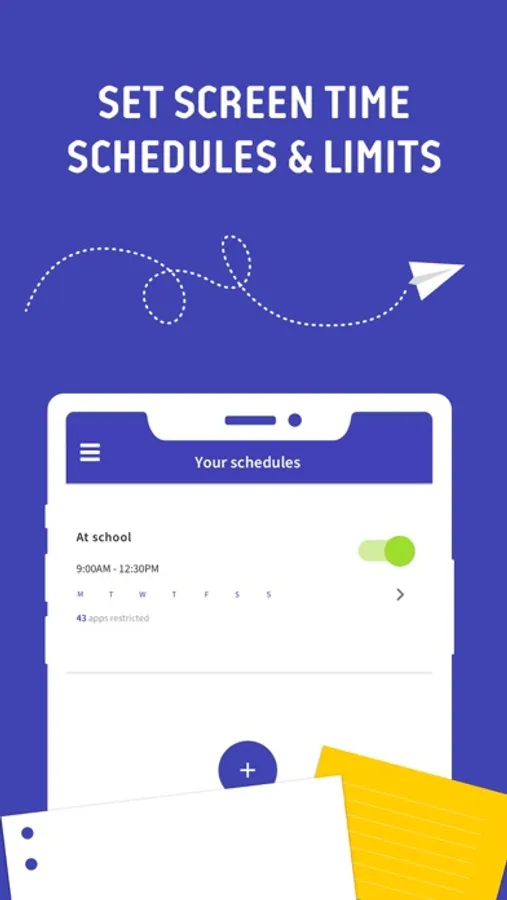
▪ Set schedules of when they can and can’t use their device
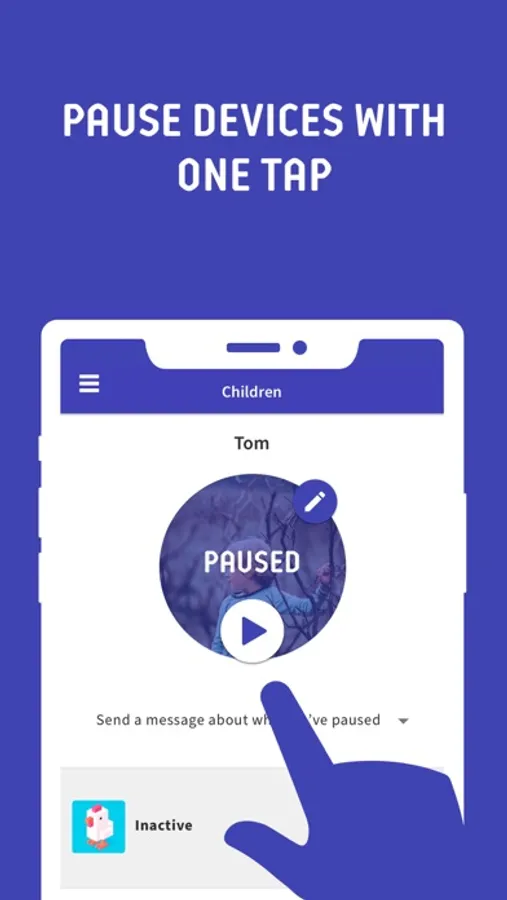
▪ Instantly pause your kids’ devices at the push of a button
▪ Block certain app activity during bedtime
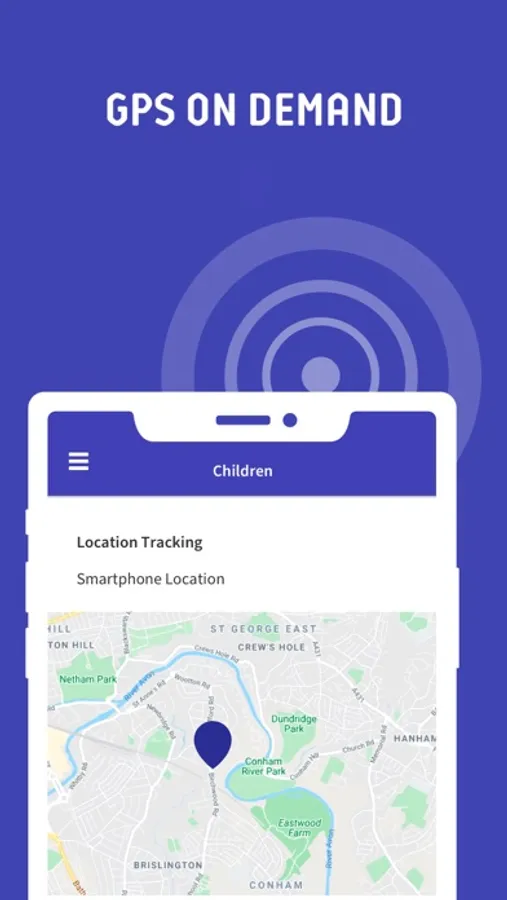
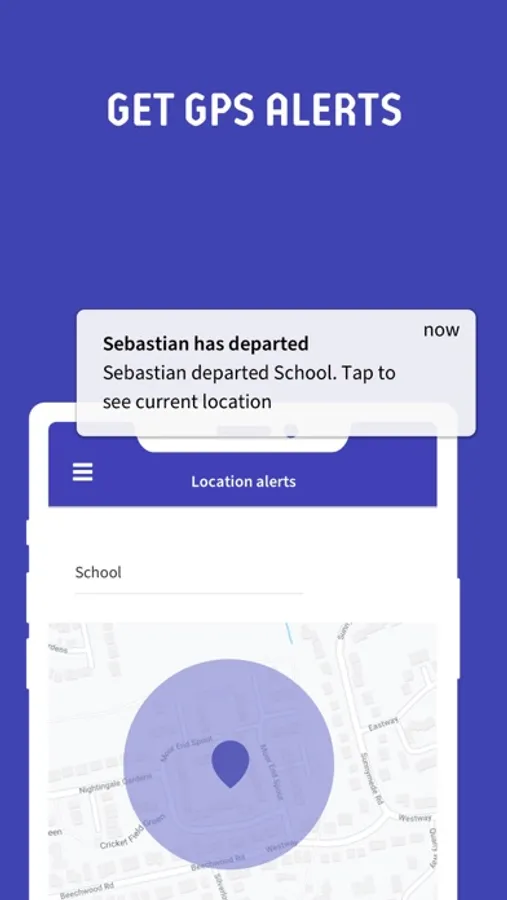
▪ See exactly where your children are with GPS phone location tracking
▪ Get an alert when your child arrives or leaves a specific location
▪ Receive a daily email summary of your kids app and web usage
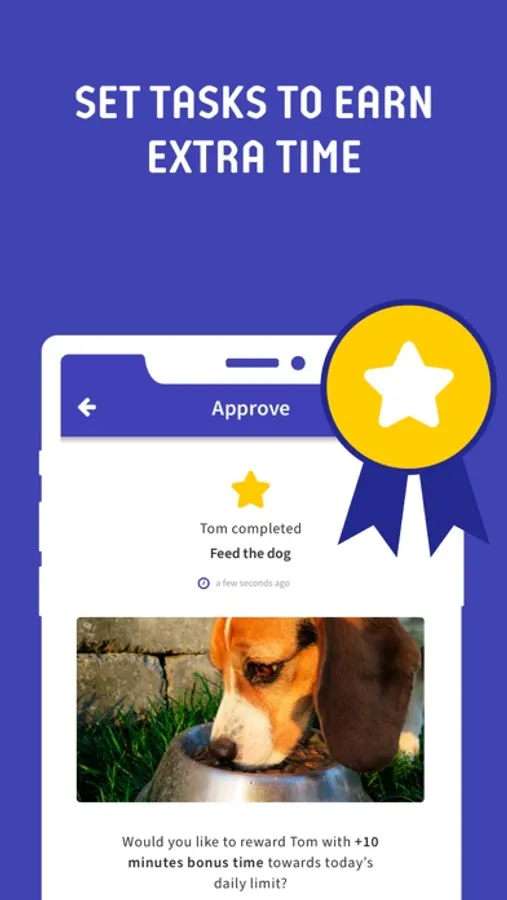
▪ Set tasks and chores for your kids to complete, allowing them to earn additional screen time when they’re done
▪ Use Free Play mode to temporarily override time limit settings, like during long trips
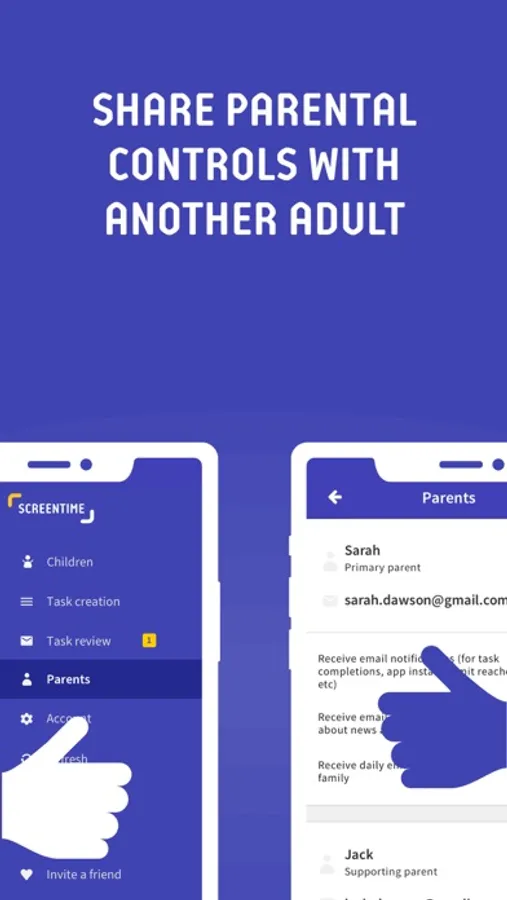
▪ Share app management with other adults in your kids’ lives
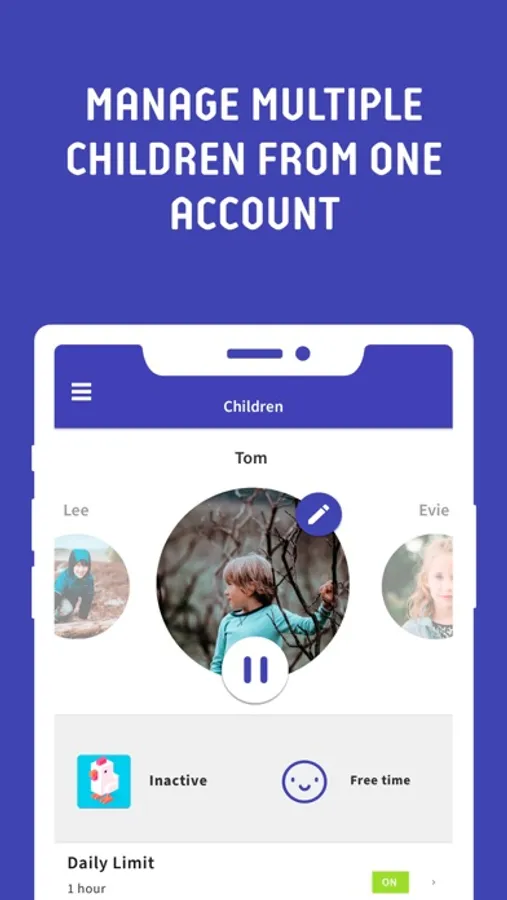
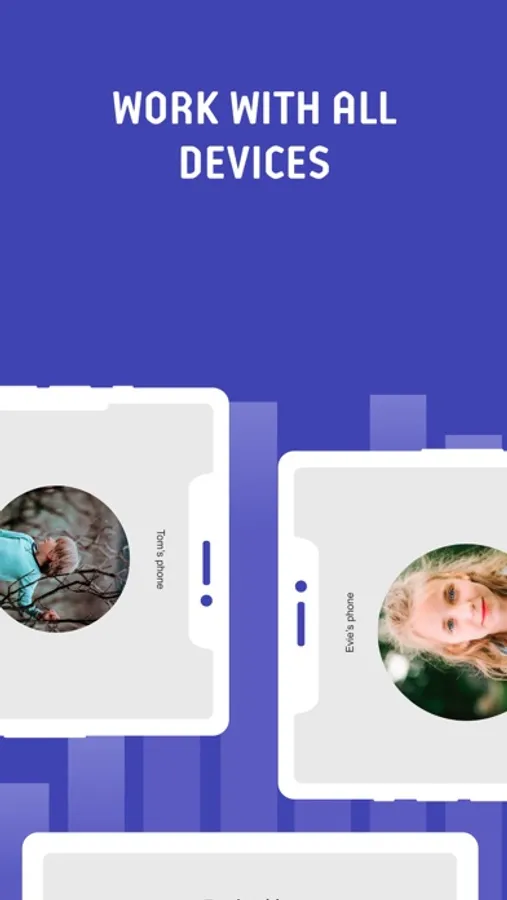
▪ Have up to 5 devices per account, so you can track multiple kids and devices
All new users will get a 7 day free trial of the Premium version of Screen Time. No credit card information is needed for this free trial, and you will not be automatically charged unless you decide to sign up for a membership.
Please note: Some of Screen Time’s free and premium features are unavailable for iOS devices due to Apple restrictions.
Feedback
If you have any problems please take a look at our help pages, or contact us via the contact page of our website.
Screen Time Parental Control App Help: https://screentimelabs.com/help
Screen Time Parental Control App Contact: https://screentimelabs.com/contact
Kids who have a smartphone spend an average of 7.5 hours on their devices per day. Screen Time was developed to help parents get their children to put their phones down and engage in outdoor activities, family chats at the dinner table, concentrate on their homework, and get a good night’s sleep.
The free version of Screen Time arms parents with information about their children's’ smartphone and tablet usage. With the free version of our screen time tracker, you are able to:
▪ Monitor your kids’ screen time
▪ View app usage - See which apps are being used and for how long
▪ Receive a notification when your kids try to install a new app
▪ Receive a daily summary of your kids app and web usage
If you decide you need to proactively manage your children's’ screen time on iPhone or iPad, our Premium version of our app gives parents greater control over their kids’ devices.
With Screen Time Premium, you can:
▪ Set a specific daily time limit for your kids’ screen time
▪ Set schedules of when they can and can’t use their device
▪ Instantly pause your kids’ devices at the push of a button
▪ Block certain app activity during bedtime
▪ See exactly where your children are with GPS phone location tracking
▪ Get an alert when your child arrives or leaves a specific location
▪ Receive a daily email summary of your kids app and web usage
▪ Set tasks and chores for your kids to complete, allowing them to earn additional screen time when they’re done
▪ Use Free Play mode to temporarily override time limit settings, like during long trips
▪ Share app management with other adults in your kids’ lives
▪ Have up to 5 devices per account, so you can track multiple kids and devices
All new users will get a 7 day free trial of the Premium version of Screen Time. No credit card information is needed for this free trial, and you will not be automatically charged unless you decide to sign up for a membership.
Please note: Some of Screen Time’s free and premium features are unavailable for iOS devices due to Apple restrictions.
Feedback
If you have any problems please take a look at our help pages, or contact us via the contact page of our website.
Screen Time Parental Control App Help: https://screentimelabs.com/help
Screen Time Parental Control App Contact: https://screentimelabs.com/contact
Screen Time Parental Control Screenshots
Tap to Rate:
Reviews for Screen Time Parental Control
Ganshshb
Terrible App
I thought with these negative review they must have addressed or fix all the bugs by now. But no, this is so bad.
ghhgghhjjkklawdogfghgdcbjuhgv
worst app ever
this app didn't even let me download oropen any apps will having it DO NOT BUY!!!