Repaper Studio for smartphone
ADVANCED MAGNETIC INTERACTION, AMI
2.5 ★
2 ratings
Free
AppRecs review analysis
AppRecs rating 2.5. Trustworthiness 73 out of 100. Review manipulation risk 31 out of 100. Based on a review sample analyzed.
★★☆☆☆
2.5
AppRecs Rating
Ratings breakdown
5 star
0%
4 star
5%
3 star
18%
2 star
14%
1 star
64%
What to know
✓
Credible reviews
73% trustworthiness score from analyzed reviews
⚠
Pricing complaints
Many low ratings mention paywalls or pricing
⚠
Mixed user feedback
Average 2.5★ rating suggests room for improvement
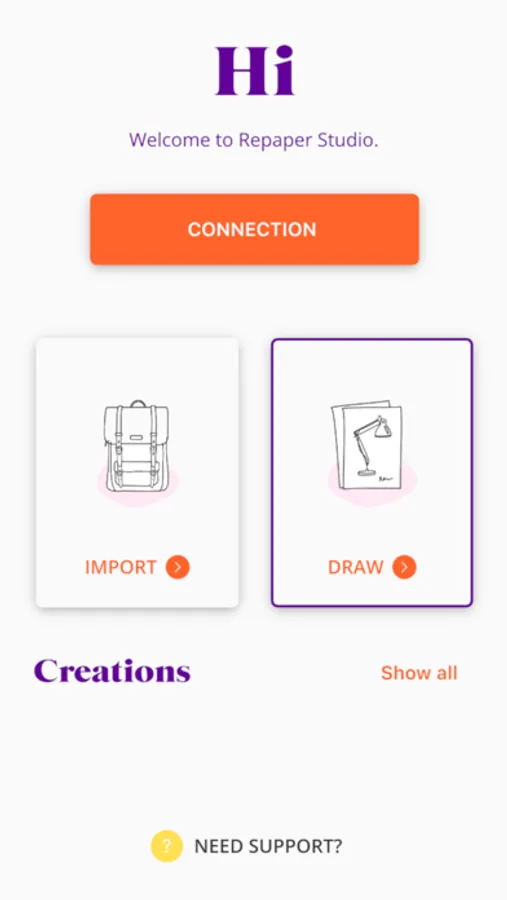
About Repaper Studio for smartphone
This application has been developed to work with the iskn Repaper and Slate devices.
Minimum requirements
TABLET*
iPad Air (1st generation)
iPad mini (4th generation)
iPad (4th generation)
iPad Pro (1st generation)
SMARTPHONE*
iPhone 6
*Bluetooth(R) Low Energy 4.0
See the full range of compatible devices at iskn.co/compatibility
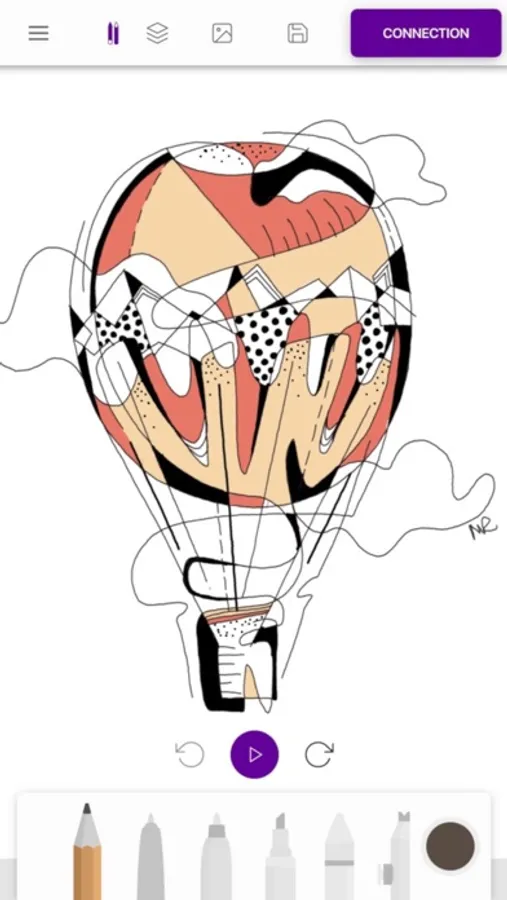
Brush palette
- pen
- pencil
- wedge nib felt pen
- marker
- chalk
- airbrush
- eraser
You can configure each one as required (by thickness, opacity, line smoothing, colors from the RGB palette or eyedropper tool).
Layer management
From sketch to final version, break down your work and create up to 10 layers in Repaper Studio. Organize and manage multiple layers, group them, rename them or change the stacking order for perfect results.
Importing and exporting of images
Import your images or photos and transform them in Repaper Studio. For even more features, you can export your creations to other softwares in JPEG, PNG, PSD, or SVG format.
Your creation in video format
Watch a time-lapse video of your creation (in MP4) or share to your social networks.
It is also a graphic tablet
Fans of digital media can use it in graphic tablet mode. With Repaper Stylus or The Tip, edit and enhance your creations with your favorite software, on your PC or Mac.
Repaper Studio for smartphone Screenshots

Tap to Rate:
Reviews for Repaper Studio for smartphone
WherzMyVibratr
Unfortunate fail
I just received my kit in the mail today. I went all in with buying extra rings, assuming I’d be able to also draw with both hands as I do. Was going to take it into the lab for some work that we are doing with cross-disciplinary and well… it looks like I’ll be returning everything. But, I’ll be doing an online demo and review to share an honest review because the demos are a bit deceiving.
cwoowl
Doesn’t work well.
As an traditional artist at a young age, i was really excited to try this! I got the app, and the connected was fine. My problem is with the pencil tracking. Its horrific. None of my drawings look like they do on paper. Either their thinner or just completely off track. Would not recommend!