
In this image editing app, you can resize images easily by specifying custom dimensions and aspect ratio. Includes multiple output formats and options to save, share, or print images.
AppRecs review analysis
AppRecs rating 4.5. Trustworthiness 55 out of 100. Review manipulation risk 28 out of 100. Based on a review sample analyzed.
★★★★☆
4.5
AppRecs Rating
Ratings breakdown
5 star
83%
4 star
11%
3 star
2%
2 star
2%
1 star
2%
What to know
✓
High user satisfaction
83% of sampled ratings are 5 stars
✓
Authentic reviews
No red flags detected
About Image Size PRO
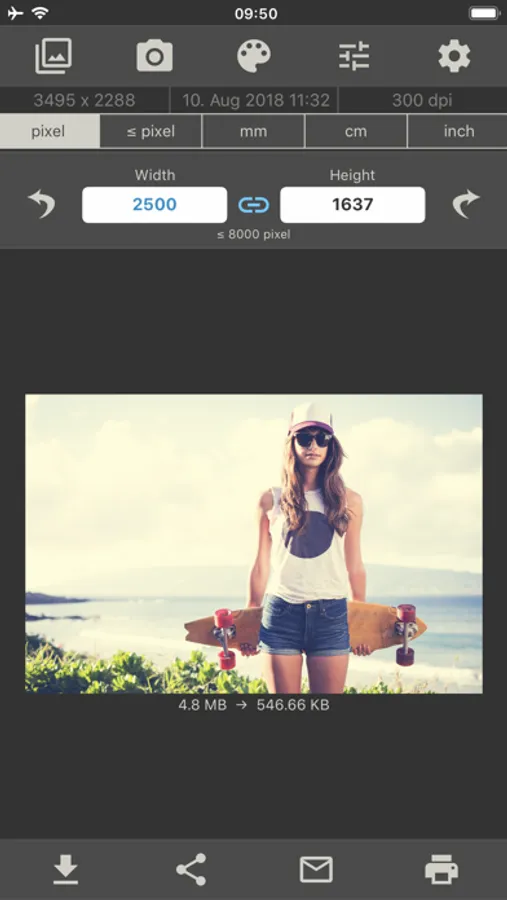
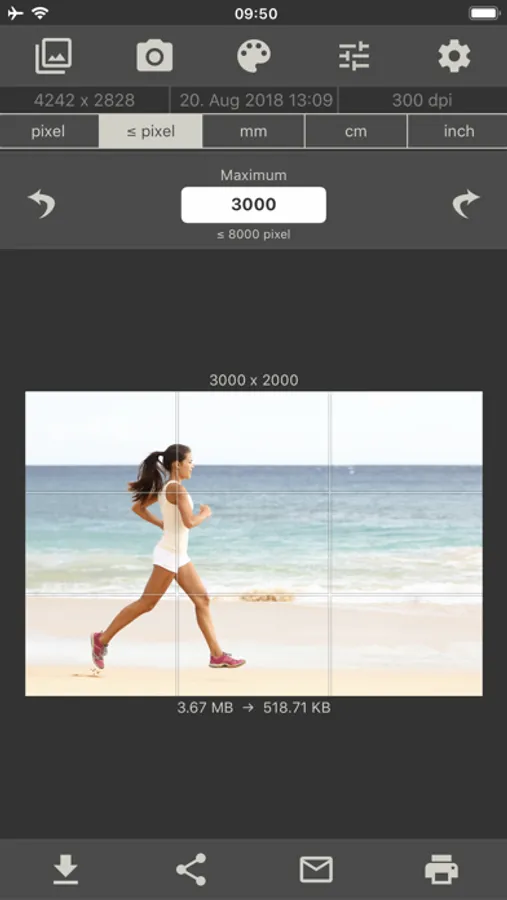
This app allows you to resize an image to whatever size you like (with limitation), quickly and easily.
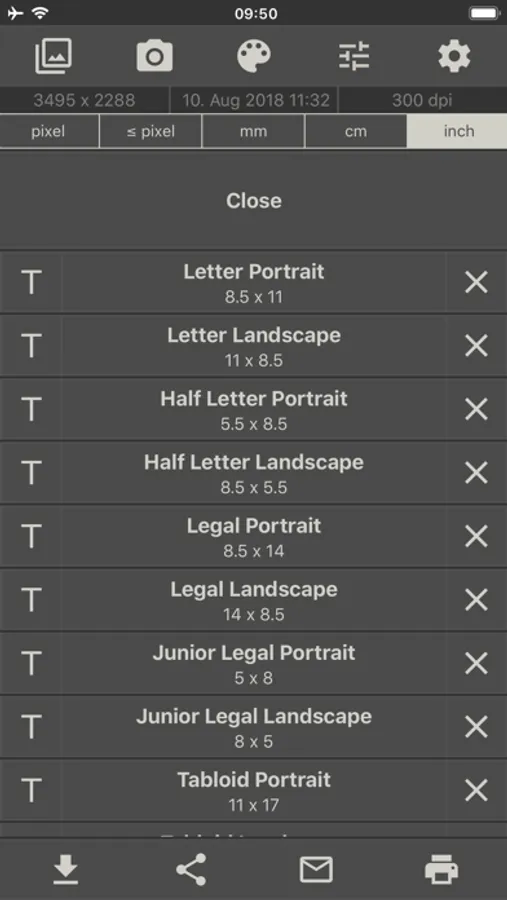
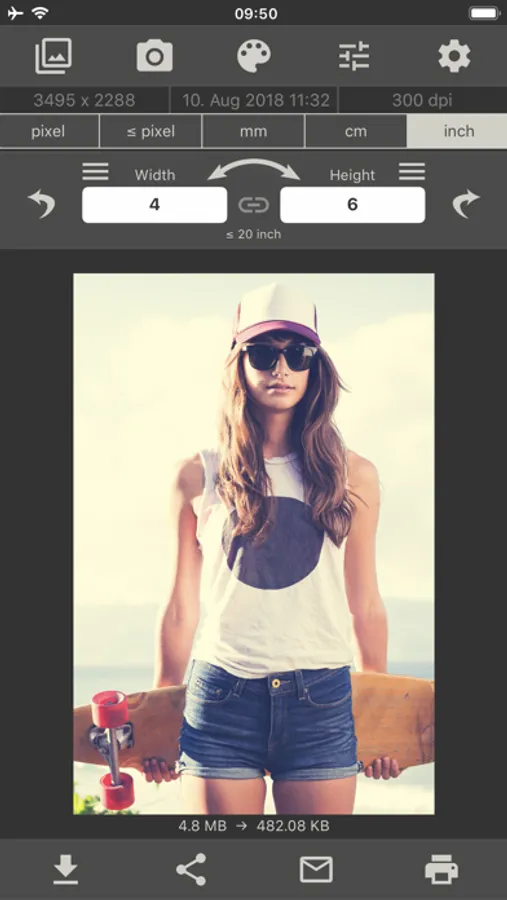
You can specify the output format using one of the following four units of measurement: pixels, millimeters, centimeters, inches
To preserve aspect ratio just tap on the chain icon between width and height input fields.
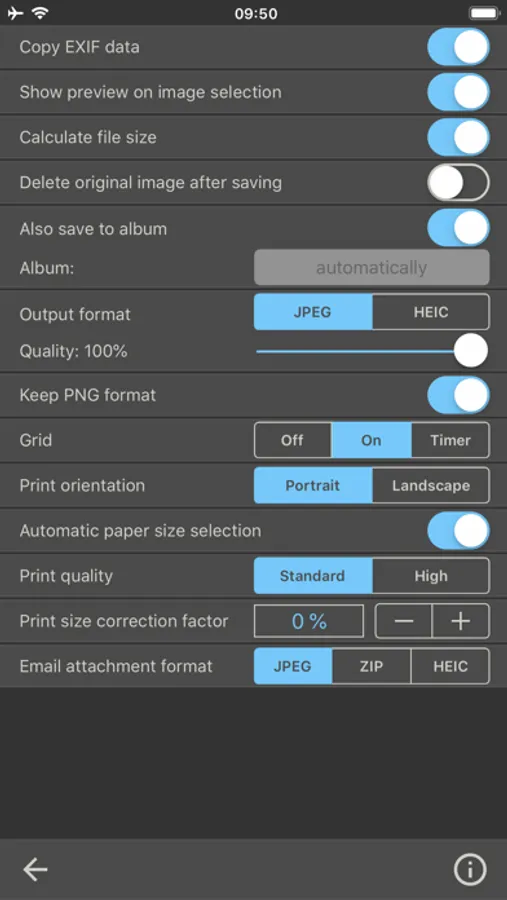
This app gives you the option of saving, emailing, printing or sharing the final image.
Resize your image in just four easy steps:
- Open an image or take a photo
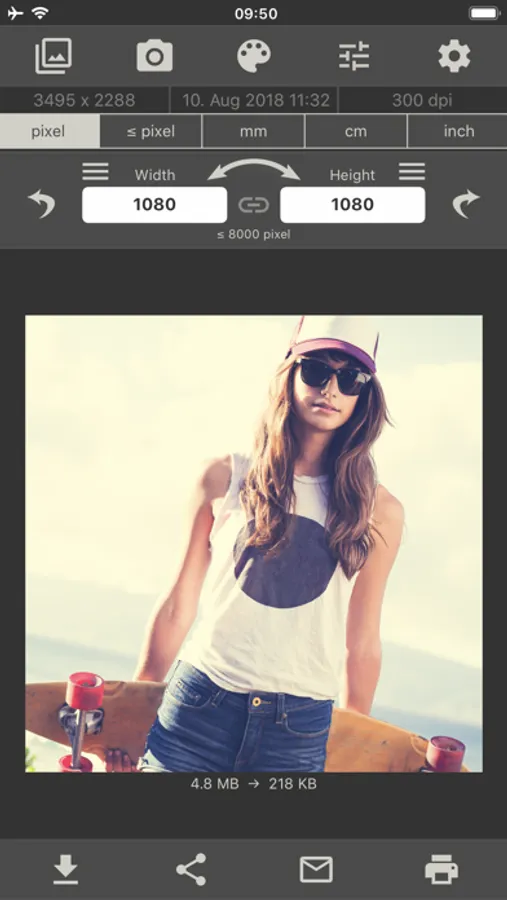
- Enter your desired output size
- Crop the image with your fingers using multitouch gestures
- Save / print / send / share image
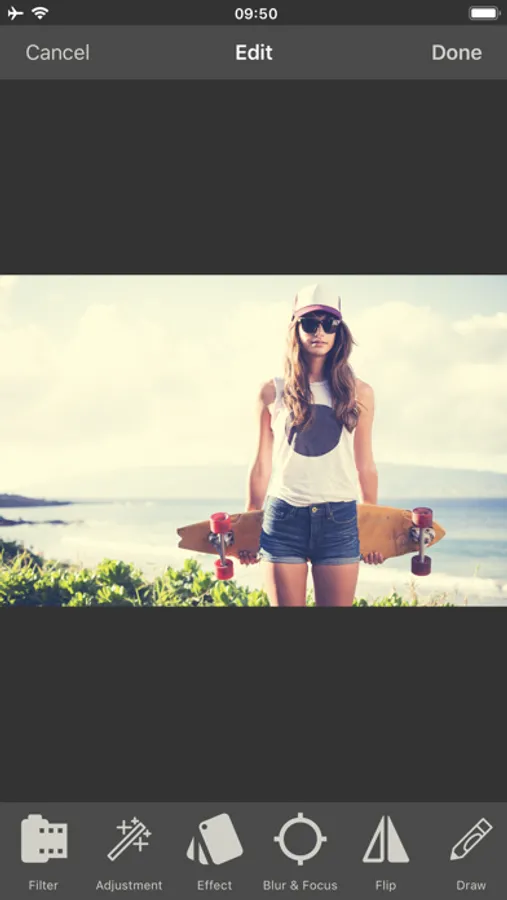
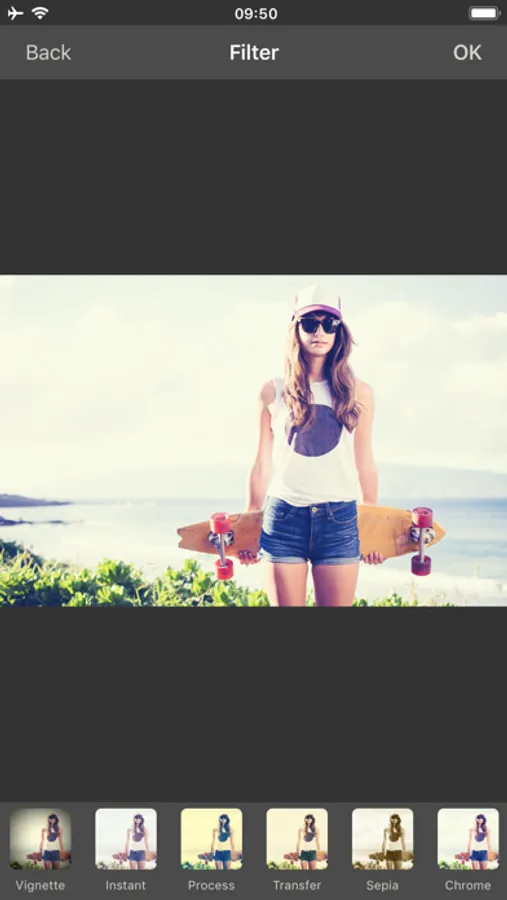
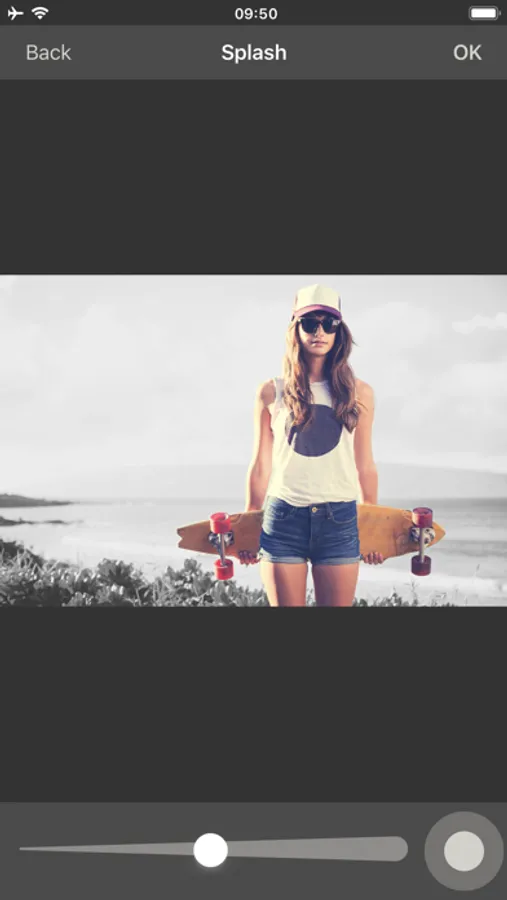
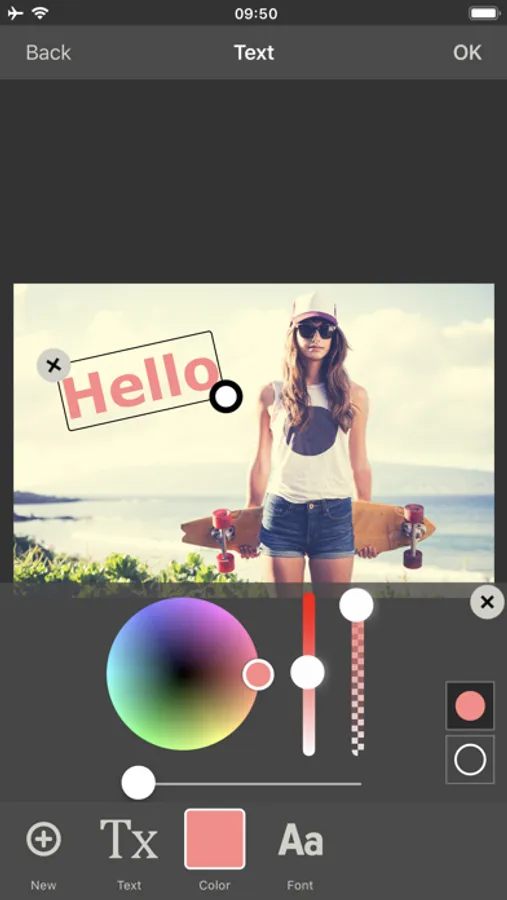
Image Size PRO Screenshots
Tap to Rate:
Reviews for Image Size PRO
&@$!?@
Wishing
Wishing one could name and select directory path.
David and Heather E.
Outstanding App
I've use this app for at least three years now thinking that I had the "pro" version- I was that happy with it. It seems like whatever I asked the app to do, it could do it. Any ads, such as they were, never seemed intrusive. So when I learned by accident that there was a Pro version I upgraded, simply off to end to give something back to the developer for all the value that I have received over the years.