AppRecs review analysis
AppRecs rating 3.6. Trustworthiness 85 out of 100. Review manipulation risk 20 out of 100. Based on a review sample analyzed.
★★★☆☆
3.6
AppRecs Rating
Ratings breakdown
5 star
52%
4 star
15%
3 star
7%
2 star
15%
1 star
11%
What to know
✓
Low review manipulation risk
20% review manipulation risk
✓
Credible reviews
85% trustworthiness score from analyzed reviews
⚠
Pricing complaints
Many low ratings mention paywalls or pricing
About Inclr: Mindmap Notes Organizer
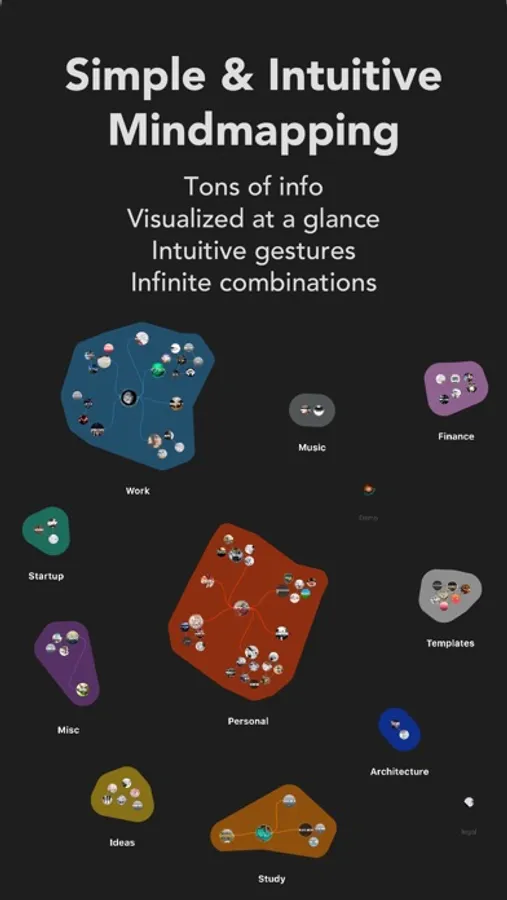
Our brains are wired to process visual information better than text. Using Inclr, your brain will be trained to remember data more effectively with our patented visual and spatial system. Access the information you need more easily and naturally, while boosting data cognition and retention.
-------------
How Inclr Will Help You:
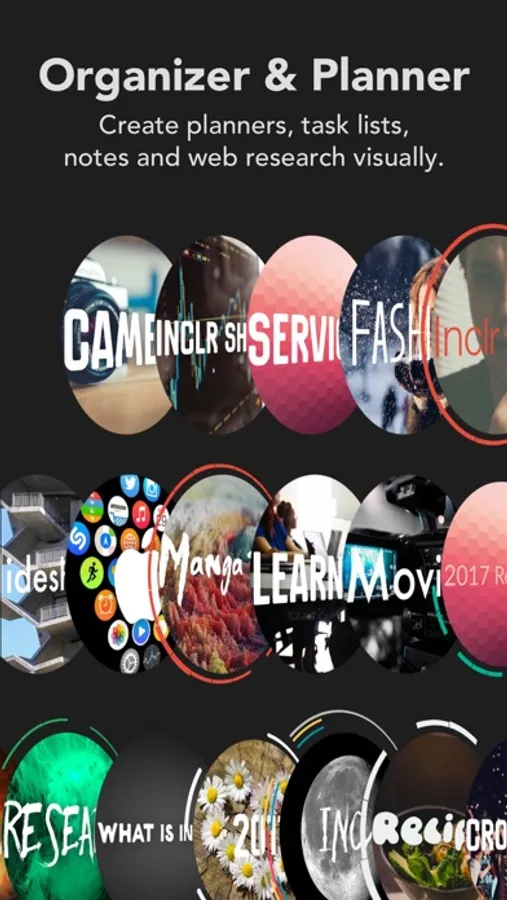
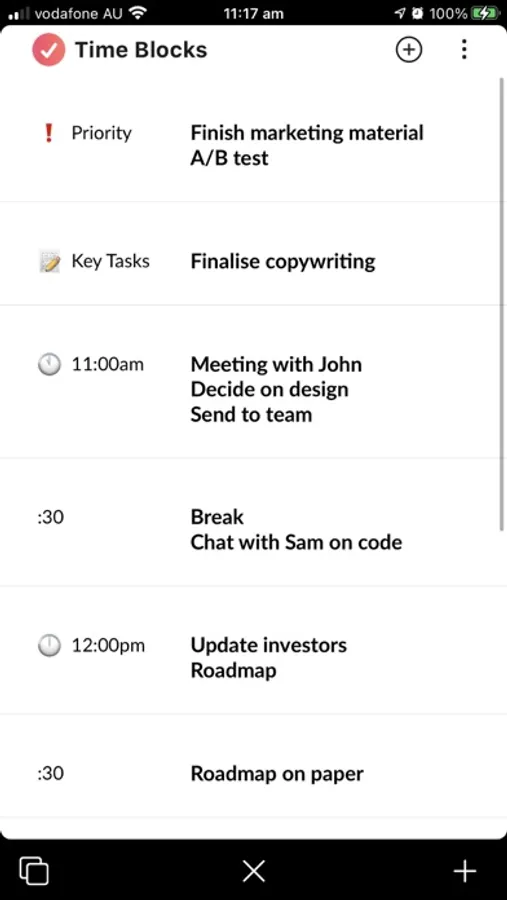
* Organize your tasks, files, apps, notes, and projects with a single app.
* Leverage the power of visualization to manage and express your ideas better.
* Acts as a file manager and information cluster for your digital life.
* Ideal for visual planning, organizing, and idea management.
* Quickly recall any information, thanks to the power of visual memory.
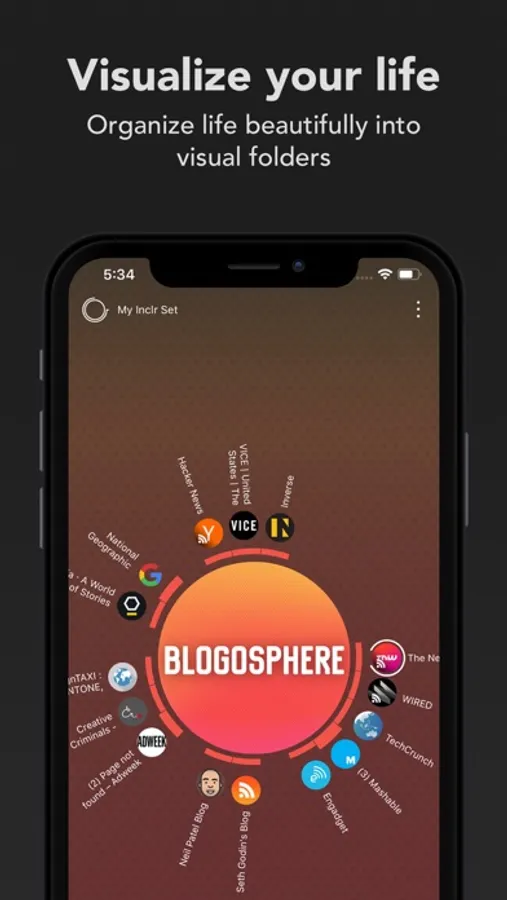
* Store similar types of information in one place for easy access. For example, keep all your social media links organized in one inclr using different nodes.
* Build your own memory mansion or second brain – each inclr is a part of your life, visualized graphically to leave a lasting emotional imprint. It’s like recreating your memories on paper!
* Organize everything – from work projects, creative writing ideas, grocery lists, to budgeting.
* Boost your productivity with easy, effective organizing to simplify your life.
-------------
How Inclr Works:
Inclr uses graphical information clusters to store your data visually. Each inclr is customizable and themed to create emotional impressions, making memory retrieval easier and more effective. Rotating nodes function like subfolders, containing content, and by interacting with them, you also train your muscle memory, improving focus and increasing data retention.
You can add as many inclrs as you need and attach any number of nodes. For example, if you’re a writer working on a new novel, you can create an inclr for your book and add a node for each character, with images, notes, and sketches for complete character development. The same process works for any project – whether it’s a business plan, a travel itinerary, or your daily to-do list.
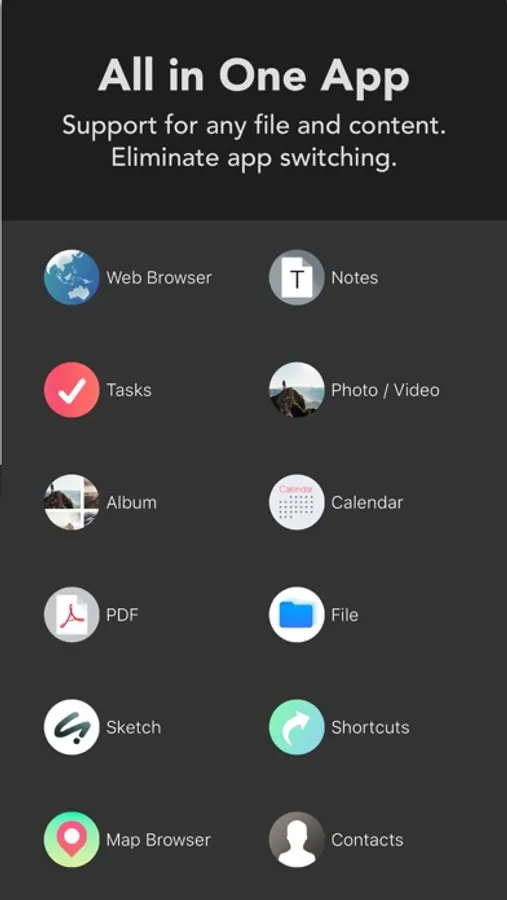
Inclr supports all file types and allows you to open them directly within the app! You can even open web links through the integrated browser.
With Inclr, your iPhone, iPad and Mac becomes a powerful tool to improve productivity, streamline your workflow, and save you time by reducing the need for multiple apps.
-------------
Plans:
• Paid Monthly Subscription.
• Paid Yearly Subscription.
• iPhone Basic Subscription.
• Lifetime Membership
Duration of the subscription is 1 Month, 3 Months or 1 Year. Price may vary by location. Payment will be charged to your Apple ID account at confirmation of purchase. Your account will be charged for renewal within 24-hours prior to the end of the current period. Your subscription will automatically renewed unless cancelled at least 24 hours before the end of the current period. Any unused portion of a free trial period will be forfeited when the user purchases a subscription.
Privacy Policy: www.inclr.com/privacy/
Terms of Use: www.inclr.com/terms/
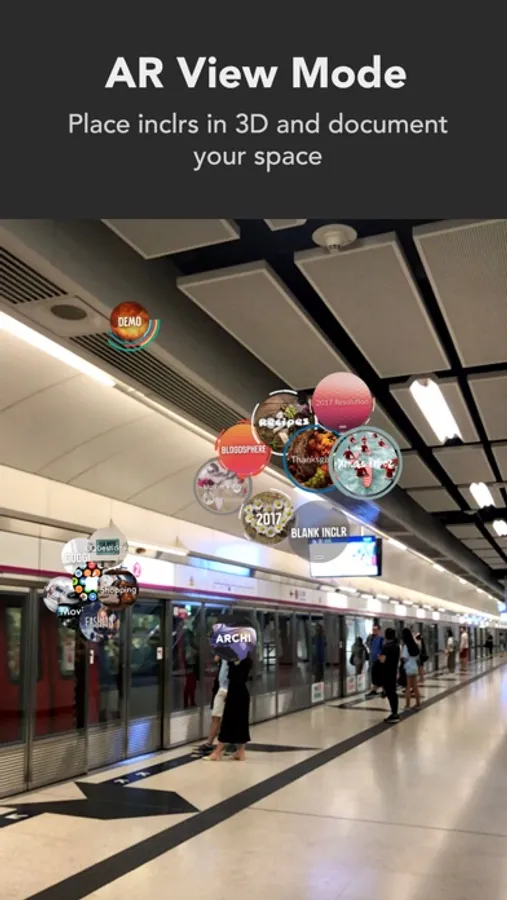
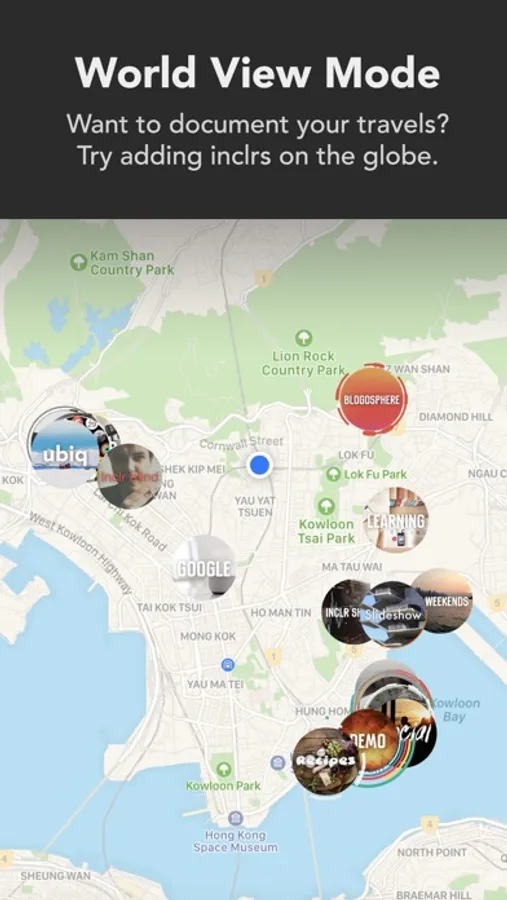
Inclr: Mindmap Notes Organizer Screenshots

Tap to Rate:
Reviews for Inclr: Mindmap Notes Organizer
wertyu12345678
Inclr is the Future of Productivity apps
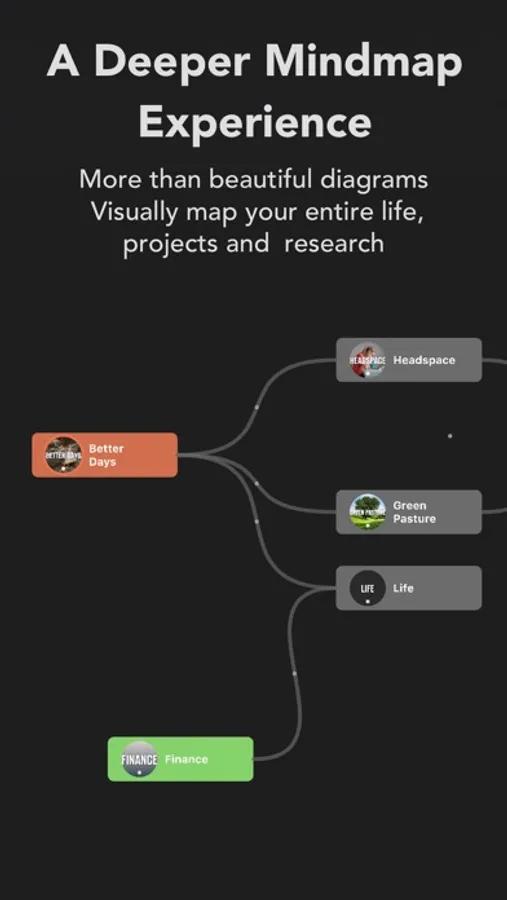
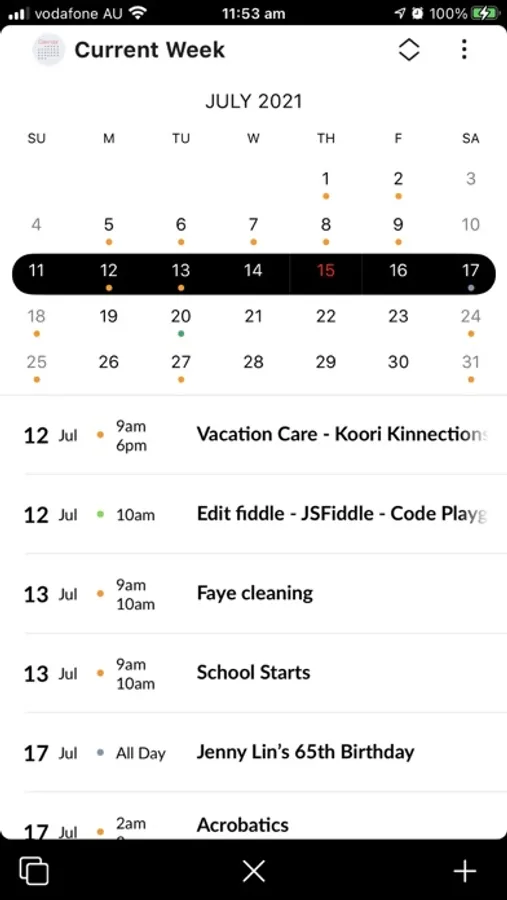
I’m not sure when I last wrote a review for an app, but it would be a shame to hide this stunning app from yall. Inclr is a productivity/workflow app that artists and creatives may thrive with. It’s visual, tactile, stunning to look at with loads of built in tools: synced calendar app, notes, album, internet access, music player, drawing capabilities, social media posting to Twitter and other platforms and so much more! But the jewel of the app, in my opinion, is how one can view their work in an “Inclr.” An inclr is a circular interface that is like a virtual backpack prefilled with the items mentioned above. So then you can take said photo customizable Inclr, open thr interface (like opening a backpack) and use the preloaded tools, customizing the functionality of that Inclr (backpack) to your specific needs. But instead of having a single Inclr for all your needs, you can make more Inclrs and keep them in the same project with different jobs or have them work together. Thus instead of a single traditional workspace. You can set up your onclrs as individuals, as groups in limitless configurations. And the different views to choose from, 3d, Kaban, mind map, ar, and more helps to keep the project stimulating and dynamic too. Now, there is a learning curve to using Inclr. And thst den feel frustrating, however Ken is a short website away. When I struggled with a bug or such, I was able to message Ken on a messenger window on the Inclr website itself. And he was kind enough to answer promptly and fixed the issues I had. So right now the app is still undergoing refining, but it’s amazing to be part of the Inclr Journey being able to give and receive fast feedback to help improve the app. And it’s a one time buy which is so appreciated too! So thank you, Hugs and Blessings!
Evan’s daddy
Can write a note but not paste in text in a note :(
If you want to write notes in the app it is great. If you want to copy text from somewhere and paste it into a note, it doesn’t paste in. I found that very annoying, enough to abandon the app.