
With this app, you can easily change DNS server settings on your iPhone or iPad, select from various DNS providers, and create custom profiles. Includes options for DNS encryption, content filtering, and access to restricted content.
AppRecs review analysis
AppRecs rating 4.2. Trustworthiness 82 out of 100. Review manipulation risk 25 out of 100. Based on a review sample analyzed.
★★★★☆
4.2
AppRecs Rating
Ratings breakdown
5 star
80%
4 star
7%
3 star
3%
2 star
1%
1 star
8%
What to know
✓
Low review manipulation risk
25% review manipulation risk
✓
Credible reviews
82% trustworthiness score from analyzed reviews
⚠
Pricing complaints
Many low ratings mention paywalls or pricing
About DNS Override
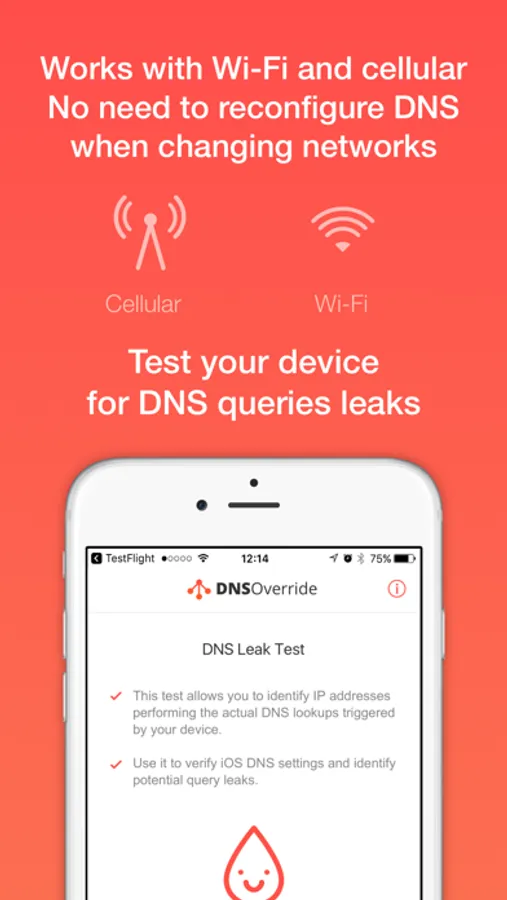
> Works for Wi-Fi & cellular networks
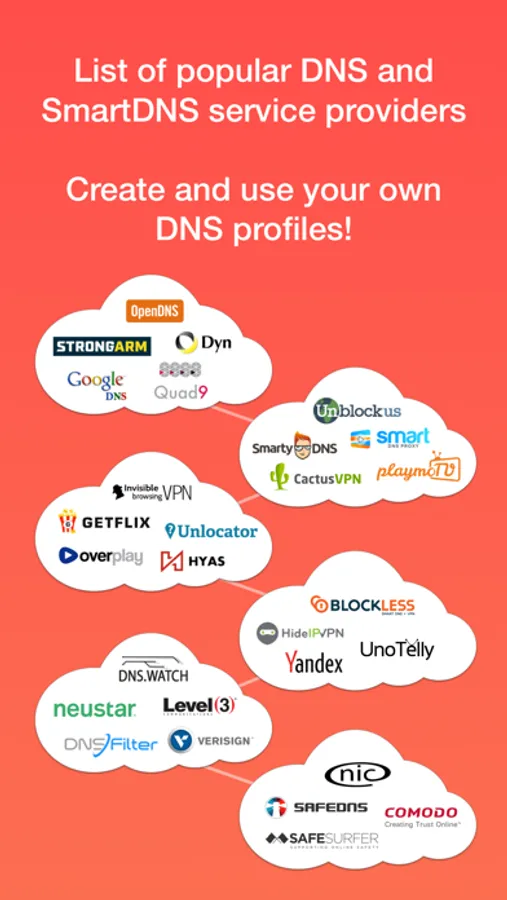
> Several DNS & SmartDNS providers to choose from
> Support for DNS encryption using DoH (DNS-over-HTTPS) and DoT (DNS-over-TLS)
> Filter unwanted content & block ads thanks to DNS
> Access restricted content
> Increase speed & security
> Test your DNS settings with built-in DNS Leak Test
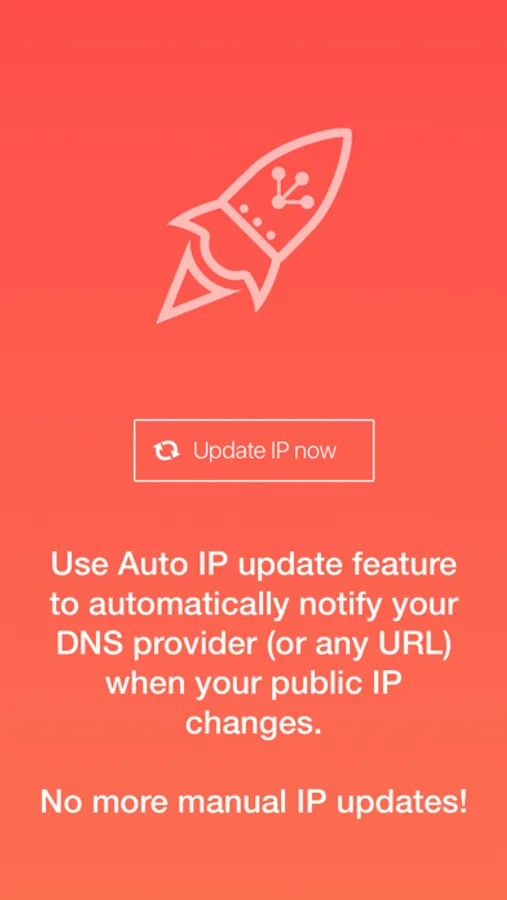
> Easily update your dynamic domain with your iPhone's IP with dynamic DNS using DNS-O-Matic
••• About DNS Override •••
Do you want to change DNS settings for your cellular connection – but are frustrated that the only choices you have to set DNS servers for your Wi-Fi network are to change the settings on your device, or reconfigure your router? Well, now you have a MUCH better option thanks to DNS Override!
••• How it works •••
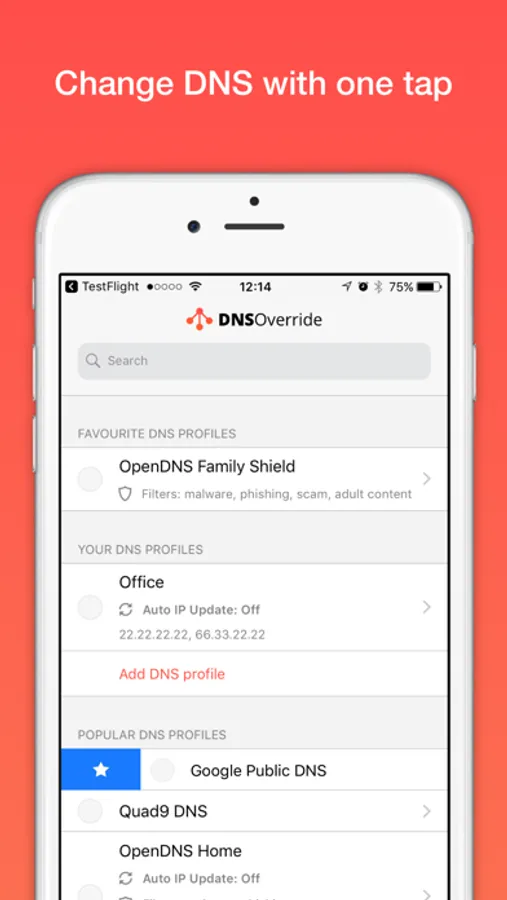
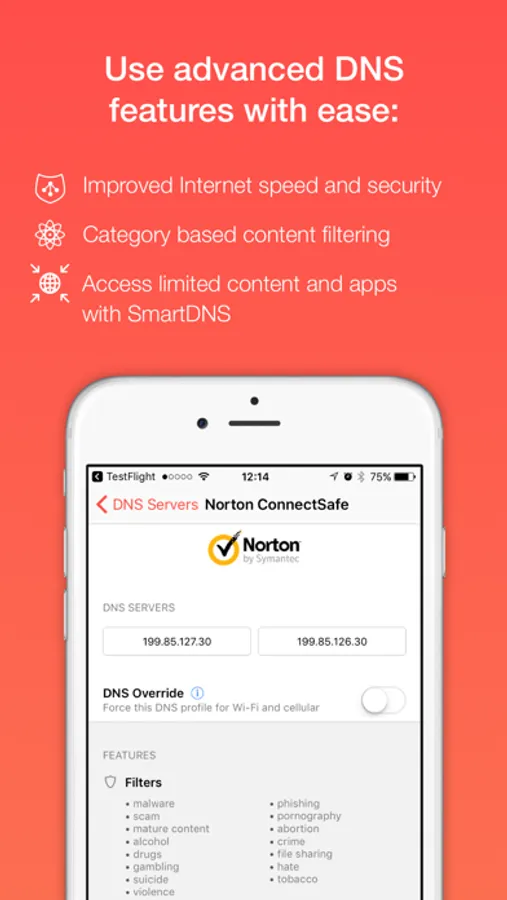
DNS Override is the first and only app that lets you quickly and easily set and change DNS server preferences on your iPhone or iPad. You simply choose from several popular public DNS providers, such as Cloudflare, OpenDNS, Google Public DNS, Norton ConnectSafe and more.
••• SmartDNS •••
You can also choose from 10+ SmartDNS providers that offer various enhanced features, including filtering adult or objectionable content, blocking ads, avoiding SPAM and malware, accessing geo-restricted content, and much more.
••• Global Settings & Custom Profiles •••
With DNS Override, you can create a single global setting for ALL of your Wi-Fi and cellular connections, which means that you don’t have to waste time configuring each connection separately. You can also create custom profiles, and switch between them with a single tap. Changing the DNS setting is also easy and takes mere seconds.
••• Enhanced Privacy •••
DNS Override delivers a direct, fast, and secure connection between your device and your designated DNS provider. There is no active VPN link passing all your traffic to any third party and slowing down your Internet. The app provides you with a regularly updated list of DNS addresses.
••• Simple to Use •••
Don’t worry if you aren’t a “technical wizard”. DNS Override is very simple and easy to use. No technical knowledge is required. Download it now and enjoy the benefits right away!
••• Questions? Support? •••
Send us your questions and access support by visiting https://www.dnsoverride.com.
-=! [ DNS64 required by some carriers ] !=-
If you're on an IPv6-only network, you might need to pick one of the available DNS64 profiles (currently only Cloudflare and Google are supported).
DNS Override Screenshots
Tap to Rate:
Reviews for DNS Override
0x0030
Cybersecurity Guy Here —
I’ve paid for and utilized this service for years. However, I’ve only just gotten around to examining their Privacy Policies. Something that many neglect. Yes, there is data collected. No, any form of data collected (usage and so on) poses a minor security risk. DNSecure is right below this when I search “DNS Override”. It tracks no data and I think that it’s free. Override does as it says, I’ve analyzed the traffic and it is routed properly. But, when it comes down to data-collected and Privacy Policy, I think that I will be switching to the latter.
051667
DNS Override
This app is spectacular. Necessary app for newbies who aren’t savvy.