In this pulse monitor app, you can measure your heart rate using your smartphone’s camera and track results over time. Includes result saving, graph display, and data export features.
AppRecs review analysis
AppRecs rating 4.1. Trustworthiness 79 out of 100. Review manipulation risk 22 out of 100. Based on a review sample analyzed.
★★★★☆
4.1
AppRecs Rating
Ratings breakdown
5 star
76%
4 star
13%
3 star
5%
2 star
2%
1 star
5%
What to know
✓
Low review manipulation risk
22% review manipulation risk
✓
Credible reviews
79% trustworthiness score from analyzed reviews
⚠
Ad complaints
Many low ratings mention excessive ads
About Heart Rate Plus: Pulse Monitor
AMAZING FUNCTION
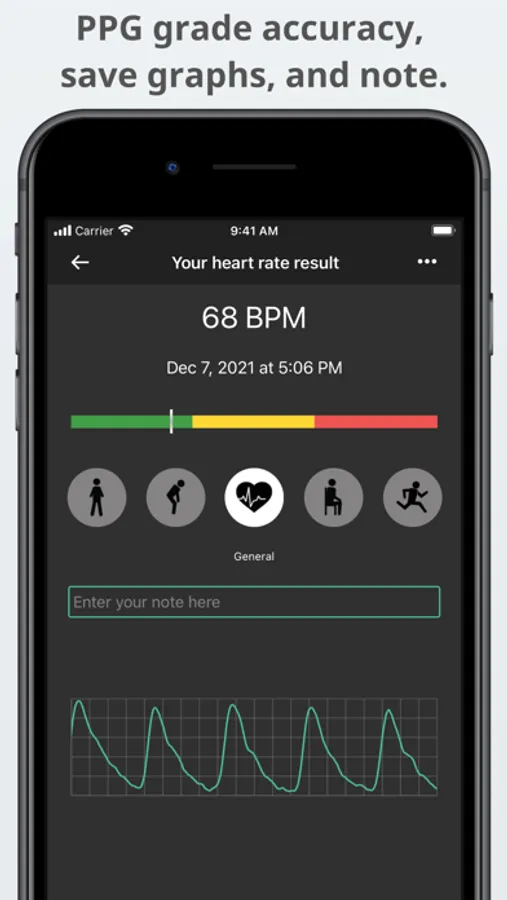
The Heart Rate Plus app will measure your heartbeat using your smartphone's camera by processing the images of your pulse on your finger!
The app detects color changes in your fingertip when your heart beats and uses an advanced algorithm to count the heart rate, similar to how a pulse oximeter works.
FAST RESULTS
Instant, accurate, and excellent for monitoring your fitness and wellness.
Use your smartphone's camera; this app can be your heart rate monitor anywhere while being physically active.
APP FEATURES
- Fast, continuous, and accurate measurement.
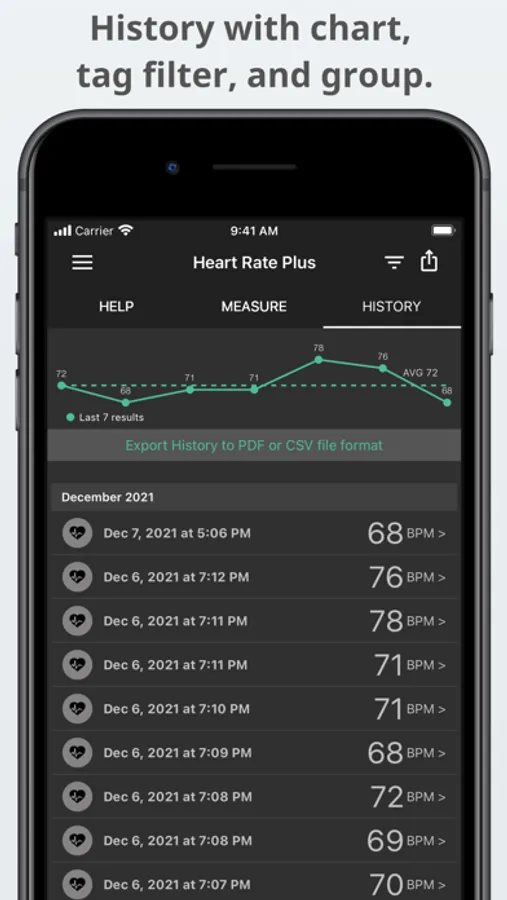
- Save unlimited results with tags for access later.
- Real-time pulse graph (PPG - photoplethysmogram).
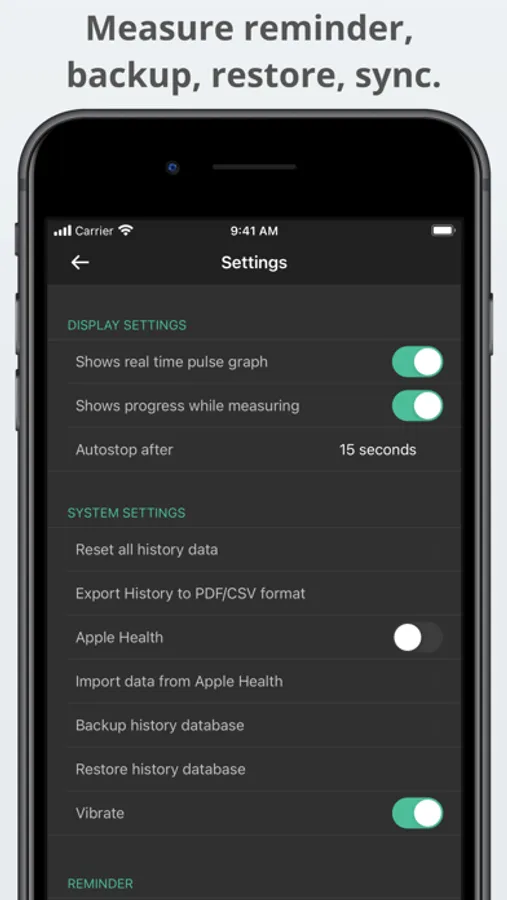
- Reminder: Automatically reminds you to measure your heartbeat every day.
- Share your heart rate screenshot to Facebook, Twitter, or Instagram.
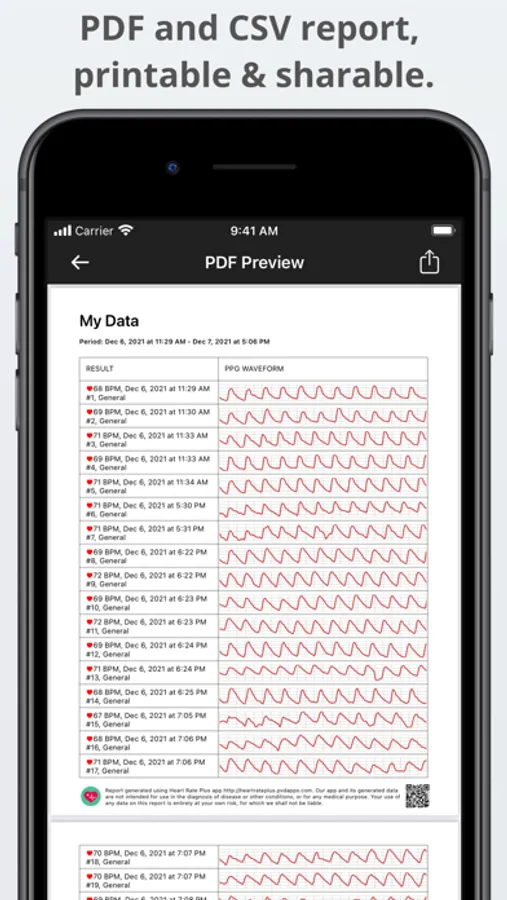
- Export history to CSV or PDF file format; PDF file includes PPG graph. (Premium)
- Apple Health support (optional, check on Settings).
- Back up, restore and transfer your data. (Premium)
USER GUIDE
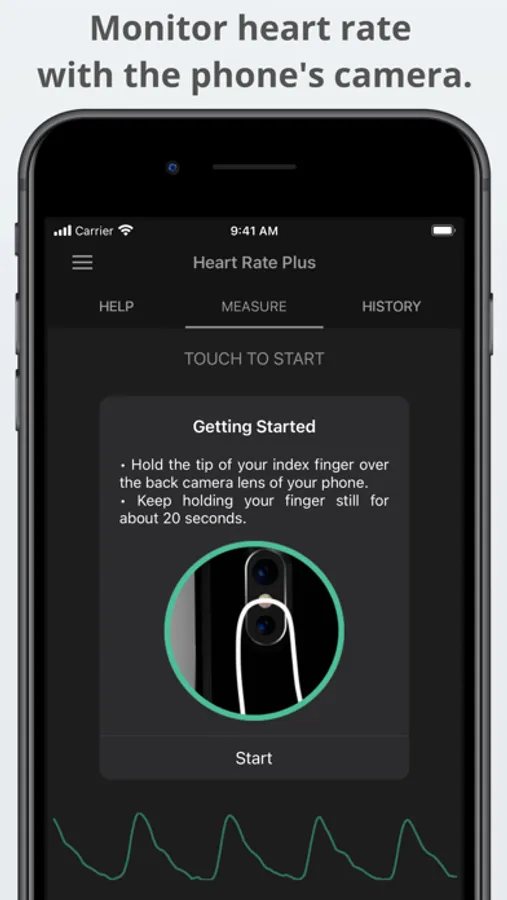
- Hold the tip of your index finger over the back camera lens of your phone.
Do not press too hard, or you will restrict circulation, which will result in an inaccurate reading.
- After a second or two, you should see your heart pulse graph.
Hold your finger still for five more seconds to compute your heart rate and update the number.
Hold your finger for 10 seconds to get a stable and accurate heart rate.
DISCLAIMER
- Our app should not be used as a medical device or product; designed for general fitness and wellness purposes only.
Consult your doctor or primary care physician if you require medical purposes.
- Our app is not intended for use in diagnosing disease or other conditions or in the cure, mitigation, treatment, or prevention of disease.
*** If you like this app, you can remove ads and unlock pro features from the menu by purchasing Premium.
*** We welcome your ideas and suggestions; please email us at: support+heartrate@pvdapps.com
Follow our official Facebook page: https://www.facebook.com/HeartRatePlusApp or Twitter account: https://twitter.com/pvdapps.
Heart Rate Plus: Pulse Monitor Screenshots
Tap to Rate:
Reviews for Heart Rate Plus: Pulse Monitor
jewsy
Needs Updating
Does not work anymore
RC3755
Good app!
We have been using the app for a few years now and liked it very much. The problem is the app stopped working after the iPhone 17 and iOS 26 came out! We deleted the app and reinstalled it hoping it would work, but we just lost all history instead! The app hasn’t been updated in more than a year, so we are not certain if the developer quit!