
In this music library app, you can upload, download, and organize your music for offline playback. Includes multi-cloud playlist creation and remote control features.
AppRecs review analysis
AppRecs rating 4.3. Trustworthiness 68 out of 100. Review manipulation risk 26 out of 100. Based on a review sample analyzed.
★★★★☆
4.3
AppRecs Rating
Ratings breakdown
5 star
86%
4 star
3%
3 star
3%
2 star
0%
1 star
9%
What to know
✓
Low review manipulation risk
26% review manipulation risk
✓
High user satisfaction
86% of sampled ratings are 5 stars
✓
Authentic reviews
No red flags detected
About Music Turbo Library & Cloud DL
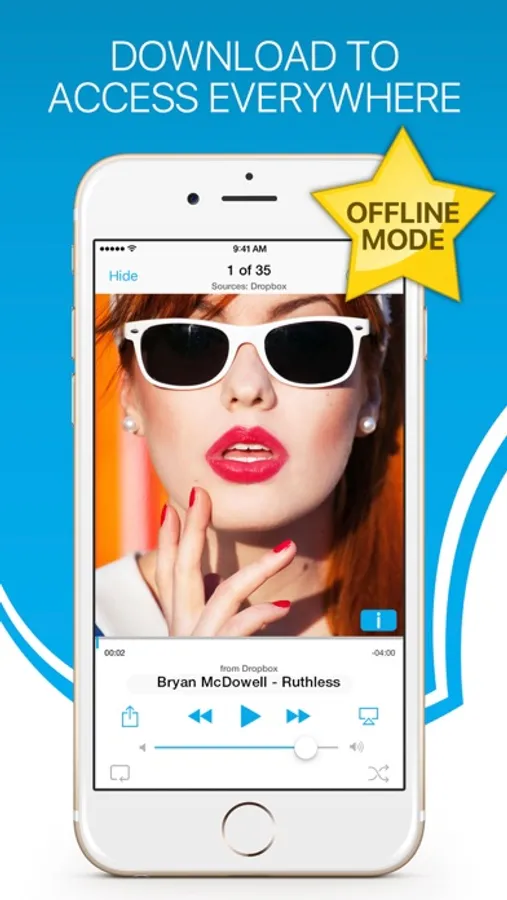
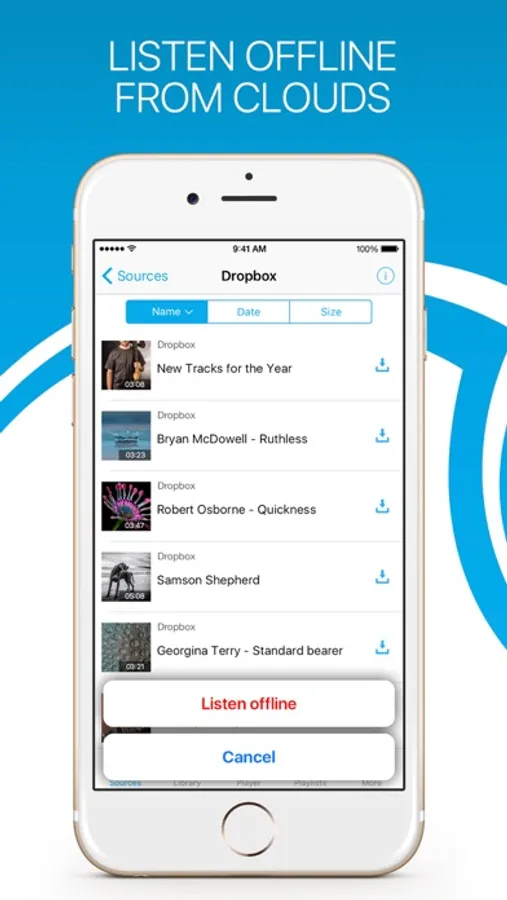
√ Offline music player & Downloader
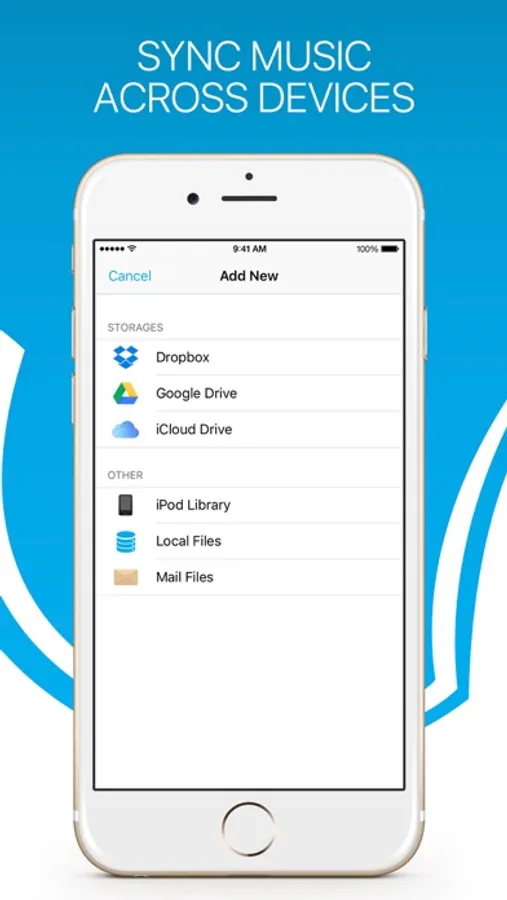
- Space saver: your music on cloud storage
- Download music fast and listen offline
- Create multi-cloud playlists
√ Media player
- Listen audio in the background mode.
- Covers for lists.
- Repeat One, Repeat All and Shuffle play mode.
- Remote control, lock screen control, bluetooth, AirPlay and artwork.
√ Playlist
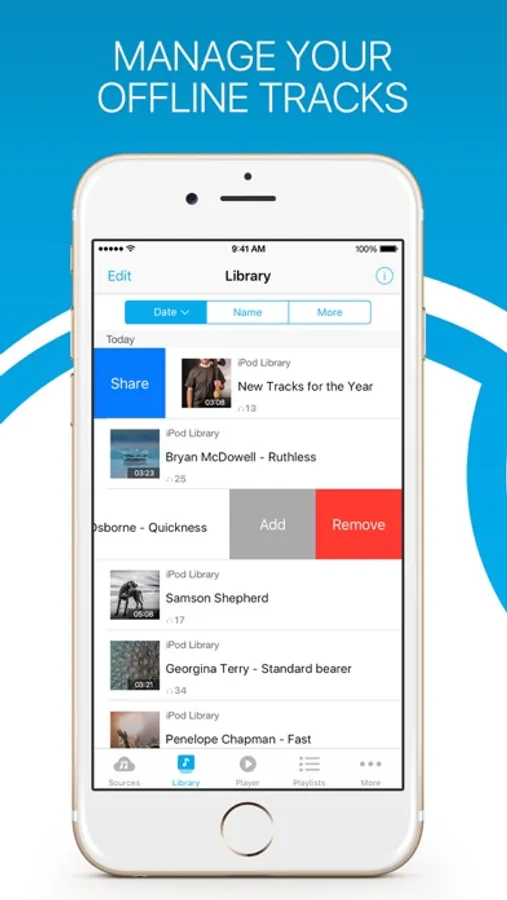
- Create, edit and delete playlist.
- Import podcasts & audiobooks from cloud drive, iPod Library, albums, artists, and other playlists.
- Offline playlist, which automatically download all songs in the playlist in background.
√ Privacy
- Require "Audio files" permission for Dropbox.
- Require "View" permission for Google Drive.
* Please note that the app cannot play drm protected files purchased on iTunes Store.
SUBSCRIPTION PRICING & TERMS
We offer 3 auto-renewing subscription options:
– Subscriptions length weekly, monthly, yearly.
– Payment will be charged to iTunes Account at confirmation of purchase.
– You will be able to access full feature of the app for the duration of the subscription.
– Subscription automatically renews for the same price and duration period as the original "one week"/"one month"/ unless auto-renew is turned off at least 24-hours before the end of the current period.
– The account will be charged for renewal within 24-hours prior to the end of the current period at the cost of the chosen package (weekly, monthly).
– Subscriptions may be managed by the user and auto-renewal may be turned off on the user's iTunes Account Settings after purchase.
– No cancellation of the current subscription is allowed during active subscription period.
– You may cancel a subscription during its free trial period via the subscription setting through your iTunes account. This must be done 24 hours before the end of the subscription period to avoid being charged. Please visit http://support.apple.com/kb/ht4098 for more information.
– You may turn off the auto-renewal of your subscription via your iTunes Account Settings. However, you are not able to cancel the current subscription during its active period.
– Any unused portion of a free-trial period, will be forfeited when the user purchases a subscription.
Read our full Terms of Service and our Privacy Policy at:
* Link to Privacy Policy: http://bit.ly/PL_TermsOfUse
* Link to Terms of use: http://bit.ly/PL_PrivacyPolicy
Music Turbo Library & Cloud DL Screenshots

Tap to Rate:
Reviews for Music Turbo Library & Cloud DL
hosaiphone
You have to pay for basic functionality!?
According to the subscription flyer ad, I HAVE TO PAY to listen offline... I also HAVE TO PAY to import “unlimited “ music, which apparently you can only import few if u use free.. so its basically useless to me.. Goodbye , uninstall..
Eduardo Faustino
Eduardo Faustino Peréz Peréz
I use it only in my Cloud Drive and google drive..only for music
More from Peter Lapid
Similar to Music Turbo Library & Cloud DL







More from Peter Lapid

Snap Scan: Documents Converter
4.2

Speak & Translate Dictionary
3.9

Ad Zero Blocker - Free Ads Block, Clear & Fast Web Surfing
3.5

Free Music Streamer - MP3 Media Player & Audio Playlist Manager
3.5

Shopping Panic On-The-Go - Best Online Holiday Deals, Discounts & Shopping List
3.0

Xmas Themes for iOS 9 - Magic Christmas Wallpapers with Santa Claus & New Year
2.9