AppRecs review analysis
AppRecs rating 5.0. Trustworthiness 90 out of 100. Review manipulation risk 18 out of 100. Based on a review sample analyzed.
★★★★★
5.0
AppRecs Rating
Ratings breakdown
5 star
50%
4 star
0%
3 star
0%
2 star
0%
1 star
50%
What to know
✓
Low review manipulation risk
18% review manipulation risk
✓
Credible reviews
90% trustworthiness score from analyzed reviews
About VokabelBox - Full version
Learn your vocabulary with three different exercises:
- Exercise
- Vocabulary test
- Card box
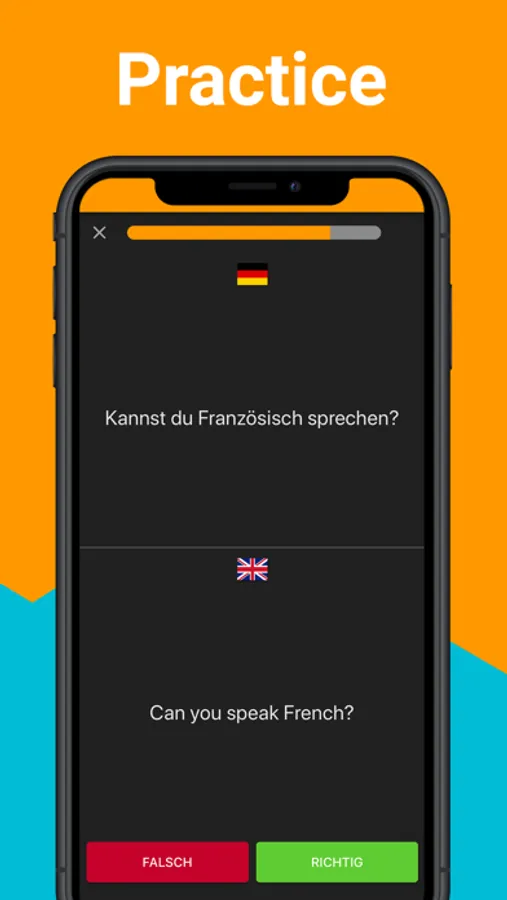
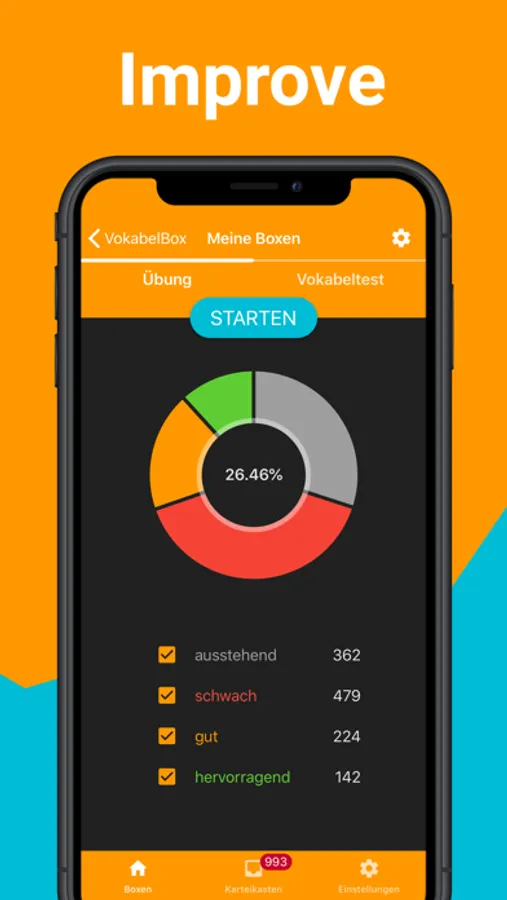
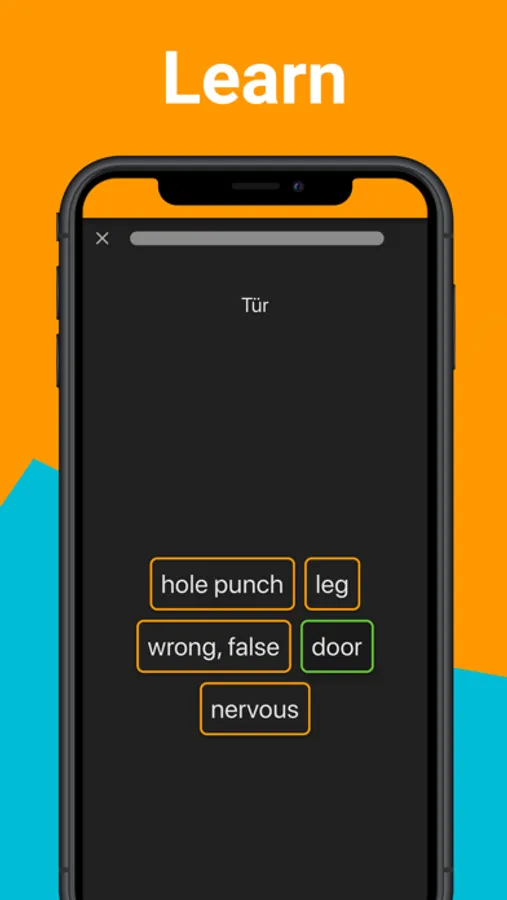
With the exercises, you playfully add new words to your vocabulary. You either have to choose the correct translation from a series of suggestions, find the correct word pair, choose the initial letter or put the letters of the translation in the correct order. Your learning progress is shown in a diagram at any time.
The vocabulary test prepares you ideally for your next exam. If you have made mistakes, you can repeat the wrong answered vocabulary immediately, or you can start a test with new vocabulary.
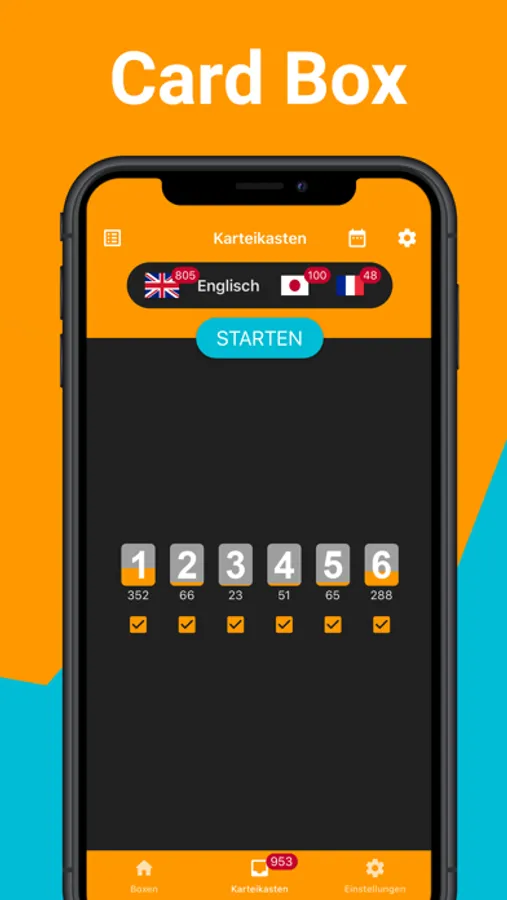
The card box helps you to consolidate your vocabulary in your long-term memory. The card box has six compartments. The aim is to bring the vocabulary to the last compartment. If you make a mistake, the vocabulary goes back into the first compartment. The learning distance increases with each compartment.
Overview of the learning gaps:
Box 1: immediately
Tray 2: 4 days
Box 3: 7 days
Box 4: 14 days
Box 5: 60 days
Box 6: every 180 days
(You can adjust the gaps to your needs)
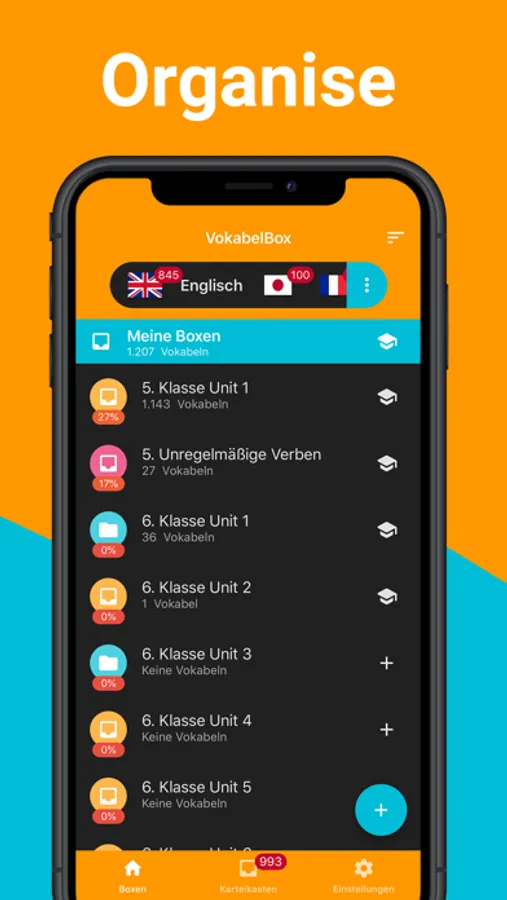
With the folders you can structure your vocabulary and learn in a systematic way. For example, you can create a folder for a learning a book, then add a folder for each chapter and a box with the individual lessons for each chapter. So you can learn a single lesson, a whole chapter or even the whole book.
Book (folder) → Chapter (folder) → Lessons (box with vocabulary).
Not only can you create new vocabulary lists directly in the app, but you can also easily import them into the VokabelBox on your PC using your spreadsheet program. You can find instructions for this here: www.vokabelbox.com/xlsx-import
The app contains no vocabulary.
With the backup file you can save all your vocabulary along with your learning progress or transfer it to a second device.
Supported languages:
-Arabic
-Bulgarian
-Catalan
-Chinese
-Croatian
-Czech
-Danish
-Dutch
-English
-Esperanto
-Estonian
-Finnish
-French
-Greek
-Hebrew
-Hindi
-Hungarian
-Indonesian
-Icelandic
-Italian
-Japanese
-Korean
-Kurdish
-Latin
-Malagasy
-Malay
-Norwegian
-Persian
-Polish
-Portuguese
-Romanian
-Russian
-Serbian
-Slovak
-Swedish
-Spanish
-Swahili
-Thai
-Turkish
-Ukrainian
-Vietnamese
If you would like to have more languages, you have found errors, you have suggestions for improvement or you have questions about the VokabelBox, please send me an e-mail at:
ios-support@vokabelbox.com
I wish you much fun learning!
Marcel
VokabelBox - Full version Screenshots
Tap to Rate:
Reviews for VokabelBox - Full version
jordanpp
Just some ideas!
I really think the idea is very good. And it also works, not like other Apps. I have just some ideas: Maybe you could make so that one person can send another person the vocabulary which he uses because most time, when there are two students from the same class they usually learn the same words, so if the first student sends the other students words, the other student doesn’t have to tip them all because that takes time. You could also make groups so the teacher could send the students words. That were just some ideas but I would be really happy if some of them are possible. Thank you Nicolette
دیخش
Crashes all the time
You can't switch between apps. It stops working. It happens all the time. The free version is working fine !