With this Safari extension, you can easily disable Javascript on web pages with just two taps to prevent popups, ads, and trackers. Includes quick toggling, compatibility with various apps, and no need to change device settings.
AppRecs review analysis
AppRecs rating 4.4. Trustworthiness 81 out of 100. Review manipulation risk 22 out of 100. Based on a review sample analyzed.
★★★★☆
4.4
AppRecs Rating
Ratings breakdown
5 star
79%
4 star
0%
3 star
11%
2 star
5%
1 star
5%
What to know
✓
Low review manipulation risk
22% review manipulation risk
✓
Credible reviews
81% trustworthiness score from analyzed reviews
✓
High user satisfaction
79% of sampled ratings are 4+ stars (4.4★ average)
About No JS
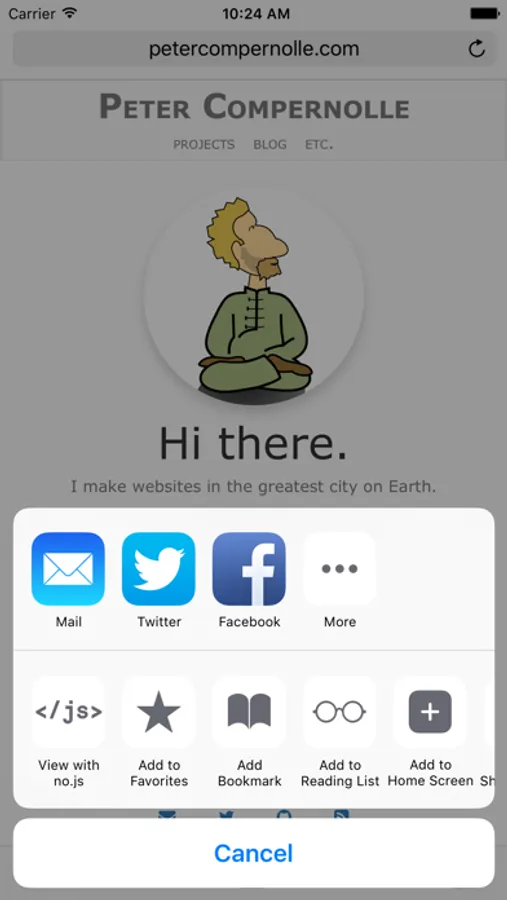
Enter no.js, a tool that helps you effortlessly, and temporarily, disable Javascript for the page you're viewing.
Easily prevent popups, tracking or analytics services, ads, and some paywalls. No need to go into your Safari settings and disable Javascript, only to immediately return to enable to. No need to strengthen content blockers, only to loosen them up again. Just two taps from any Safari view.
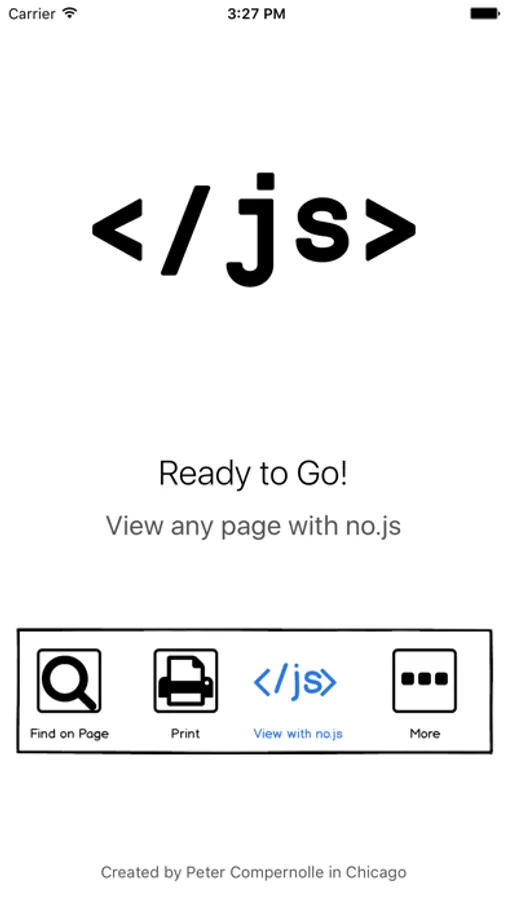
** No.js is NOT a content blocker. It is an extension that works in all apps that allow sending URLs to other apps. This means almost any app that has a way to view webpages, but actual mileage may vary. Also, some pages may appear broken when viewing them without Javascript, but good websites won't :)
No JS Screenshots
Tap to Rate:
Reviews for No JS
Edward R.
Indispensable tool for power users
No JS effectively disables JavaScript, making it possible to read webpages bloated with popups and other distractions. The app works very well, but I wish it had the feature to always disable JavaScript on specific websites. Right now you have to disable JavaScript on every visit. Still, I found the app well worth it.
Three Cats and me
works but in a different view
So you can’t use safari features like the reader view anymore