
AppRecs review analysis
AppRecs rating 4.5. Trustworthiness 0 out of 100. Review manipulation risk 0 out of 100. Based on a review sample analyzed.
★★★★☆
4.5
AppRecs Rating
Ratings breakdown
5 star
70%
4 star
20%
3 star
0%
2 star
10%
1 star
0%
What to know
✓
High user satisfaction
70% of sampled ratings are 5 stars
About VTrimmer - Trim Video Editor
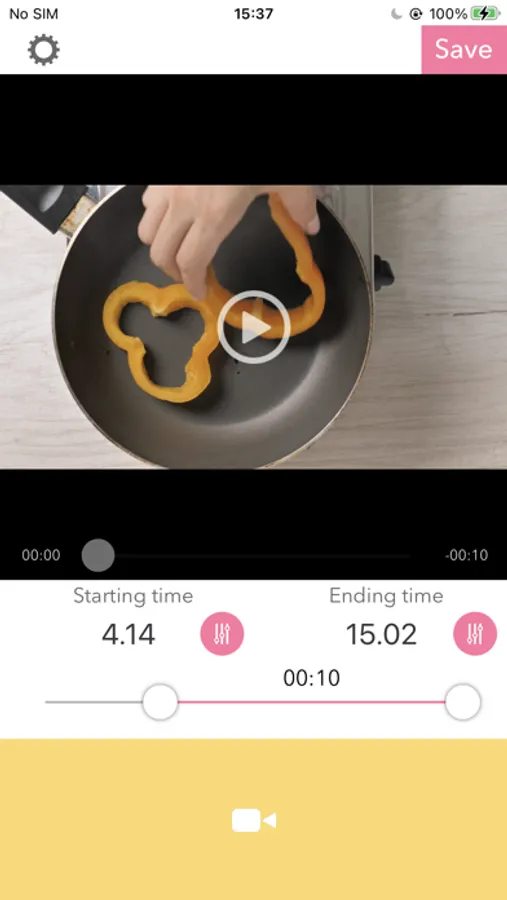
This is an app for trimming video easily like these 3 steps bellow.
-- How to use. --
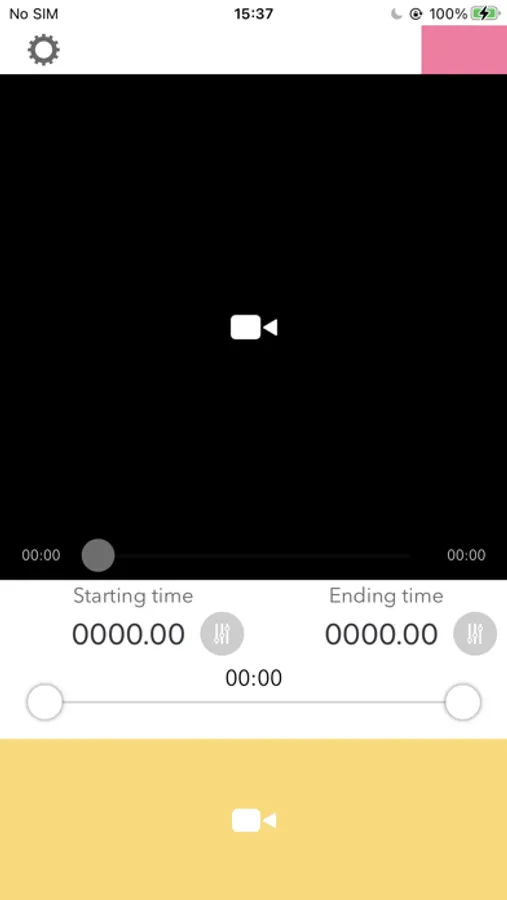
1.Tap "Video Camera Icon" to open your camera roll, and select a video you want to trim.
2.You can set the starting/ending time with the slider has 2 thumbs.
3.When you press "save" button, the video will be trimmed and saved to camera roll.
-- Tips
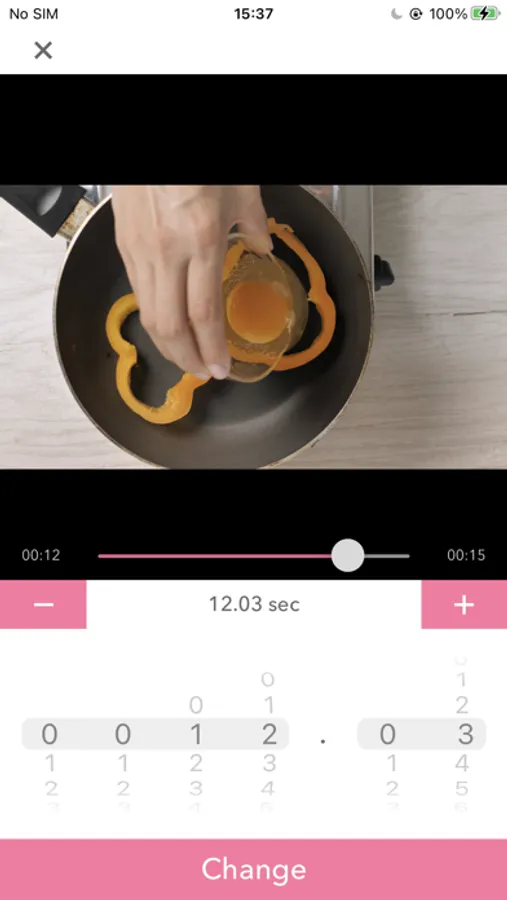
- Press "Clock Button" to open time picker. Then you can select time detailedly like each 0.01 sec.
-- How to use. --
1.Tap "Video Camera Icon" to open your camera roll, and select a video you want to trim.
2.You can set the starting/ending time with the slider has 2 thumbs.
3.When you press "save" button, the video will be trimmed and saved to camera roll.
-- Tips
- Press "Clock Button" to open time picker. Then you can select time detailedly like each 0.01 sec.
VTrimmer - Trim Video Editor Screenshots
Tap to Rate: