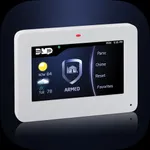
DMP Touchscreen for iPhone
Digital Monitoring Products, Inc.
4.2 ★
12 ratings
Free
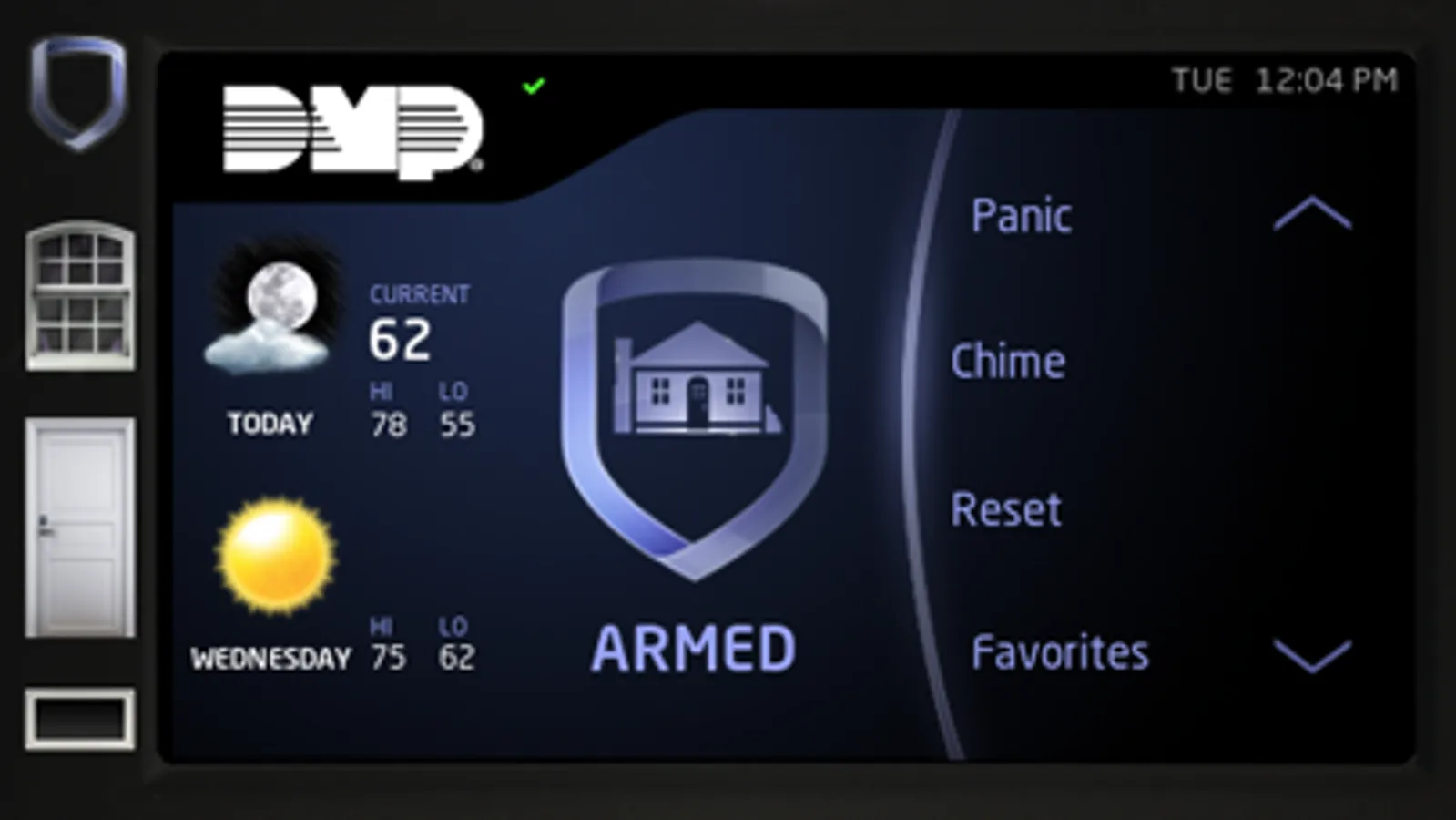
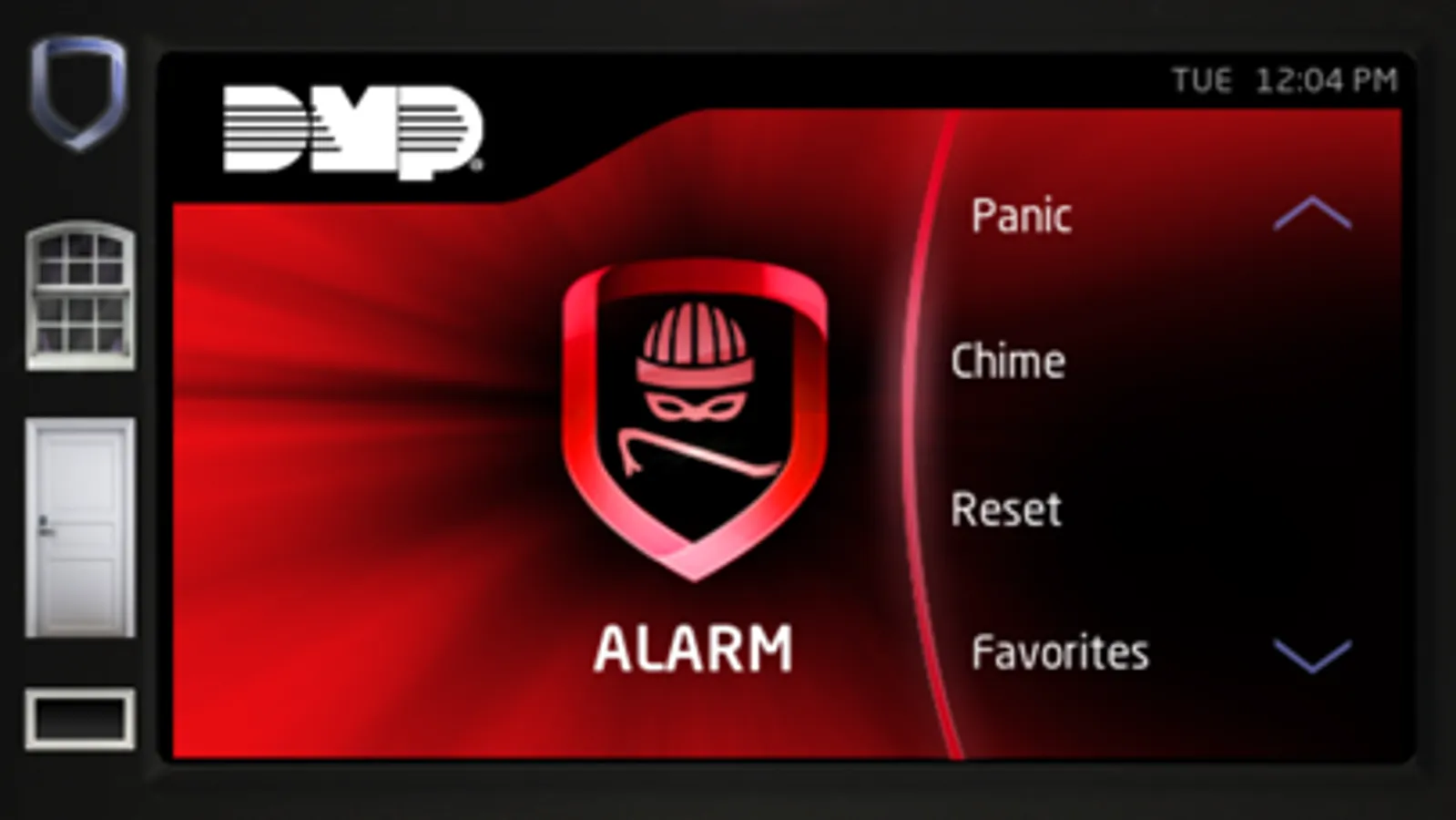
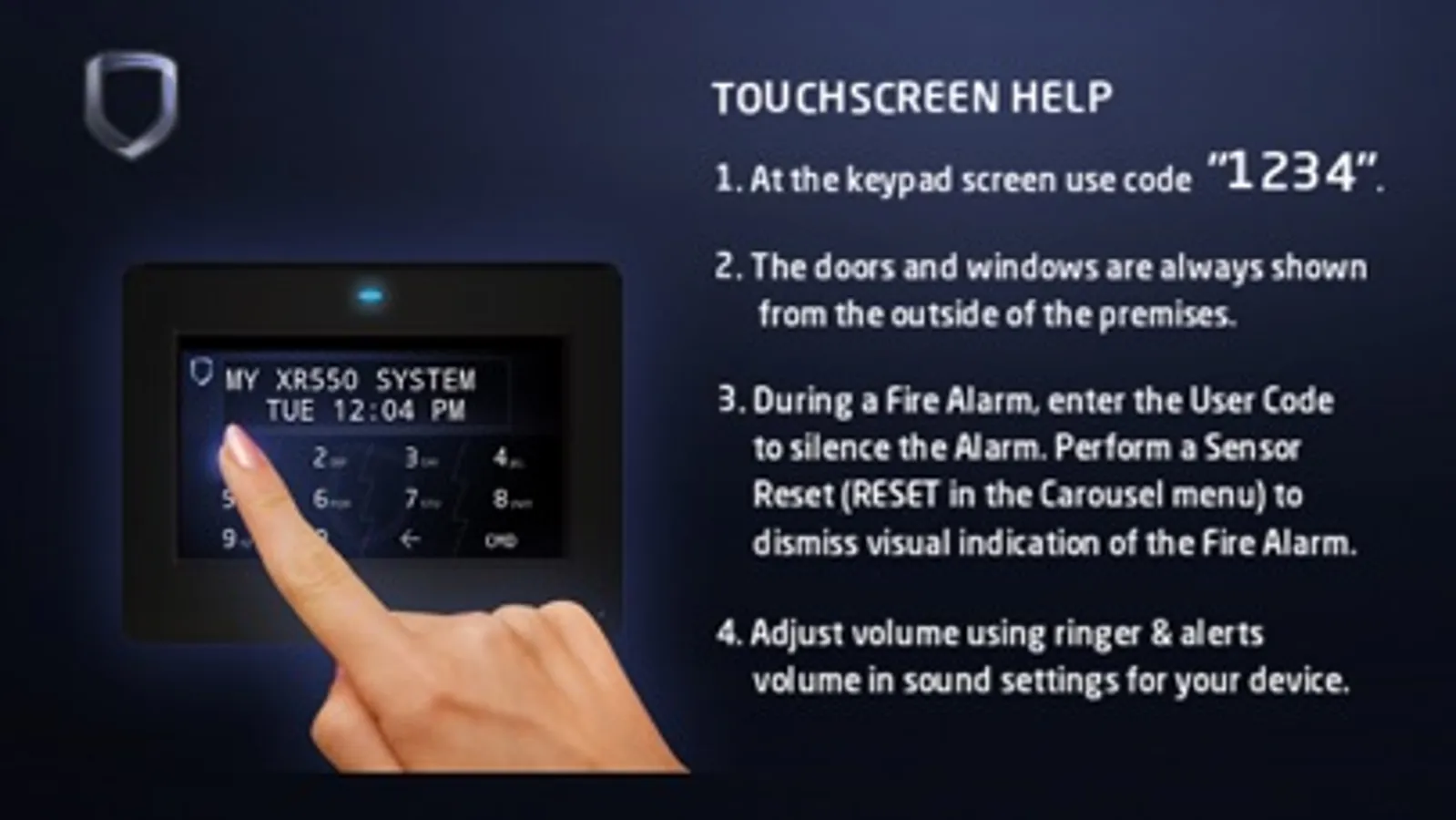
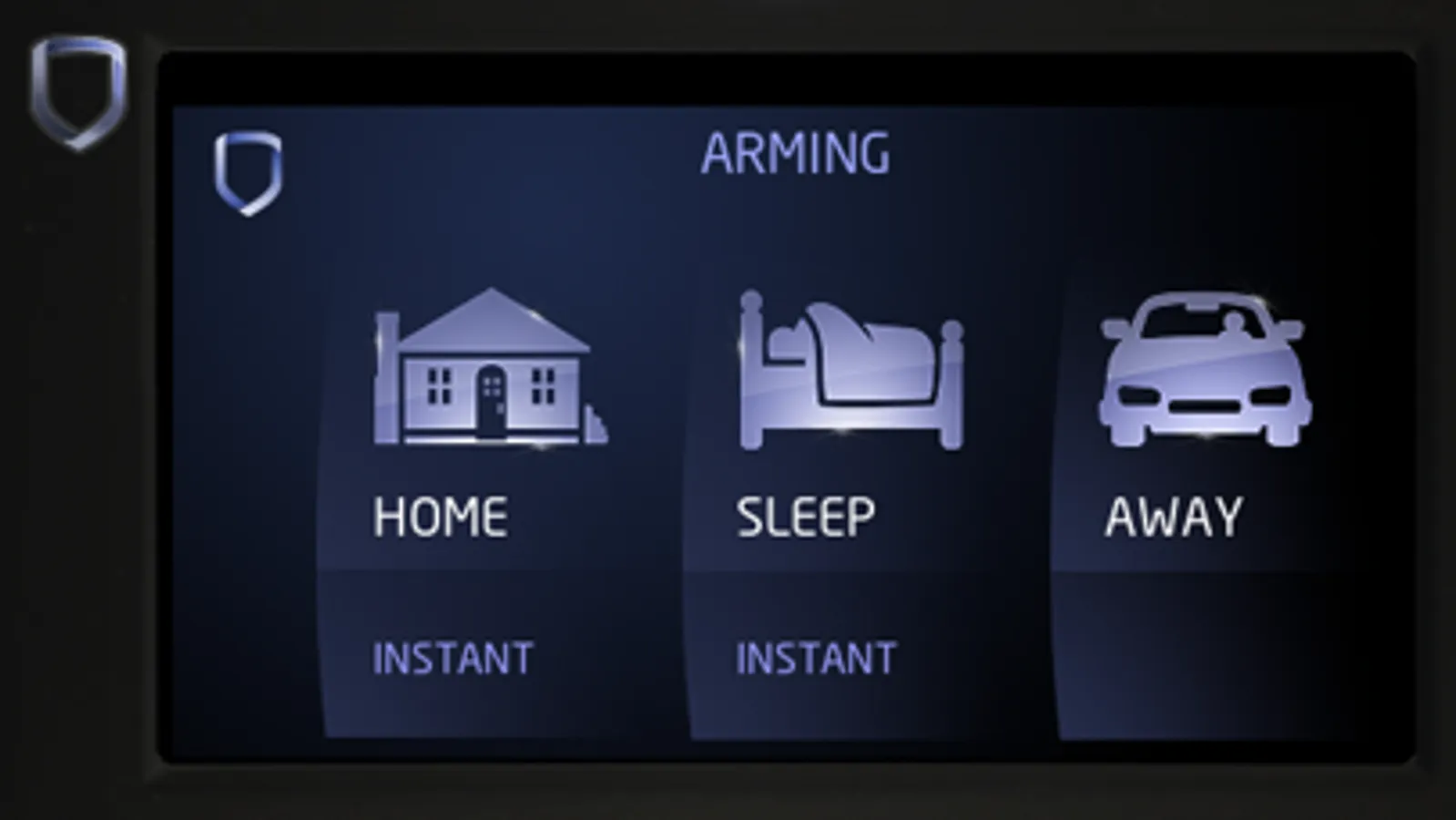
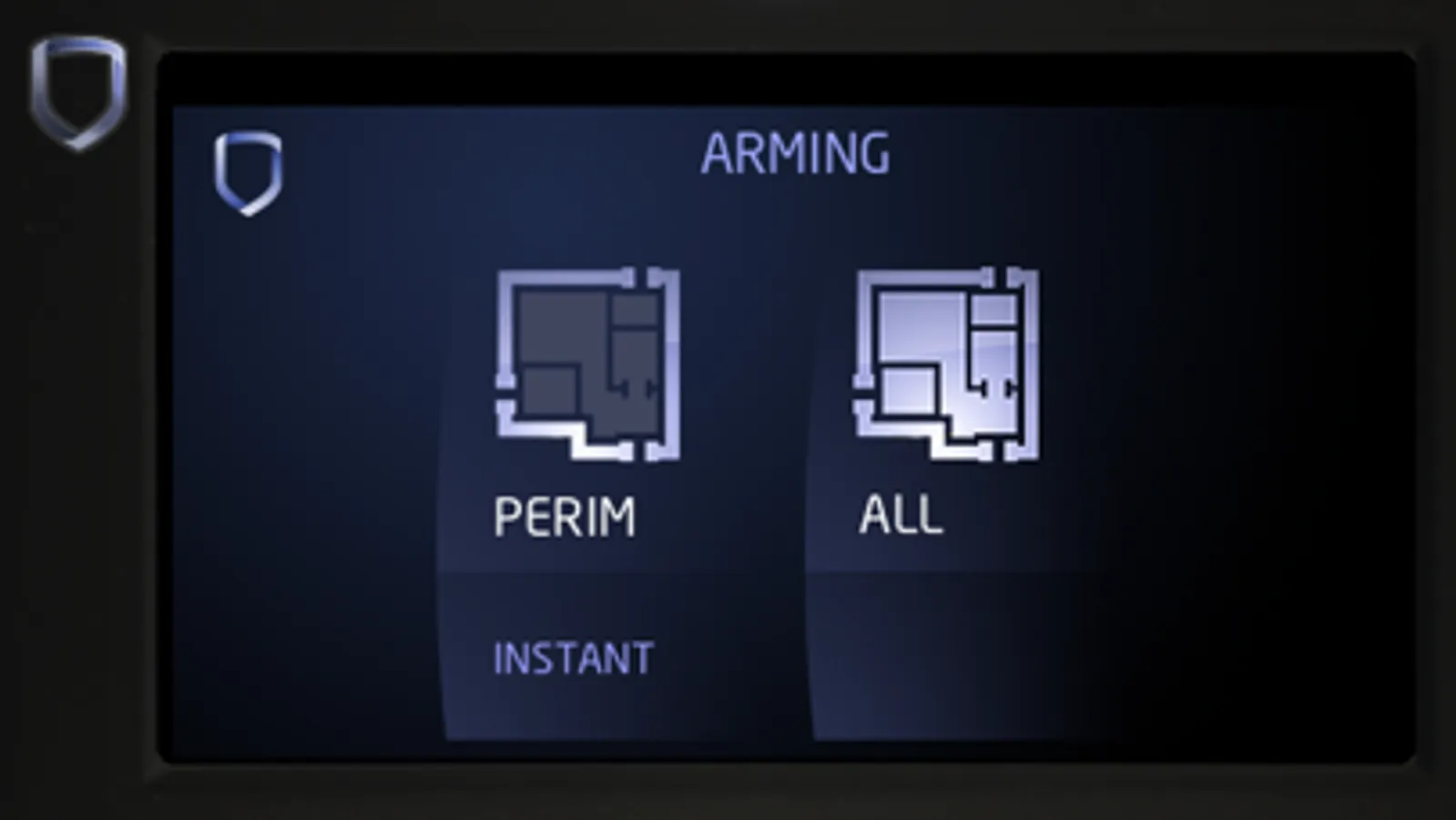
With this app, you can explore the features of the DMP Touchscreen Keypad through a realistic simulation and learn to navigate its functions. Includes tutorials on arming modes, alarm settings, Z-Wave controls, and weather information.
AppRecs review analysis
AppRecs rating 3.7. Trustworthiness 65 out of 100. Review manipulation risk 23 out of 100. Based on a review sample analyzed.
★★★☆☆
3.7
AppRecs Rating
Ratings breakdown
5 star
58%
4 star
17%
3 star
8%
2 star
17%
1 star
0%
What to know
✓
Low review manipulation risk
23% review manipulation risk
✓
High user satisfaction
75% of sampled ratings are 4+ stars (4.2★ average)
About DMP Touchscreen for iPhone
The app lets you learn all the most-often used features:
• Arm Home/Sleep/Away
• Arm All/Perimeter
• Exit/Enter
• Fire & panic alarms
• Carousel navigation
• Z-Wave functions (thermostats, doors, and lights)
• Cancel/Verify
• Chime
• Weather
Download the DMP Touchscreen App now to put a realistic simulation of the Touchscreen Keypad on your iPhone to teach your customers why it’s something they can’t live without!
DMP Touchscreen for iPhone Screenshots
Tap to Rate:
Reviews for DMP Touchscreen for iPhone
cypherpunk49
Mike Brouillard,
This is a great app for the end user! However I’d like to see a technician version with all the menus it would be a great tool for installers and service techs in the field. It would make an outstanding visual aid for training my new technicians in preparation for the field. It would be great if 6653, 2313, CMD CMD, and all sub menus were at least visually functional. You may not see this but this would make technicians much more effective in the field if the could practice at home. Sincerely Michael Brouillard Senior Operations Manager Southern Technical solutions 26700 success drive Madison AL
Ericlemson
Doesn’t render properly on iPhone 6S
Can you fix that? It only shows about 2/3’s of the screen.