With this music player app, users can stream, manage, and sync music across multiple cloud services and devices. Includes support for cloud storage integration, offline playback, customizable playlists, and an equalizer with presets.
AppRecs review analysis
AppRecs rating 4.0. Trustworthiness 76 out of 100. Review manipulation risk 23 out of 100. Based on a review sample analyzed.
★★★★☆
4.0
AppRecs Rating
Ratings breakdown
5 star
66%
4 star
12%
3 star
5%
2 star
5%
1 star
12%
What to know
✓
Low review manipulation risk
23% review manipulation risk
✓
Credible reviews
76% trustworthiness score from analyzed reviews
✓
High user satisfaction
78% of sampled ratings are 4+ stars (4.2★ average)
About Stream Music Player
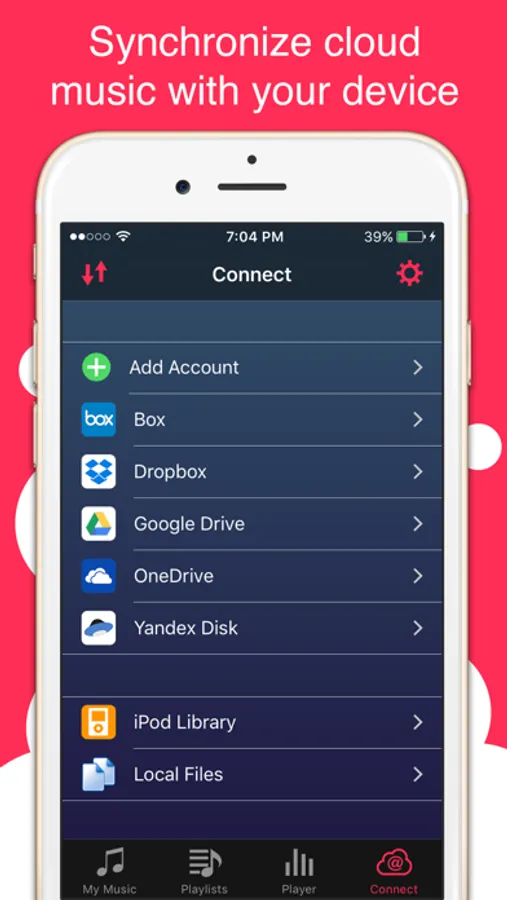
Stream was created to give you a seamless listening, managing and syncing cloud music experience. It allows you to create a personal streaming service with cloud storage like Box, Dropbox, Google Drive, OneDrive and Yandex.Disk to save space on your device and have access to all of your music.
How it works?
Upload all music to your favourite cloud storage then use Stream to connect and enjoy your music anywhere.
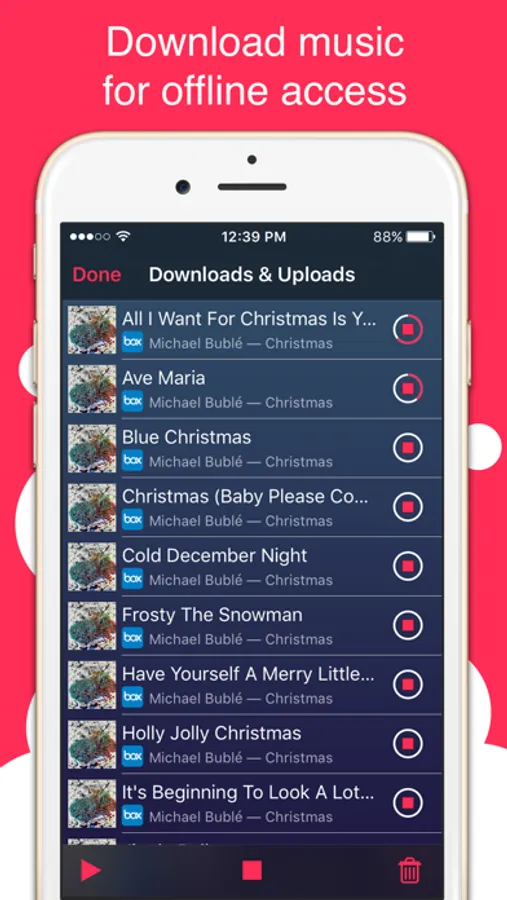
Add your music to your device without iTunes, easy and fast using local WiFi transfer or download music to your iPhone to play it without internet (Offline mode). It’s a multi-cloud system therefore you can stream lists of music regardless where they are stored.
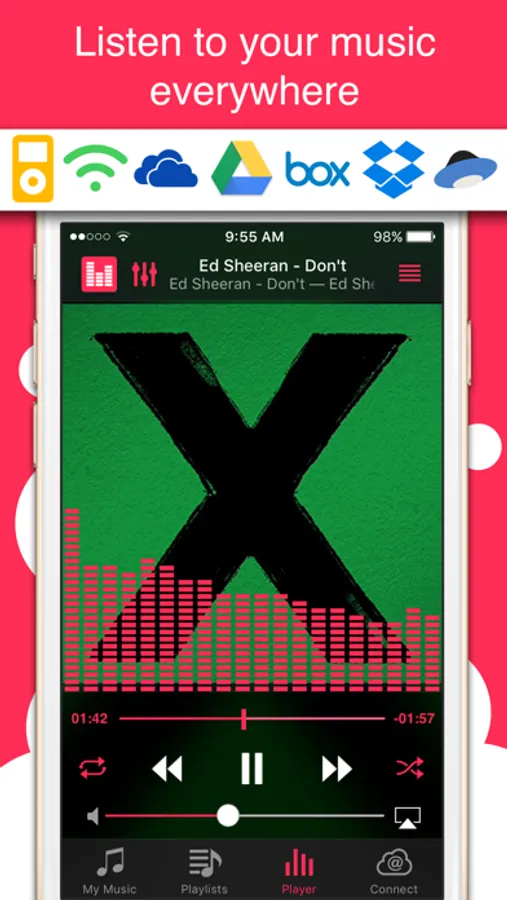
Access your favourite music across all your devices: iPhone, iPad, iPod library, Box, Dropbox, Google Drive, OneDrive, Yandex.Disk and your computer. Stream your music with in advanced and powerful media player.
Music player:
- Full featured media player
- Sleep timer
- Lock screen playback controls
- Background music playback
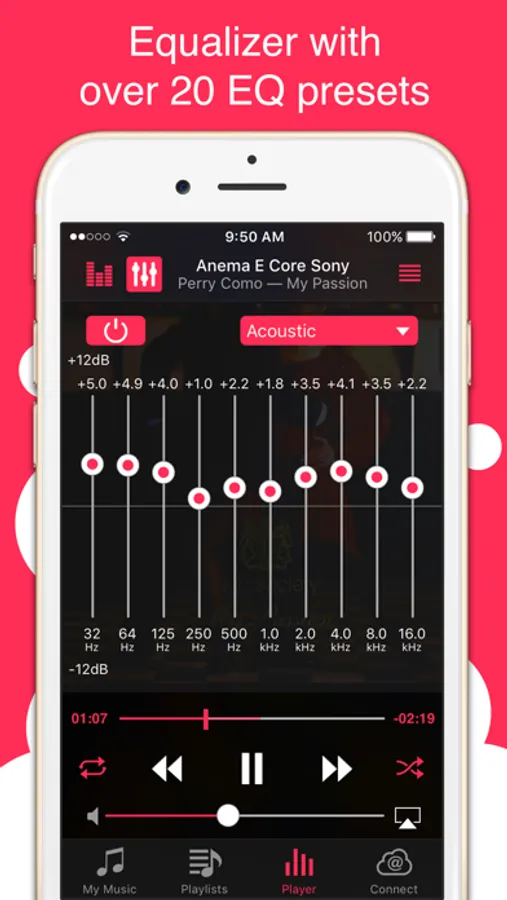
- Equalizer with BassBooster
- Over 20 realistic EQ presets
- Stylish audio Visualizer
- Fine scrubbing
- Album cover art
Playlists:
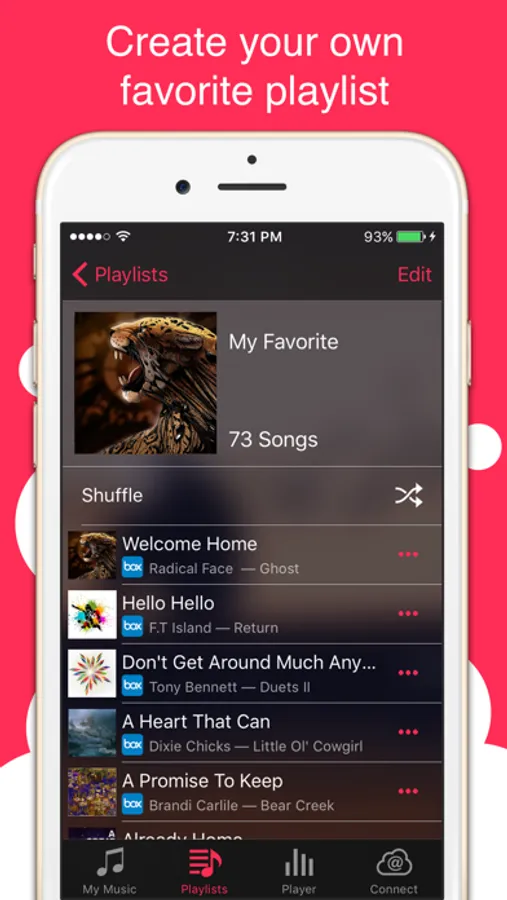
- Create your own playlists
Media Library:
- Import music from your iPod library
- Tabs for Songs, Albums, Artists
Manager:
- Wi-Fi Transfer
- Download and upload music, pictures, archives from
- Box
- Dropbox
- Google Drive
- OneDrive
- Yandex.Disk
- Move, rename or delete tracks & songs
- Search by artist, title, album
- Create and manage folders
Stream Music Player Screenshots
Tap to Rate:
Reviews for Stream Music Player
Capt Lock
Great app
Changed my review to one star because it is not intuitive enough to find how to add by WiFi. I have searched everywhere and the only thing I found was a mocking pop-up window when you hit connect that says how you can easily add songs by WiFi! Either make it intuitive or explain the process on the “add music” screen!
qwxưzzz
please update google login api version 3
please update google login api version 3