FirstVoices Keyboards
First Peoples' Heritage Language and Culture Council
4.1 ★
14 ratings
Free
AppRecs review analysis
AppRecs rating 4.1. Trustworthiness 81 out of 100. Review manipulation risk 19 out of 100. Based on a review sample analyzed.
★★★★☆
4.1
AppRecs Rating
Ratings breakdown
5 star
57%
4 star
14%
3 star
14%
2 star
7%
1 star
7%
What to know
✓
Low review manipulation risk
19% review manipulation risk
✓
Credible reviews
81% trustworthiness score from analyzed reviews
✓
High user satisfaction
71% of sampled ratings are 4+ stars (4.1★ average)
About FirstVoices Keyboards
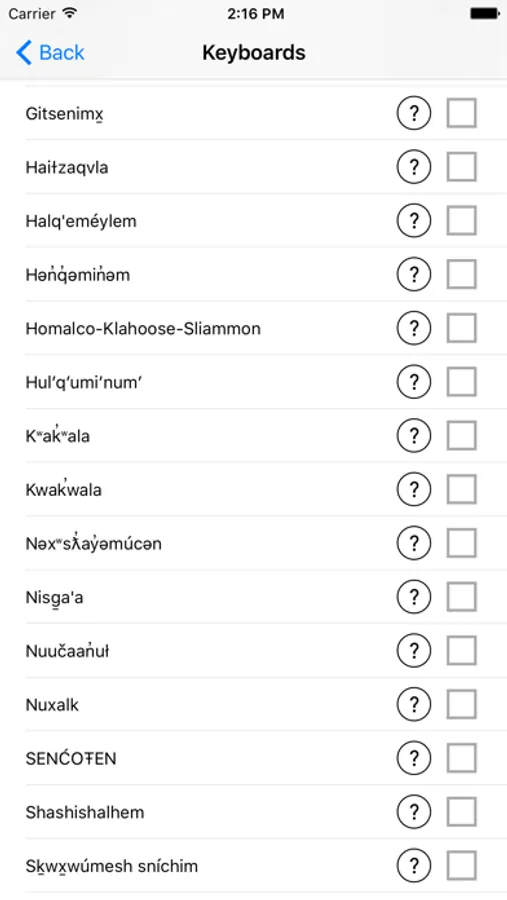
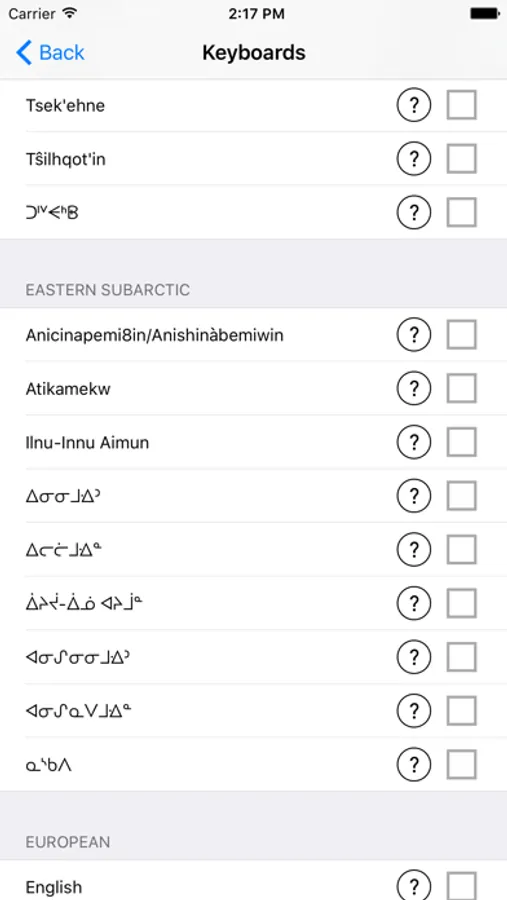
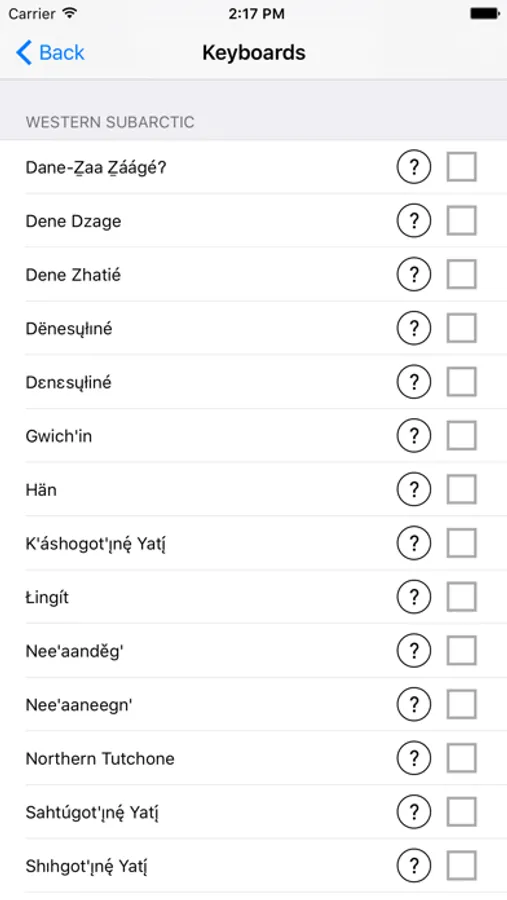
The FirstVoices Keyboard App contains keyboard software for over 100 languages, and includes every First Nations language in Canada, Australia and New Zealand, plus many languages in the USA.
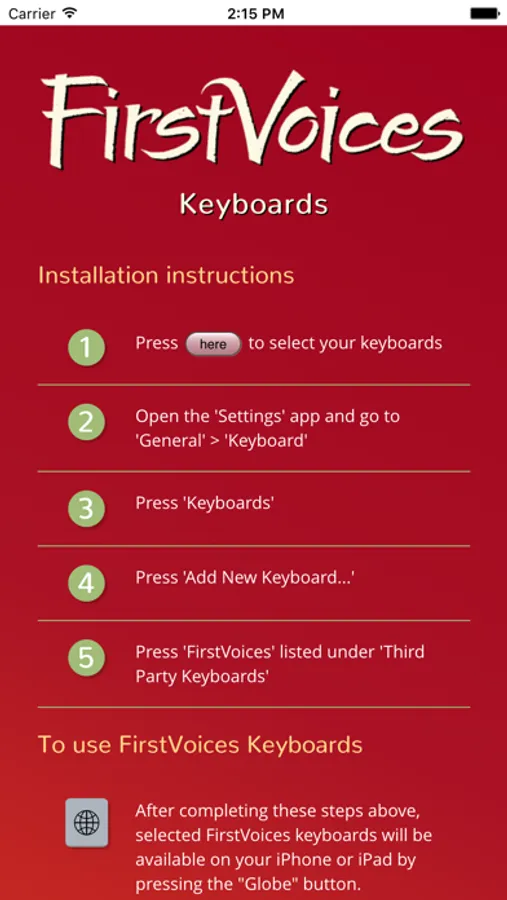
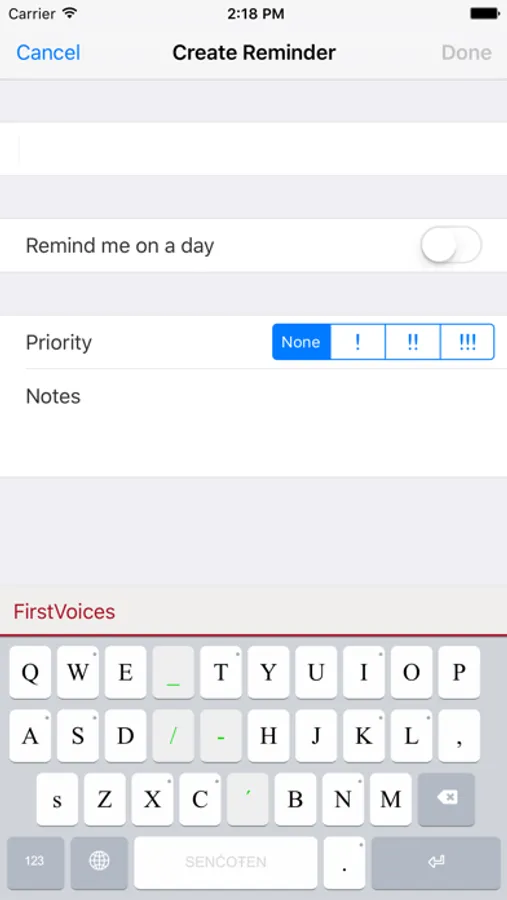
When the FirstVoices Keyboard app is installed on an iPhone or iPad, any one of the 100+ custom keyboards can be activated in any application on the device. Users are able to select their keyboard(s) of choice within their email, social media, word processing or other apps, enabling unlimited communication in their mother language.
Interested in learning more about FirstVoices and our other Indigenous language apps? Please email First Peoples' Cultural Council: info@firstvoices.com.
FirstVoices Keyboards Screenshots
Tap to Rate:
Reviews for FirstVoices Keyboards
Yoroe2268
There is a really bad bug in this app, the permissions need to be reset.
Why Deleting Gboard and IPA Didn’t Work Immediately: • Deleting other third-party keyboards should, in theory, force iOS to recognize FirstVoices. However, since the cache or system still holds onto keyboard hierarchy data, simply removing Gboard or IPA doesn’t always refresh the keyboard list. Why This Can Be Persistent: • If iOS doesn’t refresh the keyboard list properly, even reinstalling the app won’t help immediately. • This is why resetting the keyboard dictionary, resetting all settings, or even hard rebooting is required – to force iOS to refresh the keyboard environment. Apple’s Handling of Third-Party Keyboards: • Apple has been restrictive and buggy with third-party keyboards since their introduction in iOS 8. The system often prioritizes security and privacy, leading to unpredictable behavior when managing non-Apple keyboards. • Apple’s default keyboards don’t require “Full Access,” but most third-party keyboards do, creating a discrepancy in how they are handled by the OS. Make sure to fix this bug, and I'm finding out if the third-party keyboard still appears in the globe button in the keyboard.
Softpastelic
Missing a letter “ǧ” in Lakota
As someone learning Lakota I noticed that “ ǧ “ was nowhere to be seen on the keyboard. Aside from that as far as I can tell the rest of the stuff on the keyboard looks great 🧡