Live Home 3D Pro: House Design
Belight Software, ltd
4.5 ★
935 ratings
$99.99
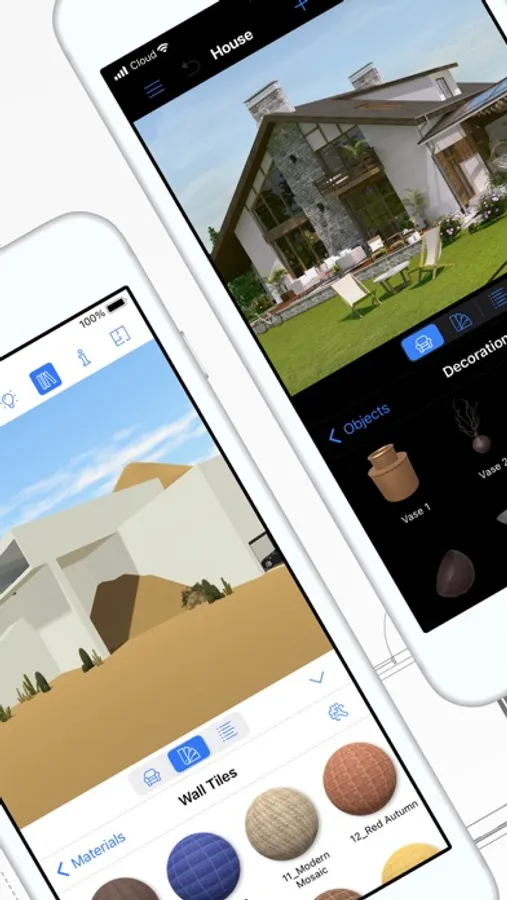
In this house design app, you can create detailed floor plans and visualize 3D models of homes and landscapes. Includes tools for terrain editing, object placement, and material customization.
AppRecs review analysis
AppRecs rating 4.7. Trustworthiness 83 out of 100. Review manipulation risk 20 out of 100. Based on a review sample analyzed.
★★★★☆
4.7
AppRecs Rating
Ratings breakdown
5 star
74%
4 star
16%
3 star
4%
2 star
2%
1 star
4%
What to know
✓
Low review manipulation risk
20% review manipulation risk
✓
Credible reviews
83% trustworthiness score from analyzed reviews
✓
High user satisfaction
74% of sampled ratings are 5 stars
About Live Home 3D Pro: House Design
Floor Plans, Building and Terrain:
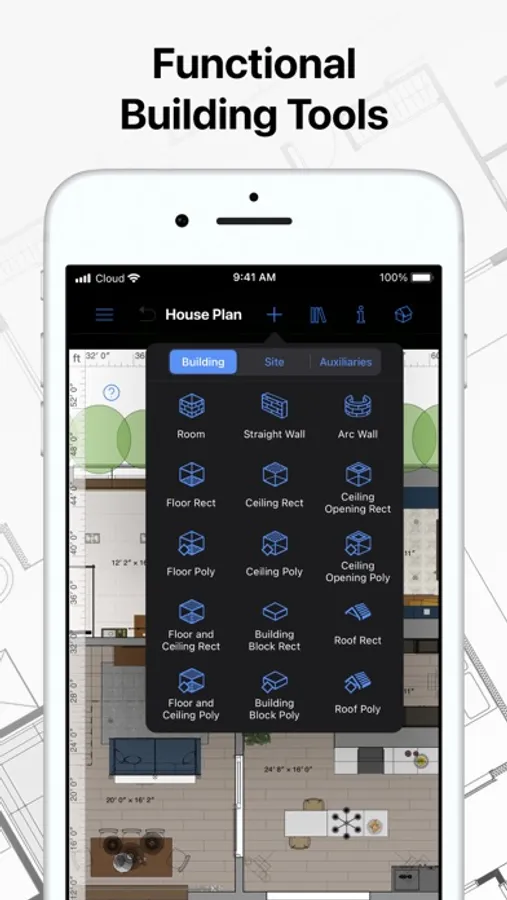
• Сreate detailed 2D floor plan layouts.
• View real-time dimensions for walls, ceilings and floors when drawing in the 2D Plan view.
• Get unlimited floor levels: you will be able to create multi-story buildings and even skyscrapers.
• Design from scratch or rely on ready-made house and interior design samples (e.g., kitchens, bathrooms, living rooms, etc).
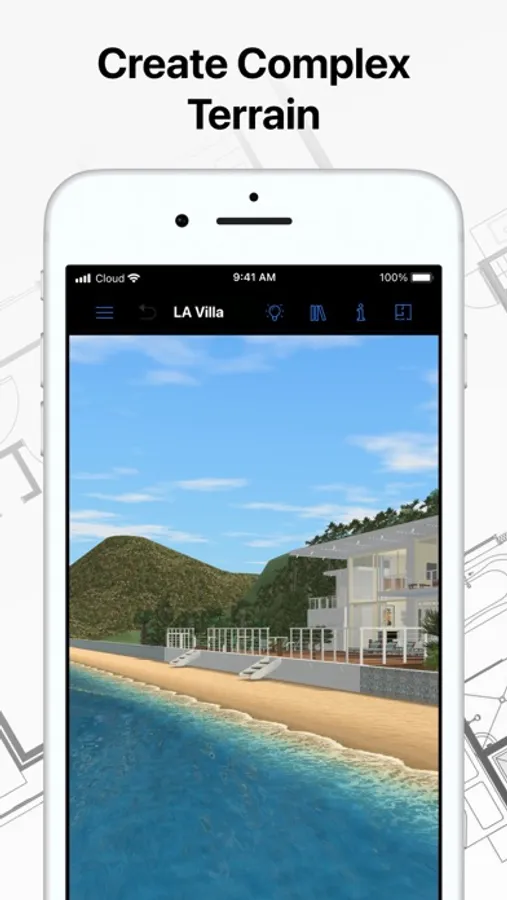
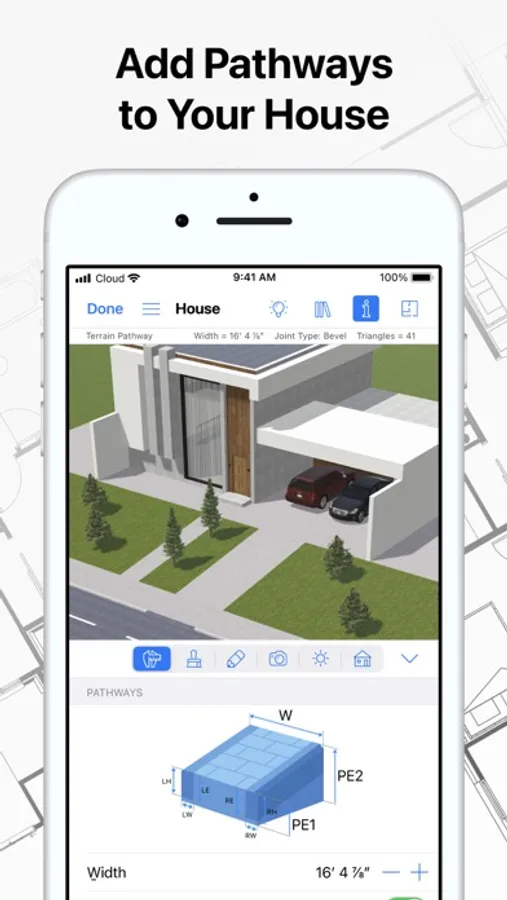
• Work with terrain editing tools for landscape design: create elaborate terrain around your house, lay paths and driveways and plan out your garden or backyard.
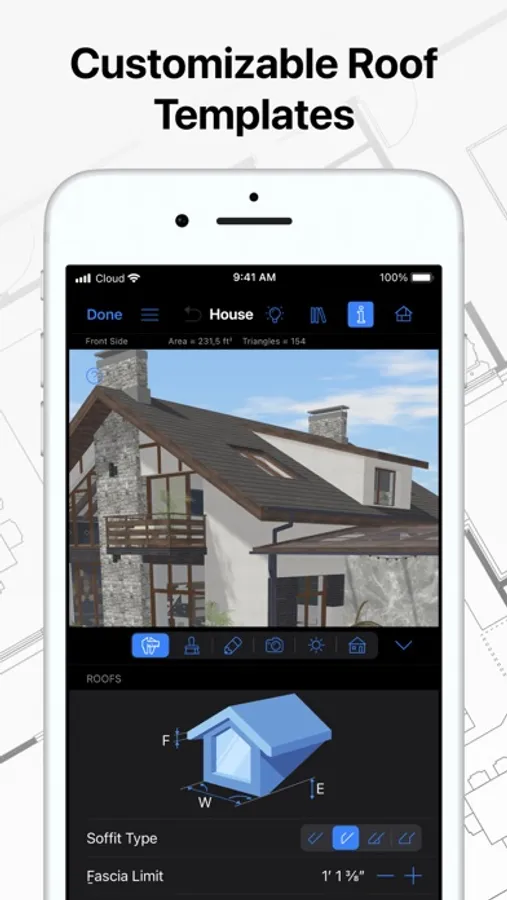
• Choose from the ready-made roof templates (12 roofs and 16 dormers) or customize the roof by editing its segments to create roofs of any form and complexity.
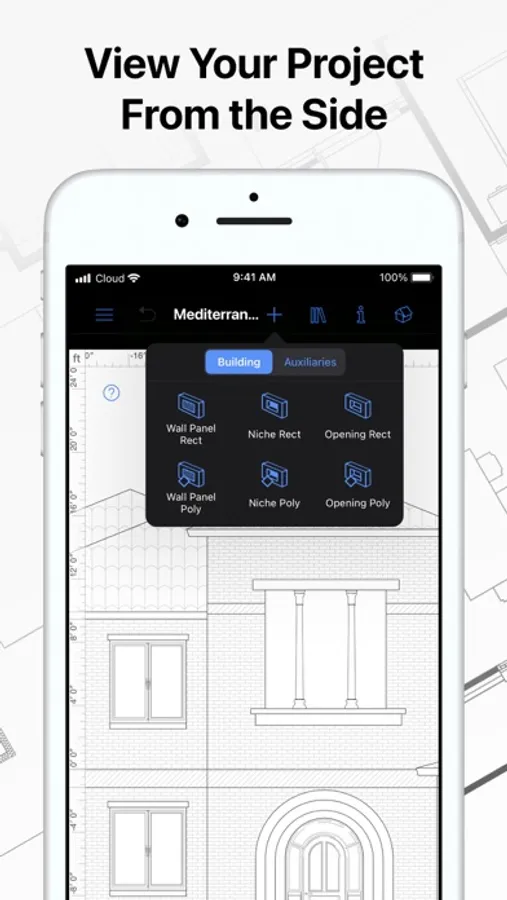
• Work in 2D Elevation view that displays the side view on walls and roof, a perfect tool for working with openings, niches and wall panels.
• Scan your room or house using the Room Scanner feature based on LiDAR technology to recreate its digital copy (only for devices with LiDAR sensors built-in).
• Use a multi-purpose Building Block tool to create porches, custom columns, beams or even furniture.
• Bosch laser measure integration: take accurate measurements with a laser measure, and easily transfer and apply them to objects.
Objects and Materials:
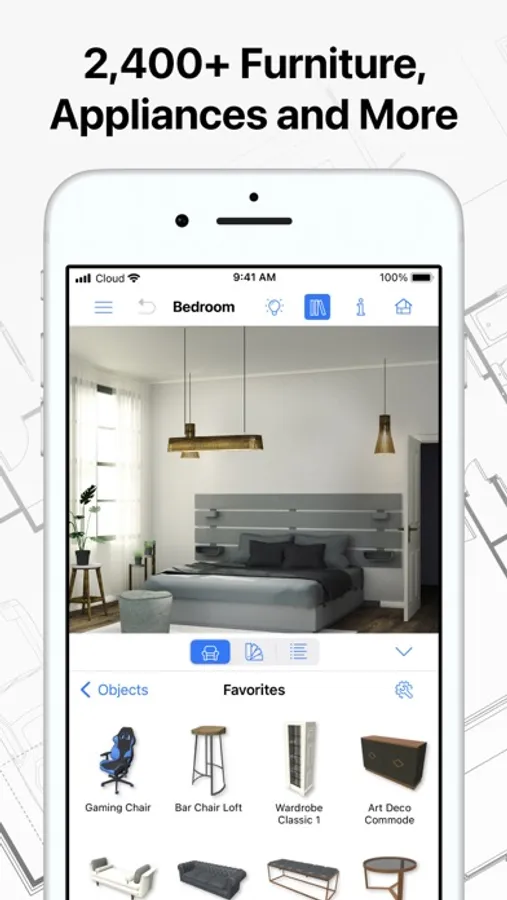
• Add and move furniture and other objects (5,000+ items), and apply physically based materials (3,000+ supplied materials).
• Access thousands of free models that can be imported from the Trimble 3D Warehouse.
• Import 3D models from other applications in most popular formats (COLLADA, FBX, OBJ, USDZ, 3DS, etc.)
• Create sophisticated custom materials, and control their texture and light emissive properties using the Material Editor.
Lighting Settings:
• Work with natural lighting by setting up true geolocation, time of day and cloudiness.
• Adjust light fixtures throughout the house to achieve a realistic lighting scene.
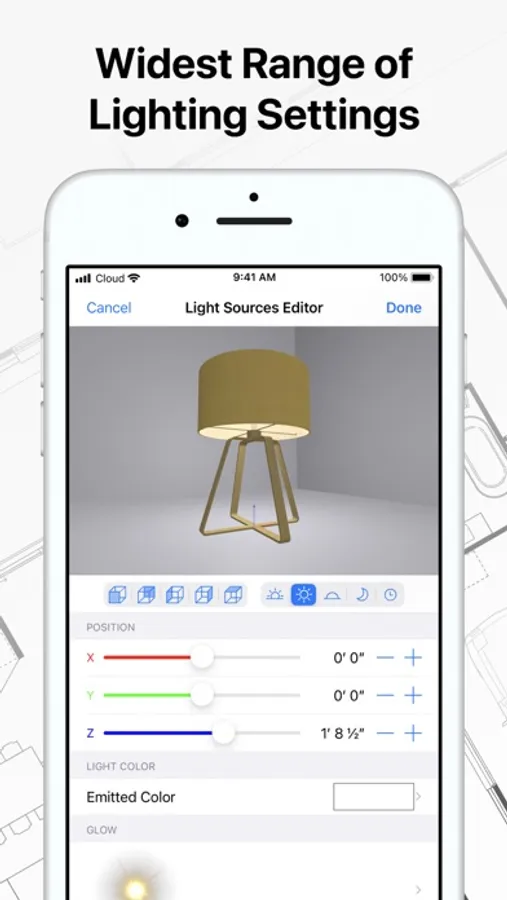
• Create custom lamps or achieve the best lighting for your projects with Light Source Editor.
Viewing and Sharing Your Project:
• Walk through your 3D interior designs.
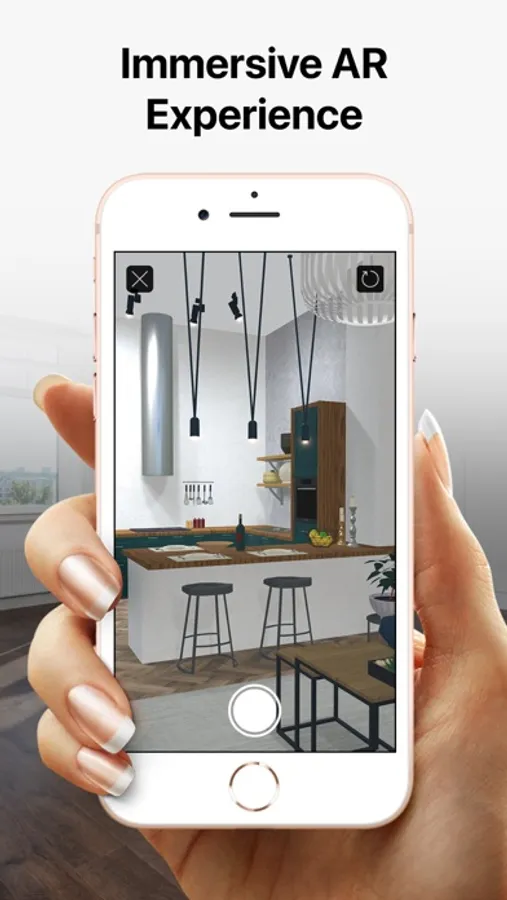
• Project your 3D home into real-world surroundings, and even walk around or inside the house using View in the AR option.
• Create flyover videos and 3D renderings of your projects from different angles.
• Seamlessly share your projects among iOS, iPadOS, visionOS, macOS or Windows devices.
Export:
• Export 2D floor plans as PDF and 3D views of your projects as high-resolution images.
• Export the entire house design or several objects to USDZ, glTF, SCN, SCNZ, FBX or OBJ format.
• Get Ultra HD export quality for movies and 360° Panoramas and Hi-res (16,000 x 16,000) for still shots.
• Create Stereo 3D Video, 360° Video, Stereo 3D 360° Video and 360° Panorama JPEG images.
Note: In-app purchases made in the app for Phone/iPad/Apple Vision do not apply or transfer to the version for the Mac or other platforms.
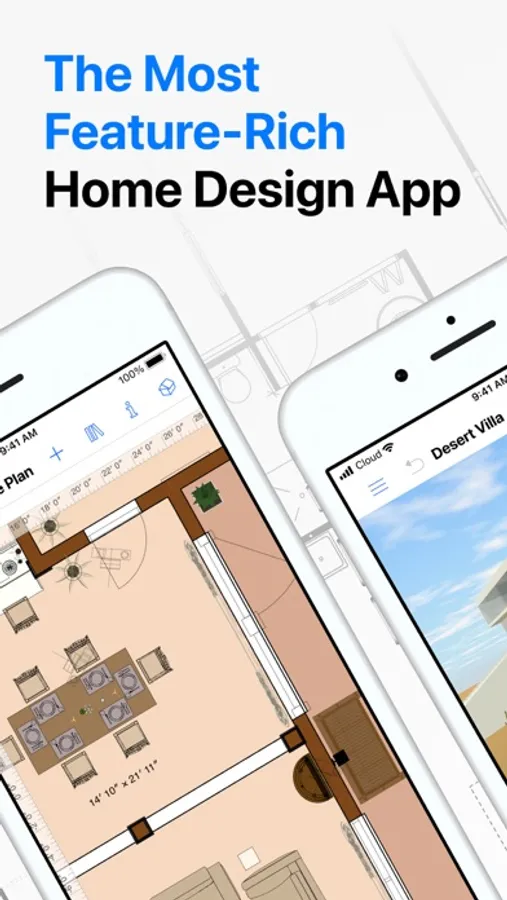
Live Home 3D Pro: House Design Screenshots
Tap to Rate:
Reviews for Live Home 3D Pro: House Design
qnthy
Recommendation/Feedback
I have been using Live Home 3D for many years, and I recently decided to purchase the Pro version. I truly love this app, and the creator of this app is very talented. However, I have a small suggestion. I hope the app can add more objects or packages related to food, such as food cans, cereal boxes, spam, drinks, and water bottles. In general, more small everyday objects would be very helpful. Thank you for creating such a great app.
DanS_Wyoming
New Bathroom
Great app easy to use.