
AppRecs review analysis
AppRecs rating 3.8. Trustworthiness 80 out of 100. Review manipulation risk 24 out of 100. Based on a review sample analyzed.
★★★☆☆
3.8
AppRecs Rating
Ratings breakdown
5 star
60%
4 star
0%
3 star
20%
2 star
0%
1 star
20%
What to know
✓
Low review manipulation risk
24% review manipulation risk
✓
Credible reviews
80% trustworthiness score from analyzed reviews
✓
Good user ratings
60% positive sampled reviews
About SnapCaster
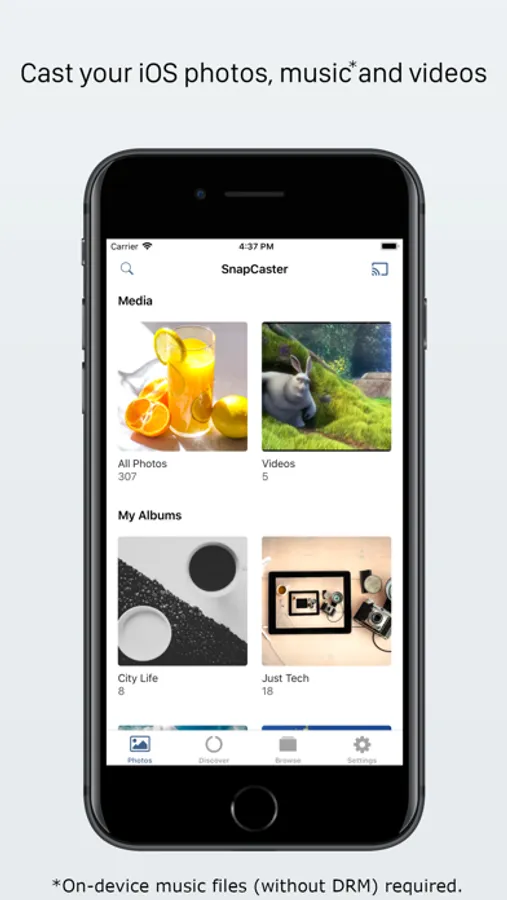
SnapCaster includes many useful features in a straightforward, intuitive interface : connect to the Chromecast, tap on a photo, then
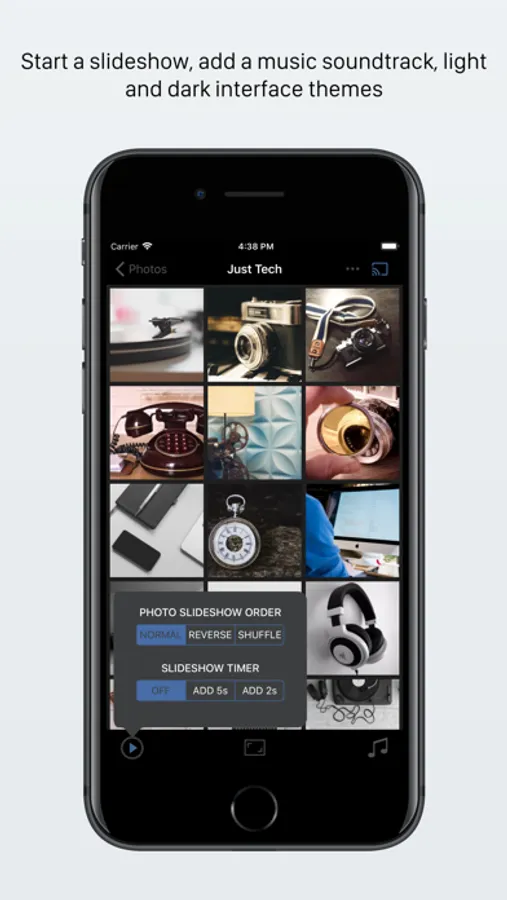
- Start a slideshow with a customizable interval and photo order.
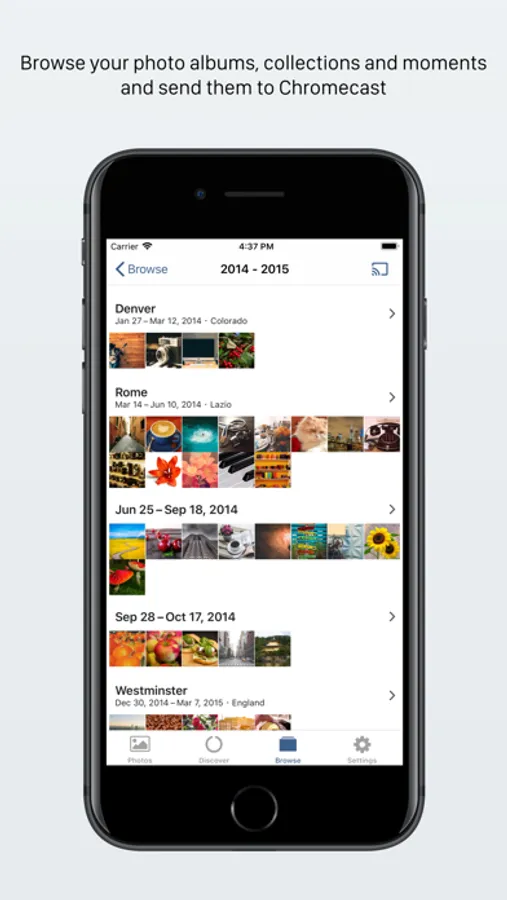
- Browse photo albums, collections and moments.
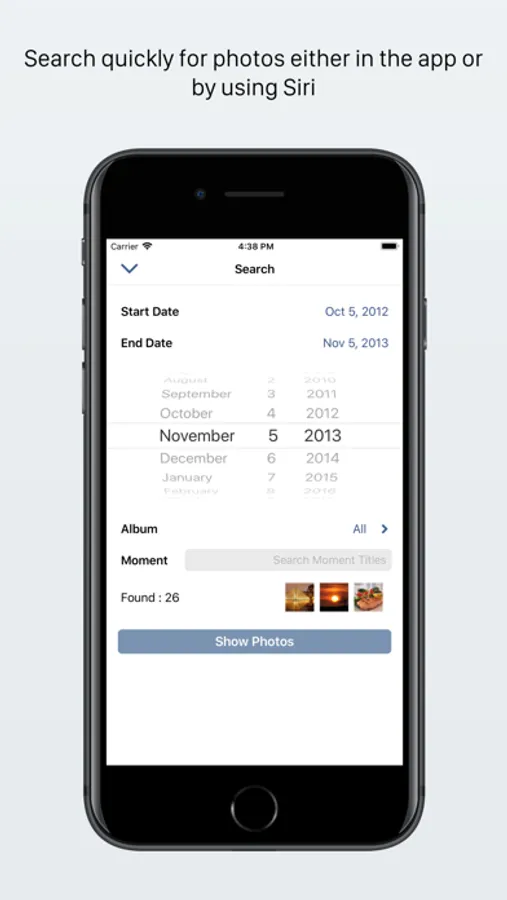
- Search for photos by date or title of moments.
- Re-discover and cast photos from the past with the Discover view.
- Setup a queue of music tracks from your iTunes music library (non DRM'd). Play alongside the photos, control the music volume, pause/resume the playback and seek within tracks.
- Add, remove and rearrange tracks in the music queue as the music is playing.
- Cast iTunes music videos.
- Zoom in on regions of your photos and cast just the zoomed in area.
- Choose a scaling mode to optimize the aspect ratio of the photos being cast.
- Setup the included widgets, which update daily, for fast access to your photo albums for casting.
- Supports iCloud Photo Library, iPad multitasking, Chromecast Audio, Google Home and Cast Groups (music playback only).
- Drag and drop photos on iPad from other apps, like Safari and Messages, to quickly cast them.
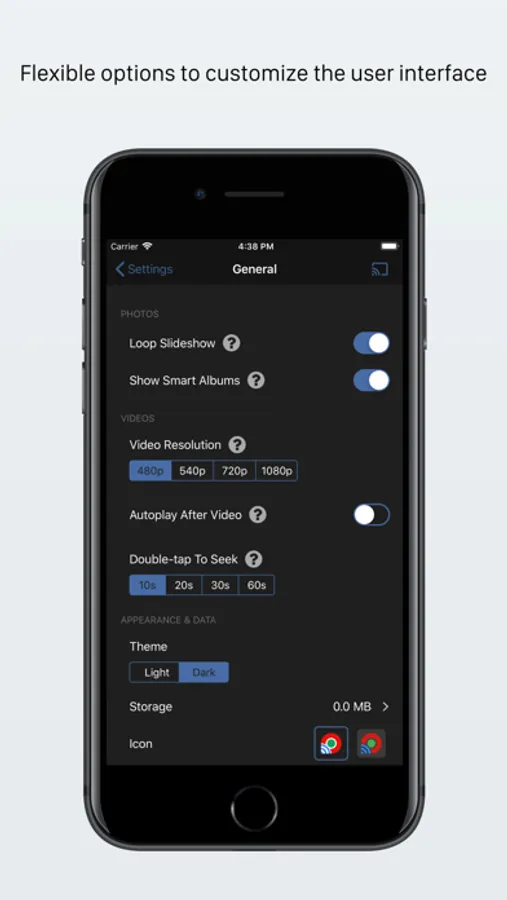
- Customizable interface with light and dark interface themes.
- Browse and cast 'smart albums' including Favourites, Selfies, Panoramas and Screenshots.
*On-device music files (without DRM) required.
SnapCaster Screenshots
Tap to Rate:
Reviews for SnapCaster
heyyyyyIIITTSssPK
No music
It says it can cast local music. But no luck
Matt Loves Apps
Finally
Great app to cast photos and videos to your Chromecast connected TV that isn't total trash. It just works and it's fast! I've been wanting something like this since the Chromecast launched. There is also a similar app I like too called "Cast Player" if you are looking for a more simple app.