
FBReader: ePub and fb2 reader
FBReader.ORG Limited
3.7 ★
124 ratings
Free
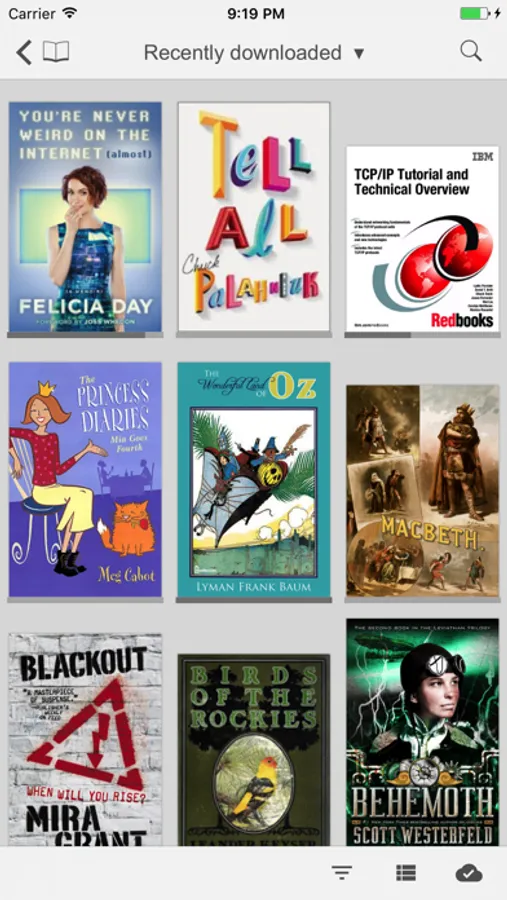
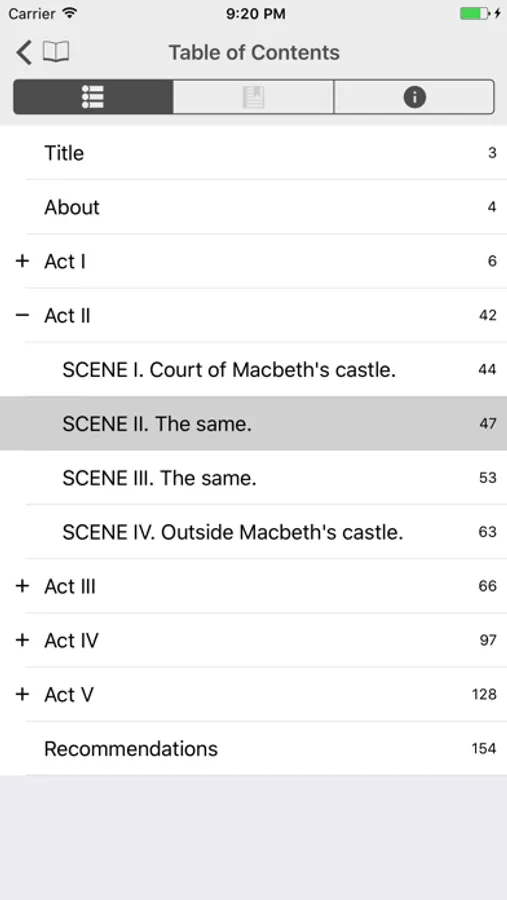
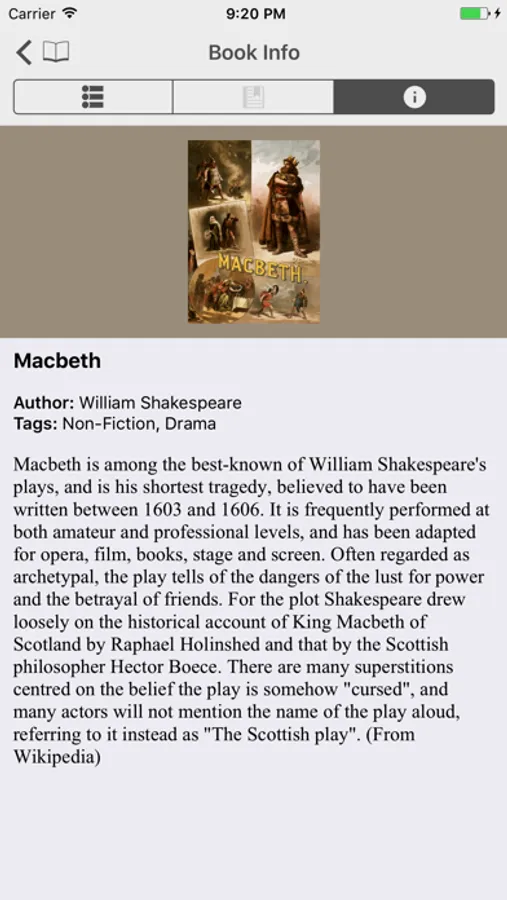
With this e-book reader app, you can open, read, and organize various formats like ePub, fb2, and Kindle azw3. Includes synchronization across devices, library management, and customization options.
AppRecs review analysis
AppRecs rating 3.6. Trustworthiness 77 out of 100. Review manipulation risk 24 out of 100. Based on a review sample analyzed.
★★★☆☆
3.6
AppRecs Rating
Ratings breakdown
5 star
48%
4 star
17%
3 star
9%
2 star
6%
1 star
19%
What to know
✓
Low review manipulation risk
24% review manipulation risk
✓
Credible reviews
77% trustworthiness score from analyzed reviews
✓
Good user ratings
65% positive sampled reviews
About FBReader: ePub and fb2 reader
FBReader also reads RTF, Word (.doc), HTML, and plain text, so you can keep all your books and documents in one place.
Read anywhere and pick up right where you left off. FBReader can sync your library, reading positions, bookmarks, and more across devices using the FBReader Book Network, a cloud service powered by Google Drive.
If you prefer managing files yourself, you can download books in your browser and open them directly with FBReader.
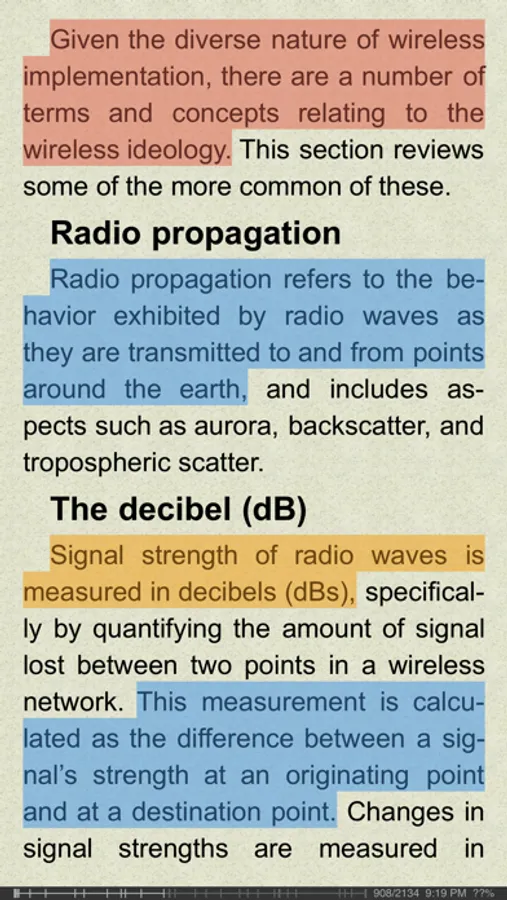
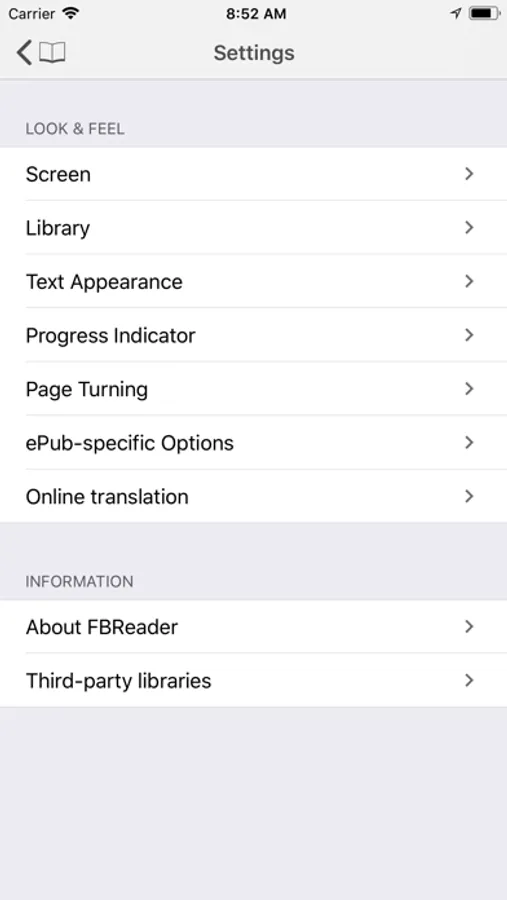
A wide range of appearance and behavior options lets you customize the reading experience to match your preferences.
Free version and upgrade options:
• The free version allows up to 10 books in your library.
• The built-in translation feature is disabled.
Upgrade to the full version to remove these limits and enjoy the complete FBReader experience.
FBReader: ePub and fb2 reader Screenshots
Tap to Rate:
Reviews for FBReader: ePub and fb2 reader
Carl wave
FBReader
I love your application. The interface is simple. I would love to see PDF support. Otherwise, that is very smooth the use. Keep up with great updates. Thank you
RareBambi
what is going on?
I can’t even open the app. It started a few days ago. And you still didn’t solve the problem. I always consider this app as the best one, but not now. Hope you will do something about it.