With this mobile scanning app, you can submit documents, view load details, and locate truck stops. Includes document capture, load notifications, and route planning features.
AppRecs review analysis
AppRecs rating 4.6. Trustworthiness 84 out of 100. Review manipulation risk 27 out of 100. Based on a review sample analyzed.
★★★★☆
4.6
AppRecs Rating
Ratings breakdown
5 star
83%
4 star
8%
3 star
4%
2 star
1%
1 star
5%
What to know
✓
Low review manipulation risk
27% review manipulation risk
✓
Credible reviews
84% trustworthiness score from analyzed reviews
✓
High user satisfaction
83% of sampled ratings are 5 stars
About Foodliner Mobile
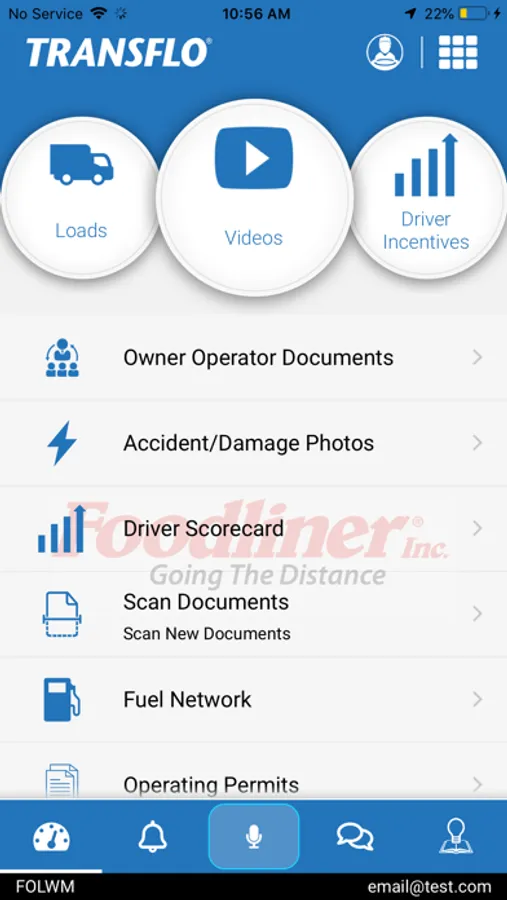
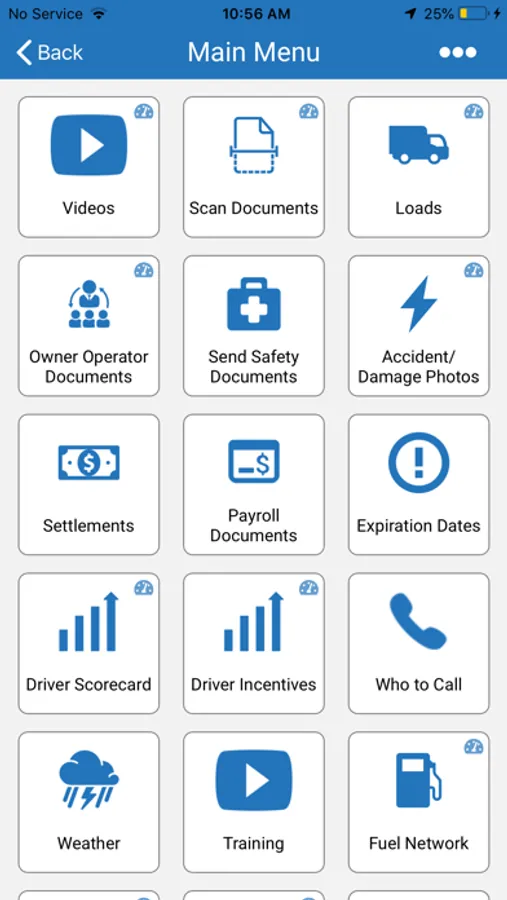
With Foodliner Mobile you'll get notified of assigned loads on your smartphone or tablet. We've included the ability to view destinations on the map and view truck stops along the way to better help drivers plan their day.
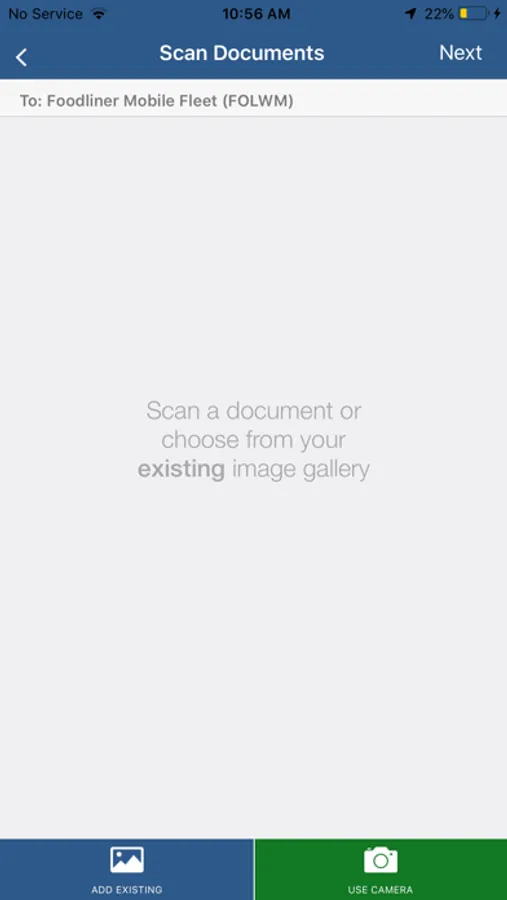
Drivers can easily submit documents to human resources and safety using Foodliner Mobile. Foodliner Mobile also allows accident and/or damage photos to be sent directly to the safety department for review.
Drivers can review key scorecard information on Foodliner Mobile.
Drivers can also easily find the closest TRANSFLO Express truck stop location within Foodliner Mobile. This interactive map allows you to locate not only the closest location but help find locations anywhere on your route.
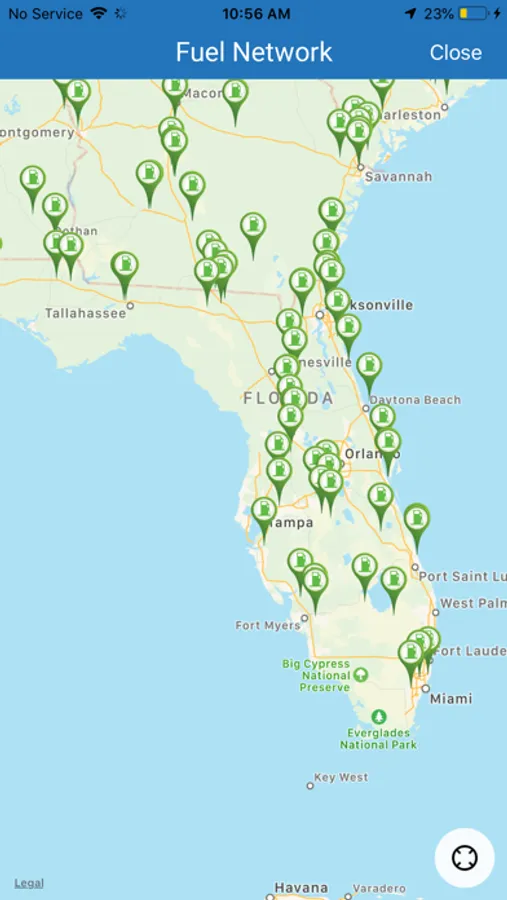
Drivers can also easily find the closest Foodliner approved fuel stop within Foodliner Mobile. This interactive map allows you to locate all approved fueling locations nearest you and along your route.
With all of this information and functionality made available at the tip of your fingers, drivers who use this app are ahead of the game! Foodliner Mobile from Foodliner Inc. Get wired for success.
Foodliner Mobile is powered by TRANSFLO Mobile+ from Pegasus TransTech.
##############
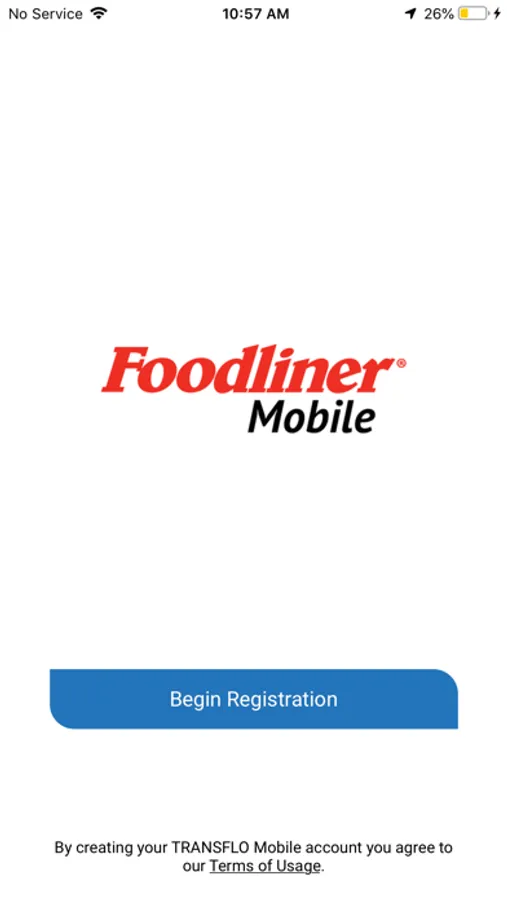
Registering with Foodliner Mobile is easy! Simply follow the on-screen registration process and make sure to enter in the Fleet ID for the carrier you drive for and a valid email address. You will receive a confirmation email with an activation link. Click on the link in the email to complete the registration process.
You are now ready to start using Foodliner Mobile!
##############
TIPS:
• For best auto-border detection, put document on a dark background that contrasts with the page.
• Make sure you have good ambient light to get best results.
• You can toggle between the built-in camera and any other camera app you have on your phone by going to the Settings icon from the top right corner of the main menu screen. This way you can choose the camera that works best with your phone.
• Review the image carefully. After sending all the documents, you will also receive an email confirmation. Click on the link in the email and review the images another time.
• The images are transformed to drop background colors and shading as well as change document content to black. The high compression keeps your data plan to a minimum.
###############
Foodliner Mobile reports accident & claims submission location, document scan submission location and load pickup and delivery locations. Continued use of GPS running in the background can dramatically decrease battery life.
Foodliner Mobile Screenshots
Tap to Rate:
Reviews for Foodliner Mobile
ThrowingMonkeys
New update is horrible!!
The new scanning is horrible. Not user friendly. Why mess with a good thing. Too many extra steps to crop and add pages. Please go back to the last update.
LouPR738
Not working properly
I use the app daily and it was a 5 star app up until the most recent PeopleNet update. Now I don’t see any load information and the Loads Accepted list doesn’t update I will revisit this review once the problems are fix, thanks All issues fixed with latest update