ZY Play icon

ZY Play

桂林智神信息技术有限公司
Free
2.4 out of 5

About ZY Play

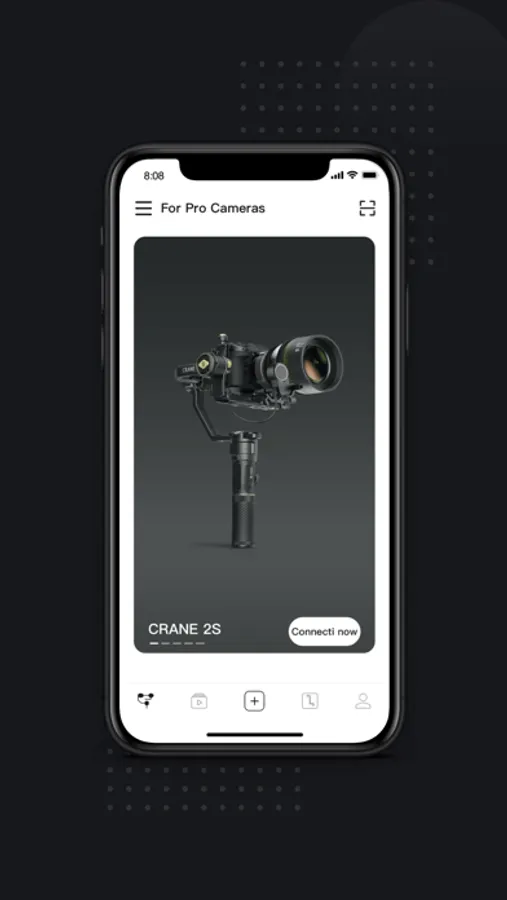
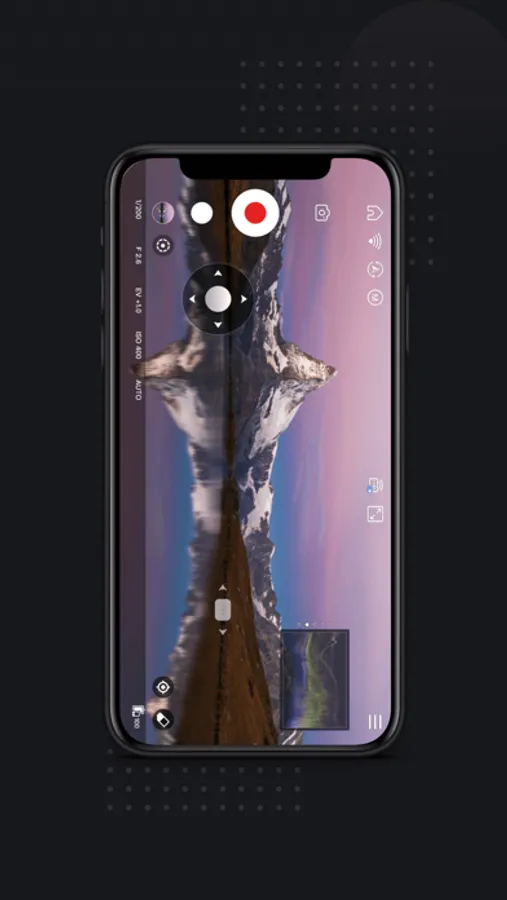
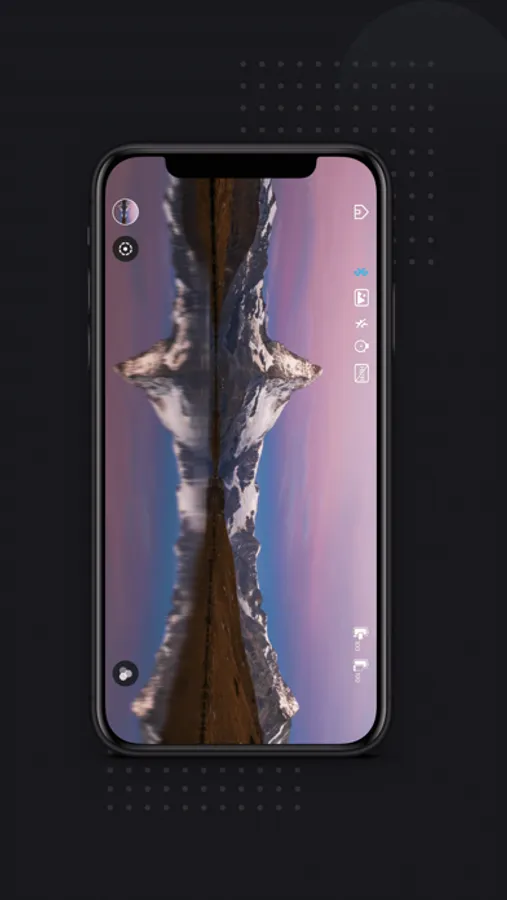
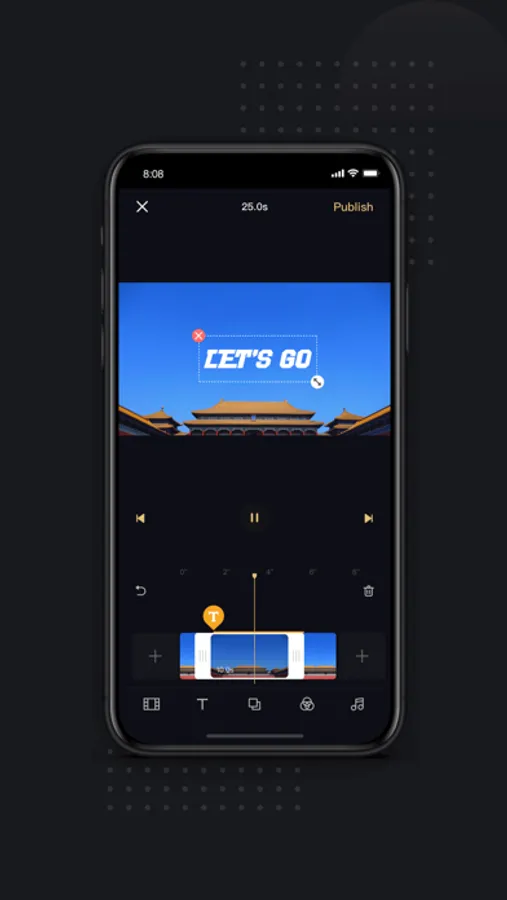
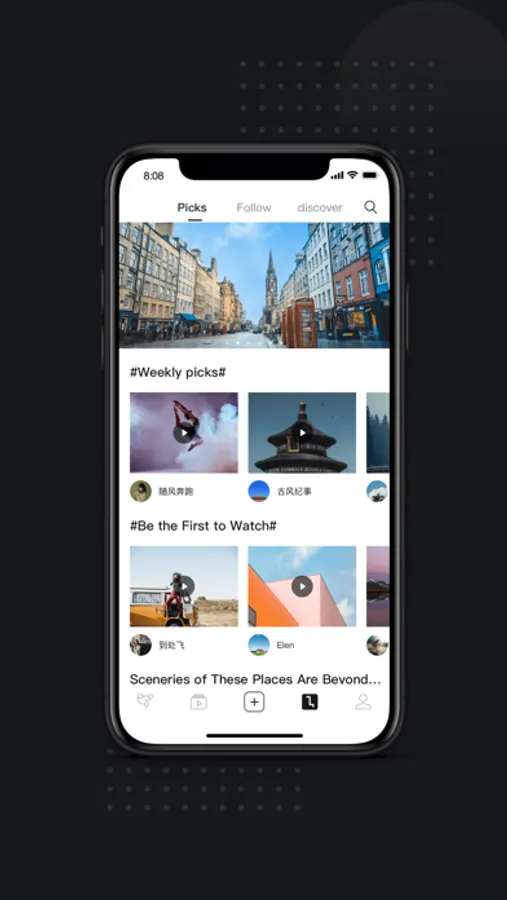
ZY Play offers comprehensive camera controls for convenient photo & video shooting, combining various intelligent functions including time lapse, long exposure, slow motion and more to inspire your creativity. With easy-to-use design and a vast range of editing features, it is a must-have app for anyone who takes photos & videos. By conneting the APP to a ZHIYUN professional stabilizer, it helps you create film-grade footage that is once only possible with a crew.

ZY Play Screenshots

User Reviews

Rude Hog 47
★☆☆☆☆ 1
Shmood 4 😭😭😭
As a hog, I have owned the smooth 4 for quite a while, I originally purchased it for around 25k-30k usd which was a great deal. I can get smooth shots on my phone, while still having enough time to hog. This is all fun and games but when it came time to link my precious smooth 4 to the app, it all went south. By this time, I had gotten into some trouble with the old smooth 4 and was a bit hesitant to hog it over to the app but… I did anyway. The app is very poorly designed and is mostly in dulanese so being a slightly overweight white American male, this was a foreign tongue. I proceeded to add my account. This process took a matter of weeks for a Luddite like myself. After all was good and done, the app wouldn’t connect to the smooth 4. How utterly disappointing. I told Sue at once and deleted the app.
Robaniet
★☆☆☆☆ 1
No m3 model
No m3 model listed

ethenas
★☆☆☆☆ 1
Can’t believe this still happens…
Can’t connect to my gimble at all.
Kcwvc52
★☆☆☆☆ 1
Control with Xbox controller is a must!
This can even be done with cheap djis. It make a simple connection to the app through an Xbox remote and controls the gimbal! The is a must for gimbals like this!! Very disappointed in the gimbal and app
Saint Bee
★☆☆☆☆ 1
Do not download. Not worth it
Got this to update the firmware on a used Q-Smooth Zhiyun gimbal I was given. Never even got so far as checking what version was installed. Yes, they absolutely REQUIRE you to allow them access to: • Bluetooth devices • Camera • Microphone • ENTIRE photo & video library • Location Of these, Bluetooth is the only request that makes sense. Gotta connect to the gimbal, right? But even if you allow that, they REQUIRE you to allow them access to EVERYTHING else, in order to connect to your gimbal. Zero options, all or nothing. Refuse even one, and you’re flatly denied connection to your gimbal. A different review claims approving these is optional, and the App Store page says it doesn’t collect any data, so it must not. First, yeah, approving them is optional. Your options are, approve ALL of them, or get NOTHING from this app. Second, the App Store saying the app doesn’t collect data is an honor-based self-disclosure system. Apple does not guarantee it to be true. And frankly, I’d bet my savings that this app collects every shred of info it can. Either accept your gimbal as-is out of the box, or return it, because this app is not aboveboard.
atkiko
★★★★☆ 4
A lil finicky
Good app. Doesn’t connect all the time and isn’t the easiest. But it’s came a long way from all those bad reviews. I found an M2 gimbal and didn’t find out til later it had an app. So I was actually pretty happy to even find out it had tracking features and whatnot. Once you do get it connected it’s pretty great. But you’re limited to the camera app they use. I didn’t see any use of RAW footage options which would be nice. Aside from that they claim to not track any information from your personal device. So whoever said that is dumb and thinks Apple is lying I guess. It it’s been seven years so who knows.
It’s too much work
★☆☆☆☆ 1
That’s weird
So I just got something for my birthday. I have the smooth Q and when I go on the app, I don’t know how to pair it and the stabilizer thing is not there so I don’t know
5 yearz later
★★☆☆☆ 2
Object tracking is bad
The object tracking in this application is worse than the Zhiyun Assistant, which is an older and now outdated application. If this issue can be fixed, it would improve the productivity videos I create. However, as it stands, the performance is quite poor, and I will continue to rely on a different device if the object tracking isn’t improved.
Abyy Jun
★☆☆☆☆ 1
Question
I have smooth 4 but it can’t be connected with this app and can’t find other app My iPhone is 14
Zhiyun skeptic
★☆☆☆☆ 1
Worthless app
Won’t pair with the Crane MS2 gimbal that it is supposed to be used for.