In this observation device app, you can connect your smartphone with Yukon or Pulsar devices to control settings, view images, and record videos. Includes remote device management, media sharing, and data transfer features.
AppRecs review analysis
AppRecs rating 3.8. Trustworthiness 73 out of 100. Review manipulation risk 24 out of 100. Based on a review sample analyzed.
★★★☆☆
3.8
AppRecs Rating
Ratings breakdown
5 star
59%
4 star
13%
3 star
6%
2 star
3%
1 star
18%
What to know
✓
Low review manipulation risk
24% review manipulation risk
✓
Credible reviews
73% trustworthiness score from analyzed reviews
✓
Good user ratings
73% positive sampled reviews
About Stream_Vision
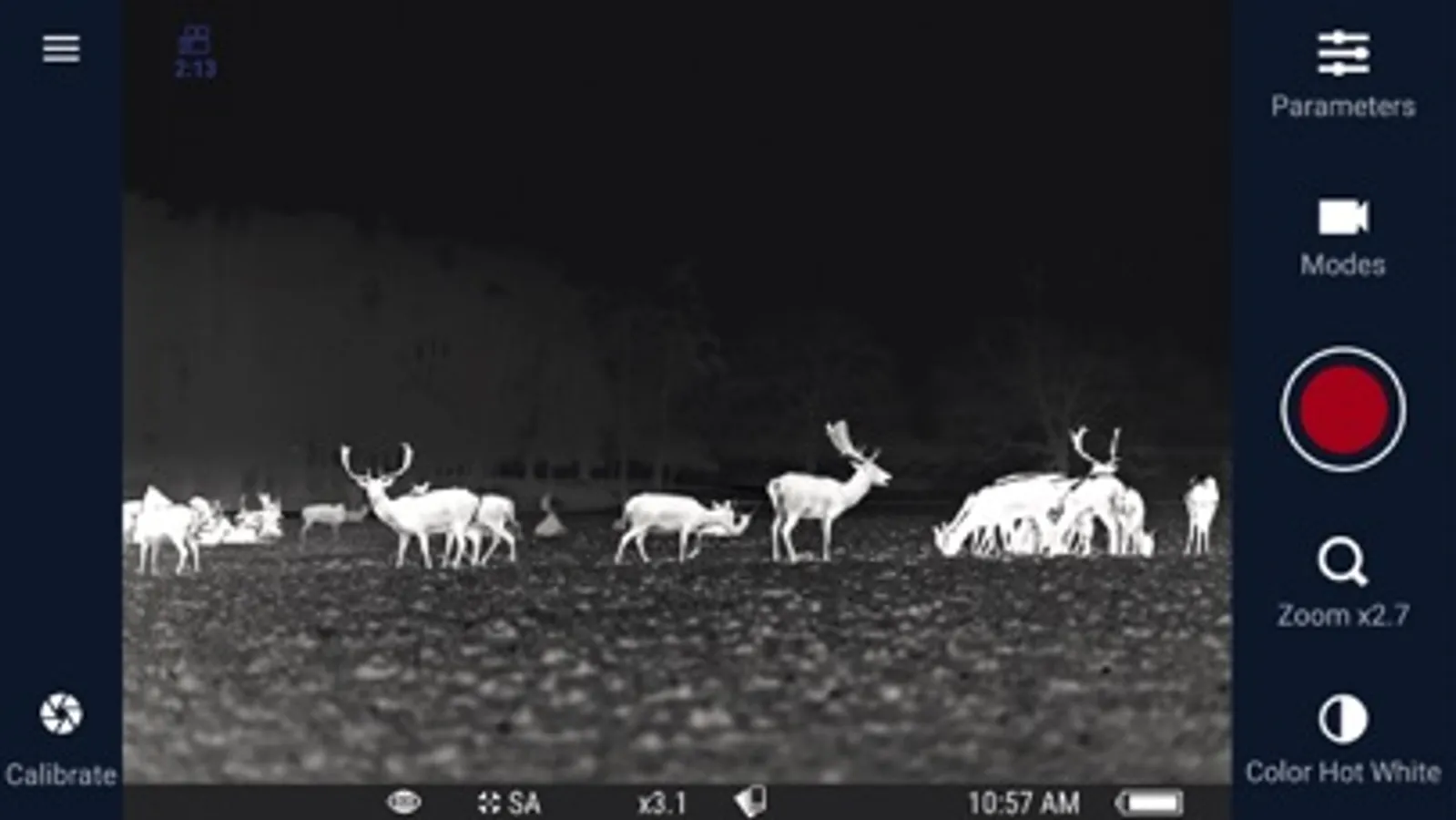
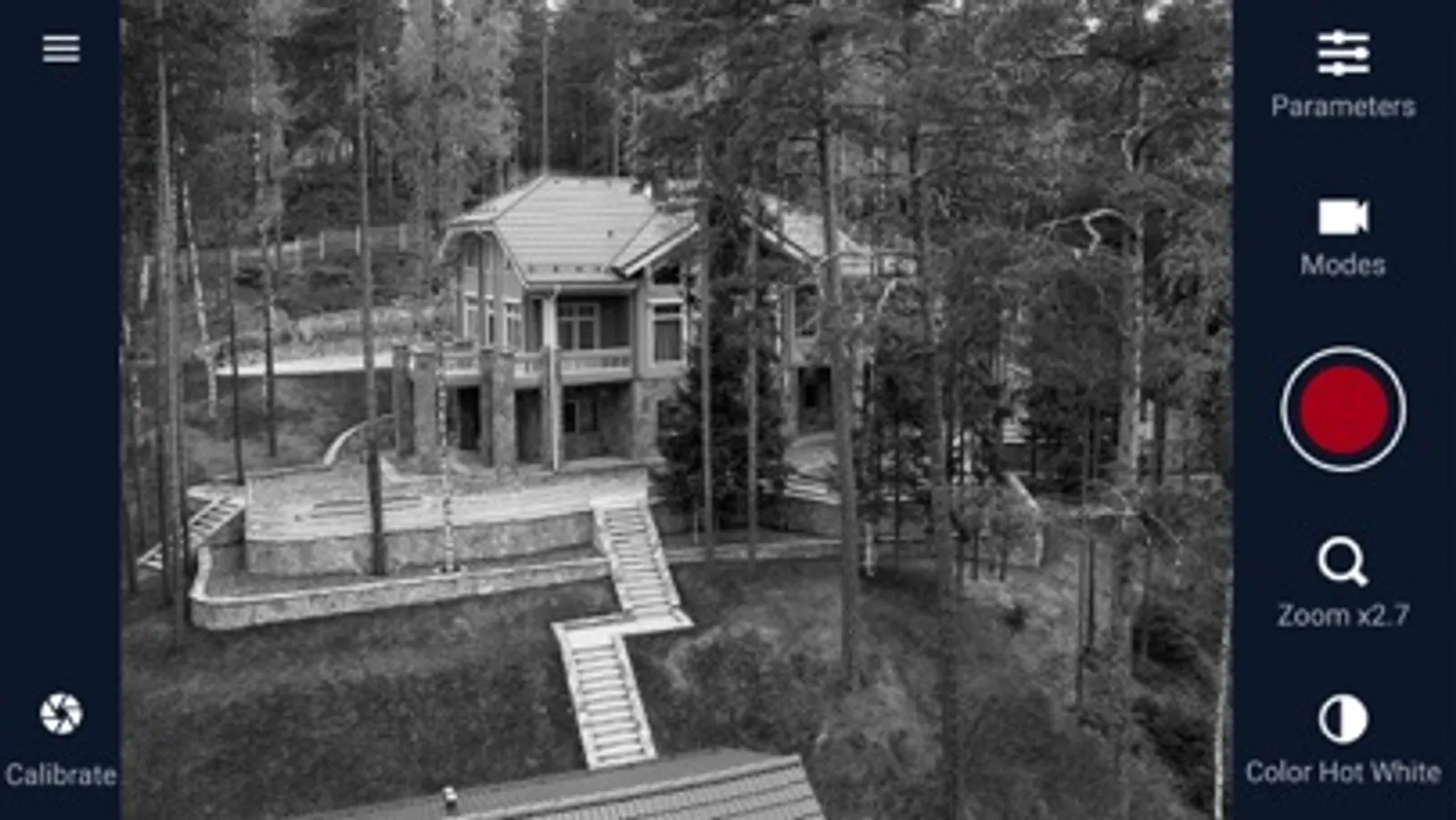
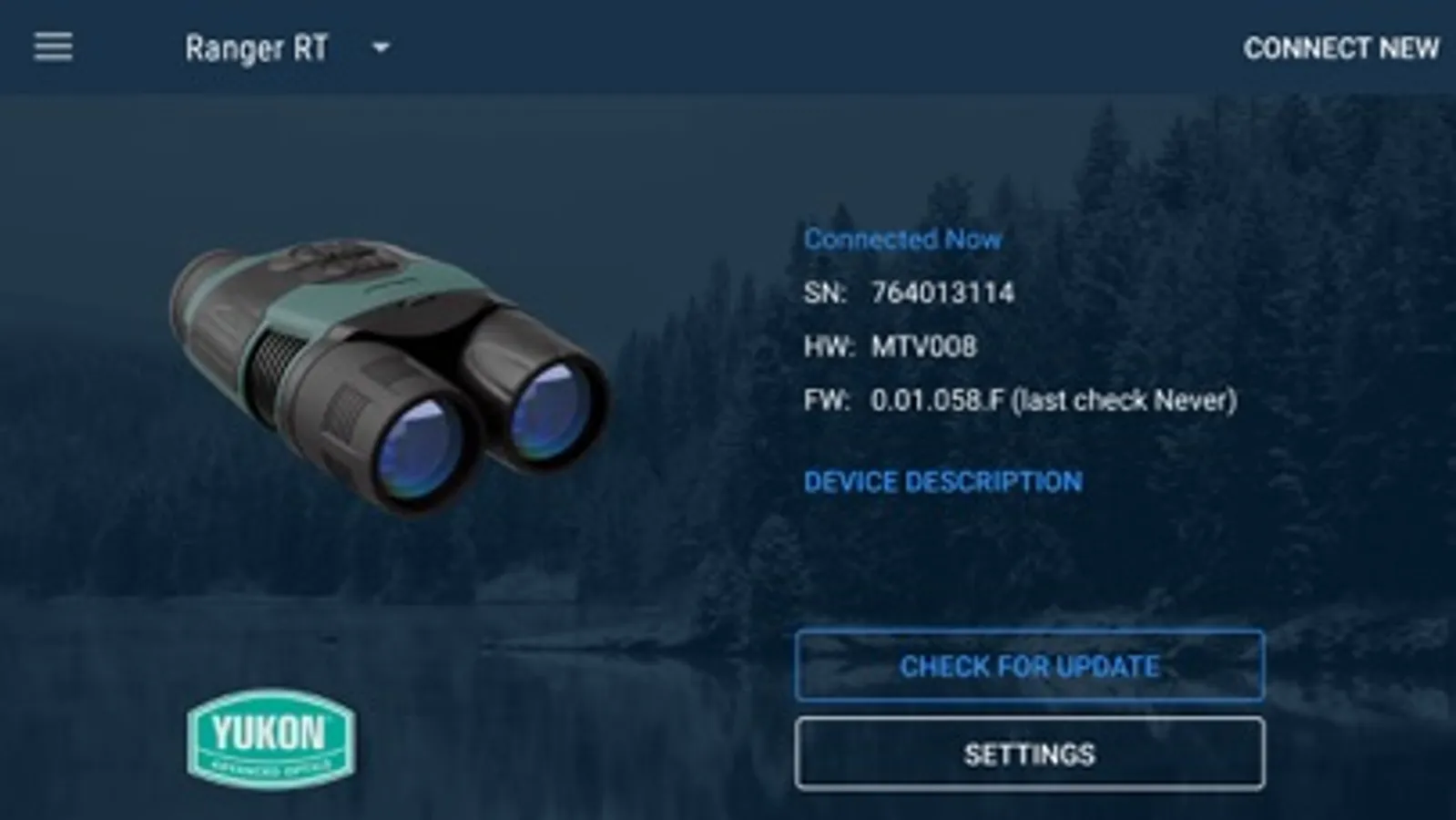
Stream Vision is an application that provides connection of your mobile devices with observation devices of Yukon or Pulsar via integrated WiFi interface. The application provides full control of observation device and its features. With the help of the application the user can connect smartphone to a thermal imaging or any other digital device from Yukon or Pulsar and use smartphone as a mobile viewfinder, data share center or a remote control.
APPLICATION FEATURES:
• Mobile viewfinder
Use your smartphone as a remote viewfinder for a night vision or thermal imaging device.
• Video and Photo recorder
Make photos and videos with the a tap of an icon and store them on your Yukon Pulsar device.
• Remote control
Change your device’s settings remotely. Change image settings, adjust device’s interface and control device’s operation.
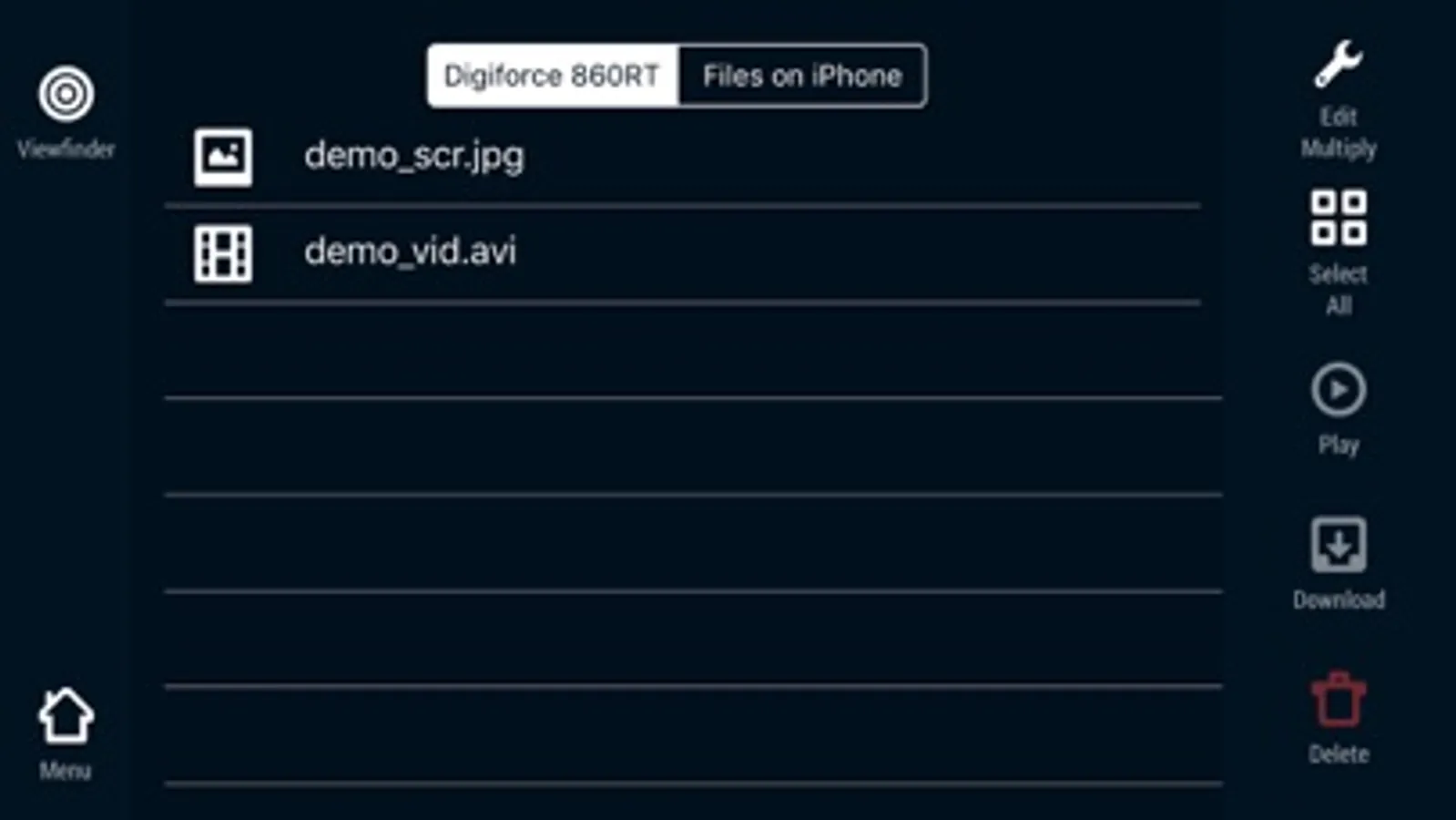
• Download tool
Download photos and videos from your night vision or thermal imaging device to your smartphone or tablet.
• Sharing platform
Stream your videos or share your photos online, show your exciting moments to your friends
Note: Certain features of Stream Vision application are available only when an observation device is connected to a smartphone via Wifi.
APPLICATION FEATURES:
• Mobile viewfinder
Use your smartphone as a remote viewfinder for a night vision or thermal imaging device.
• Video and Photo recorder
Make photos and videos with the a tap of an icon and store them on your Yukon Pulsar device.
• Remote control
Change your device’s settings remotely. Change image settings, adjust device’s interface and control device’s operation.
• Download tool
Download photos and videos from your night vision or thermal imaging device to your smartphone or tablet.
• Sharing platform
Stream your videos or share your photos online, show your exciting moments to your friends
Note: Certain features of Stream Vision application are available only when an observation device is connected to a smartphone via Wifi.
Stream_Vision Screenshots
Tap to Rate:
Reviews for Stream_Vision
18294975;
Since updating to iOS 17 my pulsar device will not connect to the app.
Since updating to iOS my pulsar device willl not connect to app
Robert LH
Don’t buy PULSAR
Based on my experience don’t buy PULSAR just because how bad this app is! Contacting pulsar support is just as useless as the APP. Same generic response from folks at pulsar who is running Pulsar Joe Biden?