
AppRecs review analysis
AppRecs rating 4.1. Trustworthiness 82 out of 100. Review manipulation risk 24 out of 100. Based on a review sample analyzed.
★★★★☆
4.1
AppRecs Rating
Ratings breakdown
5 star
71%
4 star
0%
3 star
14%
2 star
0%
1 star
14%
What to know
✓
Low review manipulation risk
24% review manipulation risk
✓
Credible reviews
82% trustworthiness score from analyzed reviews
✓
High user satisfaction
71% of sampled ratings are 4+ stars (4.1★ average)
About Unlive - HD video in the photo
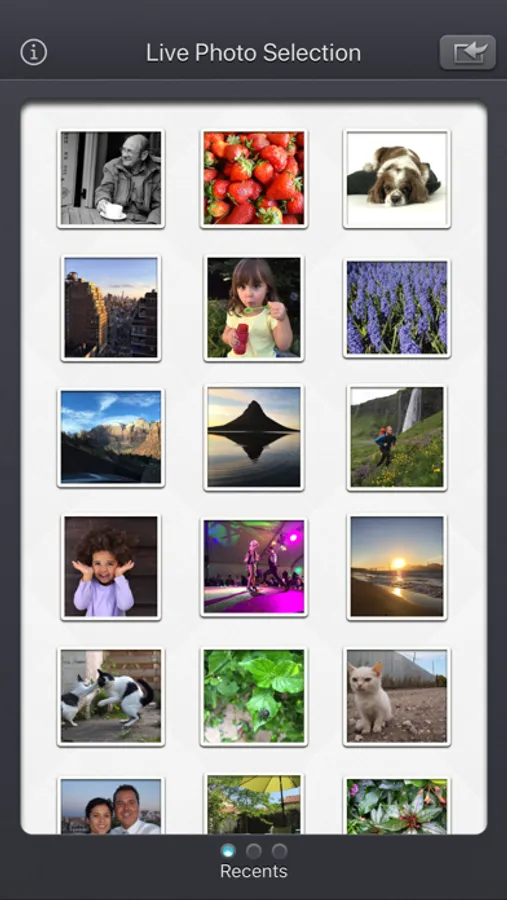
Live Photos are pictures that come alive for a few seconds. They can be created on recent Apple devices and they are meant to improve the traditional photos.
Thanks to Unlive:
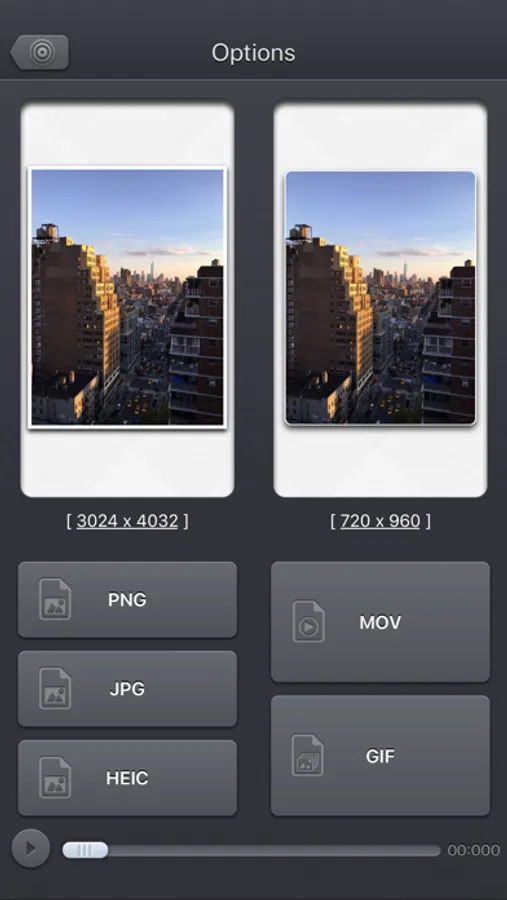
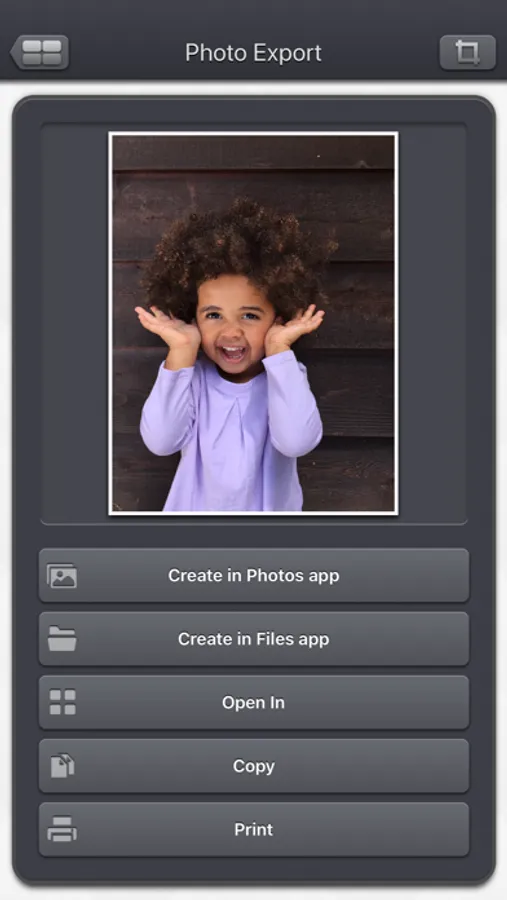
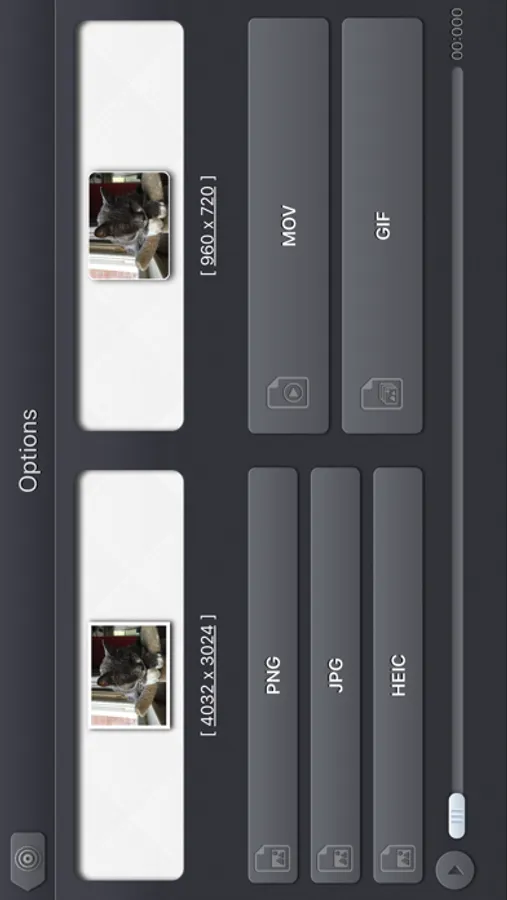
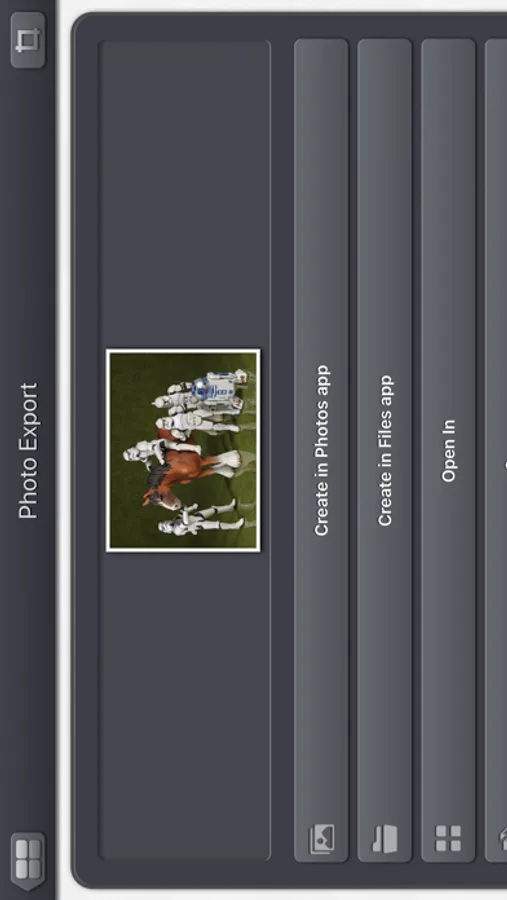
• The associated photo can be exported in .jpg, .png or .heic format (if supported by the device).
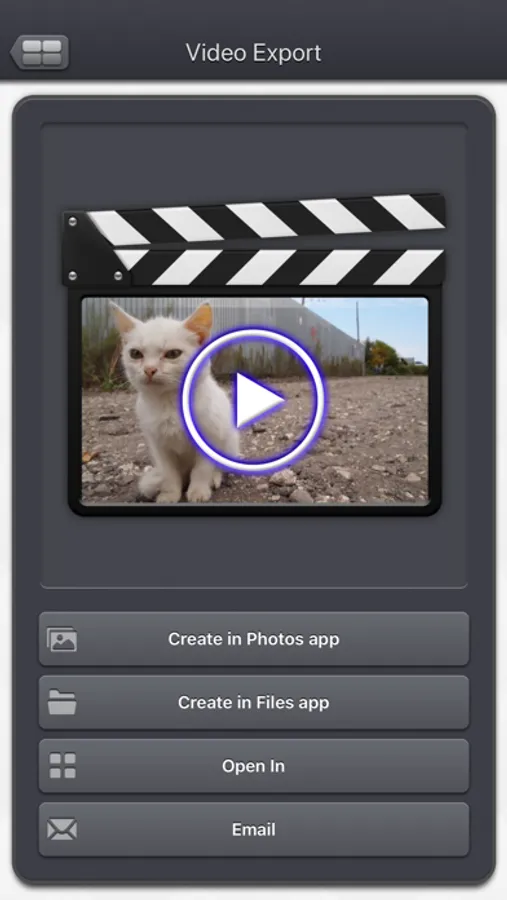
• The associated video can be exported .mov or .gif format.
The animated gif can be played in loop.
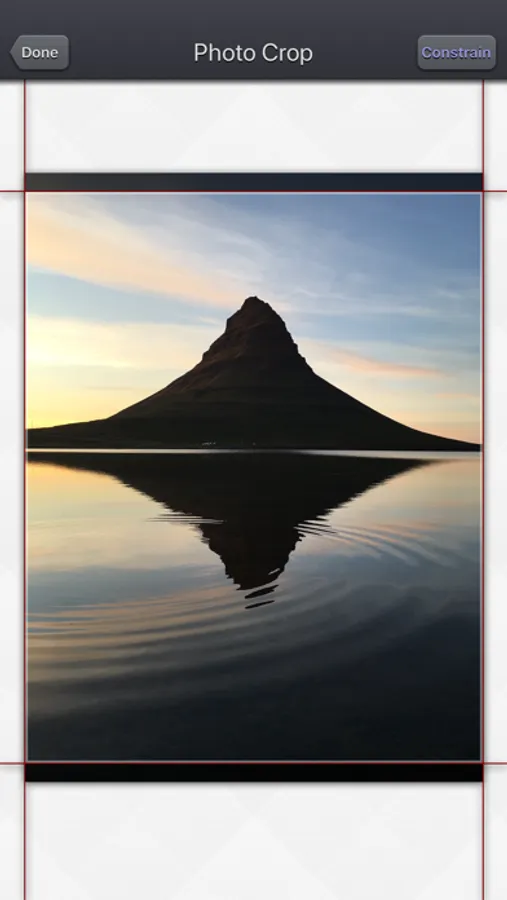
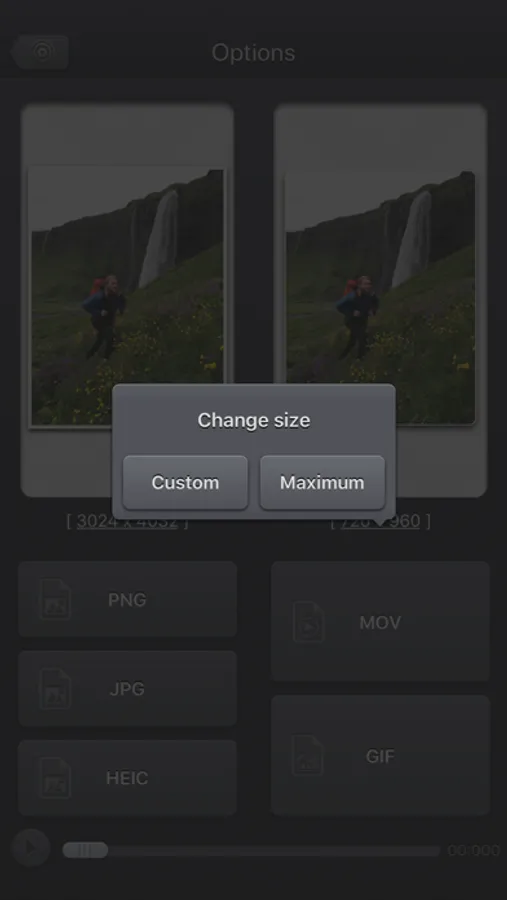
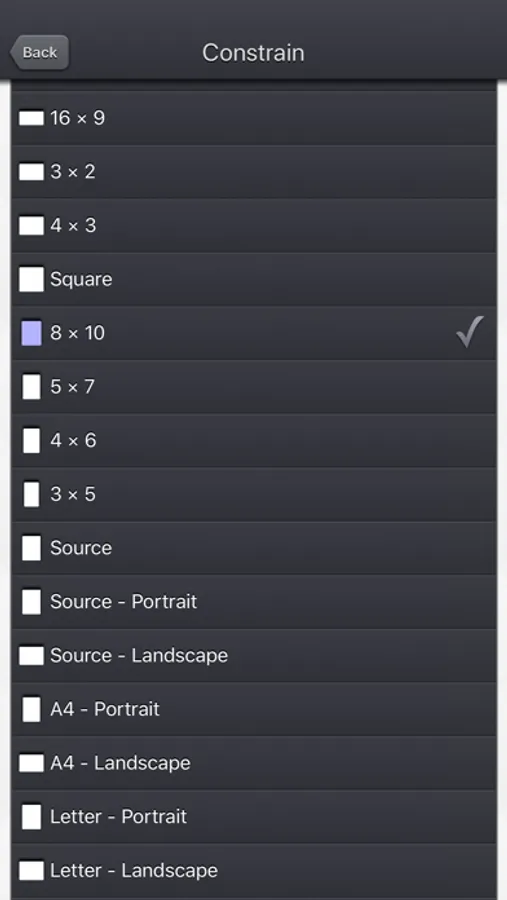
It is possible to specify the dimensions of the image or video before exporting it, in order to control the size of the exported file.
This application can run, on your iPhone and your iPad, as a standalone application, or as an Action Extension (from the compatible applications like the Photo app).
Portrait and Landscape orientations are supported in all screens.
Dark mode of iOS13 is supported.
You will find the original and intuitive user interface, common to all our videos applications.
These applications have been featured many times by Apple and various websites.
Unlive - HD video in the photo Screenshots

Tap to Rate:
Reviews for Unlive - HD video in the photo
just nothappy
Mov to jpeg or jpg file conversion junk
Bought it today. No it doesn’t work.
Pandahaus
Works great
This app takes my iPhone photos and converts them to a format that can be read on my Windows devices. I wish it could do more than one at a time, but it allows you to customize the exact freeze point of each photo. It also keeps the properties of the original photo such as the location and the date stamp.