AppRecs review analysis
AppRecs rating 1.0. Trustworthiness 65 out of 100. Review manipulation risk 24 out of 100. Based on a review sample analyzed.
★☆☆☆☆
1.0
AppRecs Rating
Ratings breakdown
5 star
25%
4 star
0%
3 star
0%
2 star
25%
1 star
50%
What to know
✓
Low review manipulation risk
24% review manipulation risk
⚠
Mixed user feedback
Average 1.0★ rating suggests room for improvement
About XPlanner Project management
XPlanner is a tool for lean project management that improves the personal or team productivity. It allows to see the big picture, and speed the implementation.
Its main features are:
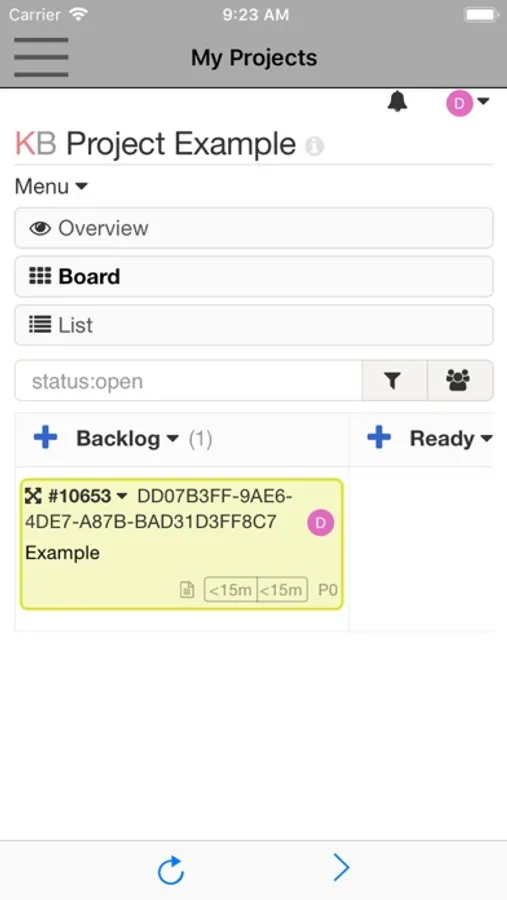
- Visual and clear overview of your tasks
- Drag and drop tasks between columns easily
- Limit your work in progress to be more efficient. Avoid multitasking to stay focused on your work.
- Search and filter tasks. Don't waste your time, find your tasks quickly with the simple but powerful search engine.
- Switch between board, calendar and list views
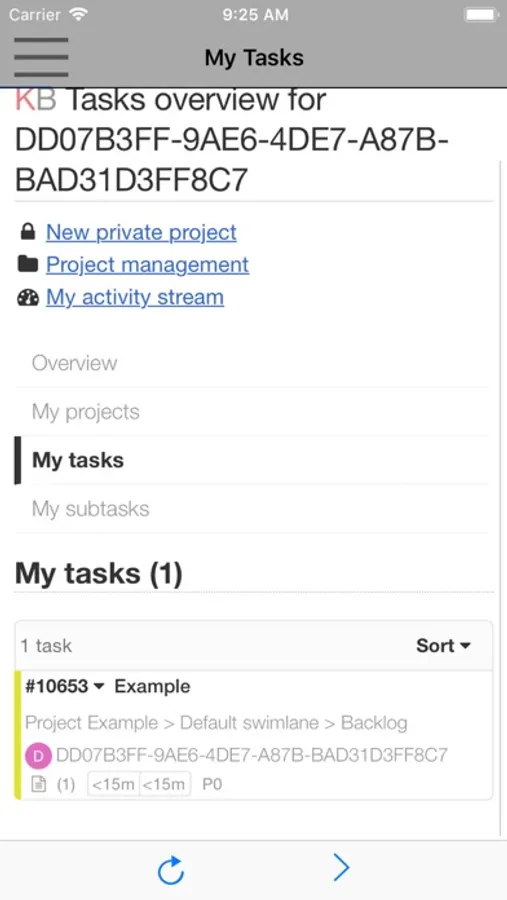
- Single dashboard for all projects. Get all important information in one place, your projects, your calendar, your assigned tasks and sub-tasks.
- Work in a team or alone.
- Tasks, subtasks, attachments and comments.
- Break down a task into sub-tasks, estimate the time or the complexity.
- Describe your task by using the Markdown syntax.
- Add comments, documents, change the color, the category, the assignee, the due date.
- Move or duplicate your tasks across projects with one click.
- Automate your workflow.
- Stop doing again and again the same thing manually.
- Change automatically the assignee, colors, categories and almost anything based on events.
- Swimlanes, which are horizontal separations in your board. You can divide the board into several sections to manage software releases or anything else.
- Gantt Charts
- Analytics and Reports Analyze and improve your workflow by using the cumulative flow diagram or the burn down chart.
- Time Tracking. Track automatically the time spent on subtasks and tasks. Compare the time spent to the time estimated.
The subscription inside the app consists on the following:
- The length of the subscription is 1 month
- The price of the subscription is $0.99
- The subscription will be auto-renewed every month so that you can continue enjoying the app without ads.
- Payment will be charged to iTunes Account at confirmation of purchase
- Subscription automatically renews unless auto-renew is turned off at least 24-hours before the end of the current period
- Account will be charged for renewal within 24-hours prior to the end of the current period, and identify the cost of the renewal
- Subscriptions may be managed by the user and auto-renewal may be turned off by going to the user's Account Settings after purchase
- No cancellation of the current subscription is allowed during active subscription period
- The privacy policy and terms of use of our apps are in https://www.offidocs.com/index.php/mobile-apps-policy
Its main features are:
- Visual and clear overview of your tasks
- Drag and drop tasks between columns easily
- Limit your work in progress to be more efficient. Avoid multitasking to stay focused on your work.
- Search and filter tasks. Don't waste your time, find your tasks quickly with the simple but powerful search engine.
- Switch between board, calendar and list views
- Single dashboard for all projects. Get all important information in one place, your projects, your calendar, your assigned tasks and sub-tasks.
- Work in a team or alone.
- Tasks, subtasks, attachments and comments.
- Break down a task into sub-tasks, estimate the time or the complexity.
- Describe your task by using the Markdown syntax.
- Add comments, documents, change the color, the category, the assignee, the due date.
- Move or duplicate your tasks across projects with one click.
- Automate your workflow.
- Stop doing again and again the same thing manually.
- Change automatically the assignee, colors, categories and almost anything based on events.
- Swimlanes, which are horizontal separations in your board. You can divide the board into several sections to manage software releases or anything else.
- Gantt Charts
- Analytics and Reports Analyze and improve your workflow by using the cumulative flow diagram or the burn down chart.
- Time Tracking. Track automatically the time spent on subtasks and tasks. Compare the time spent to the time estimated.
The subscription inside the app consists on the following:
- The length of the subscription is 1 month
- The price of the subscription is $0.99
- The subscription will be auto-renewed every month so that you can continue enjoying the app without ads.
- Payment will be charged to iTunes Account at confirmation of purchase
- Subscription automatically renews unless auto-renew is turned off at least 24-hours before the end of the current period
- Account will be charged for renewal within 24-hours prior to the end of the current period, and identify the cost of the renewal
- Subscriptions may be managed by the user and auto-renewal may be turned off by going to the user's Account Settings after purchase
- No cancellation of the current subscription is allowed during active subscription period
- The privacy policy and terms of use of our apps are in https://www.offidocs.com/index.php/mobile-apps-policy
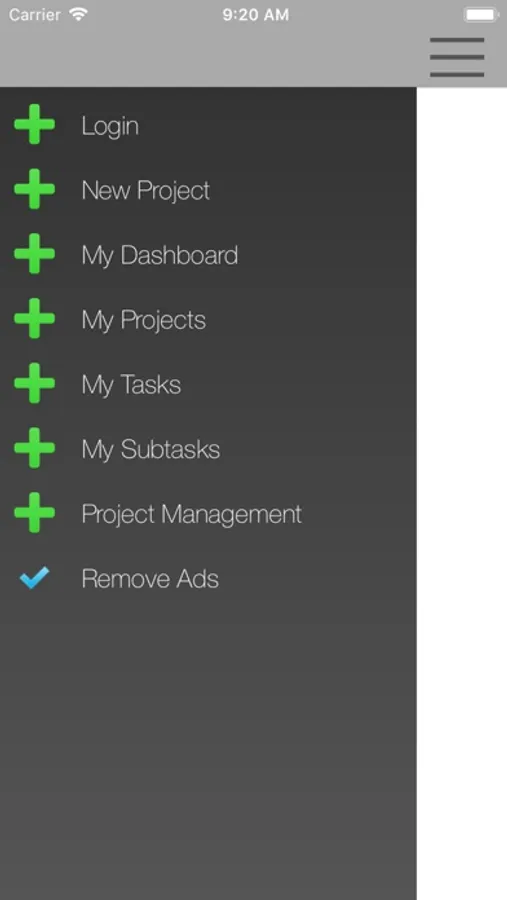
XPlanner Project management Screenshots
Tap to Rate:
Reviews for XPlanner Project management
Rocky2930
Not Working on I Pad Pro
Could not get it to work on I pad pro it
THE Tiggr
Adverts
Free != Ad supported. Uninstalled.