In this mobile tracking app, you can monitor your location data and analyze movement details offline. Includes features for data backup, address search, map customization, and report exporting.
AppRecs review analysis
AppRecs rating 4.3. Trustworthiness 70 out of 100. Review manipulation risk 23 out of 100. Based on a review sample analyzed.
★★★★☆
4.3
AppRecs Rating
Ratings breakdown
5 star
71%
4 star
11%
3 star
3%
2 star
3%
1 star
11%
What to know
✓
Low review manipulation risk
23% review manipulation risk
✓
Credible reviews
70% trustworthiness score from analyzed reviews
✓
High user satisfaction
83% of sampled ratings are 4+ stars (4.3★ average)
About Device Tracker - Mobile Finder
Device Tracker is a personal application through which you can track your own activity(mobile tracking) UNLIMITED without internet connectivity. Install the app and allow app to access your current location, Thats it. All your track data is available on your device only. So, Don’t need to worry about your personal data lose / Data hack. It is very simple and useful app that helps you to track date wise location track. THIS APP WON'T UPLOAD ANY PERSONAL DATA.It also able to track location even if app is not running actively.
Application has many more features as describe below:
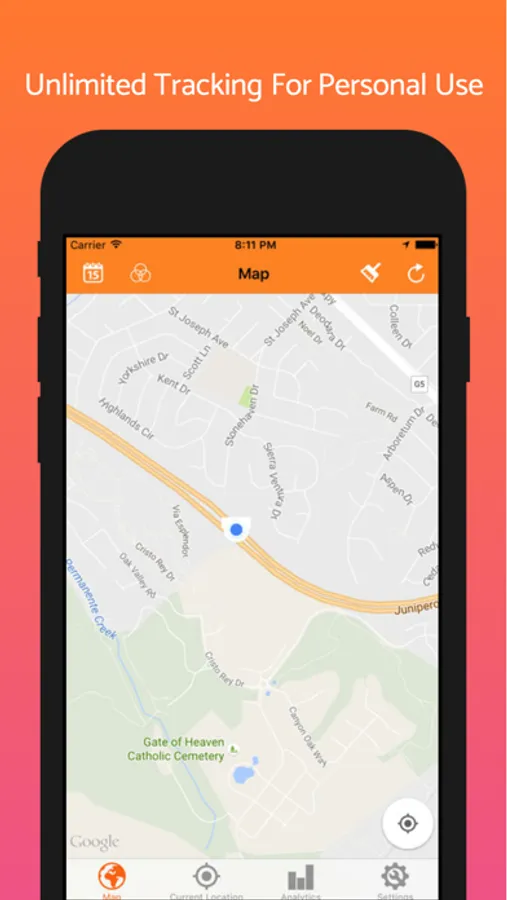
1. UNLIMITED Mobile tracking
2. Fetch your current location
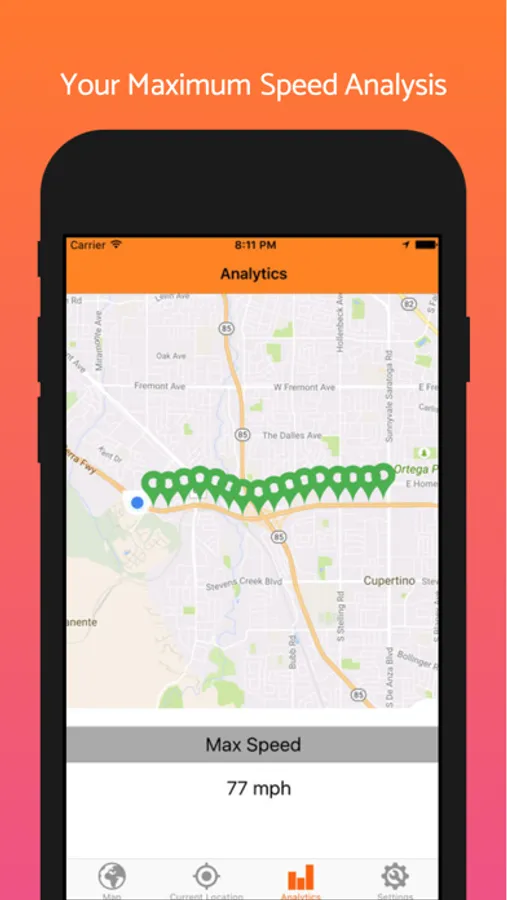
3. Maximum Speed limit Analysis
4. 100% Battery optimization and low battery performance
5. Data Backup using iTunes
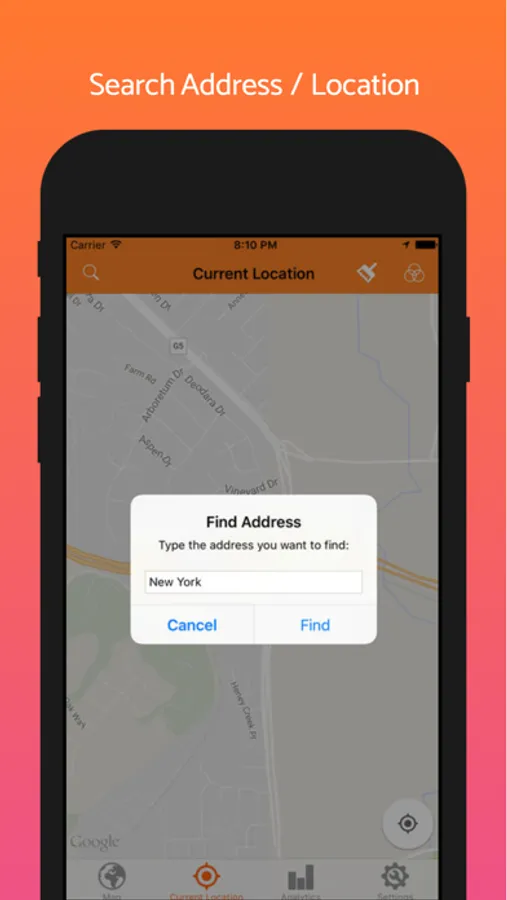
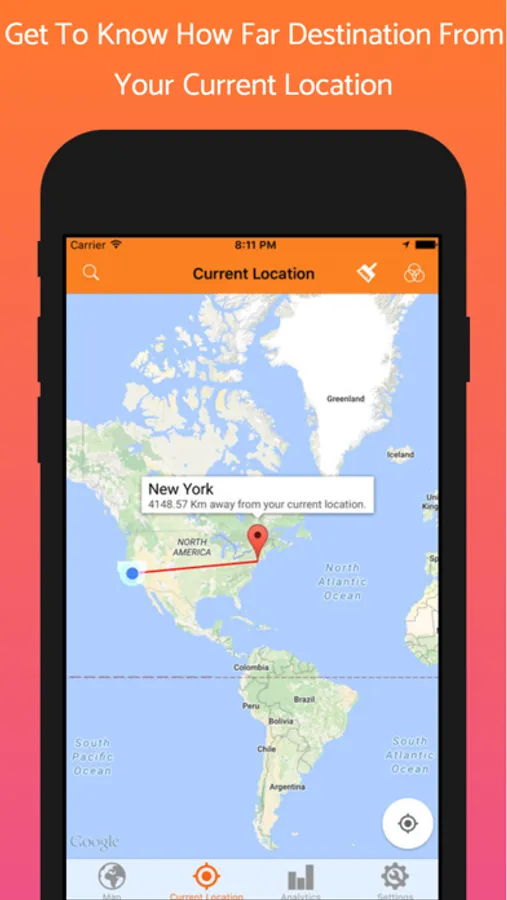
6. Search address and get approximately distance from current location.
7. Different types of Maps for Look and Feel.
8. - Export Track Report as PDF (Download + Share via Email)
IMPORTANT: "Continued use of GPS running in the background can dramatically decrease battery life."
USE CASE:
-----
1. Install application and allow app to access your current location.
2. Check your locations date wise.
3. Find address and distance from your current location
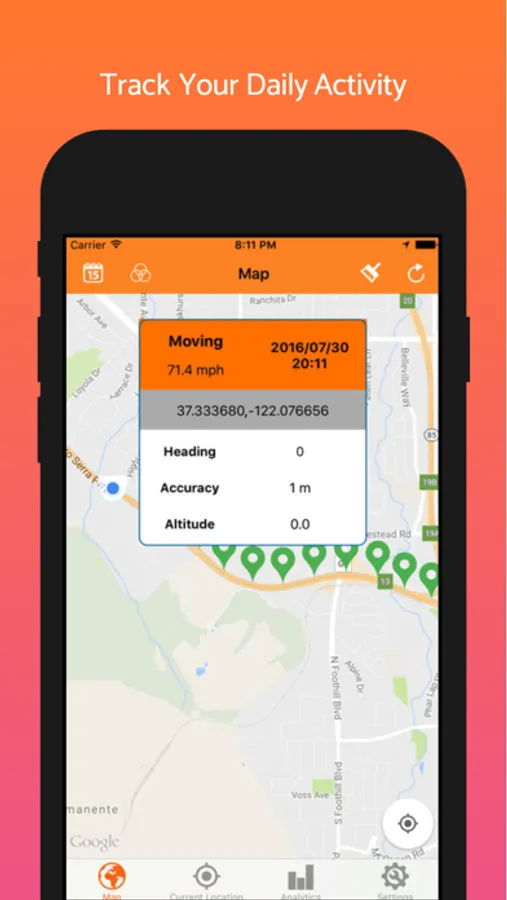
TRACKING DETAILS:
-----
1. Date and Time
2. Speed (mph)
3. Location (Latitude, Longitude, Altitude)
4. Accuracy
5. Device State (Moving / Ideal)
6. Heading (Which direction device is going, called heading)
HOW TO BACKUP VIA ITUNES:
-----
1. Connect device with iTunes on computer system
2. Open iTunes and go to Apps tab (For connected device)
3. Scroll down and you can see "Tracker" application, Select app
4. Right side you can see "tracker.db" file. Copy this file into your system. That's it.
IMPORTANT:
-----
1. This app will not send any personal data to 3rd party server.
2. It will never Encrypt/Decrypt personal data
3. It will track your personal data if and only if you allow to do so.
4. All tracking data is stored in your device only, so there is no chance to hack your data OR recover data after data loss (Or you delete all history from application.)
5. You will not able to recover data after deleting it.
6. This app is NOT tracking a phone number or any other user's location
Whats New in Version 1.6
-----
1. 100% Battery Optimization
2. Performance optimized and exact location on every 100 Meter distance radius
3. Maximum Speed analysis + All visited place on single map
4. Bug Fixed
5. iTunes data backup
6. Application is available now in : English, French, Spanish, Chinese, Japanese, German, Russian
If you have any query feel free to ask us:
Email : droidoworld@gmail.com
Facebook Page: https://www.facebook.com/androidPAIDAppsForFREE
Application has many more features as describe below:
1. UNLIMITED Mobile tracking
2. Fetch your current location
3. Maximum Speed limit Analysis
4. 100% Battery optimization and low battery performance
5. Data Backup using iTunes
6. Search address and get approximately distance from current location.
7. Different types of Maps for Look and Feel.
8. - Export Track Report as PDF (Download + Share via Email)
IMPORTANT: "Continued use of GPS running in the background can dramatically decrease battery life."
USE CASE:
-----
1. Install application and allow app to access your current location.
2. Check your locations date wise.
3. Find address and distance from your current location
TRACKING DETAILS:
-----
1. Date and Time
2. Speed (mph)
3. Location (Latitude, Longitude, Altitude)
4. Accuracy
5. Device State (Moving / Ideal)
6. Heading (Which direction device is going, called heading)
HOW TO BACKUP VIA ITUNES:
-----
1. Connect device with iTunes on computer system
2. Open iTunes and go to Apps tab (For connected device)
3. Scroll down and you can see "Tracker" application, Select app
4. Right side you can see "tracker.db" file. Copy this file into your system. That's it.
IMPORTANT:
-----
1. This app will not send any personal data to 3rd party server.
2. It will never Encrypt/Decrypt personal data
3. It will track your personal data if and only if you allow to do so.
4. All tracking data is stored in your device only, so there is no chance to hack your data OR recover data after data loss (Or you delete all history from application.)
5. You will not able to recover data after deleting it.
6. This app is NOT tracking a phone number or any other user's location
Whats New in Version 1.6
-----
1. 100% Battery Optimization
2. Performance optimized and exact location on every 100 Meter distance radius
3. Maximum Speed analysis + All visited place on single map
4. Bug Fixed
5. iTunes data backup
6. Application is available now in : English, French, Spanish, Chinese, Japanese, German, Russian
If you have any query feel free to ask us:
Email : droidoworld@gmail.com
Facebook Page: https://www.facebook.com/androidPAIDAppsForFREE
Device Tracker - Mobile Finder Screenshots
Tap to Rate:
Reviews for Device Tracker - Mobile Finder
alicia2007
Tracker for decixe
I don’t like and it don’t help me find my device
nachoashleo
Mr.
Is been a great piece of technology