
AppRecs review analysis
AppRecs rating 2.0. Trustworthiness 78 out of 100. Review manipulation risk 27 out of 100. Based on a review sample analyzed.
★★☆☆☆
2.0
AppRecs Rating
Ratings breakdown
5 star
0%
4 star
0%
3 star
50%
2 star
0%
1 star
50%
What to know
✓
Low review manipulation risk
27% review manipulation risk
✓
Credible reviews
78% trustworthiness score from analyzed reviews
⚠
Mixed user feedback
Average 2.0★ rating suggests room for improvement
About Gira Smart Home
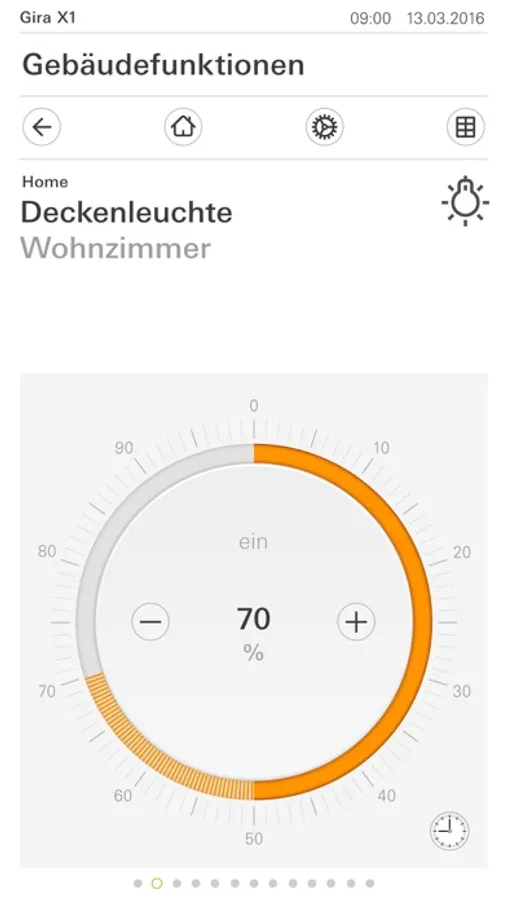
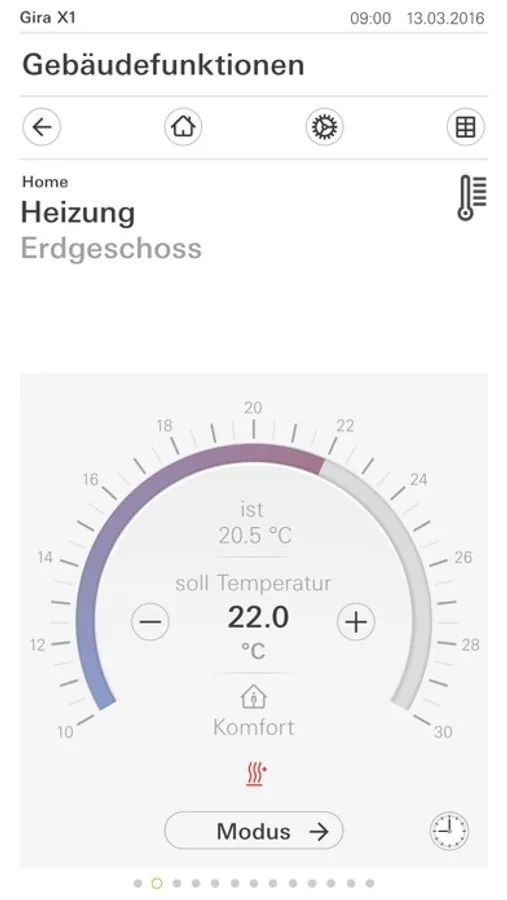
The user-friendly interface of the Gira X1 app visualises the Gira One or KNX installation of a single-family home and makes its functions available: dimming, switching, shutters, blinds, heating control, value transmitter, scenes, timer and much more. Camera images can also be accessed "live" and Sonos speakers and Philips Hue can be integrated. Various customisation options, such as selection of favourite functions, make it possible to individualise the home view. Setting up timers in the app makes it possible to execute individual time-controlled functions.
The operating instructions for the smart home app can be found at:
https://partner.gira.de/data3/20961790_App.pdf
The licence text for the Gira X1 app can be found at:
http://download.gira.de/data2/209600_girax1_app_licence_de.pdf
http://download.gira.de/data2/209600_girax1_licence_de.pdf
Gira Smart Home Screenshots
Tap to Rate:
Reviews for Gira Smart Home
gend17
Doesn’t work on Mac OS Sequoia 15.1
After installing a new operating system on Mac (MacOS Sequoia 15), the Smart Home application (v. 5.0.8788) can no longer connect to the Gira X1. From another account on this computer, the Smart Home application does not work at all - the buttons are inactive. It seems that the current version of the Smart Home app is not fully compatible with the MacOS Sequoia 15. I tried to delete the app and reinstall it, but the connection problem was not solved
AppleOfficialAppReviewer
Missing features
The app is good, easy to use, but could have some improvement and create features. First would be nice to be able to edit functions directly from its usage interface. Currently you need to go all the way to the manage menu to edit things in a function. I’d really like that the app would add widgets and shortcuts. Would be nice to be able to control selected favorite functions in the shortcut/widgets screen, without having to go into the app. Also, the integration will iPhone shortcuts doesn’t seem to work. The shortcut opens the app but doesn’t execute the scene.