
In this recipe organizer and meal planner, you can import, scan, and create recipes with AI assistance. Includes recipe importing, meal planning, grocery ordering, and nutrition tracking.
AppRecs review analysis
AppRecs rating 4.1. Trustworthiness 83 out of 100. Review manipulation risk 31 out of 100. Based on a review sample analyzed.
★★★★☆
4.1
AppRecs Rating
Ratings breakdown
5 star
89%
4 star
6%
3 star
1%
2 star
1%
1 star
3%
What to know
✓
Credible reviews
83% trustworthiness score from analyzed reviews
⚠
Ad complaints
Many low ratings mention excessive ads
⚠
Pricing complaints
Many low ratings mention paywalls or pricing
About CookBook - Recipe Keeper
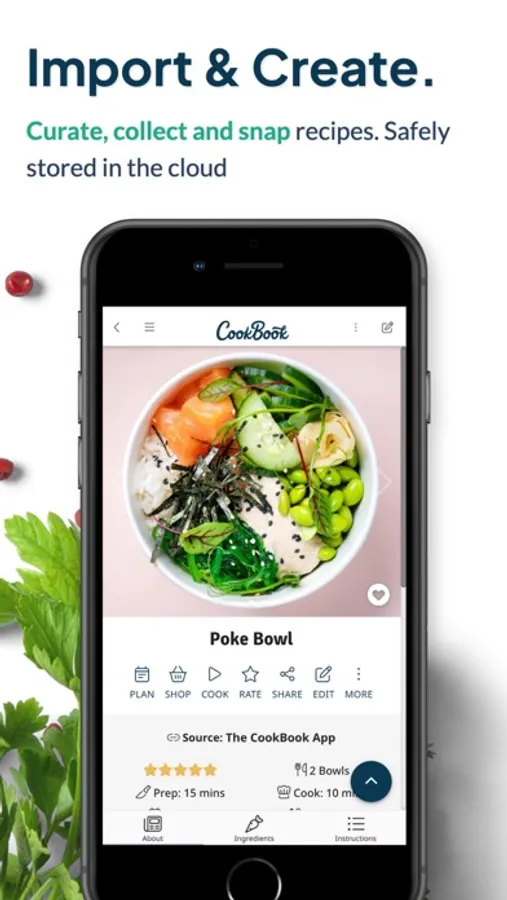
IMPORT & CREATE
• Import recipes from websites, Instagram, TikTok, Facebook, Pinterest and more
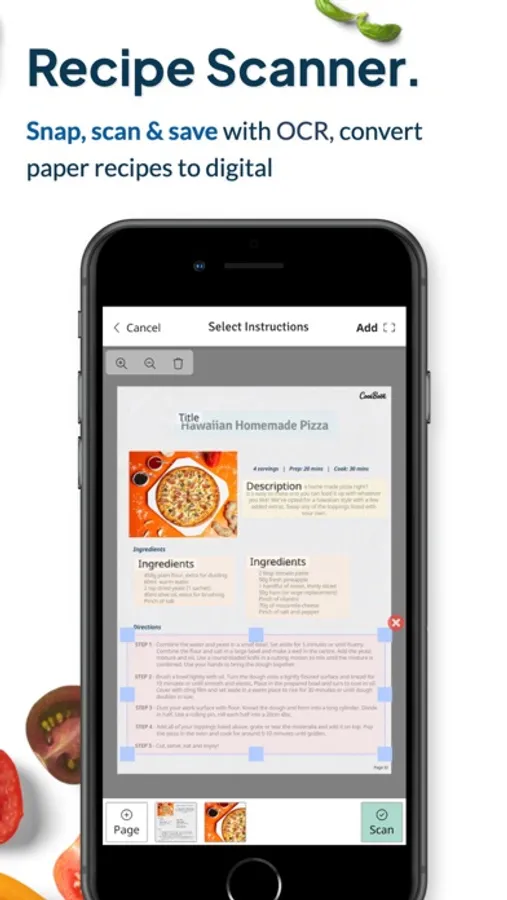
• Scan photos of cookbooks or handwritten cards with the AI Recipe Scanner
• AI Chef creates new recipes, variations, ingredient swaps, and generates dish images
• Import directly from Safari as you browse websites
• Safeguard treasured family favorites in your personal CookBook
ORGANIZE AND CUSTOMIZE
Ingredients in your instructions auto‑link to exact amounts for quick checks
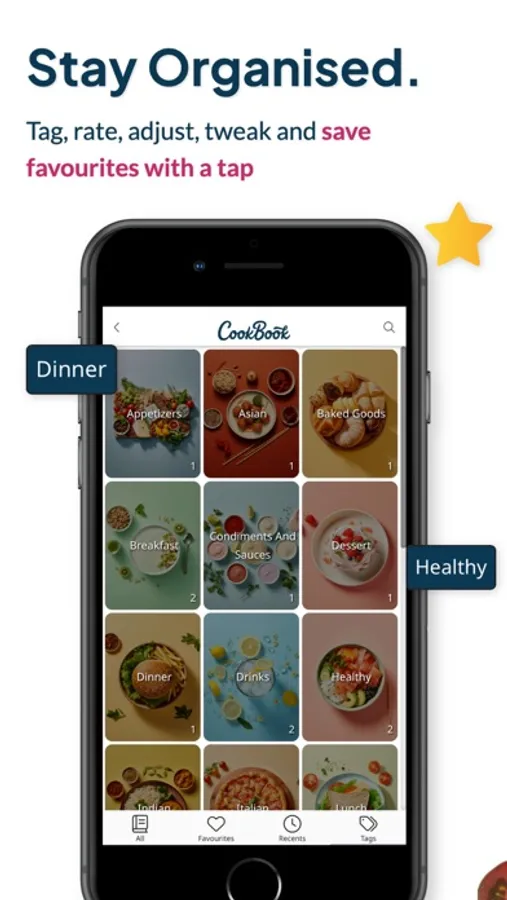
• Bulk-edit tags, add tag images and link related dishes
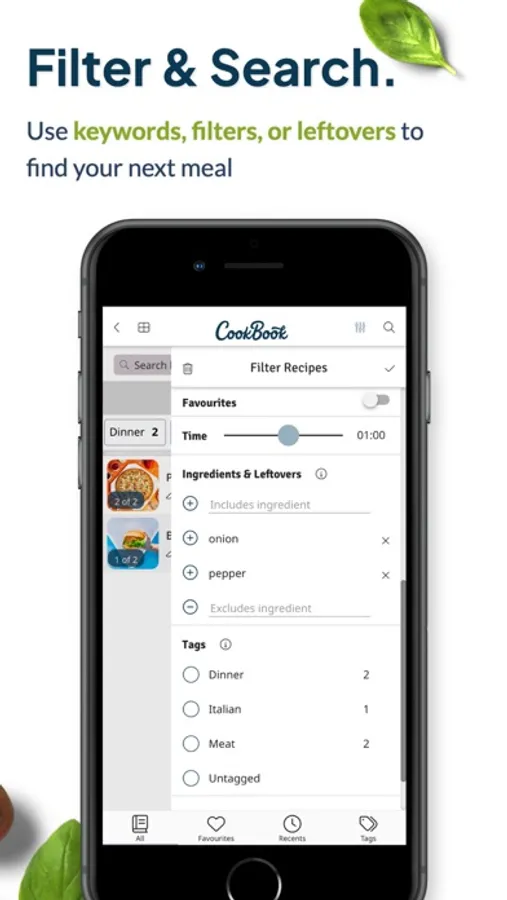
• Powerful search by name, ingredients, nutrition, cook time or dietary tags (vegan, keto, gluten‑free)
• Pick from custom colour themes and accessibility font sizes
MEAL PLANNING AND SHOPPING
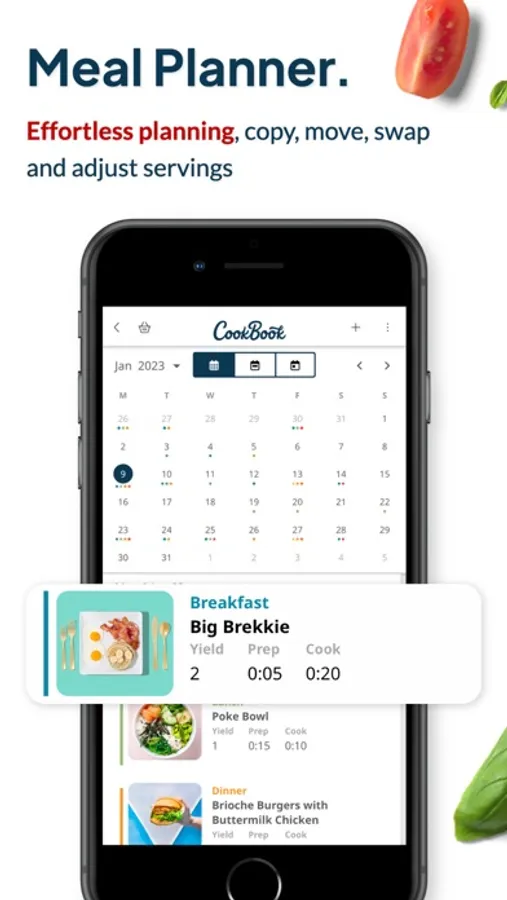
• Plan your meals for a day, week or month with the built-in grocery planner
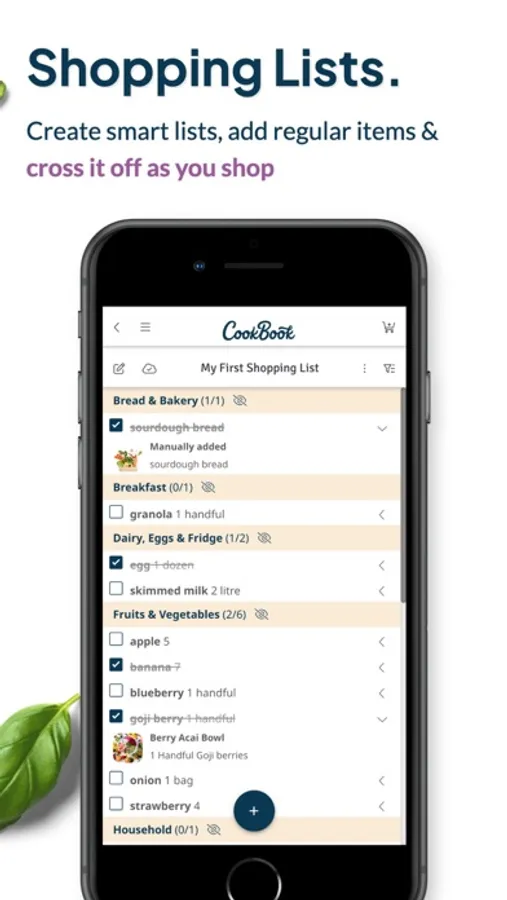
• Smart shopping list app sorts items by aisle and syncs across devices
• Instacart integration lets US and Canadian users order groceries in one tap
• Plan ahead to cut food waste and stay on budget
NUTRITION AND GOALS
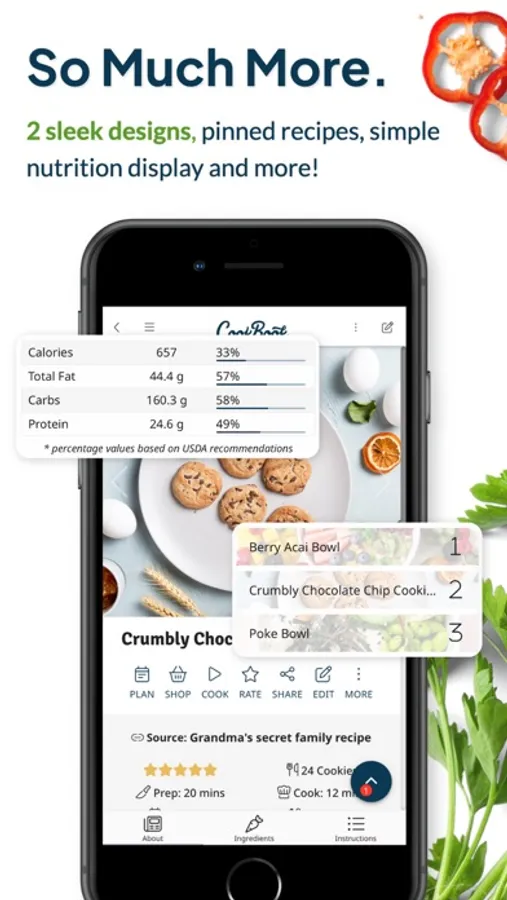
• Macro calculator with custom targets and daily totals in the planner
COOK WITH CONFIDENCE
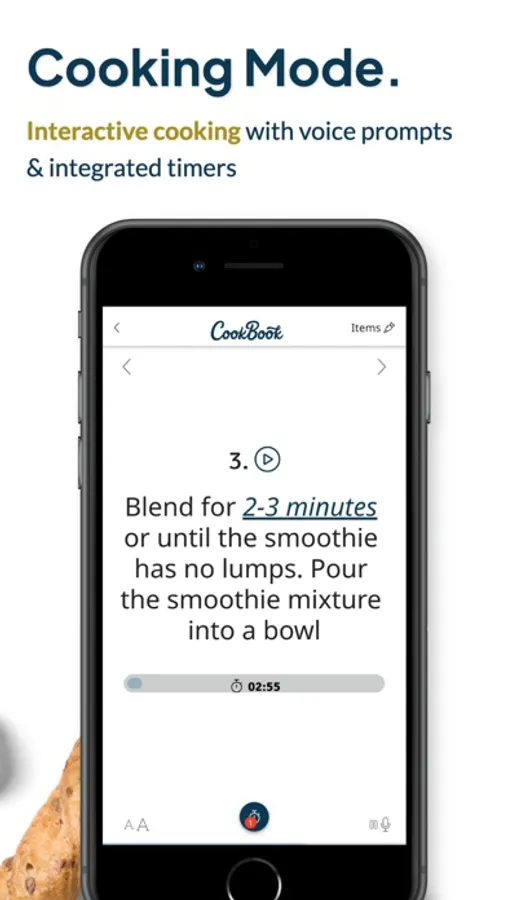
• Voice guidance with built-in timers and screen wake lock
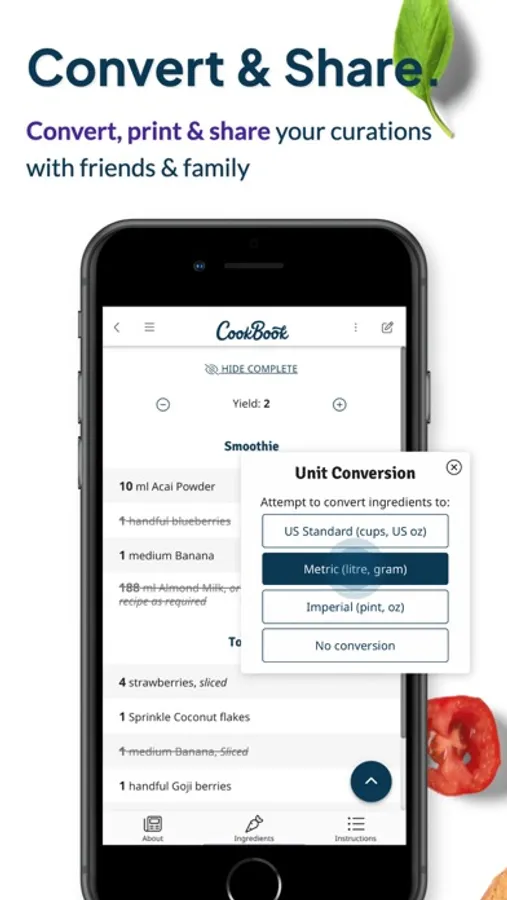
• Effortlessly scale servings and convert units (US, Metric, Imperial, Australian) and temperatures automatically
ANYTIME, ANYWHERE
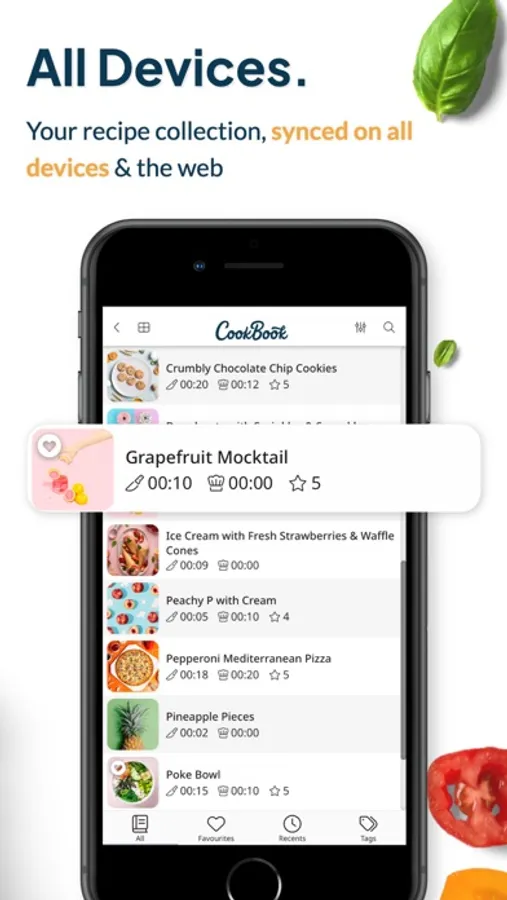
• Sync recipes on iPhone, iPad, Mac and the CookBook Web App
• Offline access keeps every recipe available without a connection
• Sign in with Apple and secure cloud backup
EXTRA TOOLS
• Duplicate checker, last-cooked date, cook count
• Multiple photos per step and video links
• Volume-to-weight converter and QR code sharing
QUESTIONS OR FEEDBACK?
Email team@cookbookmanager.com - we’d love to help!
PRICING & TERMS
CookBook is free to download. After 20 stored recipes & 20 smart imports you’ll need an active monthly or yearly subscription (yearly includes one 14-day free trial if you have not previously redeemed a trial offer). Payment is charged to your App Store account at confirmation and renews automatically unless cancelled at least 24 hours before the end of the period. Manage or cancel in App Store account settings. Unused portions of a free trial or subscription period are non‑refundable.
Terms: https://www.cookbook.company/policies/terms
Privacy: https://www.cookbook.company/policies/privacy
CookBook - Recipe Keeper Screenshots
Tap to Rate:
Reviews for CookBook - Recipe Keeper
Figgy24_20
Big downgrade since version 3
I used to really love this app. It was the best way to organize recipes and shopping lists. Ever since the 3.0 update, it’s gotten much worse. I will give one example to illustrate, but please understand that it represents more issues. In the shopping list page I want to rename my list. There are two icons that have three dots in them. Bot of them bring up the same menu of options (which has its own issues) but the menu doesn’t contain an option to rename the shopping list. (Why are there two buttons for the same menu to begin with?) There is another button of three lines in the upper left, so I’ll try that. That brings up the master menu for the app, which is already somewhat duplicated in the bottom bar, and it doesn’t have the option to rename the menu. There is a pencil icon too - maybe that’s what I’m looking for? No that’s for selecting items in the list. Finally there is an icon in the upper right that has three lines. That one brings up the list of all my shopping lists. Each of which has another menu icon next to it. That’s the one I have to tap on to rename the menu. But Please note!! I don’t mean to say that you should fix this one thing and the app will be fine, what I mean to illustrate is a pervasive sense of lack of user experience. I’m very disappointed because I expected to use this app for a long time, and it was relatively expensive for the lifetime membership. Honestly if I could revert to version 2.2.295 I would.
Rbbnet
Best Recipe Importer
I’ve tried them all and no app does a recipe import into your cookbook better than this app. What I love most of all is their dev group’s response to fix bugs asap.