
AppRecs review analysis
AppRecs rating 3.6. Trustworthiness 76 out of 100. Review manipulation risk 24 out of 100. Based on a review sample analyzed.
★★★☆☆
3.6
AppRecs Rating
Ratings breakdown
5 star
63%
4 star
6%
3 star
0%
2 star
6%
1 star
25%
What to know
✓
Low review manipulation risk
24% review manipulation risk
✓
Credible reviews
76% trustworthiness score from analyzed reviews
✓
Good user ratings
69% positive sampled reviews
About Vind - Video In Video
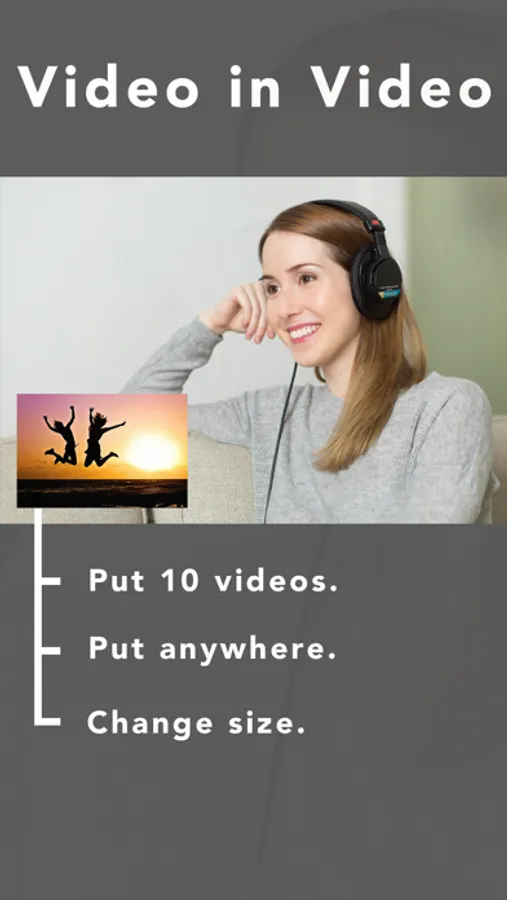
Vind lets you make a video. in video.
- Hot to use -
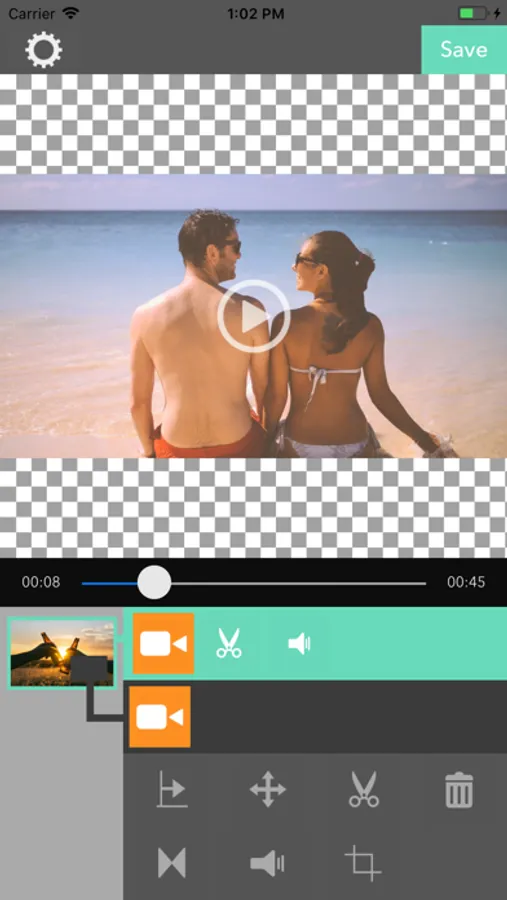
For the main video.
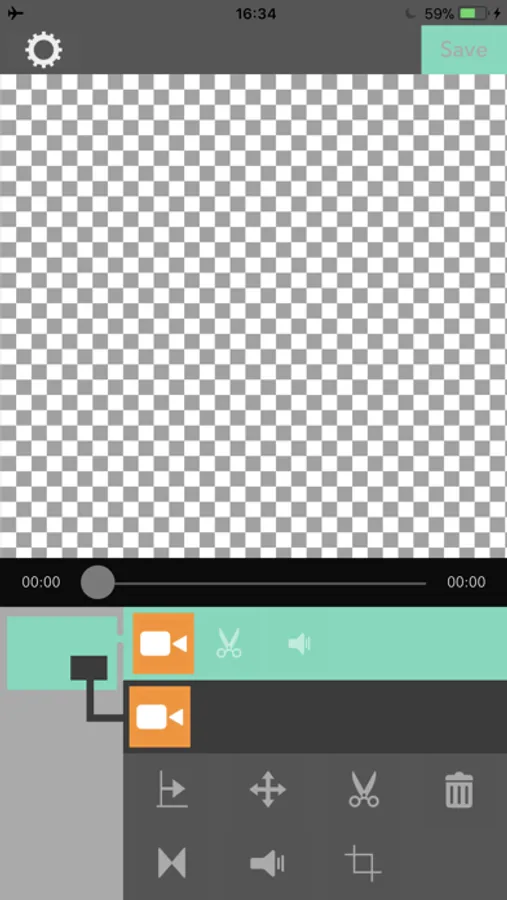
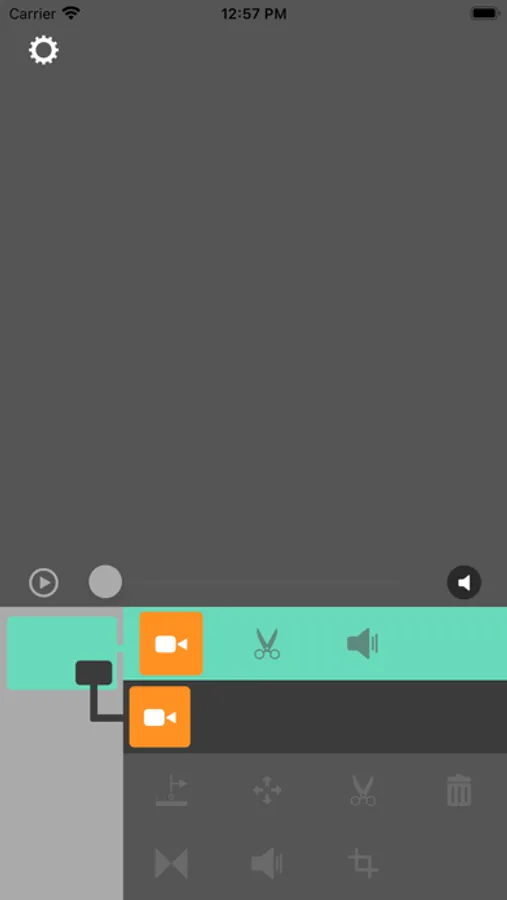
・Hit the video button on the green area to select the main video.
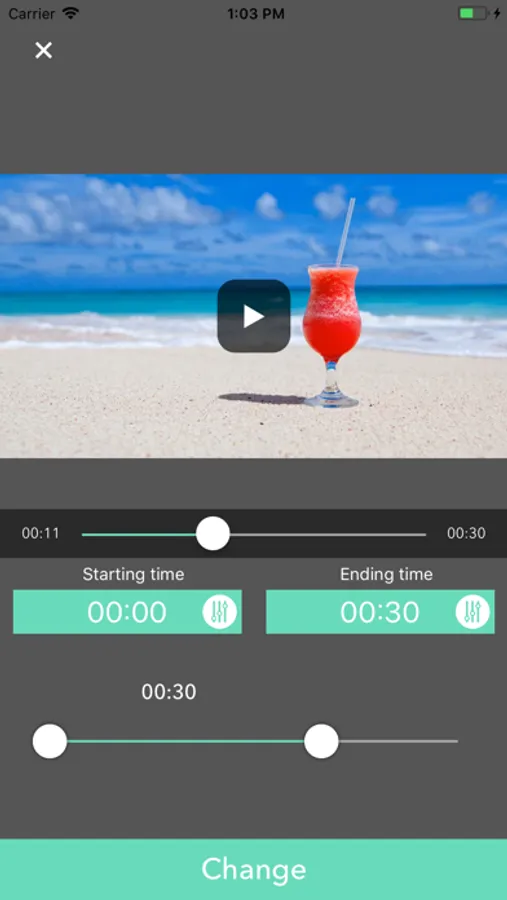
・Hit the scissors button to change the time range of the mian video. ・Hit the speaker button to change the volume.
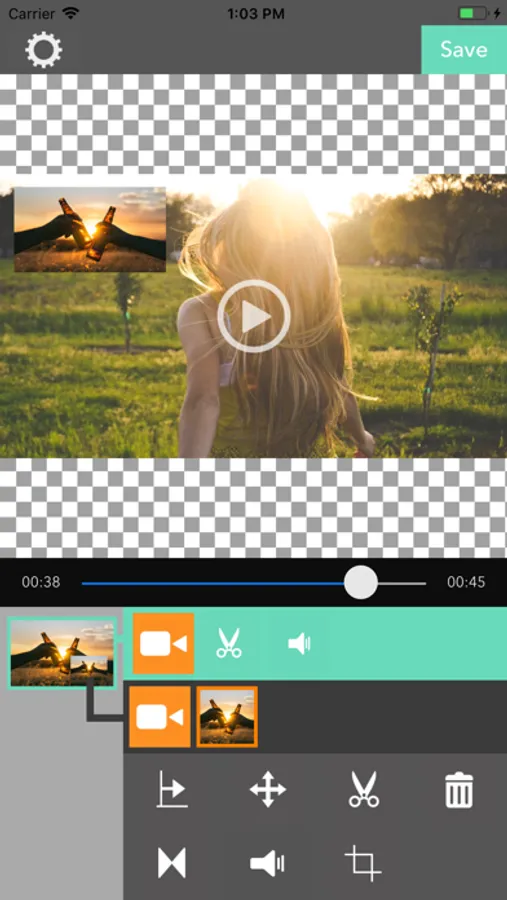
For the child video.
・Hit the video button on the gray area to select the child video.
・Hit the scissors button to change the time range of the child video. ・Hit the speaker button to change the volume.
・You can add 10 videos.
・Hit the cross arrow button to change the position and size of child video.
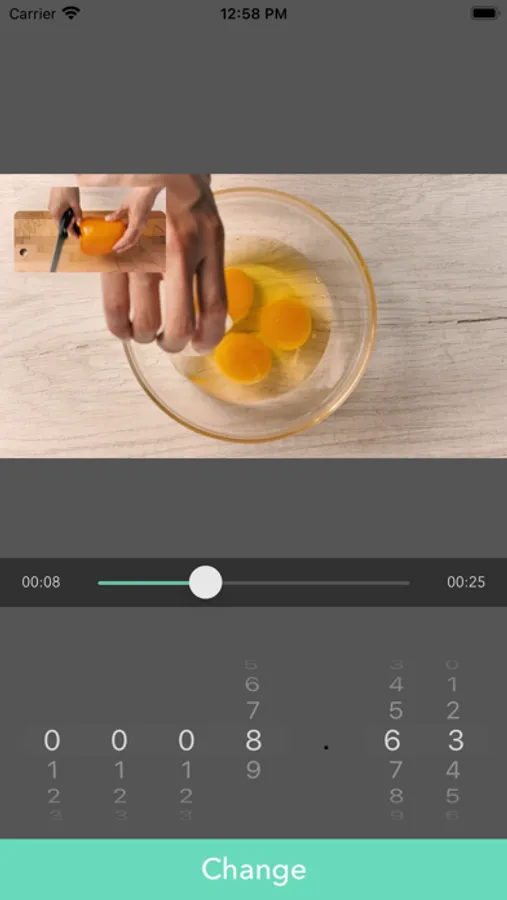
・Hit the right direction arrow button to change the start time of child video.
・Hit the trach box button to delete a child video.
・Hit the 2 triangles facing each other button to adjust fade in/out the effect a child video.
- Hot to use -
For the main video.
・Hit the video button on the green area to select the main video.
・Hit the scissors button to change the time range of the mian video. ・Hit the speaker button to change the volume.
For the child video.
・Hit the video button on the gray area to select the child video.
・Hit the scissors button to change the time range of the child video. ・Hit the speaker button to change the volume.
・You can add 10 videos.
・Hit the cross arrow button to change the position and size of child video.
・Hit the right direction arrow button to change the start time of child video.
・Hit the trach box button to delete a child video.
・Hit the 2 triangles facing each other button to adjust fade in/out the effect a child video.
Vind - Video In Video Screenshots
Tap to Rate:
Reviews for Vind - Video In Video
Briiiiiiaaaannnn
No Sound
There is no sound on any of my clips while trying to edit. Looks like an easy to use app, but can’t do anything with it if I can’t hear the sound of original clips while using it.
tdogg41492
doesn’t work
ive maybe tryed this app a dozen times and i think it worked once. that’s not a very good ratio