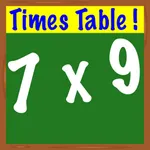
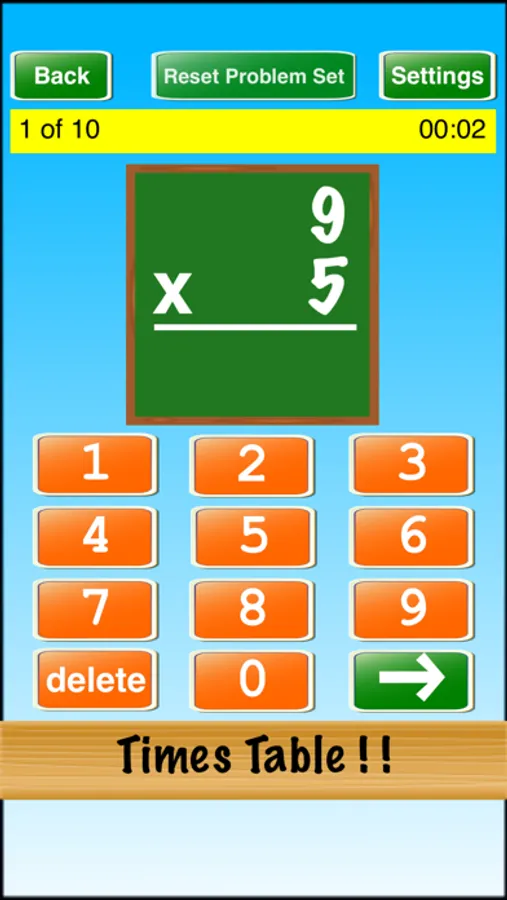
In this educational app, you can select specific factors to customize multiplication practice and solve problems through multiple-choice options. Includes feature for multiple problem selection, adjustable orientation, and time tracking.
AppRecs review analysis
AppRecs rating 3.9. Trustworthiness 72 out of 100. Review manipulation risk 25 out of 100. Based on a review sample analyzed.
★★★☆☆
3.9
AppRecs Rating
Ratings breakdown
5 star
56%
4 star
15%
3 star
8%
2 star
4%
1 star
17%
What to know
✓
Low review manipulation risk
25% review manipulation risk
✓
Credible reviews
72% trustworthiness score from analyzed reviews
✓
Good user ratings
71% positive sampled reviews
About Times Table ! !
Selected factors are shown in blue. Pressing a blue factor button will deselect it (make it gray), and pressing a gray factor button will select it (make it blue).
Features:
1) Select the individual factors to practice
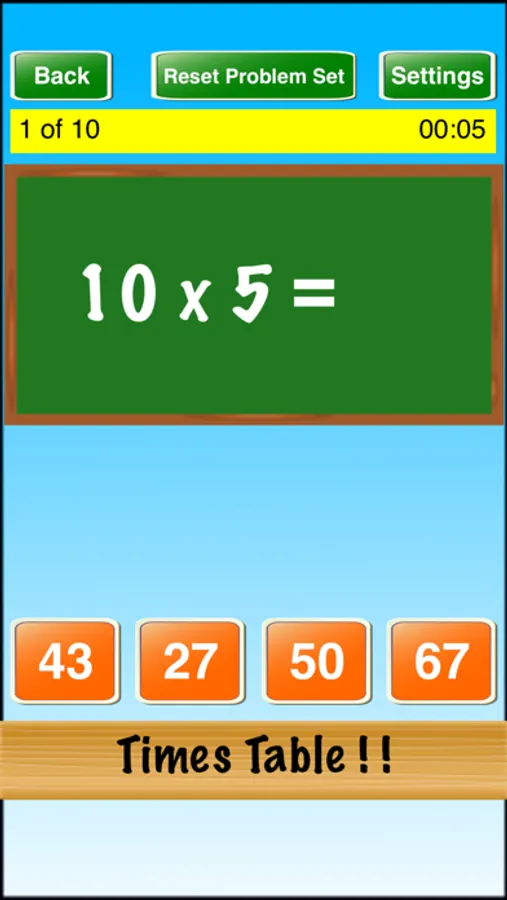
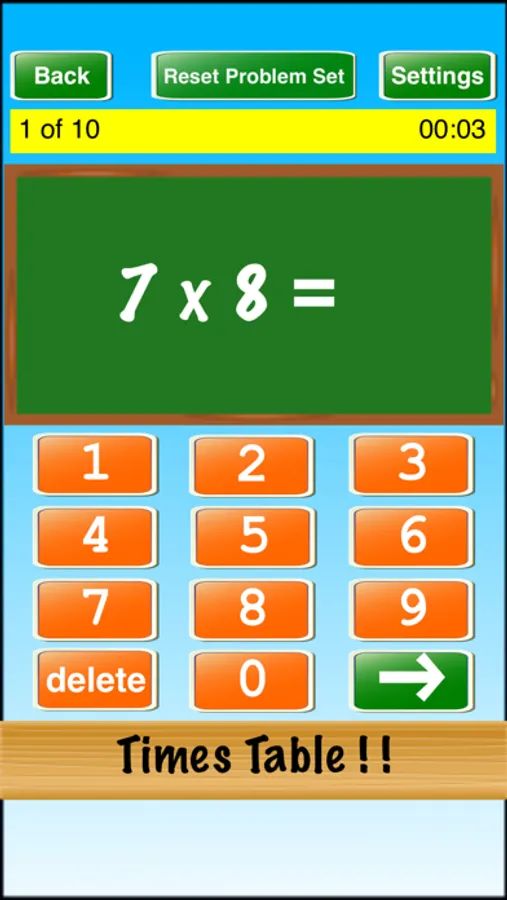
2) Multiple choice option (instead of keypad)
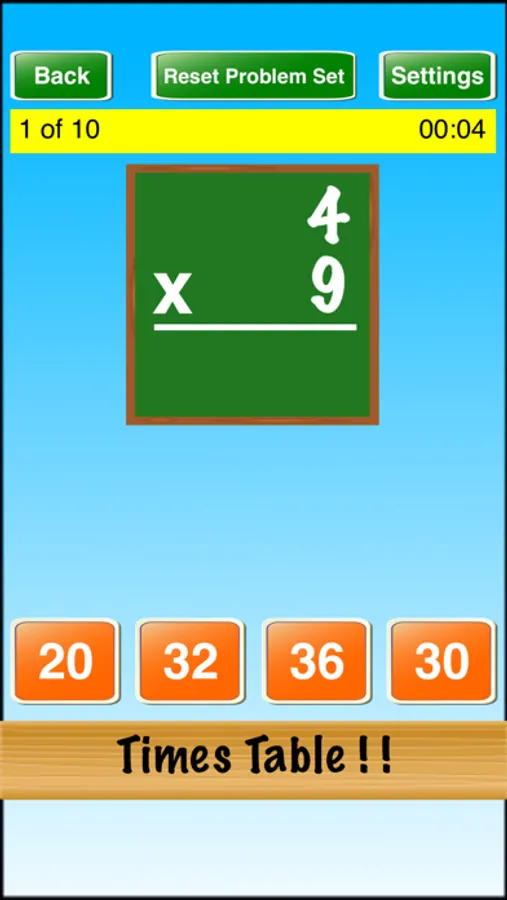
3) Horizontal or vertical problem orientation
4) Show/hide time used
5) Select number of problems
Selecting "Custom" for the number of problems will generate the number of problems based on the selected factors. For example, if one selects the individual factors 4, 5, and 6 for the "9 x" row, then three problems will be generated: 9 x 4, 9 x 5, and 9 x 6.
If you like this app, please consider giving it a rating. Your support will help keep the updates coming! Thank you for your support!
Times Table ! ! Screenshots
Tap to Rate:
Reviews for Times Table ! !
NedraJ
Cognizance
OMG! As a senior citizen, I find app very helpful. As one gets older, the memory declines. But because the brain is malleable, if I do this, it exercises the neurons and then writes and transmitters, etc., in the brain. I find this very helpful. It makes me work to remember things that I have learned an elementary school. I think it is absolutely wonderful because I have accomplished a faster rate bc of this app of multiplication, now. It hs been wonderful. Njs
ouhduogyuhgayguguygyug
I recommend this app 💯
As a kid in in 5th grade i am expected to know my multiplication and i know most of them. But I didn’t want to learn the ones that i already know so i changed the settings so that it only showed the ones that i am working on and it made life and school so much easier! I highly recommend like this app saved my life! There are no ads or anything. If you are hesitant about getting this app GET IT!!!!!!!! #saved my life #fun #get it