In this app, educators can convert printed worksheets into accessible digital activities by capturing images, customizing exercises, and adding audio prompts. Includes OCR for text recognition, word banks, and various options for sharing and saving worksheets.
AppRecs review analysis
AppRecs rating 4.6. Trustworthiness 80 out of 100. Review manipulation risk 25 out of 100. Based on a review sample analyzed.
★★★★☆
4.6
AppRecs Rating
Ratings breakdown
5 star
71%
4 star
6%
3 star
12%
2 star
6%
1 star
6%
What to know
✓
Low review manipulation risk
25% review manipulation risk
✓
Credible reviews
80% trustworthiness score from analyzed reviews
✓
High user satisfaction
76% of sampled ratings are 4+ stars (4.3★ average)
About GoWorksheet PLUS
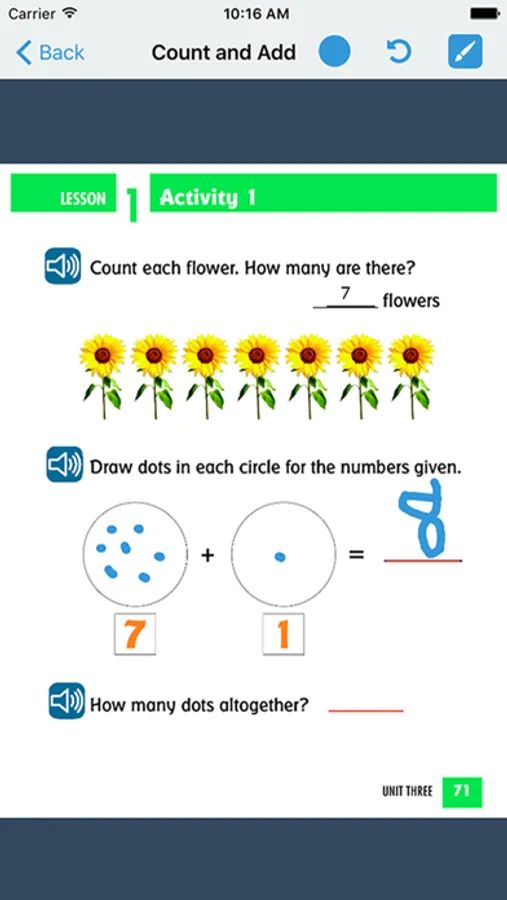
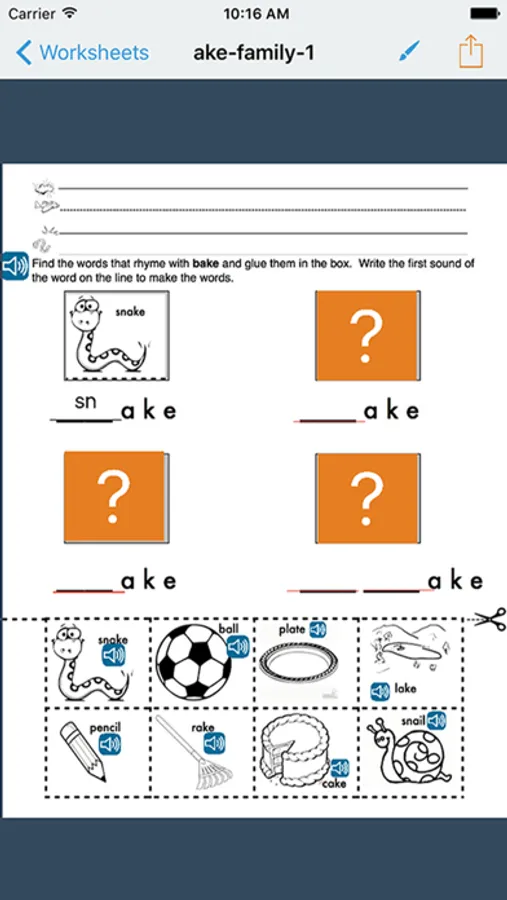
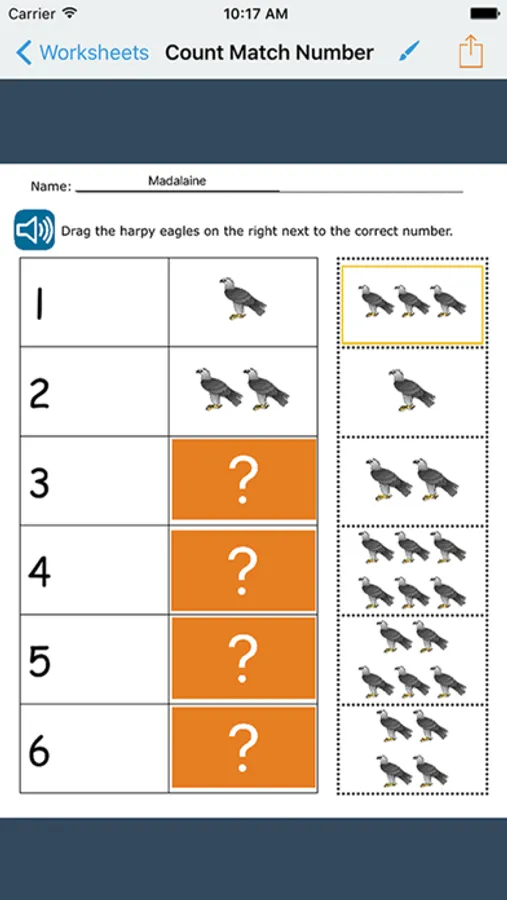
Quickly turn printed worksheets and tests into work all your students can use. Bring in an image or take a photo of the worksheet, and customize it for your student's needs. Customization includes added word banks, allowance of tapping to fill multiple choice answers, drag and drop answers, virtual manipulative for counting exercises, line matching, or audio output that includes more detailed instructions or additional prompting.
Two versions of the GoWorksheet app are available. GoWorksheet PLUS is for adding accessibility alternatives to a worksheet so all students can complete the same work. GoWorksheet is for filling out customized worksheets.
Capturing text with OCR (optical character recognition) is a useful tool for creating an enhanced worksheet. Text that is to be read aloud can either be keyed in or added with the built-in OCR that identifies text on the screen.
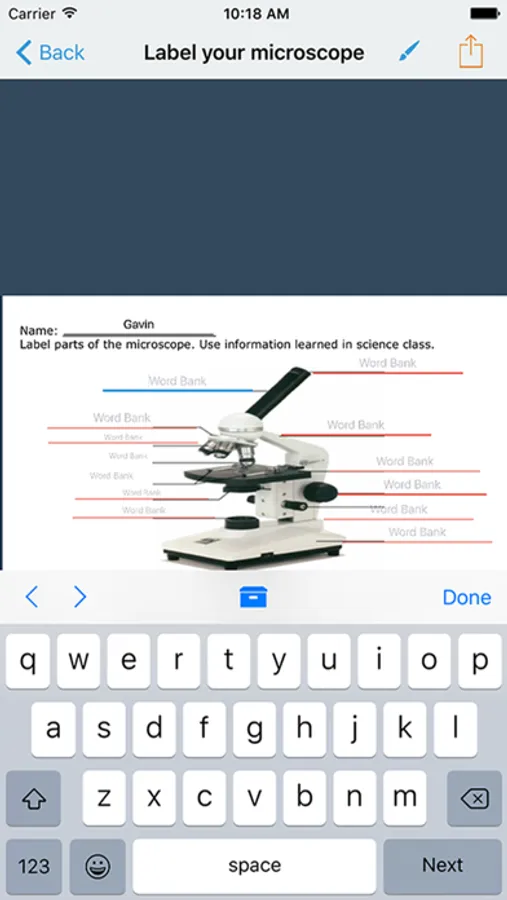
Word banks are another useful tool. For questions with short answers, the keyboard pops up when tapped. Instead of typing the answer, a student may select the answer from a teacher-created word bank. Use the AAC toolbar for quick access to messages.
Once a GoWorksheet is created, multiple ways are available for the teacher to share it with the student, and for the student to return the completed worksheet. Sharing options include AirDrop, email, any cloud storage set up on the iPad (such as Google Drive or Dropbox), print, or save to Photos.
GoWorksheet PLUS Screenshots
Tap to Rate:
Reviews for GoWorksheet PLUS
KG-SLP
Meh, but hoping it'll get better
I love the idea and potential usage of this app, however it hasn't yet been worth the cost. It has frequently been glitchy, especially with failed broadcasts and difficulty connecting with the cloud. I'll keep trying and hope for updates that will improve function.
ALATS
Great potential but needs more features
I am an assistive technology specialist working with a large number of schools. I am frequently asked about apps to make worksheets more accessible with an iPad for students with disabilities. I recently discovered this app, and at first glance it is exactly what is being asked for. Upon implementing this app within schools and recommending it for purchase, it has been realized there is no functionality for teachers to grade or mark on submitted handouts and hand them back to the students. Basically once it is 'handed in' through the app, there is no possibility to mark it up or send it back to the child. I contacted the company via email and got no response, but I called them and received very little support. They said they are not currently adding new features to the app, and this would take quite a bit of programming. It was stated they would suggest this feature, but it would take more than one person asking for this. Being that they have the opportunity to be recommended to a large number of schools by me, I would think they would want to add this functionality for the schools to want to use their $19.99 app. The other issue is the student and teacher version of the app have identical icons and names on the iPad display. If they were a little different, it would be helpful. I am constantly opening the wrong app. Unless these features are resolved, I will no longer be able to recommend this app to schools.