In this app, you can select photos, create widgets, and customize refresh intervals. Includes options for different sizes, photo sources, and date display settings.
AppRecs review analysis
AppRecs rating 4.4. Trustworthiness 76 out of 100. Review manipulation risk 35 out of 100. Based on a review sample analyzed.
★★★★☆
4.4
AppRecs Rating
Ratings breakdown
5 star
80%
4 star
9%
3 star
4%
2 star
2%
1 star
4%
What to know
✓
Credible reviews
76% trustworthiness score from analyzed reviews
✓
High user satisfaction
80% of sampled ratings are 5 stars
⚠
Ad complaints
Many low ratings mention excessive ads
About Photo Widget.
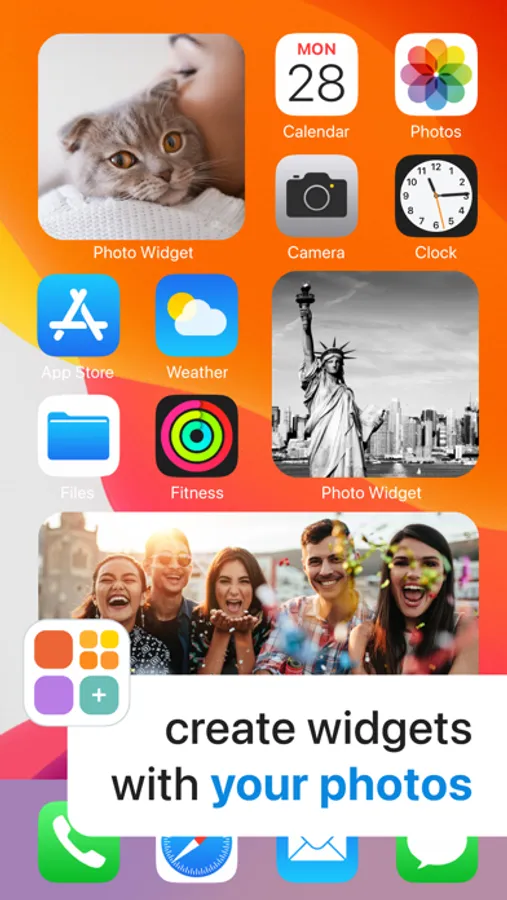
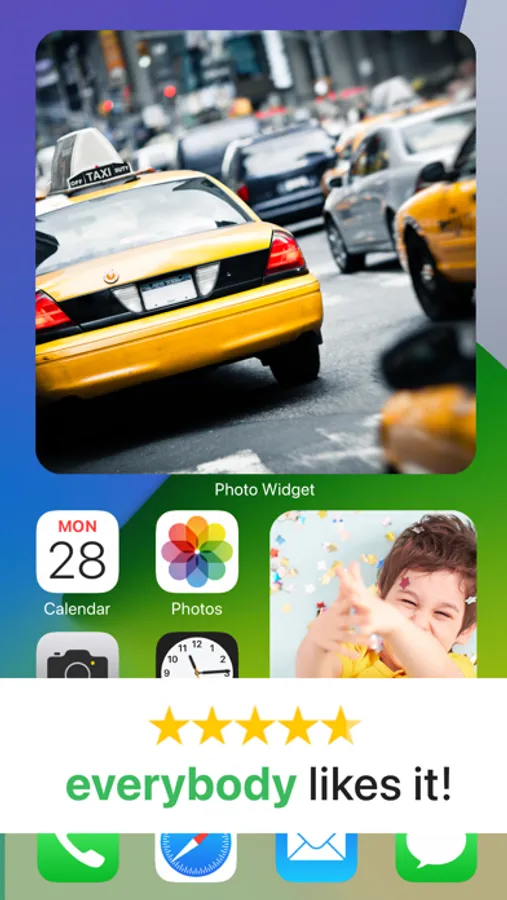
Designed to be photo-first and easy to use, Photo Widget helps you turn meaningful moments into widgets in just a few taps. No complex customization, no visual clutter - just the photos that matter most to you, always in view.
Whether it’s family, friends, travels, or everyday memories, Photo Widget keeps them close throughout your day.
With Photo Widget, you can:
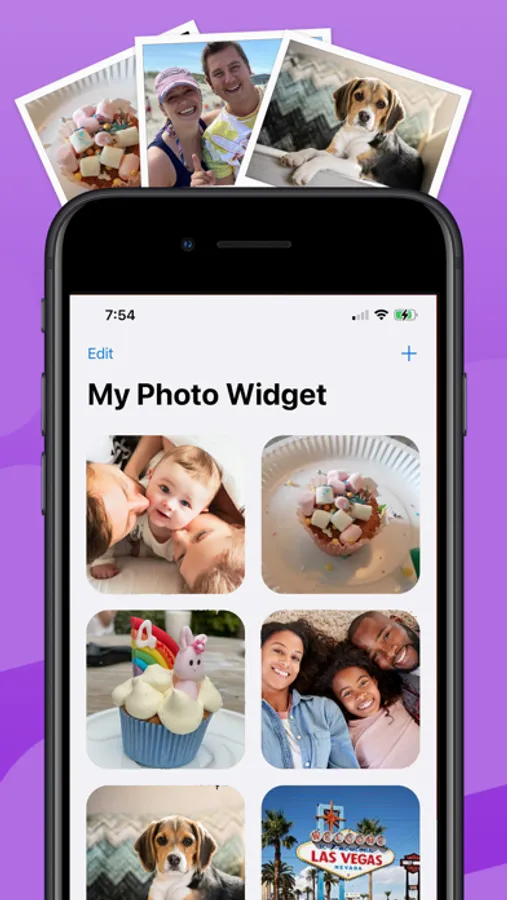
• Create photo widgets in just 3 simple steps
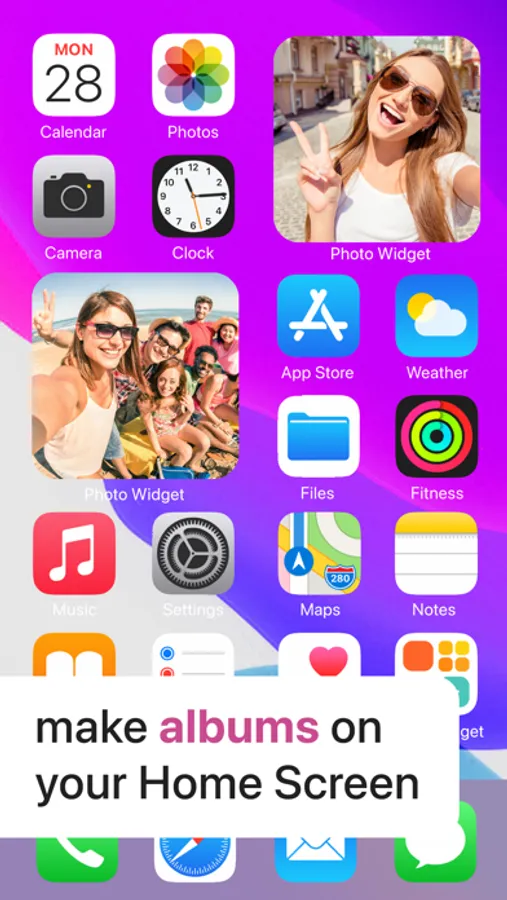
• Choose from multiple widget sizes
• Add photos directly from your camera roll
• Display your selected memories on iPhone and iPad Home Screens
• Set how often photos refresh, at your own pace
• Optionally show today’s date for a subtle, useful touch
• Photo Widget is built for clarity, ease, and emotional connection—so your Home Screen feels more personal!
>> Have any questions?
Please check out if the answers are available in the Frequently Asked Questions in the app Settings.
Have suggestions or unable to find the answers to your questions? Our support team is ready and happy to help at support@impalastudios.com!
Terms & Conditions: https://impalastudios.com/terms
Privacy Policy: https://impalastudios.com/privacy
WE LOVE YOUR FEEDBACK
As always, we appreciate and value your opinion.
Enjoying Photo Widget or have a suggestion? Let us know! feedback@impalastudios.com
Please show us some love by giving a 5-star review, enabling us to continue updating and adding great new features!
Thank you!
Photo Widget. Screenshots
Tap to Rate:
Reviews for Photo Widget.
st4rr_39
Another issue
After the update where it fixed a problem involving tinted mode, it simply just doesn’t show colouration in the widgets whatsoever. Simply shades of black and white.
DangerSocks2319
Invasive Data Collection Practices
Be careful installing this app, they collect a ton of data on you using your photos to share with advertisers. I refused to accept their terms of use after reading them and deleted the app.