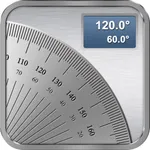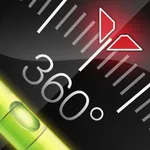
With this app, you can measure angles using camera view or a pendulum, switch between modes, and take screenshots. Includes free measurement modes, access to premium polygon measurement, shape drawing, and customizable options.
AppRecs review analysis
AppRecs rating 4.7. Trustworthiness 76 out of 100. Review manipulation risk 28 out of 100. Based on a review sample analyzed.
★★★★☆
4.7
AppRecs Rating
Ratings breakdown
5 star
84%
4 star
9%
3 star
1%
2 star
1%
1 star
4%
What to know
✓
Low review manipulation risk
28% review manipulation risk
✓
Credible reviews
76% trustworthiness score from analyzed reviews
✓
High user satisfaction
84% of sampled ratings are 5 stars
About Protractor Smart
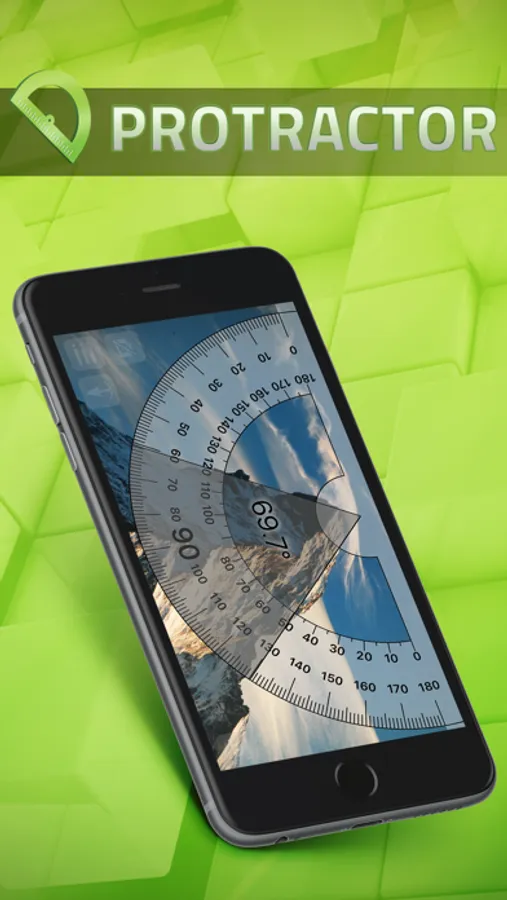
This app includes two free measuring modes:
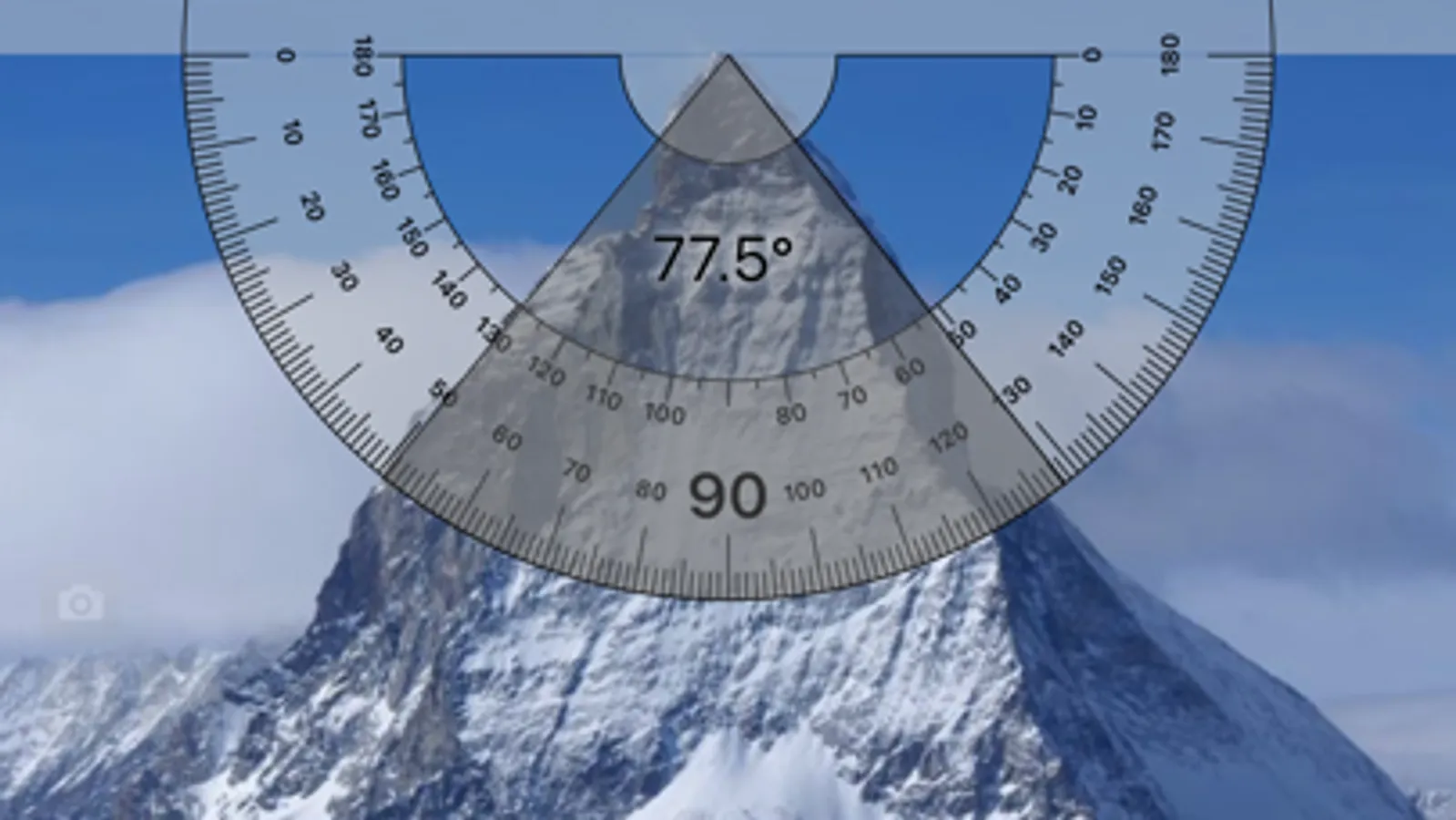
- Touch measure - touch the screen to set the angle (use camera view!).
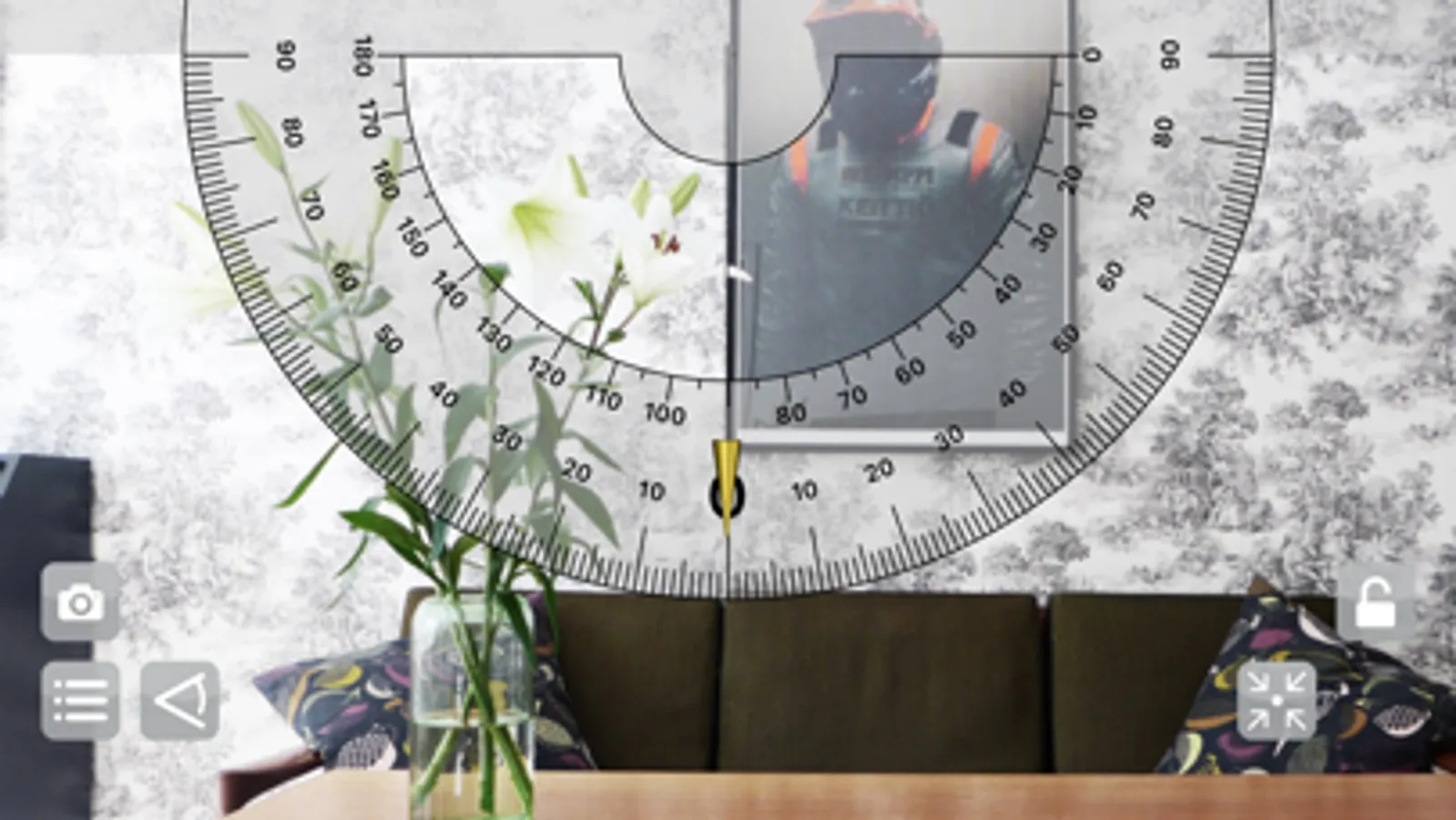
- Plumb bob measure - pendulum - use to determine the slope (remember to calibrate the plumb).
In each mode, you can switch to camera view and take measurements of all objects around you.
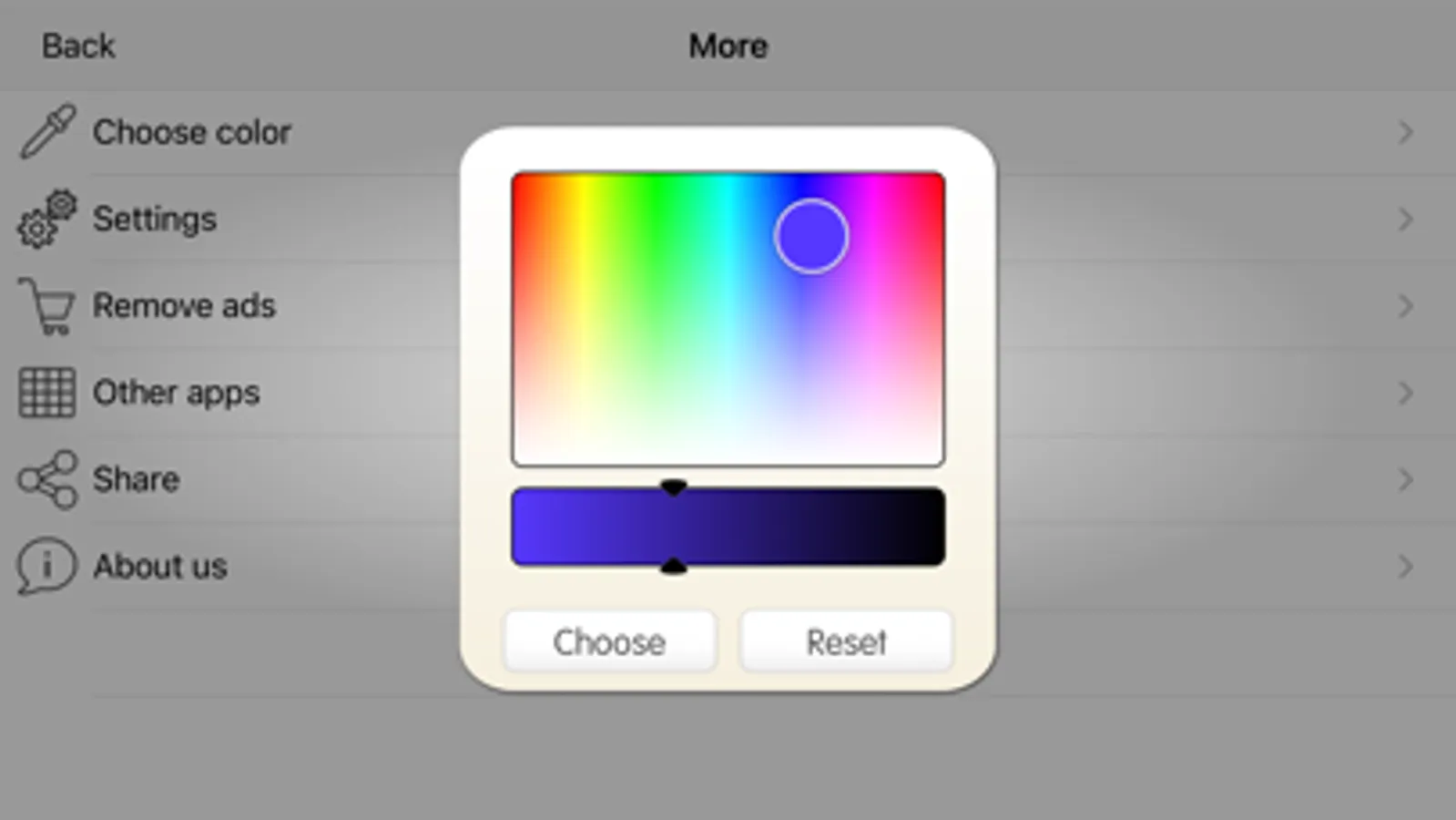
Additional Premium mode: Polygon measurement lets you draw any shape on your screen to check all its angles. Turn on the camera to see the real object through your phone and copy its shape. You can also pick a photo from your gallery or take a new picture to draw a shape on the image. In Premium mode, you can change colors, add helper lines, and switch between different angle units.
All modes allows you to make a screenshot of anything on the screen.
Enjoy !!!
Protractor Smart Screenshots
Tap to Rate:
Reviews for Protractor Smart
xXbunnynikeXx
I need help!!
I have a project due this week and I keep trying to use this app, but it’s quite literally stuck at the loading screen. I’ve un-downloaded the app 6 times and it continues to say loading for about 30 mins. Is this just how the app is or is mine messed up? If so how do I fix this issue? Thank you!!!
hi hi okkkkk
So many ads
So many ads and impossible to work with, this is a waste of time of an app don’t download it