In this mileage tracker app, you can automatically log drives, classify trips, and manage drive details. Includes drive detection, editing, merging, and data export features.
AppRecs review analysis
AppRecs rating 3.6. Trustworthiness 75 out of 100. Review manipulation risk 23 out of 100. Based on a review sample analyzed.
★★★☆☆
3.6
AppRecs Rating
Ratings breakdown
5 star
59%
4 star
13%
3 star
8%
2 star
6%
1 star
14%
What to know
✓
Low review manipulation risk
23% review manipulation risk
✓
Credible reviews
75% trustworthiness score from analyzed reviews
⚠
Ad complaints
Many low ratings mention excessive ads
About MileLogger - Mileage tracker
Mile Logger is totally free and have no feature limitation.
Highlighted features:
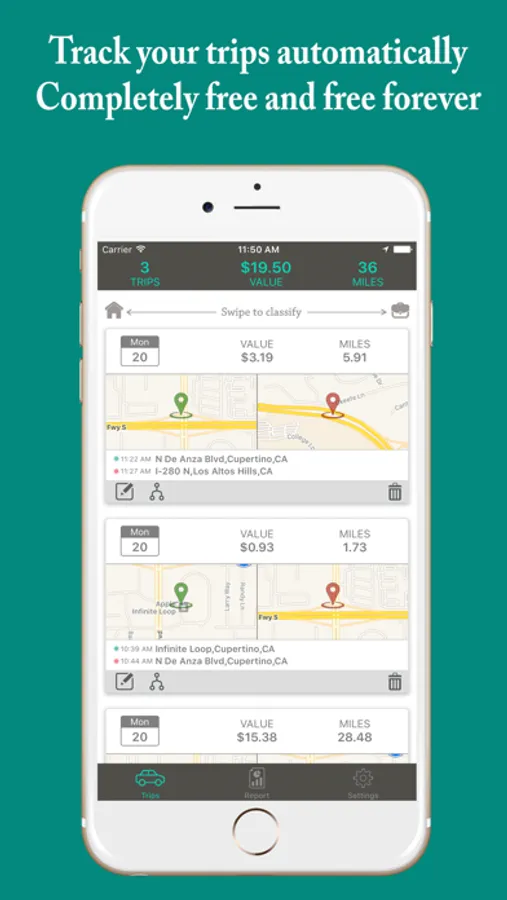
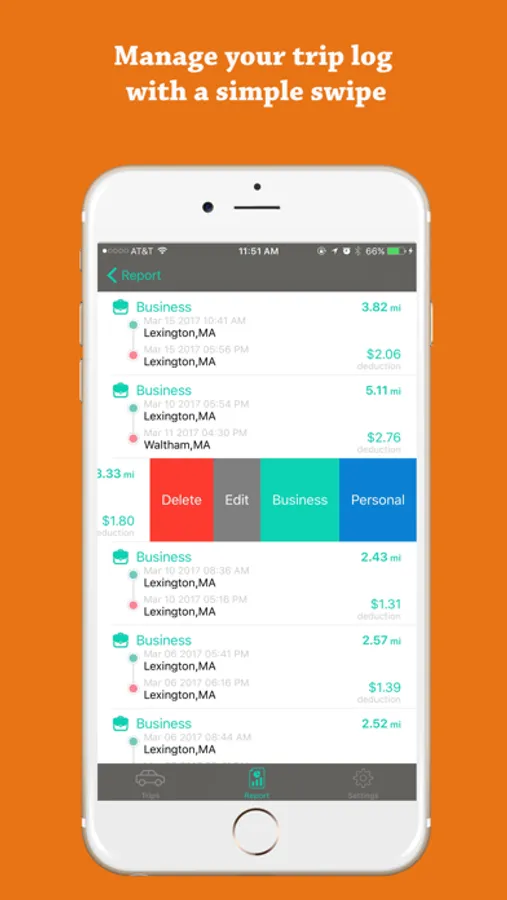
• Detect your drives and logging them automatically.
• Classify drives with a single swipe.
• Merge multiple drives.
• Calculate drive distances.
• Capture drives in miles or kilometers (m or km).
• Store your complete drive history.
• Add parking, tolls, vehicle information and notes.
• Create or edit drives as needed.
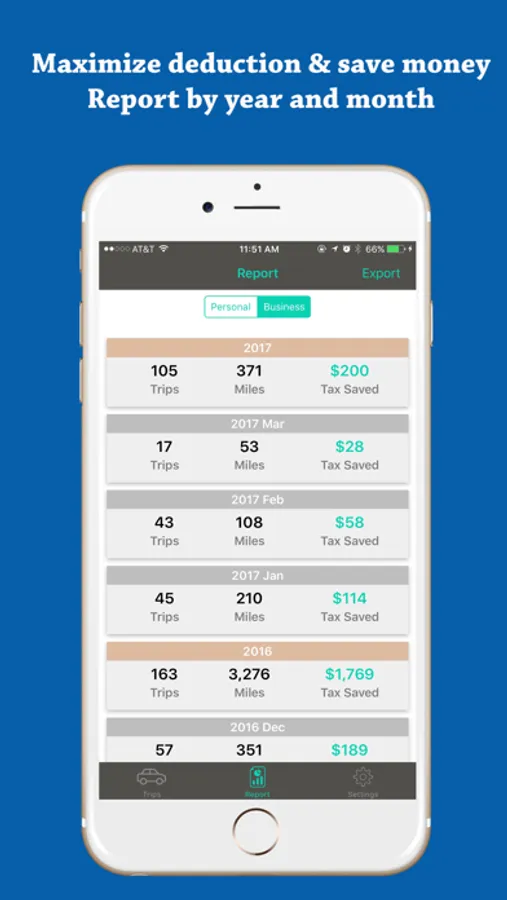
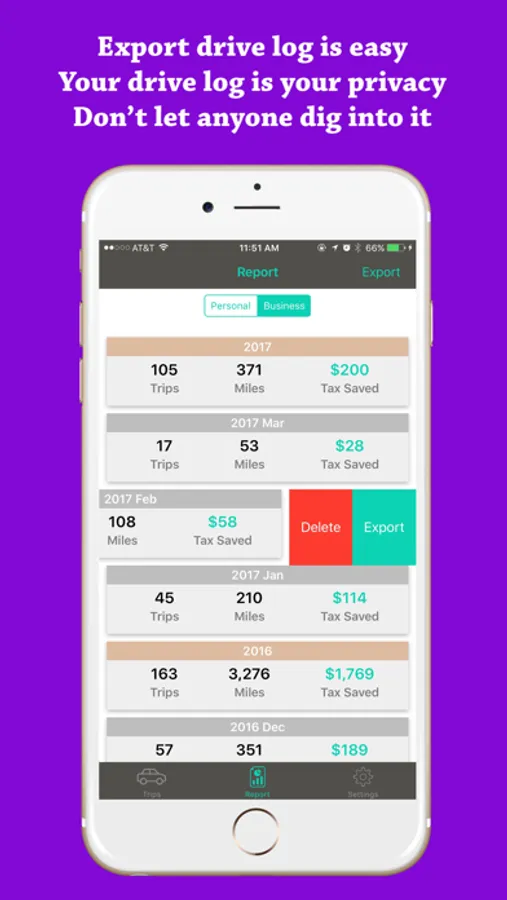
• Export data to CSV by email.
Battery consumption disclaimer
Continued use of GPS running in the background can dramatically decrease battery life. MileLogger is designed to limit iOS GPS usage by reading GPS data only when location is significantly changed. As a result MileLogger has minimal battery usage impact. After test
of a few month, MileLogger consumes only 1-2% of battery in 24 hours which is far lower than similar products.
MileLogger - Mileage tracker Screenshots
Tap to Rate:
Reviews for MileLogger - Mileage tracker
ohmyhuh!
Works only part time
I’ve been using this app for quite a few years now. Only just the last year or so I’ve noticed it doesn’t track my mileage at times. It’ll show there’s trips to be logged and when I open it, the trips are gone. It has nothing to do with trips that are set and memorized either.
Chicadear
Problem with exporting report
Unable to export report for tax records. Maddening, this is why I used the darn thing.