In this color management app, you can create custom palettes using RGB sliders, capture real-world colors with your camera, and save preferred colors for future use. Includes color form conversion, auto-saved temporary colors, and options to share palettes.
AppRecs review analysis
AppRecs rating 4.1. Trustworthiness 0 out of 100. Review manipulation risk 0 out of 100. Based on a review sample analyzed.
★★★★☆
4.1
AppRecs Rating
Ratings breakdown
5 star
75%
4 star
3%
3 star
0%
2 star
3%
1 star
19%
What to know
✓
High user satisfaction
78% of sampled ratings are 4+ stars (4.1★ average)
About Lanse
#LIMITED-TIME FREE#
Feedback: jchu_dlcn@icloud.com
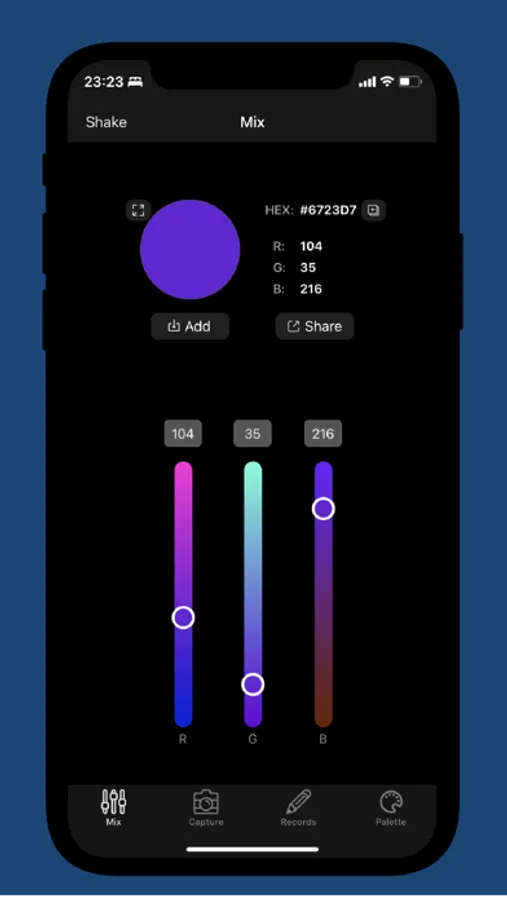
- RGB sliders to Mix color
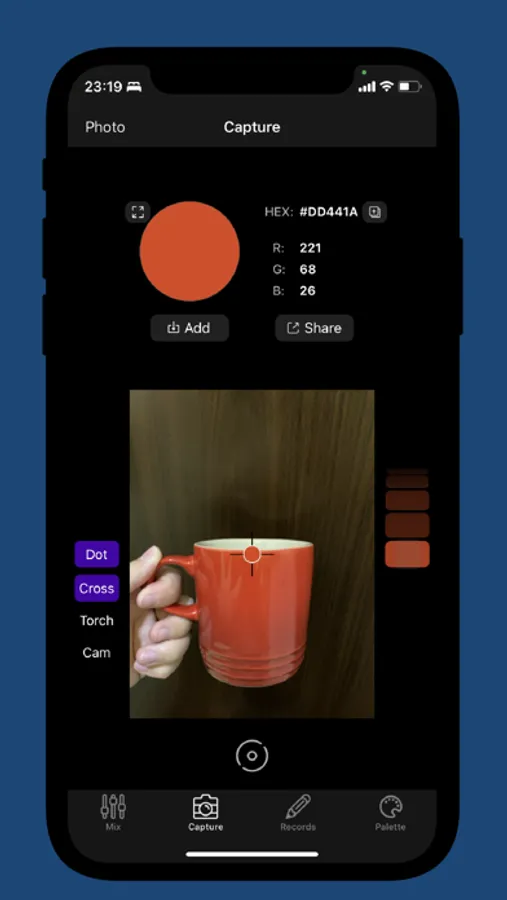
- Use camera to Capture real world color anytime
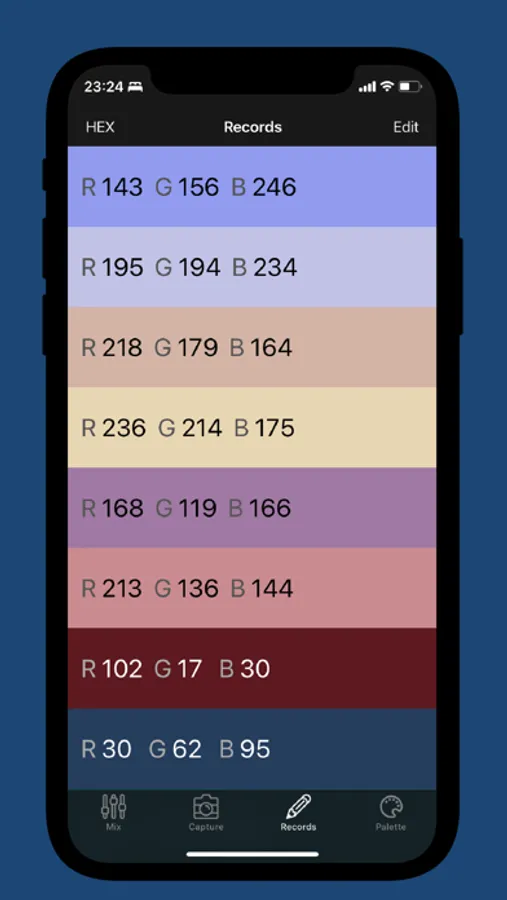
- Record the colors you like
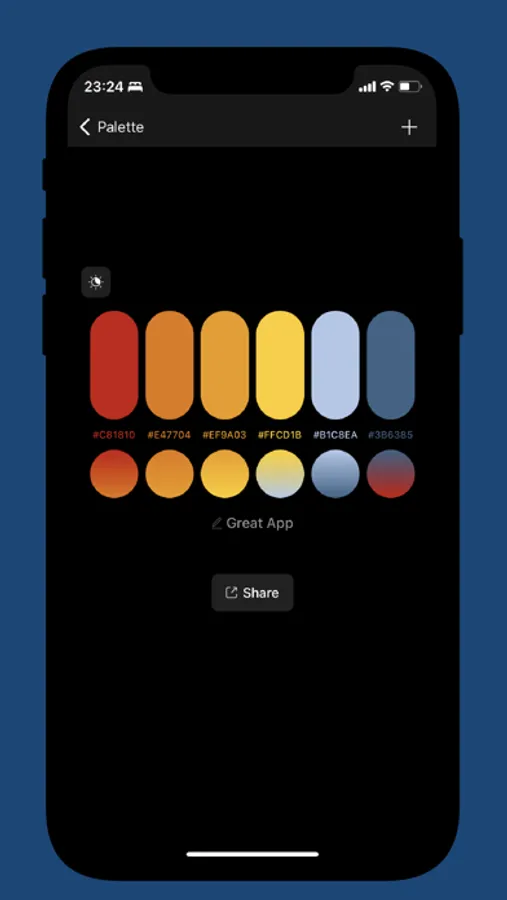
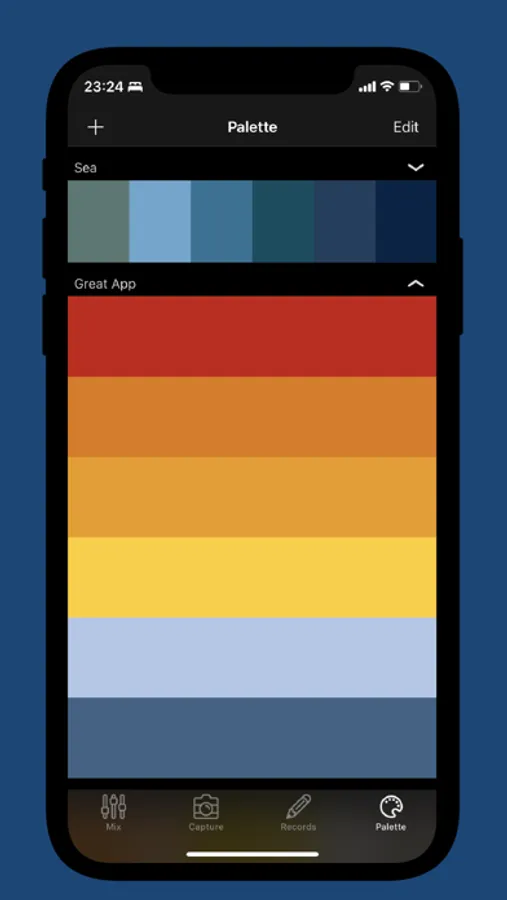
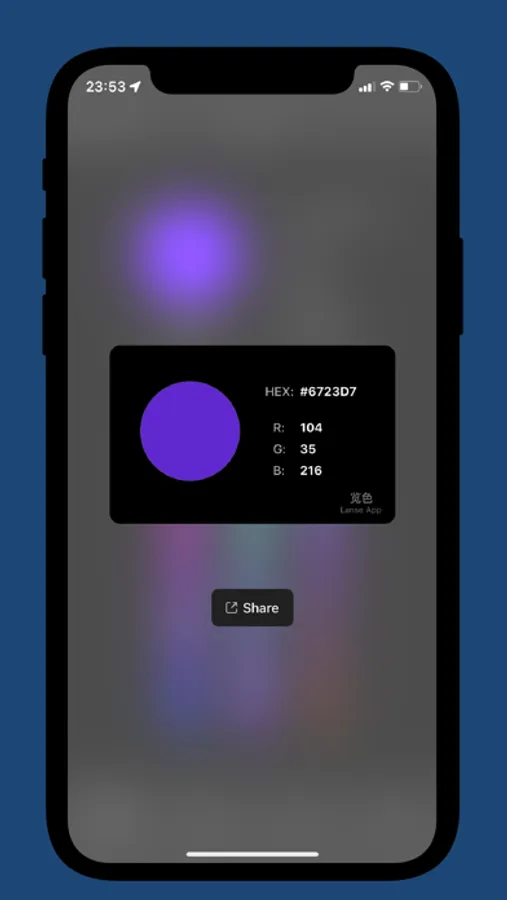
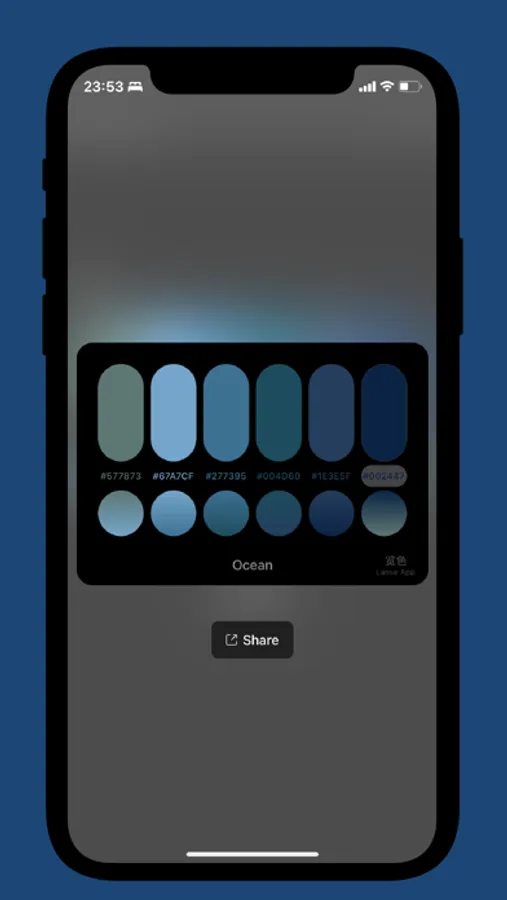
- Make your Palette and share
# Auto Save Temp Colors - In Capture, 50 temp colors will be auto saved, tap "Pause" button then you can scroll the picker on the right and pick the color you want.So you won't worry about tremble when capture color with camera.
# Save Color - In Mix/Capture, Press "Add" button to save color to the Records tab.
# RGB,HEX...Form Convert - In Record, Press the button on the top left corner to switch form between RGB,HEX,CMYK,HSB or blank(no text).
# Palette - In "Palette", tap the "+" button on top left. Then pick colors from Records that you added.
# Shake Random Color - In Mix, Shake your device or press the "Shake" button on the top left corner to generate random color
Feedback: jchu_dlcn@icloud.com
- RGB sliders to Mix color
- Use camera to Capture real world color anytime
- Record the colors you like
- Make your Palette and share
# Auto Save Temp Colors - In Capture, 50 temp colors will be auto saved, tap "Pause" button then you can scroll the picker on the right and pick the color you want.So you won't worry about tremble when capture color with camera.
# Save Color - In Mix/Capture, Press "Add" button to save color to the Records tab.
# RGB,HEX...Form Convert - In Record, Press the button on the top left corner to switch form between RGB,HEX,CMYK,HSB or blank(no text).
# Palette - In "Palette", tap the "+" button on top left. Then pick colors from Records that you added.
# Shake Random Color - In Mix, Shake your device or press the "Shake" button on the top left corner to generate random color
Lanse Screenshots
Tap to Rate: