In this reverse video editor, you can select a video, create a reversed playback, and make edits using trimming, speed adjustments, and audio options. Includes tools for trimming, playback speed, volume, and adding background music.
AppRecs review analysis
AppRecs rating 4.4. Trustworthiness 69 out of 100. Review manipulation risk 36 out of 100. Based on a review sample analyzed.
★★★★☆
4.4
AppRecs Rating
Ratings breakdown
5 star
86%
4 star
5%
3 star
5%
2 star
0%
1 star
3%
What to know
✓
High user satisfaction
86% of sampled ratings are 5 stars
✓
Authentic reviews
No red flags detected
About RevMov - Reverse Video Editor
Make a reversing playback video with this app.
-- How to use.
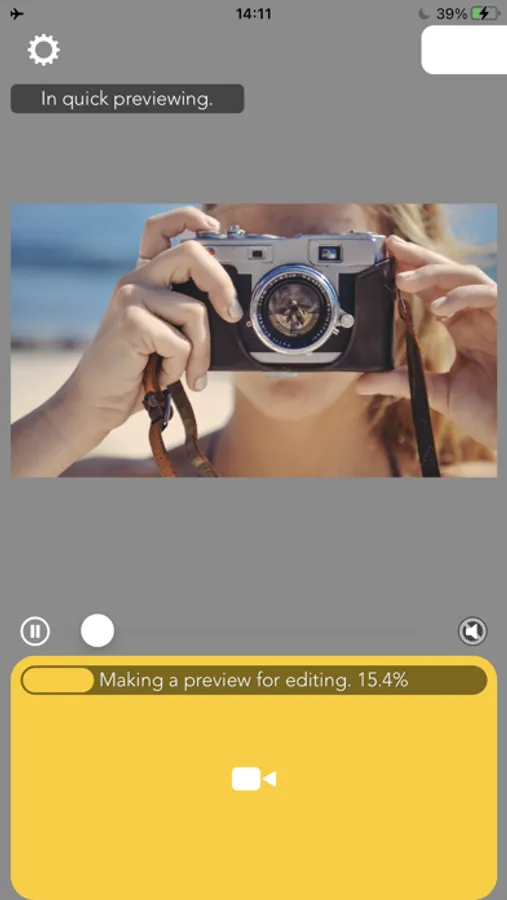
1. Select a video.
2. Wait for making a preview.
3. Press Save.
-- Editing
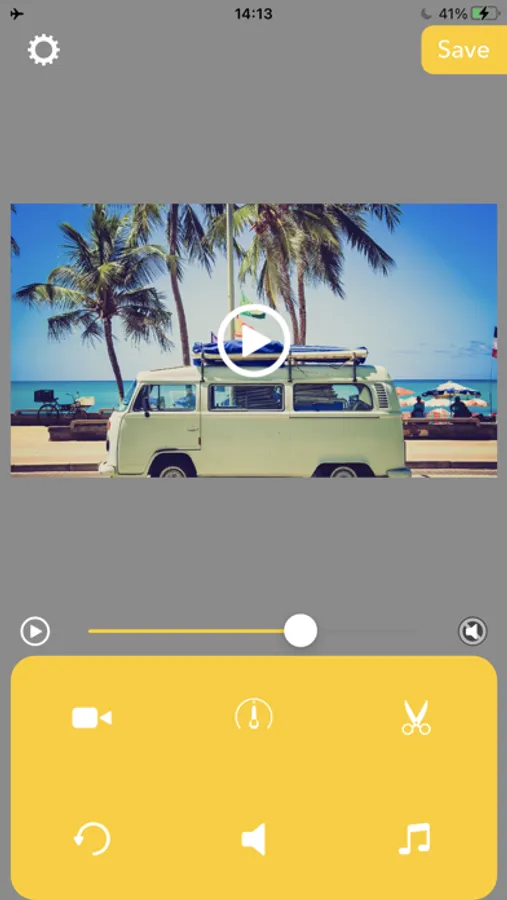
After finished making preview, you can edit the reversed video like below.
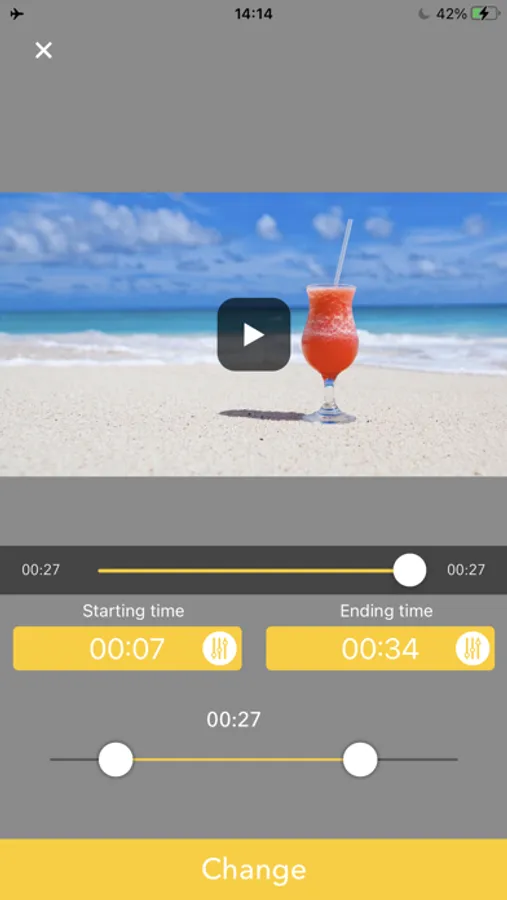
Triming:Press Scissors icon then set the time range you want to need.
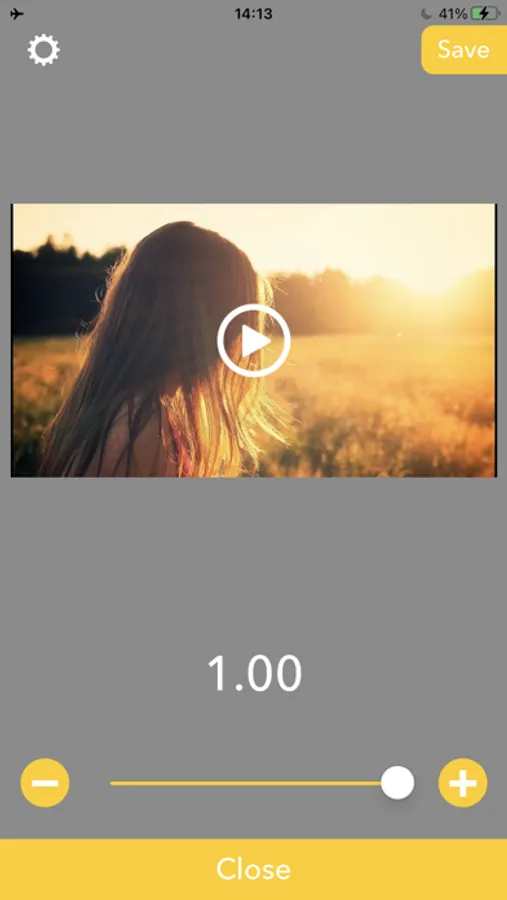
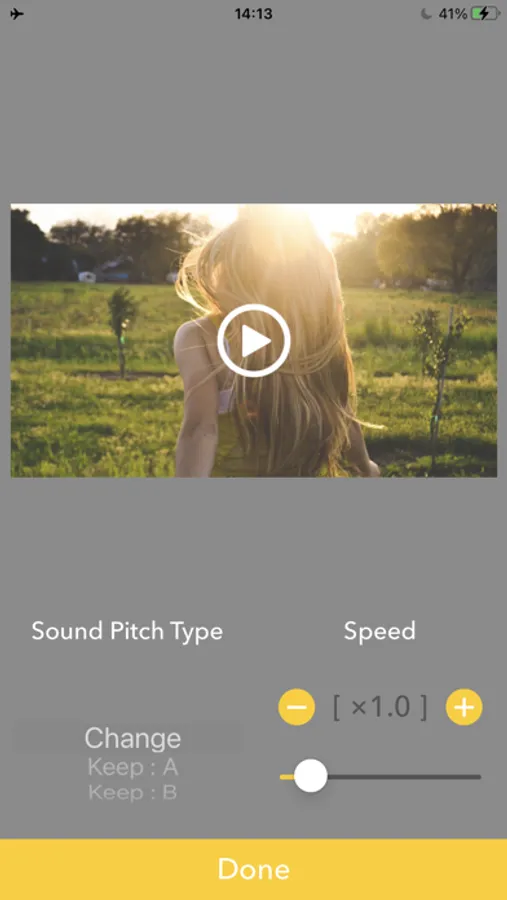
Playbackspeed:Press Meter icon then set the playback speed to be fast forward/slow motion.
Volume:Press Speaker icon then set the volume you want to set.
BGM:Press Music note icon then adds BGMs.
Reset Editing:Press circle arrow icon to reset these editings.
-- How to use.
1. Select a video.
2. Wait for making a preview.
3. Press Save.
-- Editing
After finished making preview, you can edit the reversed video like below.
Triming:Press Scissors icon then set the time range you want to need.
Playbackspeed:Press Meter icon then set the playback speed to be fast forward/slow motion.
Volume:Press Speaker icon then set the volume you want to set.
BGM:Press Music note icon then adds BGMs.
Reset Editing:Press circle arrow icon to reset these editings.
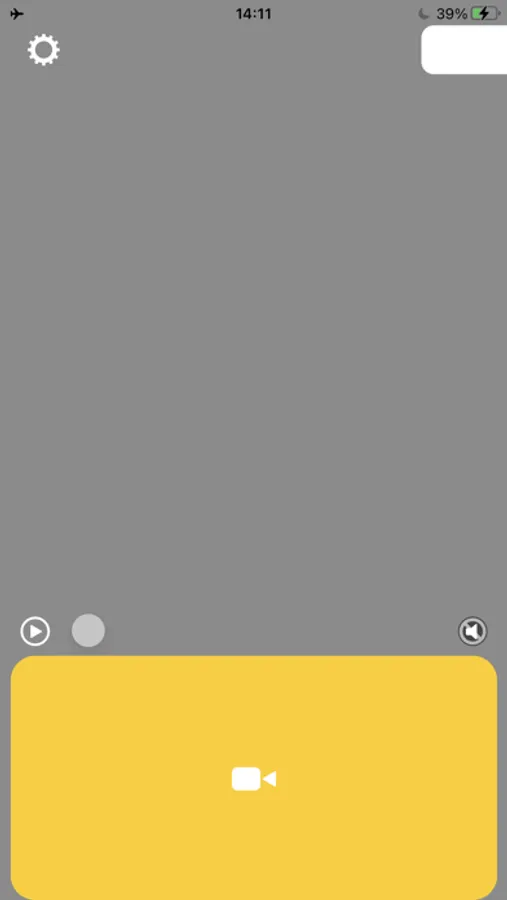
RevMov - Reverse Video Editor Screenshots
Tap to Rate:
Reviews for RevMov - Reverse Video Editor
A dishcloth
Super fun
I love this app it is fun free and simple I was looking for just a reverse app and all the other ones were money or were not uploading this one is the one I kept 😁
pewaukeemom
Rachel
Radmacher