In this photo editing app, you can capture and enhance portrait photos using automatic background blurring and bokeh effects. Includes face detection, adjustable blur, and customizable shapes for creative effects.
AppRecs review analysis
AppRecs rating 4.6. Trustworthiness 81 out of 100. Review manipulation risk 24 out of 100. Based on a review sample analyzed.
★★★★☆
4.6
AppRecs Rating
Ratings breakdown
5 star
83%
4 star
11%
3 star
3%
2 star
1%
1 star
2%
What to know
✓
Low review manipulation risk
24% review manipulation risk
✓
Credible reviews
81% trustworthiness score from analyzed reviews
✓
High user satisfaction
83% of sampled ratings are 5 stars
About FabFocus - Portrait Mode Blur
FabFocus works on all devices running iOS 12 and forward and uses advanced image recognition to detect people, and intelligently blurring the background, applying beautiful bokeh effects.
————
The Big 2.0 Update
FabFocus 2.0 is a complete rewrite and redesign, with the goal of making it as fast and simple as possible to make stunning portraits. Every last detail has been considered and refined to streamline the experience.
We hope you love it as much as we do.
————
Features
FabFocus has a lot of different features. Here’s a quick overview.
————
Face Detection
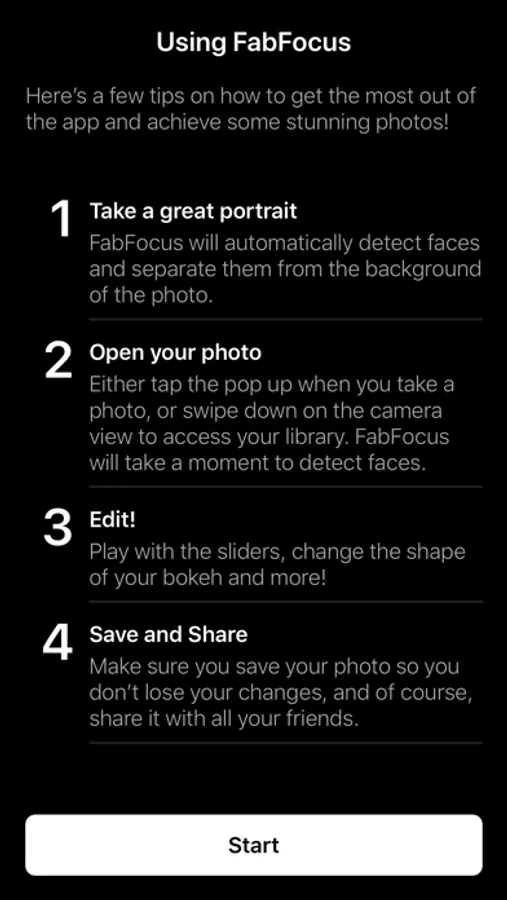
FabFocus will automatically detect faces in your photos, use a little computer magic to work out what’s in the foreground and then intelligently blur the background.
If a photo contains depth information, that is used that for even faster performance.
————
Camera
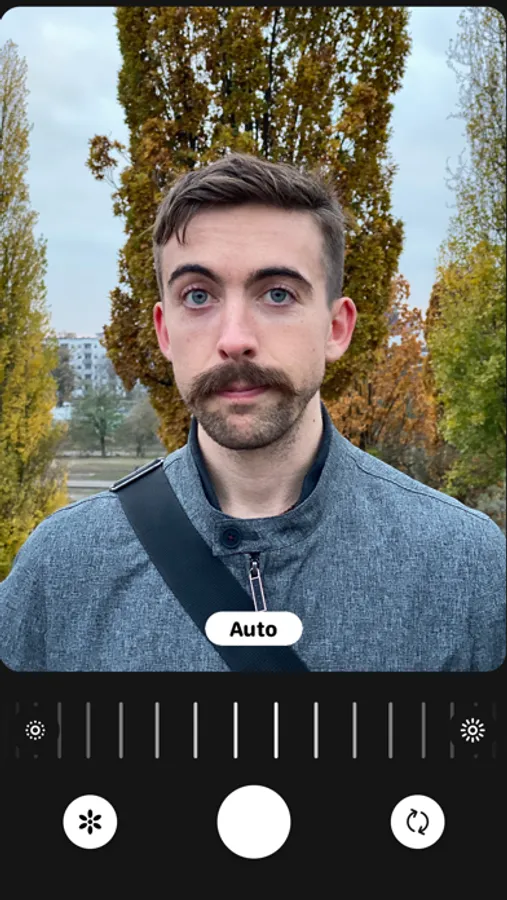
FabFocus has its own camera interface, that automatically configures itself for portrait capture on supported devices.
————
Editing Tools
FabFocus has a whole bunch of tools to help you refine your portraits.
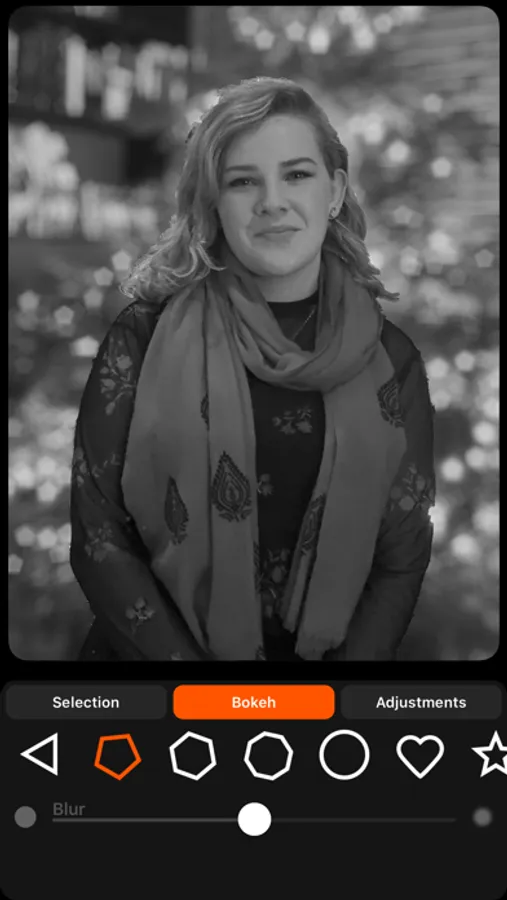
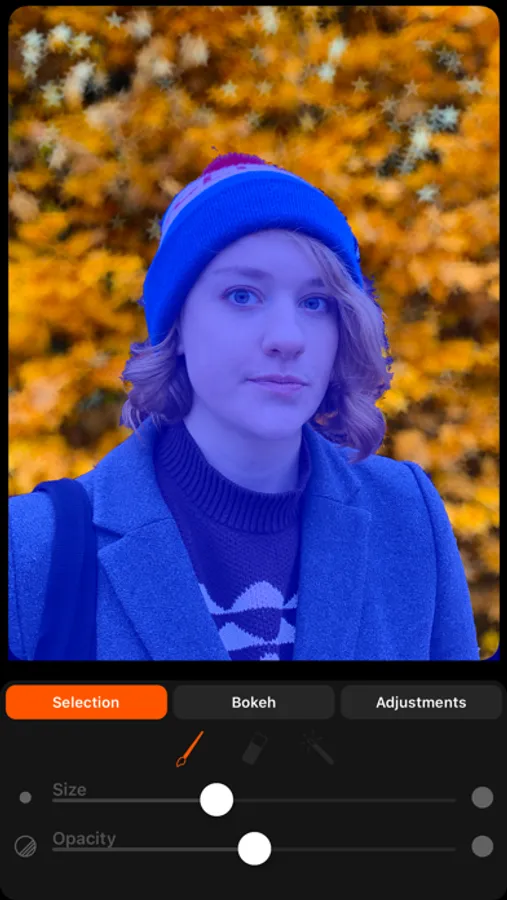
• Adjust the amount of blur applied to the background
• Chose the shape of bokeh (even set it to love hearts or stars!)
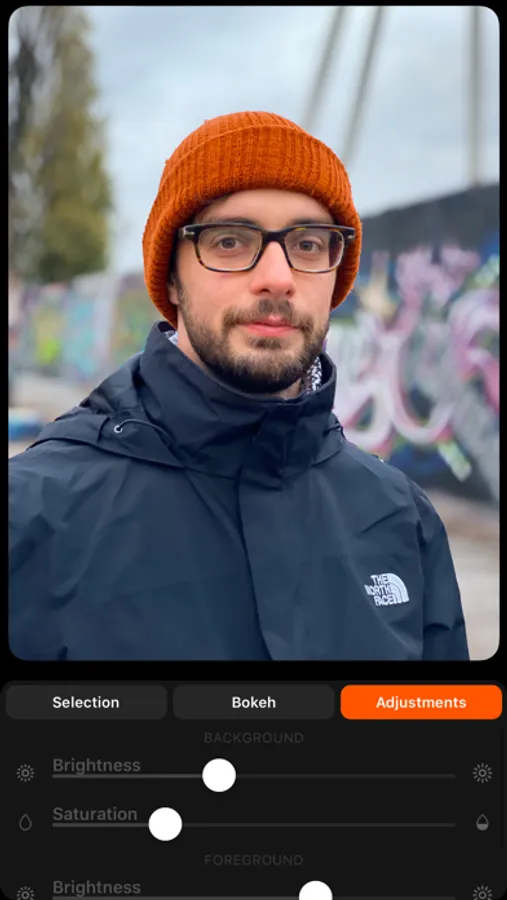
• Change the brightness and saturation of the foreground and background independently.
• You can also draw to refine the selection of what’s in the foreground, great for tricky situations, or creating portraits of a wide variety of subjects, like pets, plants and more!
While editing, you can quickly undo and redo your adjustments, and there are buttons to share and save your photos right away.
————
Take your portraits to the next level with FabFocus
————
For support, please contact hello@ghostwheel.org
FabFocus - Portrait Mode Blur Screenshots
Tap to Rate:
Reviews for FabFocus - Portrait Mode Blur
Blendedlight
Deleted it after five minutes
I just wanted to use it for one photo that had a beautiful image of my daughter, but the background needed to be blurred out. The app selected her face but was unable to accurately select her hair. I tried to modify the selection with the tools provided but could not come close to getting an acceptable result. Four bucks wasted.
Klmas
Inconsistency
I’m afraid that I’m not happy with this app. In the pictures that I’ve try to blur the background, it blurred most of the background but left spots that were not blurred. There were also pictures that it made people’s hair look funky.