In this app, you can join and manage virtual networks using VPN connections on your iOS device. Includes features for quick network setup, network monitoring, and secure peer-to-peer connections.
AppRecs review analysis
AppRecs rating 4.0. Trustworthiness 72 out of 100. Review manipulation risk 20 out of 100. Based on a review sample analyzed.
★★★★☆
4.0
AppRecs Rating
Ratings breakdown
5 star
58%
4 star
12%
3 star
7%
2 star
3%
1 star
20%
What to know
✓
Low review manipulation risk
20% review manipulation risk
✓
Credible reviews
72% trustworthiness score from analyzed reviews
✓
Good user ratings
70% positive sampled reviews
About ZeroTier One
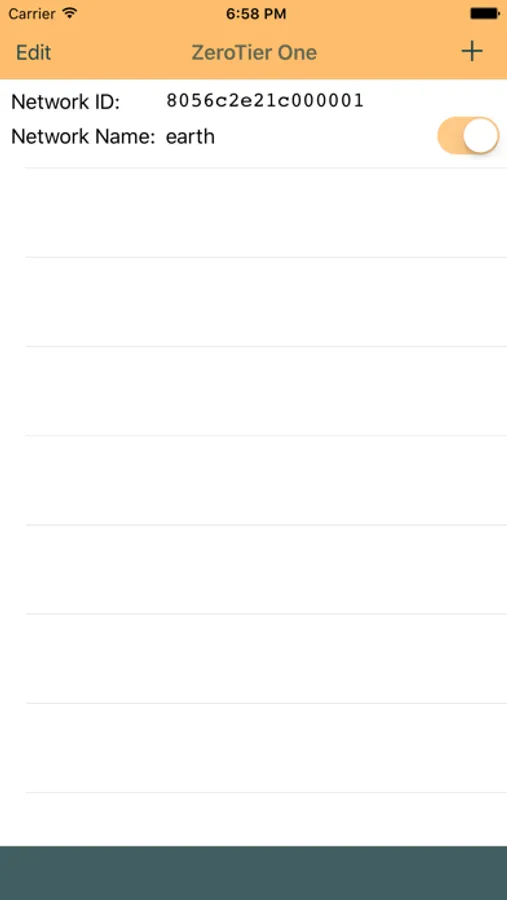
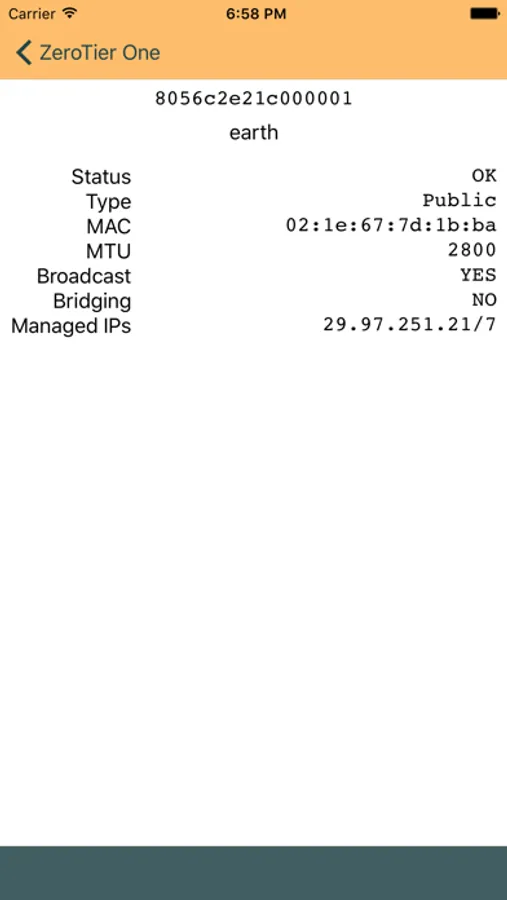
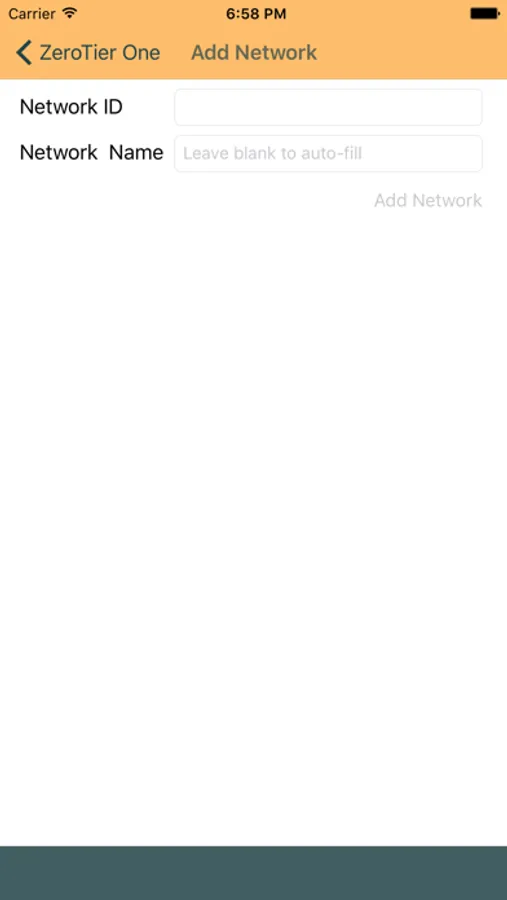
ZeroTier One provides virtual network endpoint functionality for iOS devices. Getting started takes seconds: Just tap '+', enter your network ID and name, and then click ‘join network.’ (Once a network is added you can also join it via the iOS VPN control panel. It will appear there as an available VPN connection.) You can only join one ZeroTier network at once due to an iOS limitation of one VPN connection per network extension app. The app allows you to add multiple networks but if you flip one to 'on' any others currently joined will disconnect.
We value your feedback! If you encounter any issues or have suggestions for future improvements, please contact our support team through our website.
Thanks for using ZeroTier!
Clients for other platforms are available on https://www.zerotier.com/ and source code to ZeroTier's core engine can be found here: https://github.com/zerotier/ZeroTierOne
ZeroTier One Screenshots
Tap to Rate:
Reviews for ZeroTier One
DALYA & TABARK
Thank you
I truly wanted to play terraria with my friend but I couldn’t because we were in different places so i asked chat gpt it suggests this app for me and it was difficult to activate it but at last it really helped me thank you very much im playing with my friend now😔💕💕
cnanthony.apple
feature for custom root
Why remove the feature for custom root in latest version?