In this music production app, you can monitor real-time visuals, adjust mixer sliders, and modify effects using multi-touch controls. Includes real-time graphics, multi-touch support, and effect adjustments.
AppRecs review analysis
AppRecs rating 4.3. Trustworthiness 81 out of 100. Review manipulation risk 23 out of 100. Based on a review sample analyzed.
★★★★☆
4.3
AppRecs Rating
Ratings breakdown
5 star
76%
4 star
5%
3 star
2%
2 star
0%
1 star
17%
What to know
✓
Low review manipulation risk
23% review manipulation risk
✓
Credible reviews
81% trustworthiness score from analyzed reviews
✓
High user satisfaction
81% of sampled ratings are 4+ stars (4.2★ average)
About OP-Z
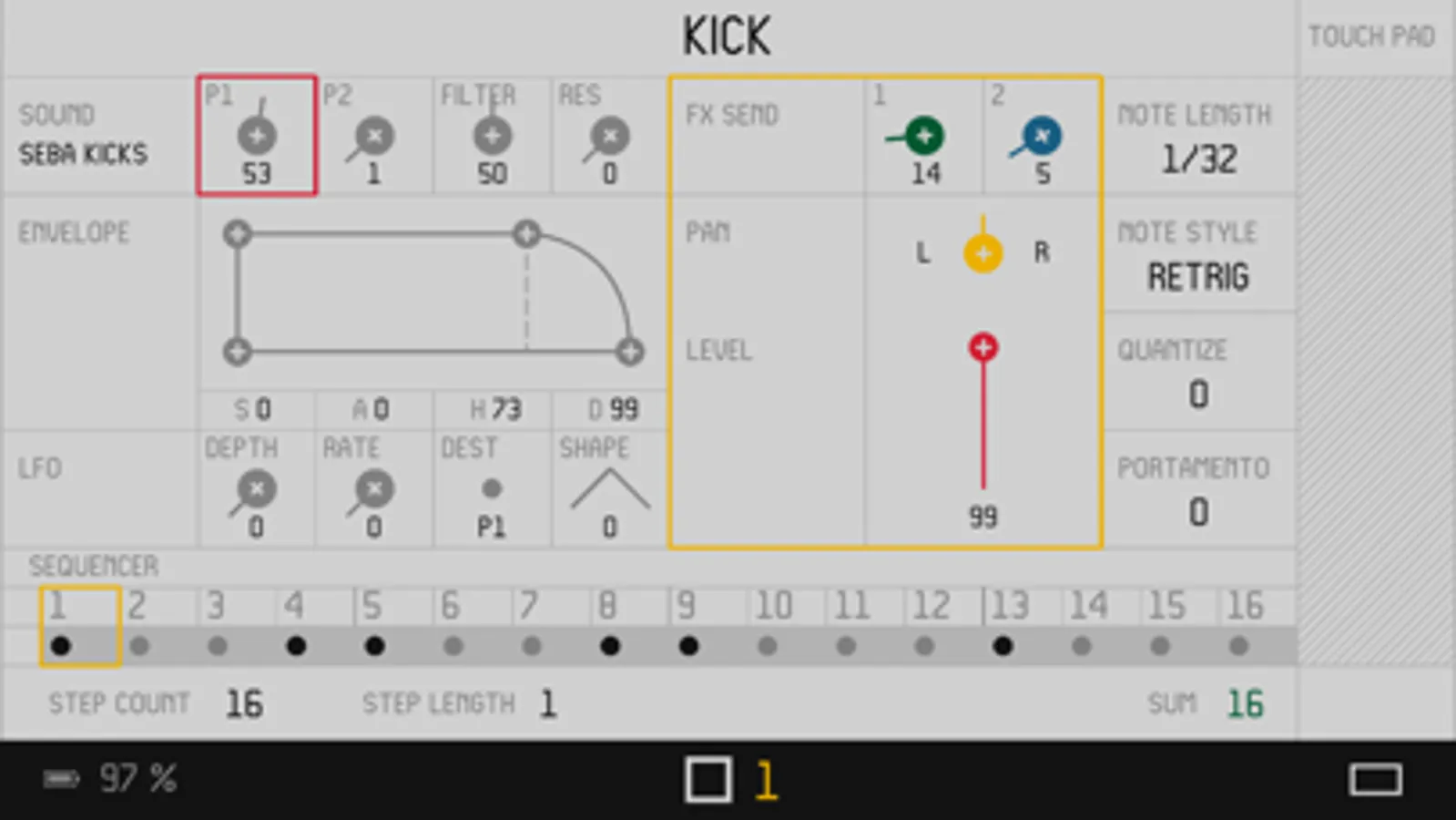
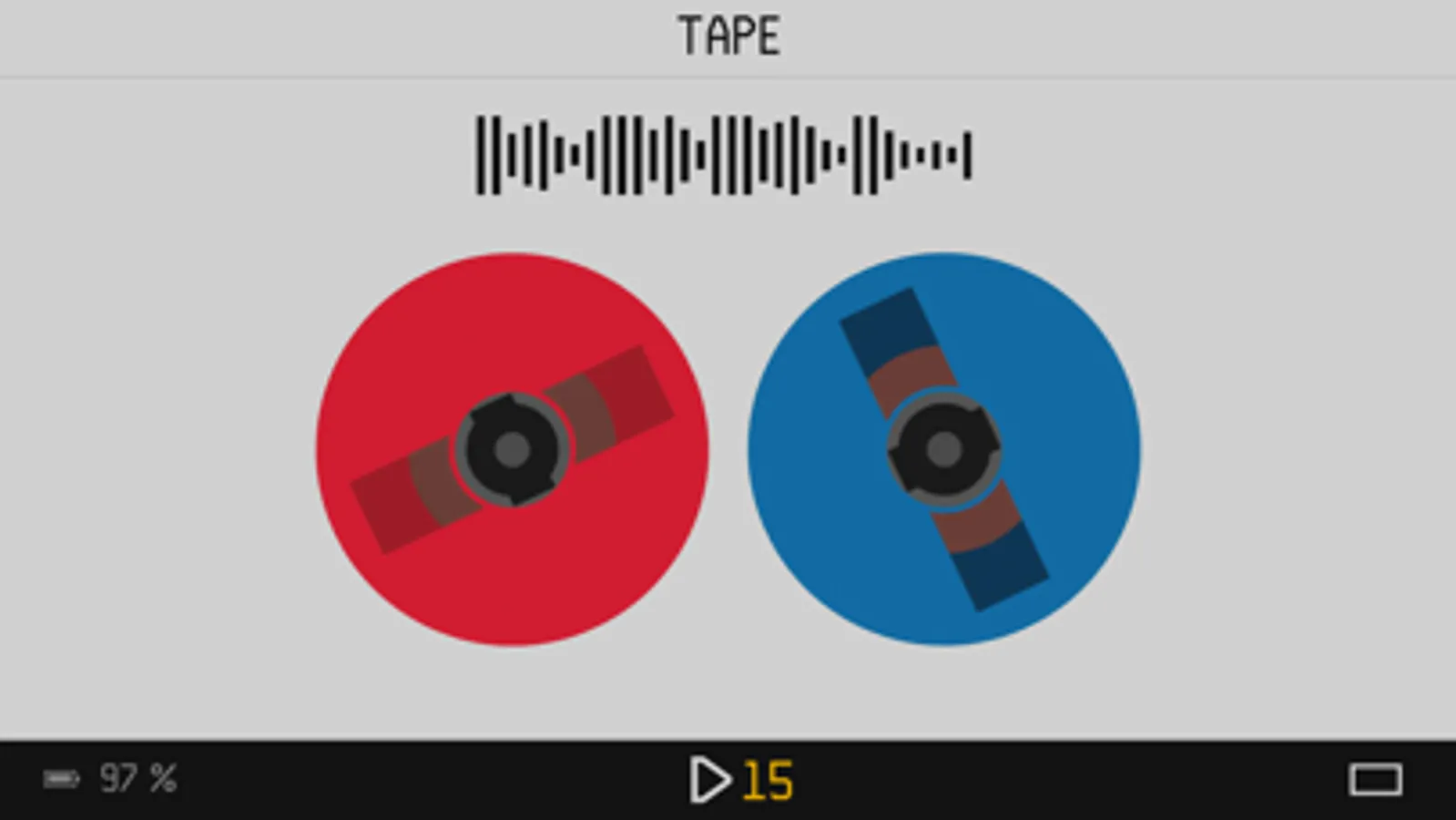
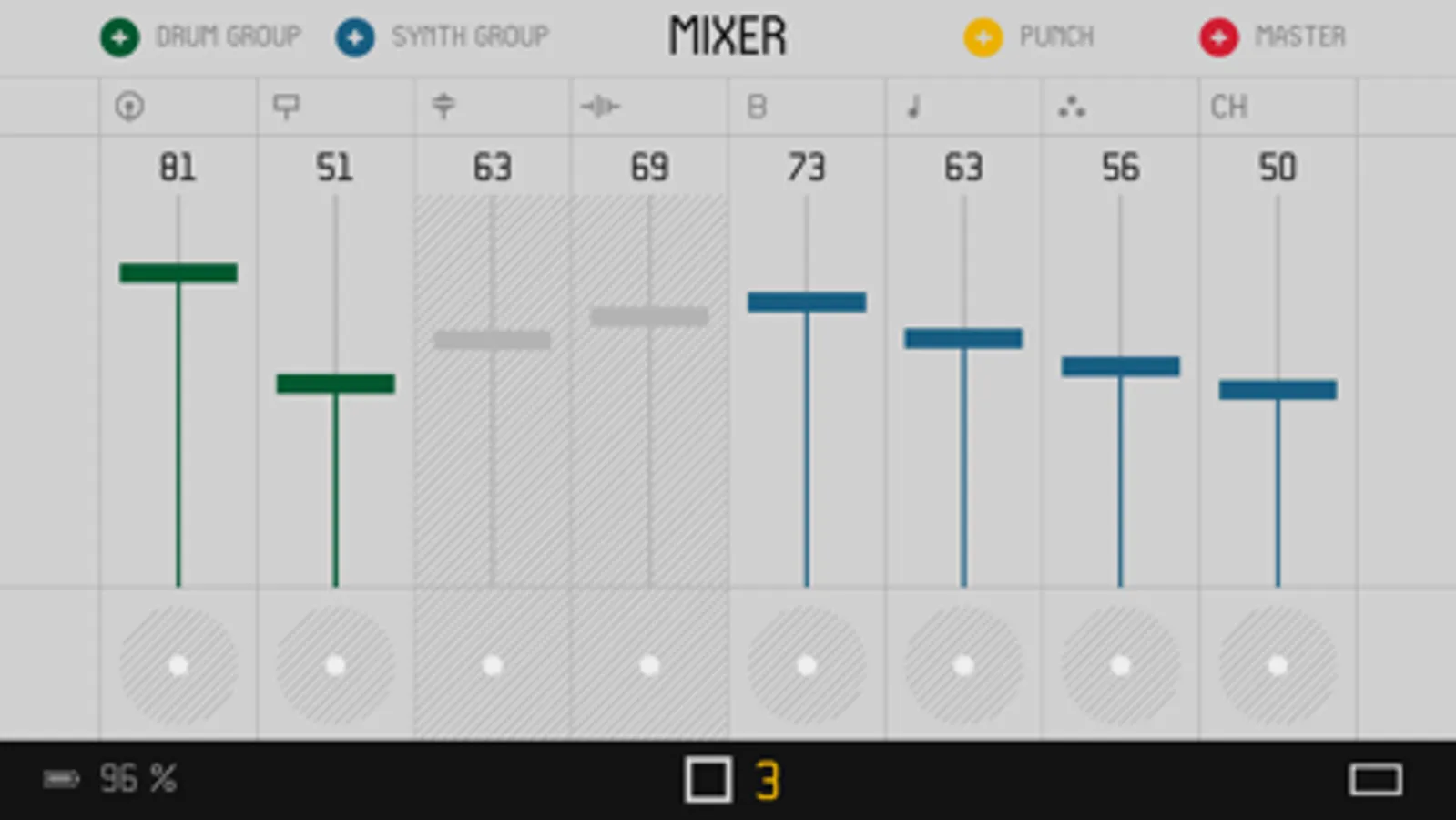
Use your iOS device as a wireless screen for the mighty OP-Z synthesizer. See the numbers and graphs behind the music you create in real time. At a glance, you know how your instruments are balanced in the mixer or just how much effect is applied to each instrument.
The app adds another dimension to your interaction with the OP–Z. Unlocking multi-touch features, you can adjust multiple mixer sliders at once or use the smooth touch pad to adjust effects or filters.
OP-Z Screenshots
Tap to Rate:
Reviews for OP-Z
Monstero
App doesn’t work on my phone
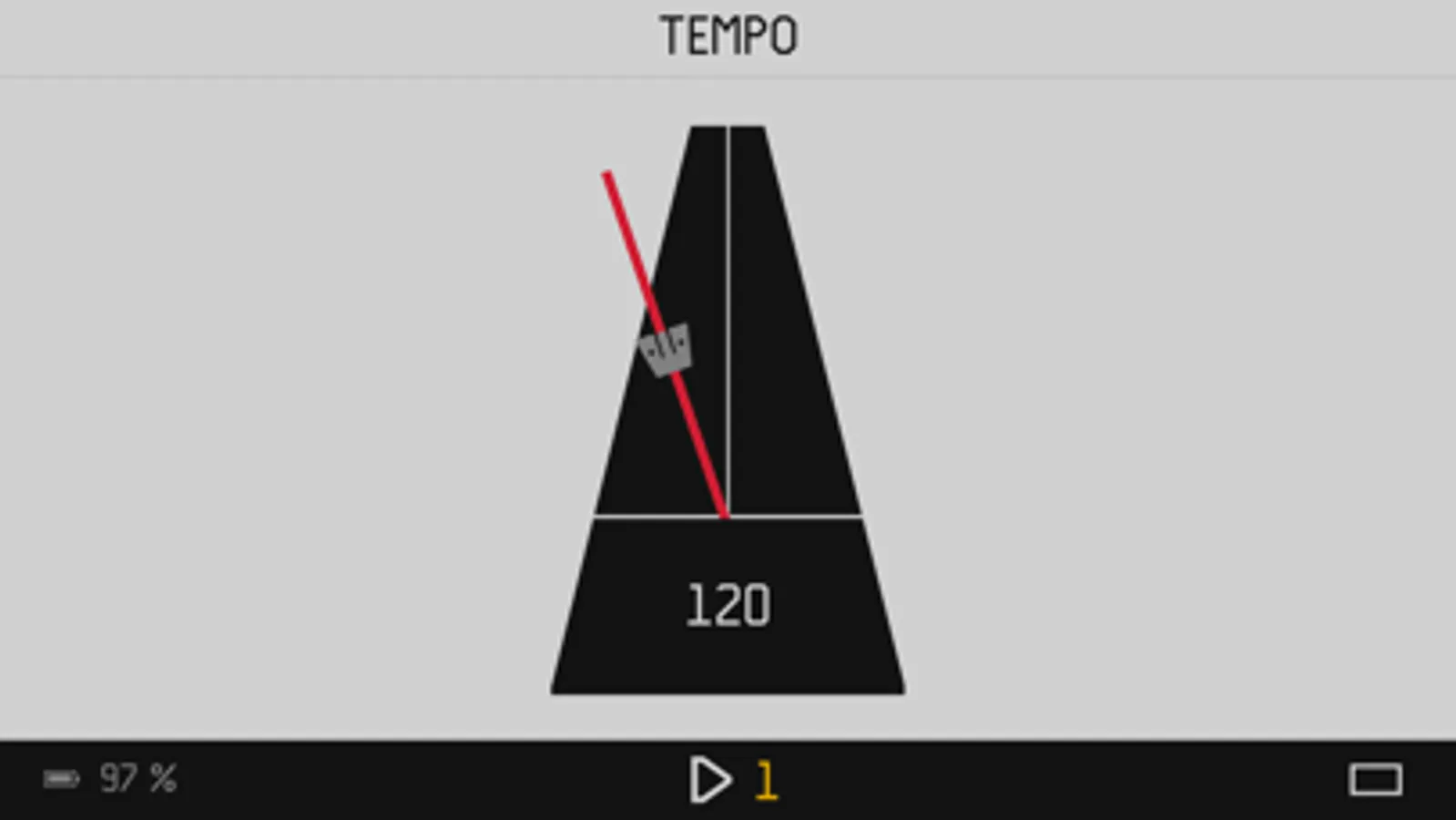
I can only get this app to work on my old iPad which is super annoying because I don’t carry it around with me. Sometimes I just want to see my tempo or configure an lfo. This hasn’t been fixed after years of using it. I’m using the latest firmware and latest version of the app. Really annoyed my phone won’t connect.
mengjiu98
small issues
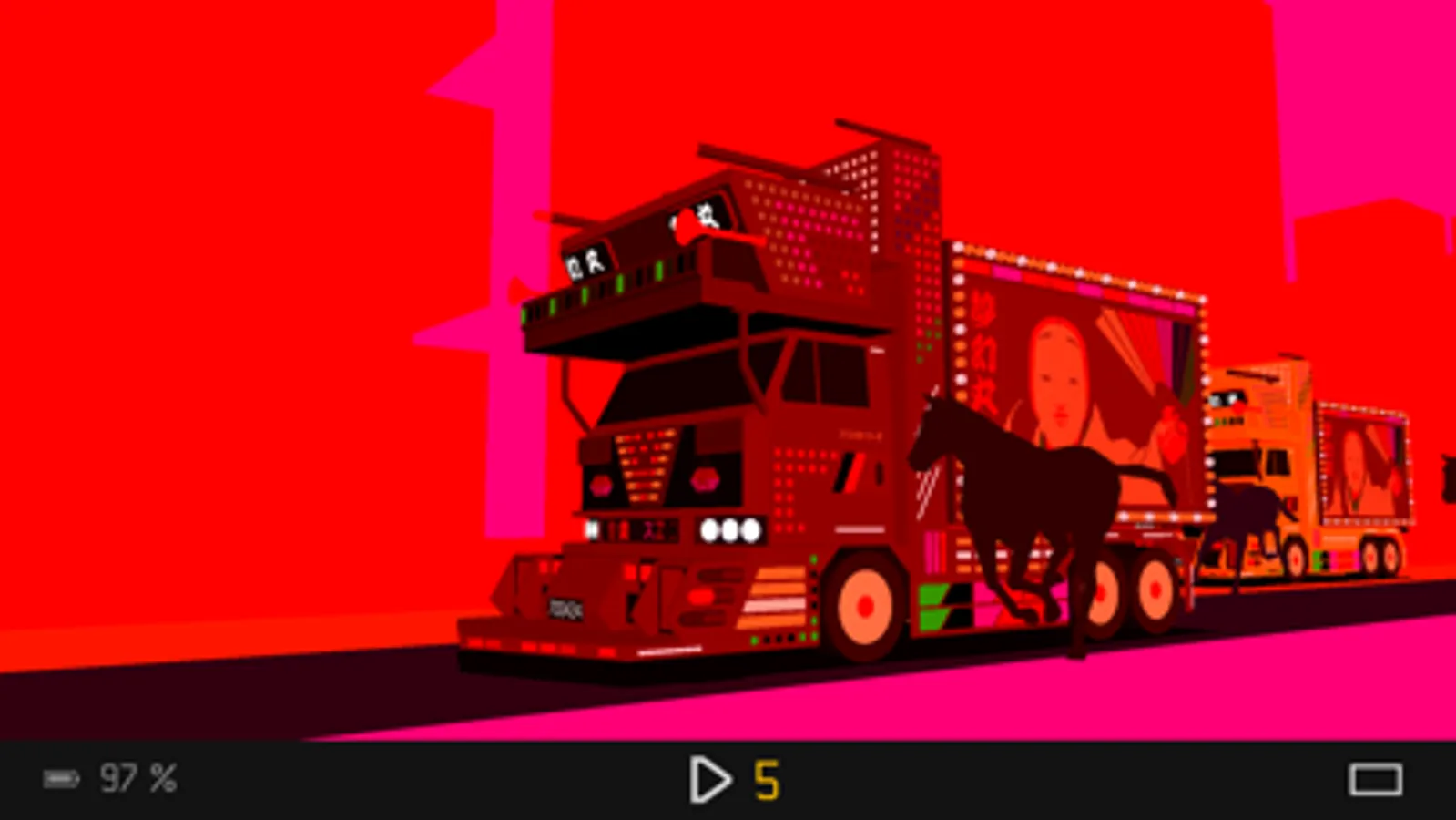
crashed on iPad mini6 while using videoout feature