With this anti-theft and safe battery charge app, you can monitor your device while charging and activate motion sensors or alarms to prevent theft. Includes volume control, motion sensor, lock options, and power surge alarm features.
AppRecs review analysis
AppRecs rating 4.3. Trustworthiness 78 out of 100. Review manipulation risk 33 out of 100. Based on a review sample analyzed.
★★★★☆
4.3
AppRecs Rating
Ratings breakdown
5 star
70%
4 star
8%
3 star
10%
2 star
3%
1 star
9%
What to know
✓
Credible reviews
78% trustworthiness score from analyzed reviews
✓
High user satisfaction
78% of sampled ratings are 4+ stars (4.3★ average)
✓
Authentic reviews
Natural distribution, no red flags
About iSafeCharge+
Very easy to use!
Now with new Volume Control function!
Use:
Open the app - Start charging (or use the Motion Sensor function) - Lock your phone (optional) - Done!
To stop alarm - Open your phone - Double click on Home Button - or swipe up from the bottom of the screen and pause slightly in the middle of the screen.
Then swipe up on the app's preview to close the app.
That simple!
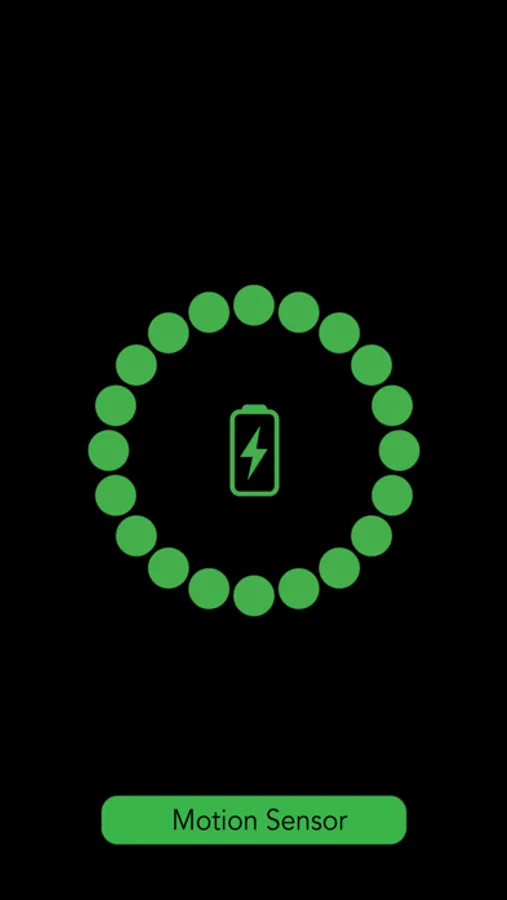
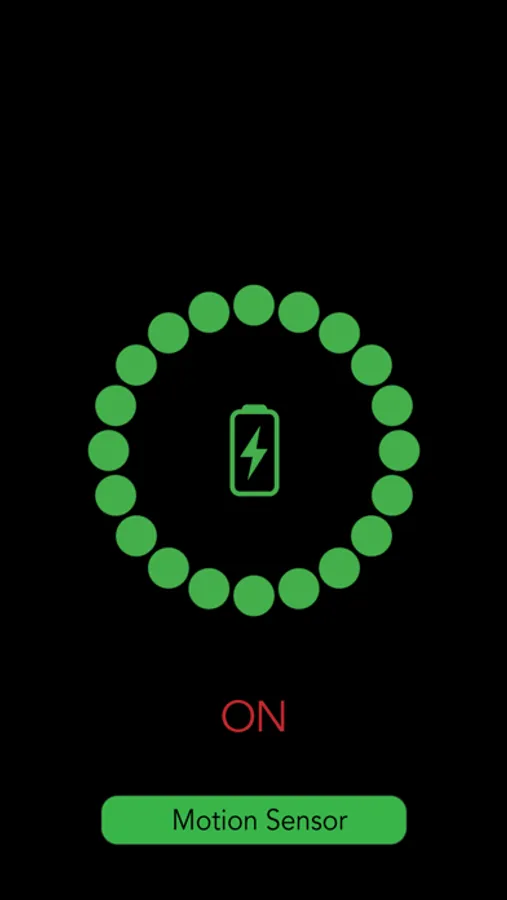
The new Motion Sensor has an about 5 second delay so you have time to put it away. The sensor is very sensitive.
Perfect to use at the airport, your office, library, or in any place where you will leave your device unattended for a short while.
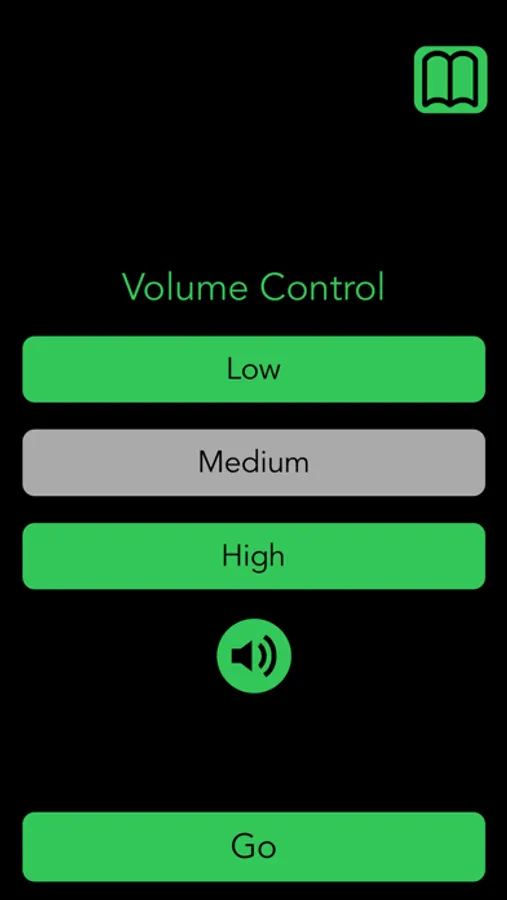
You can also use the app as an alarm for power surge/failure when your battery is really low and you depend on your wake-up call. Works even better with the new Volume control.
Also works if your power pack loses all the power.
(When using for example an Apple Smart Power Case, you have to use the Motion Function as an alarm since the normal function senses power loss.)
Works on wireless chargers as well.
iSafeCharge+ Screenshots
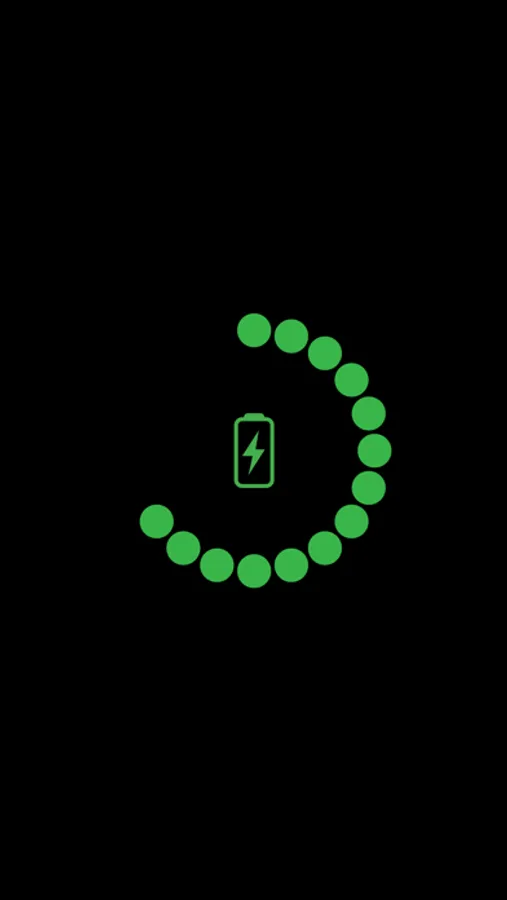
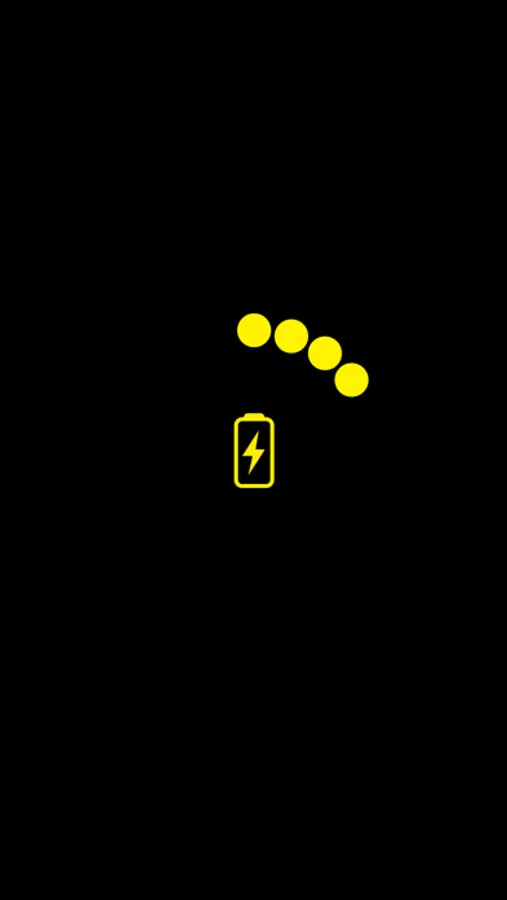
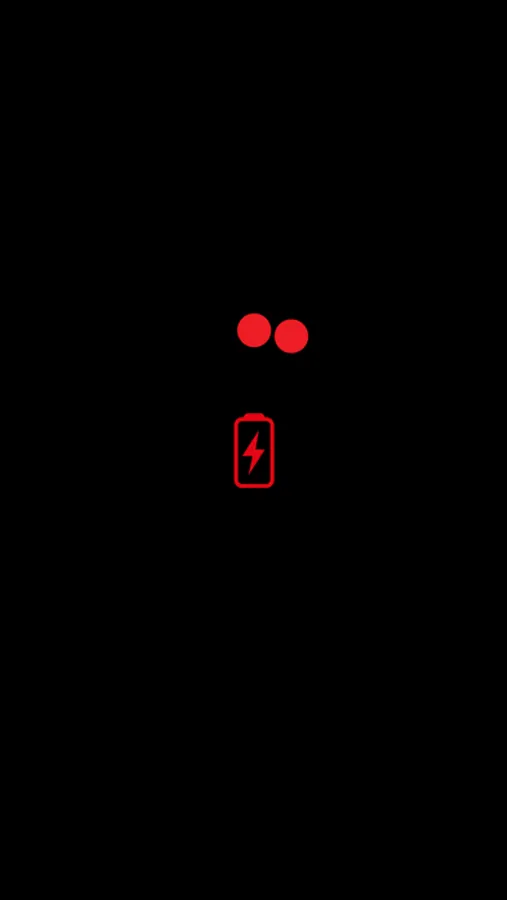
Tap to Rate:
Reviews for iSafeCharge+
DC596
Can’t make it trip just by movement.
Trying to make it work for motion detector only (when not charging). I activated the motion access, set the alarm to loud, watched the motion timer count down from 5, so assumed it was activated, locked phone with side button, BUT motion didn’t sound the alarm when I moved it a couple minutes later. When I then unlocked the phone, the still-open app motion screen of the app appeared, the alarm sounded. Turning it off worked exactly as you had said. Assume I’m doing something wrong on iPhone 8+ with up to date ios, but I don’t know what. How do I set motion detection alarm only (not charging) so it sounds upon initial movement when screen is locked but your app is open in the background? Thanks!
HJK_V01
I wanted an app to alarm
An app to alarm me when the probe is charged past 80% and this app doesn’t appear to do it. I wanted to just ask for a refund without commenting and would love to remove this review… but I can’t find an option to request a refund, therefore others deserve to know this can be a deal breaker since the app is paid : (








![File Explorer & Player [Pro] icon](https://apprecs.org/ios/img/icons/webp/150/1095142462/r0O6SBLIfSncJdQFCQhsn2UwWO-DOkYVRf5sHT63IDI-icon)