
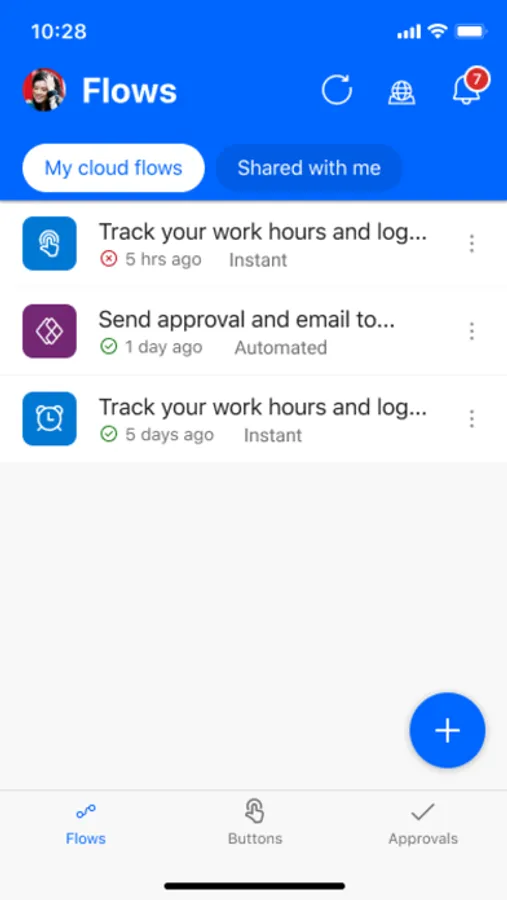
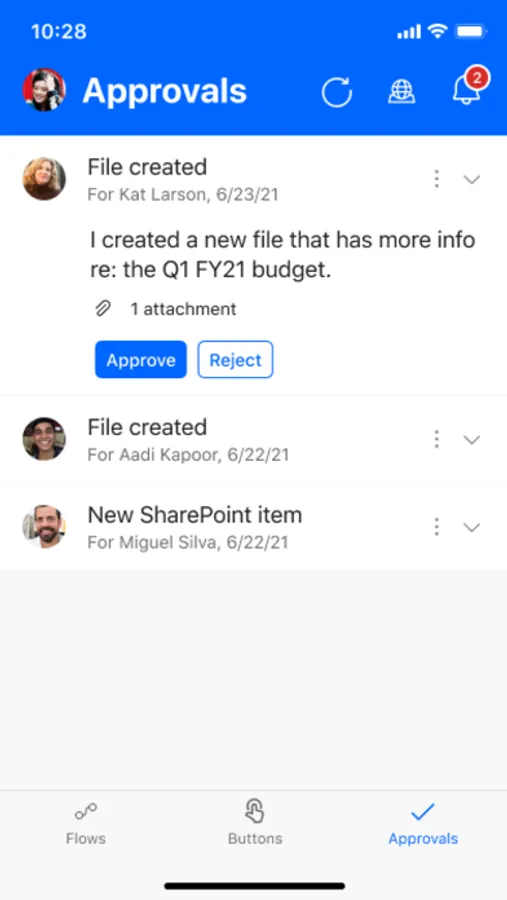
With this app, you can create, edit, and monitor workflow automations on the go. Includes features for triggering flows, granting approvals, and viewing activity logs.
AppRecs review analysis
AppRecs rating 4.6. Trustworthiness 77 out of 100. Review manipulation risk 21 out of 100. Based on a review sample analyzed.
★★★★☆
4.6
AppRecs Rating
Ratings breakdown
5 star
85%
4 star
9%
3 star
3%
2 star
1%
1 star
2%
What to know
✓
Low review manipulation risk
21% review manipulation risk
✓
Credible reviews
77% trustworthiness score from analyzed reviews
✓
High user satisfaction
85% of sampled ratings are 5 stars
About Power Automate
Use Power Automate to:
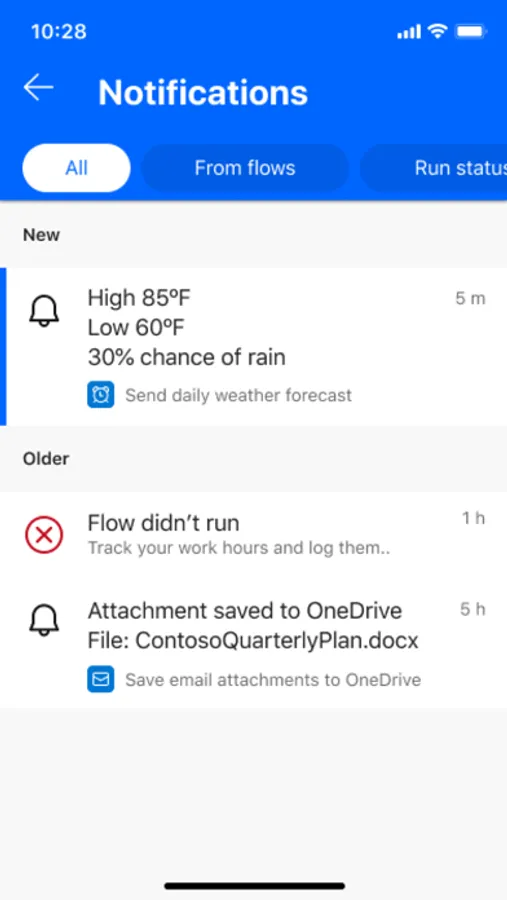
Get a notification when you receive an email from your boss
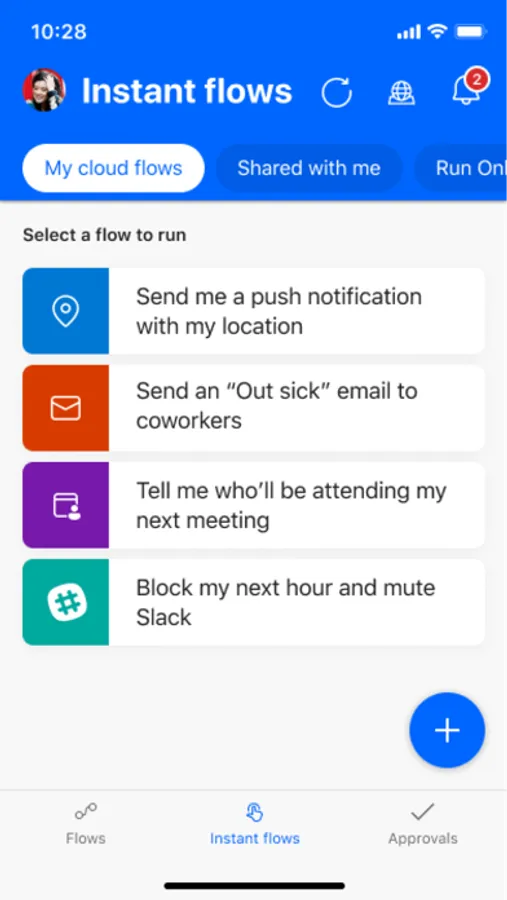
Record your work hours to a spreadsheet with the tap of a button
Automatically download email attachments to cloud storage
Capture, track, and follow up on sales leads, and connect to your CRM platform
Get notified when a work item is updated
And so much more!
Key features:
Trigger flows to run with just a tap
Create and edit flows on the go
View flow run details
Monitor flow activity directly from your mobile device
Grant approvals from the palm of your hand
Send and receive push notifications
Create a shortcut for an instant flow on your mobile device's home screen
Hundreds of apps and services connect with Power Automate, including the following: OneDrive, Dataverse, Office 365, Outlook, Microsoft Teams, SAP, Twitter, JIRA, Google Drive, Azure, Dropbox, and more!
Download the Power Automate for mobile app and start automating your tasks today!
Please refer to Microsoft's EULA for Terms of Service for Power Automate for iOS. By installing the app, you agree to these terms and conditions: https://go.microsoft.com/fwlink/?linkid=2131508
To learn more about the full capabilities of Power Automate, visit Microsoft.com/PowerAutomate.
Power Automate Screenshots
Tap to Rate:
Reviews for Power Automate
Farquadon
F Microsoft and f surveillance B
F Microsoft and f surveillance B
WilliamJRdy
iPad version very disappointing
For a product that’s supposed to enable automation “anywhere,” the iPad version completely misses the mark. If you’re serious about using Power Automate, you’ll be forced back to a laptop or desktop, which defeats the purpose of having a mobile app in the first place. Overall, this feels unfinished and unsupported. Microsoft really needs to invest in a proper, fully functional iPad experience instead of shipping a stripped-down, frustrating version that wastes