Live Wallpaper for iPhone 6s, 6s plus – Free Animated & Custom Dynamic Backgrounds
Rise Up Labs
4.3 ★
561 ratings
Free
In this live wallpaper app, you can browse, select, and set animated backgrounds for your lock screen using 3D Touch features. Includes a library of Live Photos, options to save favorites, and instructions for setup.
AppRecs review analysis
AppRecs rating 4.4. Trustworthiness 64 out of 100. Review manipulation risk 35 out of 100. Based on a review sample analyzed.
★★★★☆
4.4
AppRecs Rating
Ratings breakdown
5 star
64%
4 star
18%
3 star
9%
2 star
4%
1 star
5%
What to know
✓
High user satisfaction
82% of sampled ratings are 4+ stars (4.3★ average)
✓
Authentic reviews
Natural distribution, no red flags
About Live Wallpaper for iPhone 6s, 6s plus – Free Animated & Custom Dynamic Backgrounds
*** Live 3D Touch-enabled Wallpapers for iPhone 6s, iPhone 6s plus ***
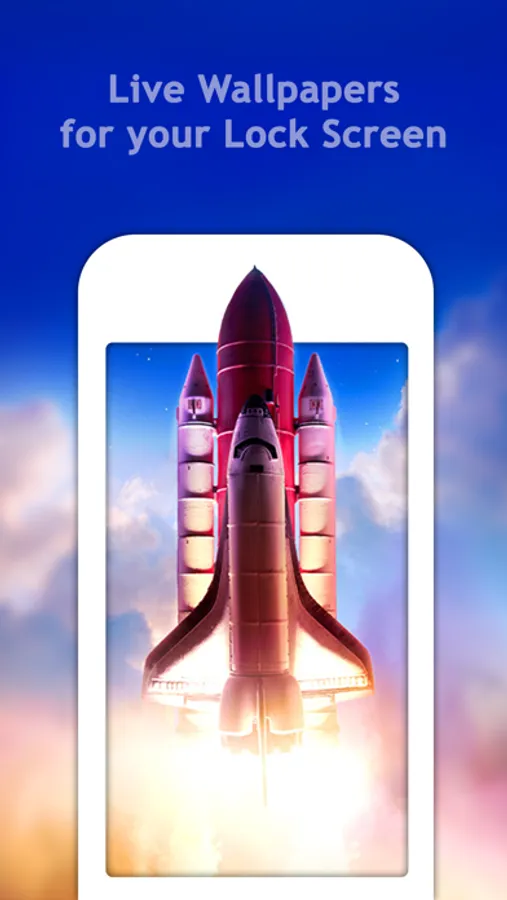
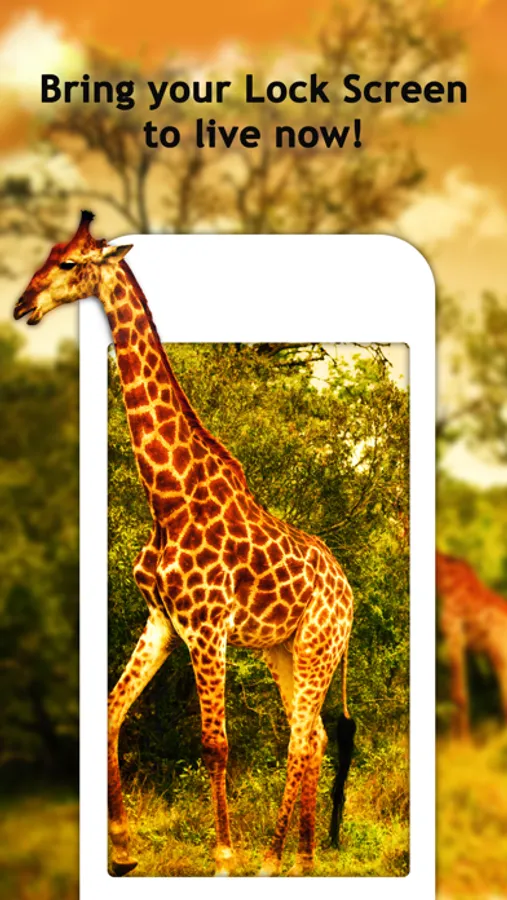
Get access to custom Live Wallpapers that will animate your lock screen and bring it to life! Select a Live Wallpaper from our catalog, and when you 3D Touch your screen it will start animating. Show it off to your friends!
FEATURES:
● Explore gorgeous Live Photo wallpapers
● Browse Live Photos to find your perfect choice
● See the animated backgrounds in slide mode
● Save the wallpapers you like the most to your Camera Roll
● Set the saved wallpapers as Live Photo wallpapers for your Lock Screen
HOW TO SET:
To set the Live Wallpaper on your lock screen:
1) Make sure Low Power Mode is OFF
2) Save a Live Wallpaper from the app
3) Open Settings > Wallpaper > Choose a New Wallpaper
4) Select the Live Wallpaper you saved
5) Go to your lock screen, and 3D Touch the screen.
Please note that if your device does not support 3D Touch, you can only set Live Photos as standard (non-animated) wallpapers.
Get access to custom Live Wallpapers that will animate your lock screen and bring it to life! Select a Live Wallpaper from our catalog, and when you 3D Touch your screen it will start animating. Show it off to your friends!
FEATURES:
● Explore gorgeous Live Photo wallpapers
● Browse Live Photos to find your perfect choice
● See the animated backgrounds in slide mode
● Save the wallpapers you like the most to your Camera Roll
● Set the saved wallpapers as Live Photo wallpapers for your Lock Screen
HOW TO SET:
To set the Live Wallpaper on your lock screen:
1) Make sure Low Power Mode is OFF
2) Save a Live Wallpaper from the app
3) Open Settings > Wallpaper > Choose a New Wallpaper
4) Select the Live Wallpaper you saved
5) Go to your lock screen, and 3D Touch the screen.
Please note that if your device does not support 3D Touch, you can only set Live Photos as standard (non-animated) wallpapers.