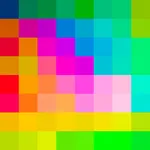
With this drawing app, you can create pixel art using different rendering styles and a customizable color palette. Included are tools for importing images, saving in PNG format, and sharing creations.
AppRecs review analysis
AppRecs rating 5.0. Trustworthiness 75 out of 100. Review manipulation risk 29 out of 100. Based on a review sample analyzed.
★★★★★
5.0
AppRecs Rating
Ratings breakdown
5 star
93%
4 star
0%
3 star
0%
2 star
0%
1 star
7%
What to know
✓
Low review manipulation risk
29% review manipulation risk
✓
Credible reviews
75% trustworthiness score from analyzed reviews
✓
High user satisfaction
93% of sampled ratings are 5 stars
About Swift Pixels
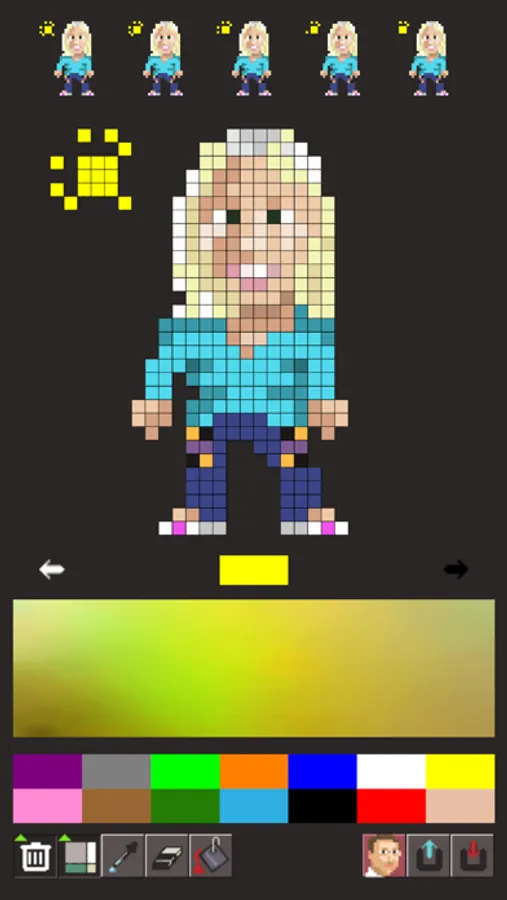
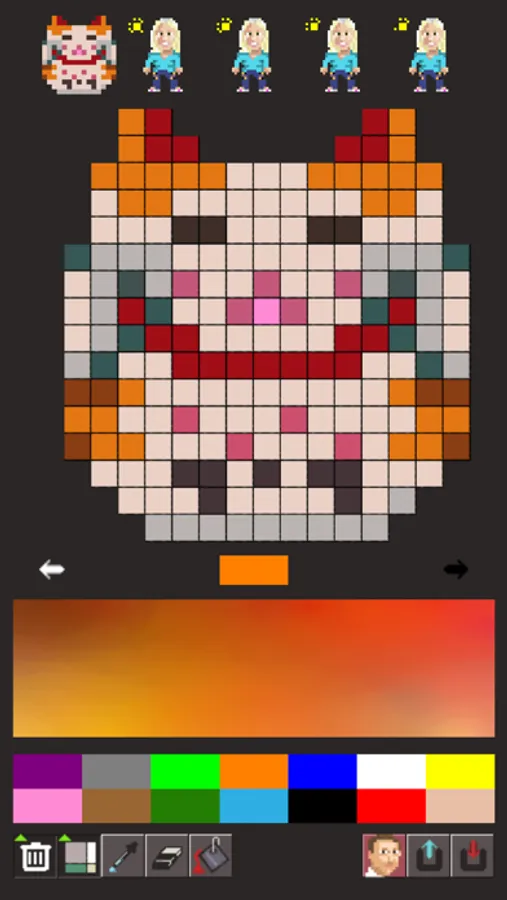
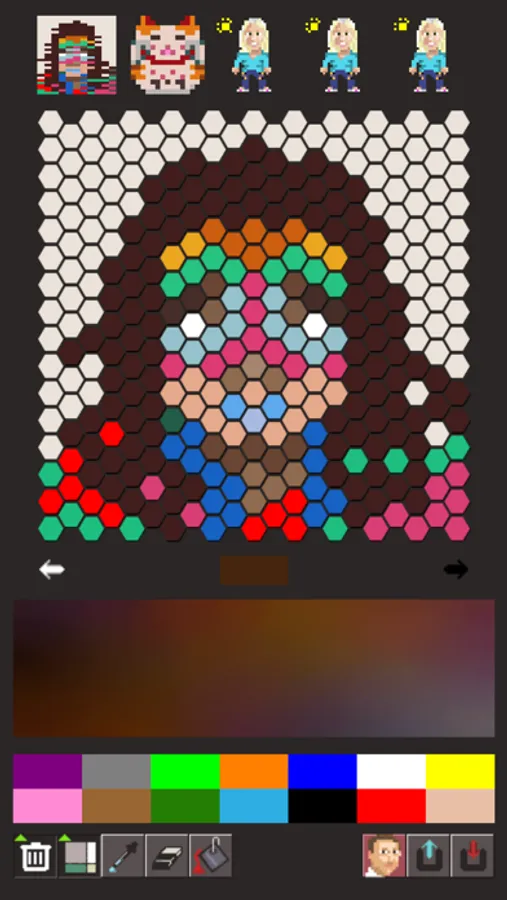
Simple and easy to use drawing application to create pixel art.
Features:
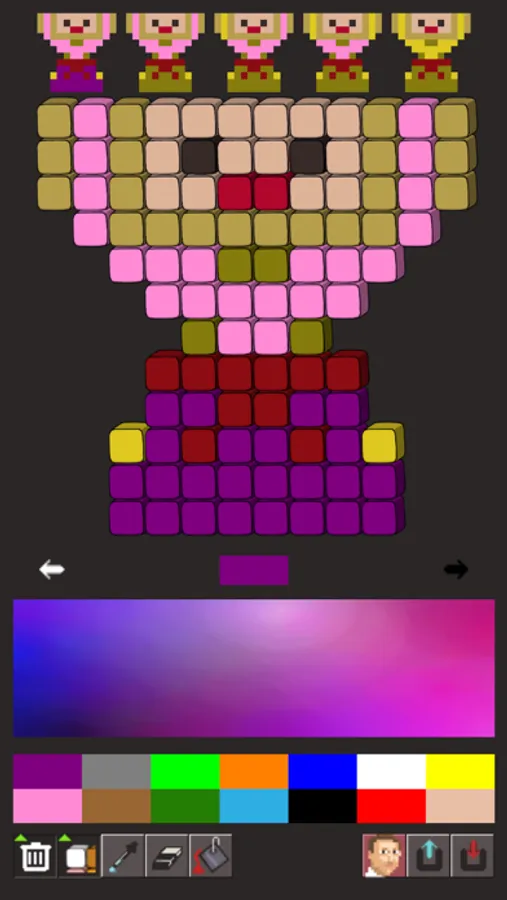
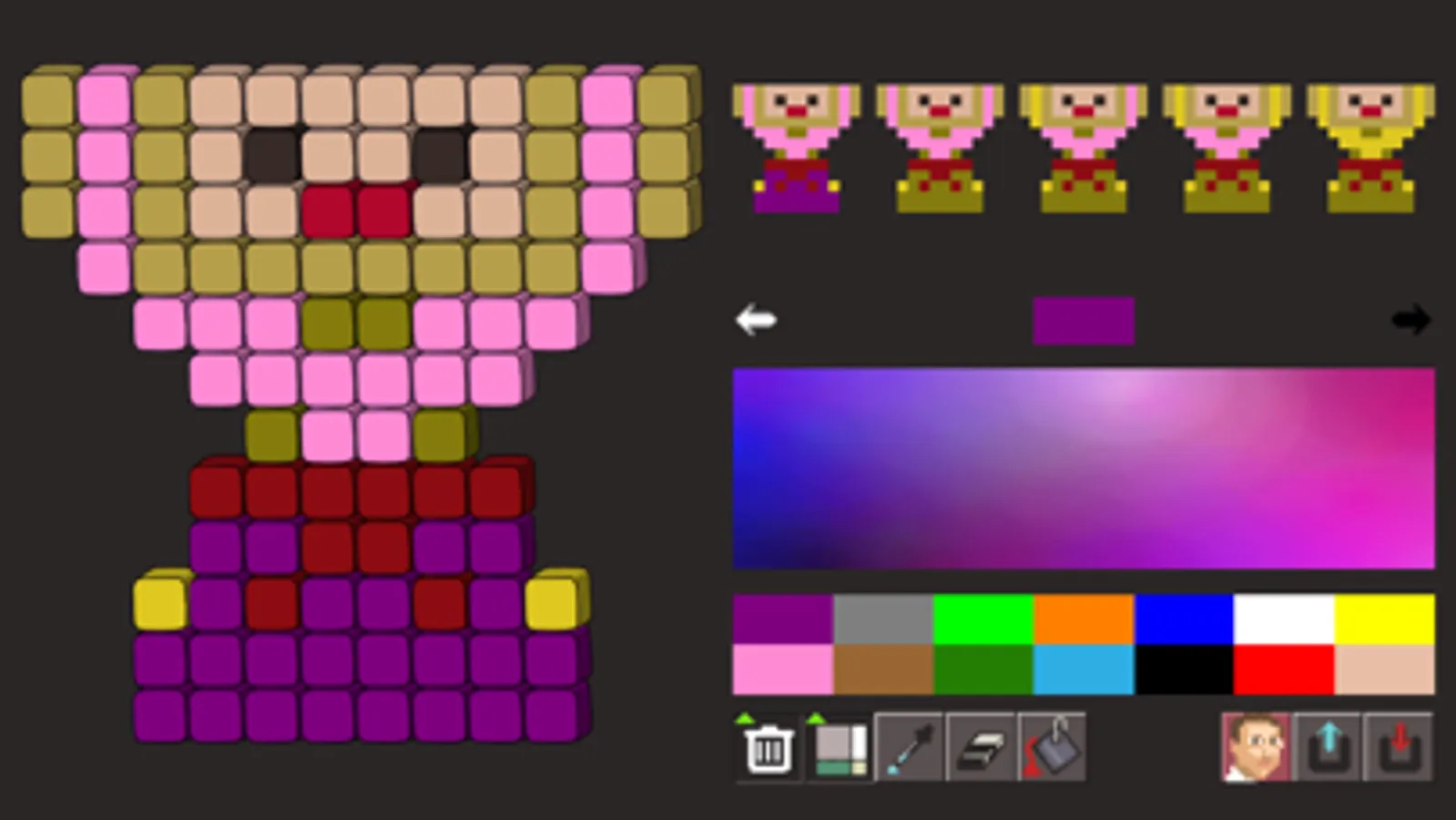
* Unique color palette based on universal color categories. Each color category expands a continuous gamut for that color.
* Render pixels as simple squares, 3D boxes, beads, a towel, or as hexagons (hexels).
* Save small images as PNG images with transparency (alpha/mask), or save them in hi-res and share them with the world :)
* Load and import pictures from your Photo Library, or directly take a picture from your camera.
Features:
* Unique color palette based on universal color categories. Each color category expands a continuous gamut for that color.
* Render pixels as simple squares, 3D boxes, beads, a towel, or as hexagons (hexels).
* Save small images as PNG images with transparency (alpha/mask), or save them in hi-res and share them with the world :)
* Load and import pictures from your Photo Library, or directly take a picture from your camera.
Swift Pixels Screenshots
Tap to Rate:
Reviews for Swift Pixels
Bevvy Rich
Im not seeing where i can load my pictures
Where!? Until then I will rate
alien_zero
Cool
Need to draw some pixels? This app has you covered.