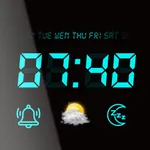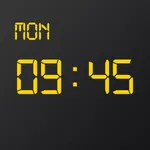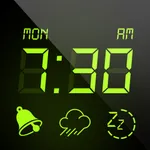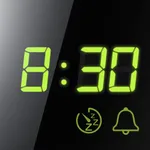
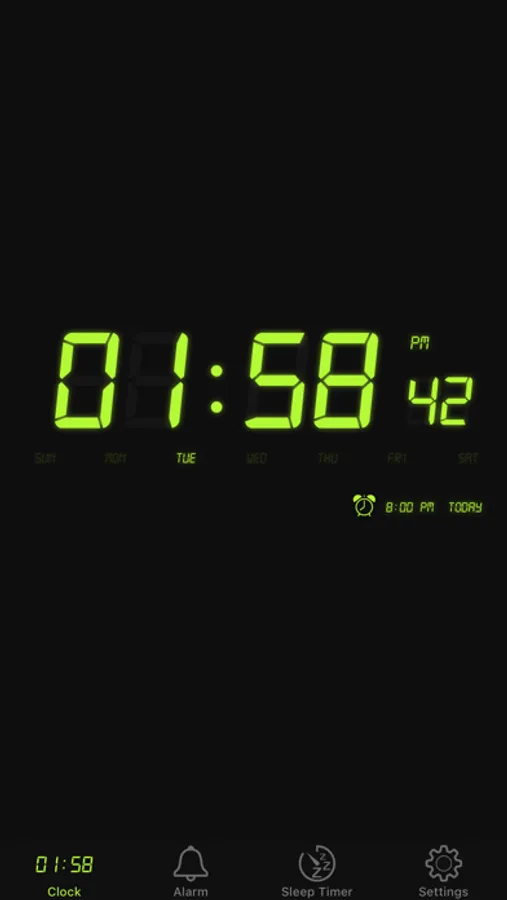
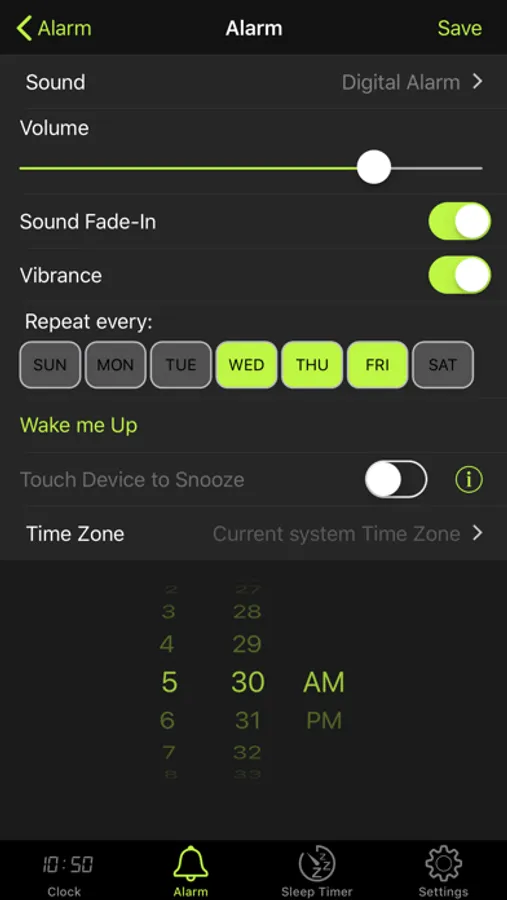
In this alarm clock app, you can set alarms using iTunes music or nature sounds and customize snooze settings. Includes adjustable brightness, multiple clock display options, and a sleep timer feature.
AppRecs review analysis
AppRecs rating 4.4. Trustworthiness 79 out of 100. Review manipulation risk 25 out of 100. Based on a review sample analyzed.
★★★★☆
4.4
AppRecs Rating
Ratings breakdown
5 star
72%
4 star
12%
3 star
7%
2 star
3%
1 star
7%
What to know
✓
Low review manipulation risk
25% review manipulation risk
✓
Credible reviews
79% trustworthiness score from analyzed reviews
✓
High user satisfaction
83% of sampled ratings are 4+ stars (4.4★ average)
About Alarm Clock: & Sleep Timer
Wake up easy and go to Sleep with your Favorites Music.
Alarm clock, features:
- 12/24 hour time mode
- iTunes music for alarm
- 6 different nature sounds
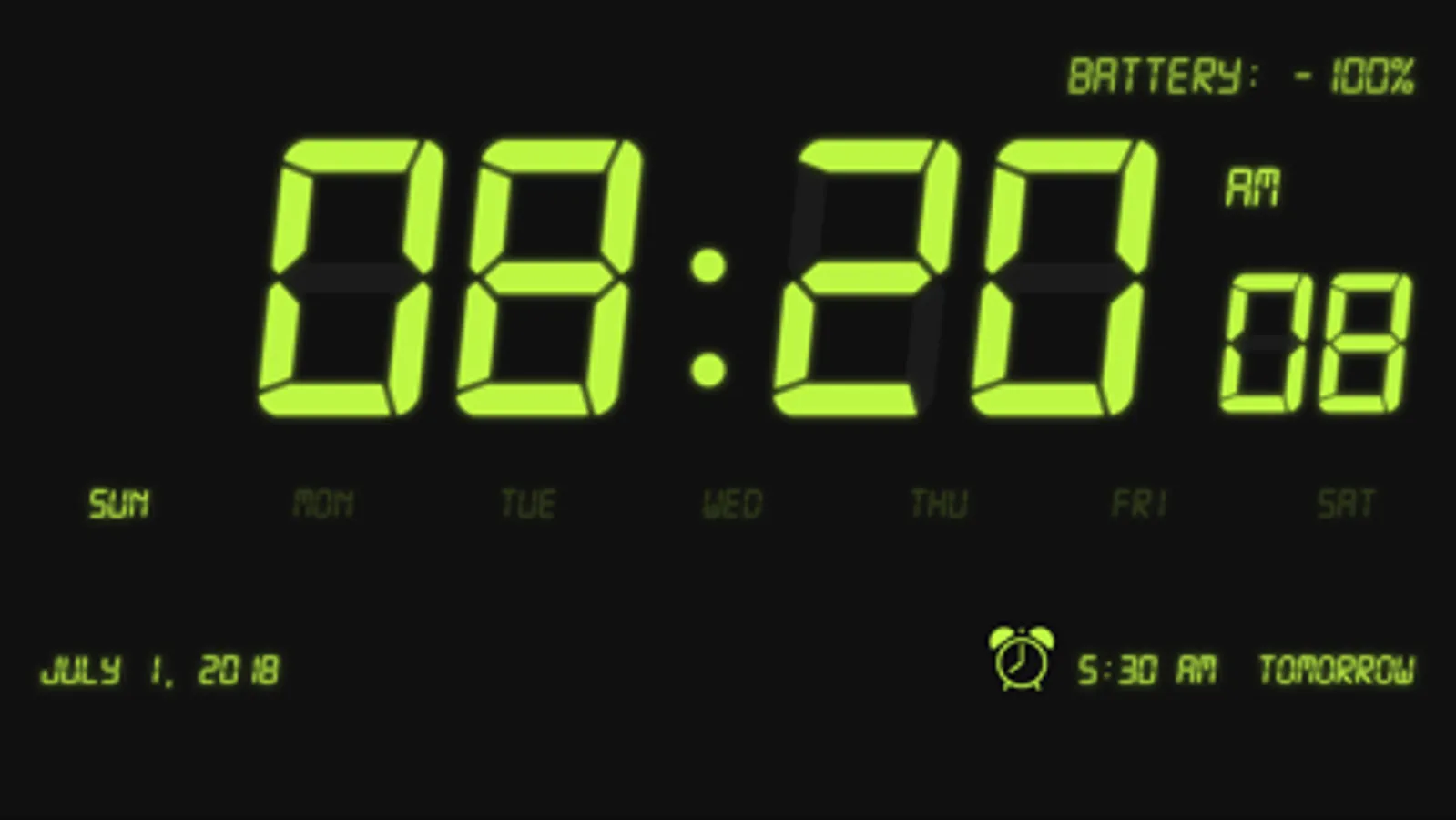
- Bedside clock
- Adjustable snooze time (optional)
- Adjustable brightness
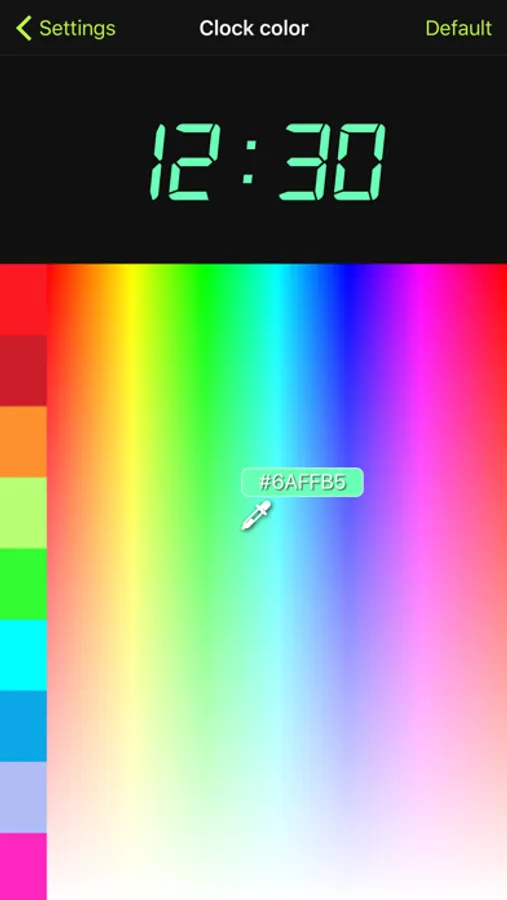
- 16,7 million colors of digital clock
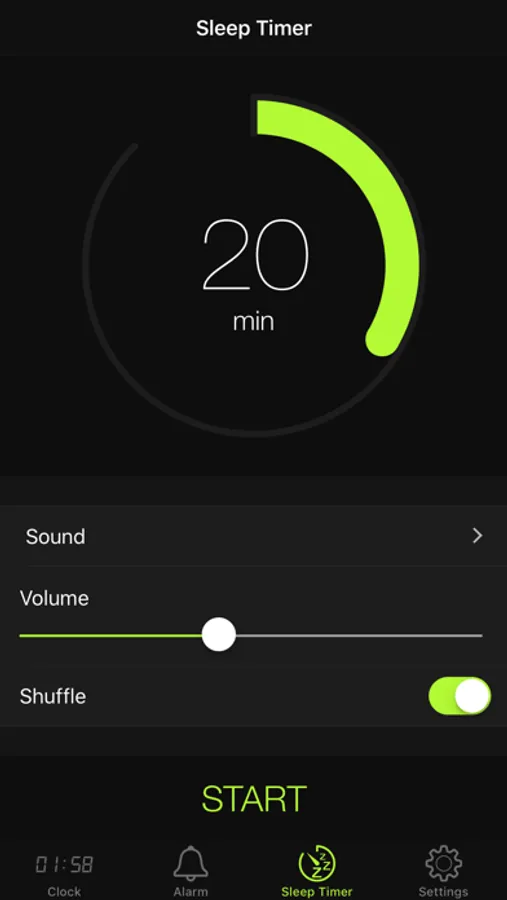
- Sleep timer with iTunes music
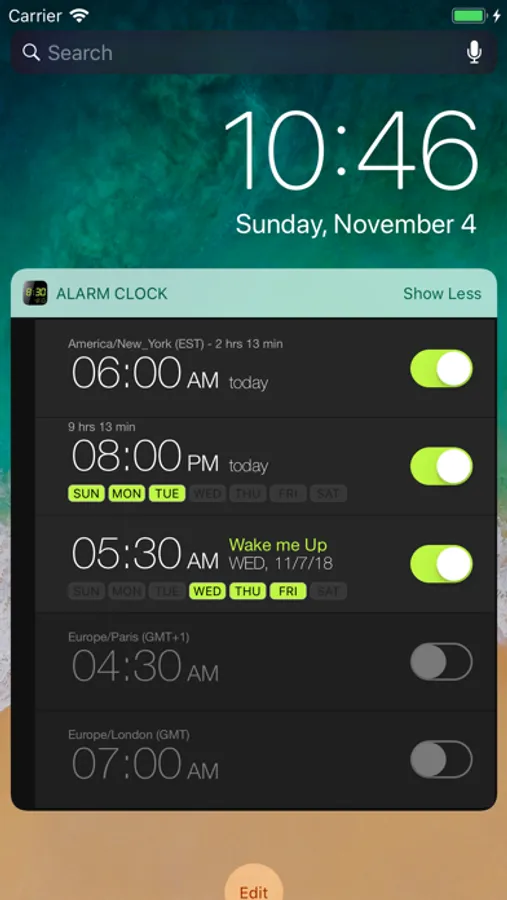
- Widget
Use tips:
- Adjust brightness: swipe diagonally from left bottom to right top.
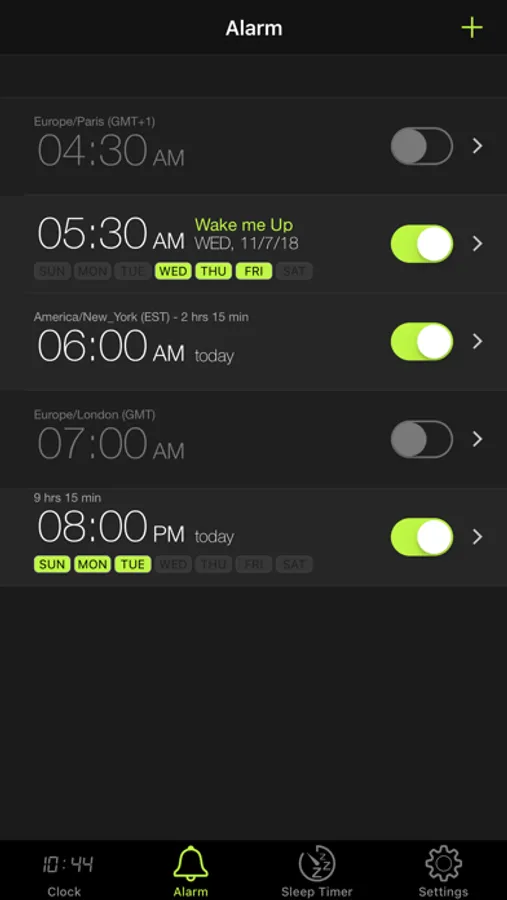
- Add alarm: tap "+" button or double tap on "Alarm" icon
- Delete alarm: swipe left.
- Stop alarm from the lock screen: push volume down button.
Alarm Clock: Missed alarm will automatically repeat again after 10 minutes.
For use as home clock: disable option "Auto-Lock" in app settings.
About alarm option "Touch Device to Snooze":
- Work when screen locked
- Easy touch to device for activation snooze
- Recommended place device on nightstand
- If device in hand, snooze activated after 3 seconds
- You can't set vibration with alarm
Alarm clock, features:
- 12/24 hour time mode
- iTunes music for alarm
- 6 different nature sounds
- Bedside clock
- Adjustable snooze time (optional)
- Adjustable brightness
- 16,7 million colors of digital clock
- Sleep timer with iTunes music
- Widget
Use tips:
- Adjust brightness: swipe diagonally from left bottom to right top.
- Add alarm: tap "+" button or double tap on "Alarm" icon
- Delete alarm: swipe left.
- Stop alarm from the lock screen: push volume down button.
Alarm Clock: Missed alarm will automatically repeat again after 10 minutes.
For use as home clock: disable option "Auto-Lock" in app settings.
About alarm option "Touch Device to Snooze":
- Work when screen locked
- Easy touch to device for activation snooze
- Recommended place device on nightstand
- If device in hand, snooze activated after 3 seconds
- You can't set vibration with alarm
Alarm Clock: & Sleep Timer Screenshots
Tap to Rate:
Reviews for Alarm Clock: & Sleep Timer
N1cknam3. 2424253748586
Beware
No privacy details provided. Dangerous!
Teddybearlover235
Pretty good
Sometimes it doesn’t work at all. I find the white stripes on the display to be too bright, and I wish they would make them a different color or go away completely. Also need to add a vibration option.