
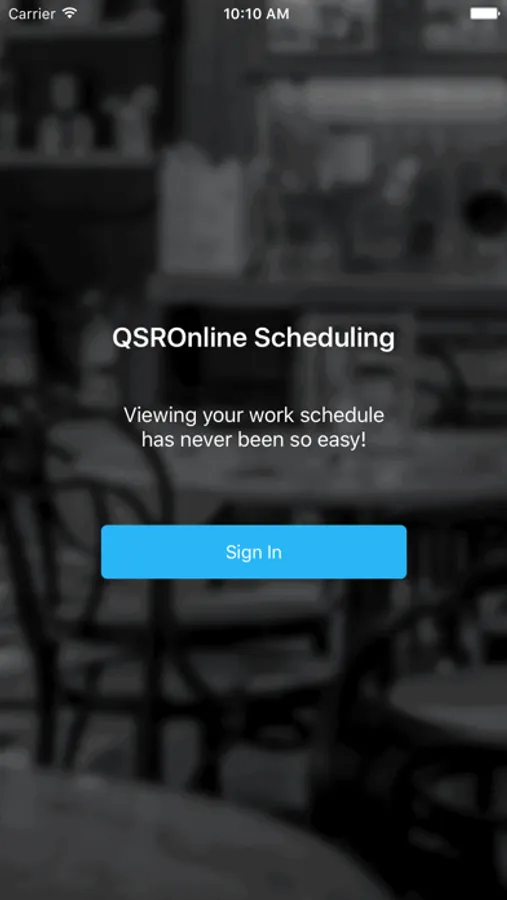
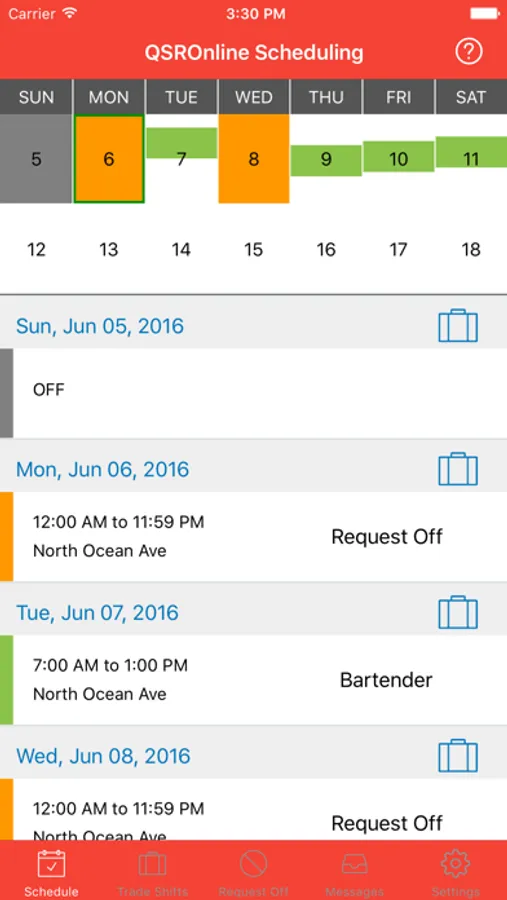
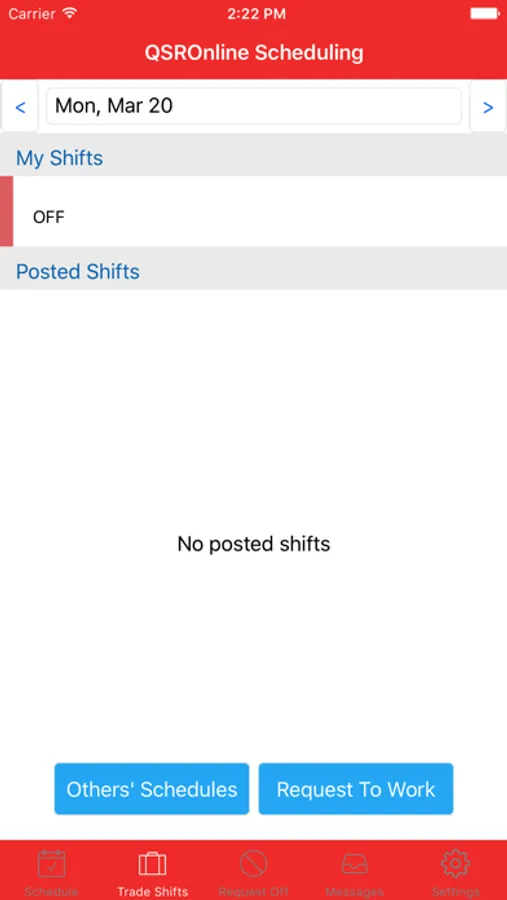
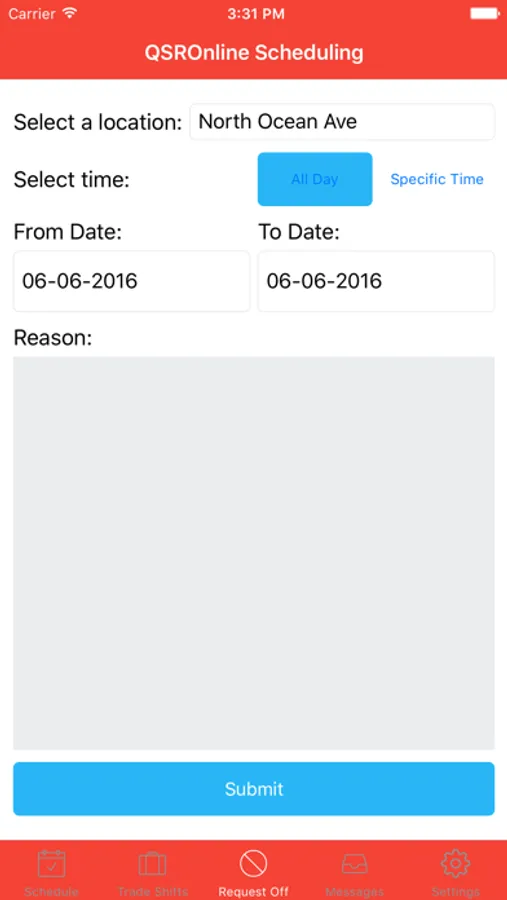
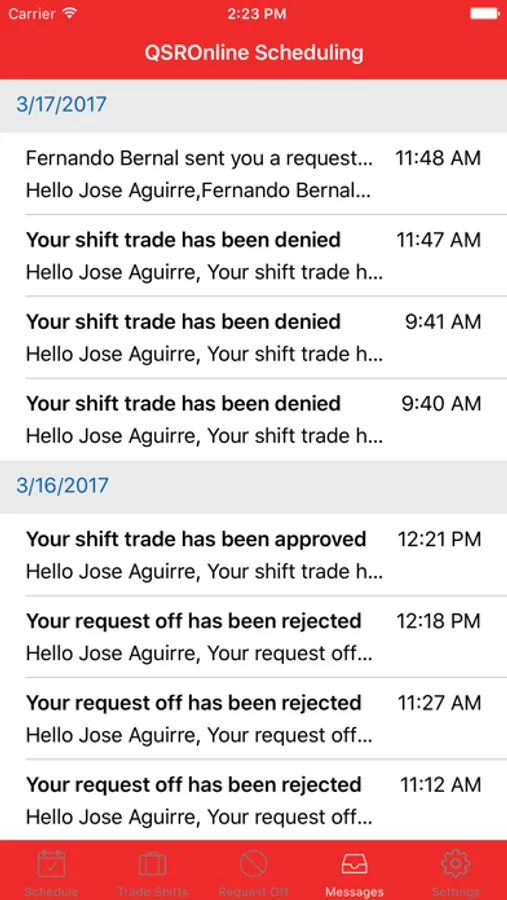
With this scheduling app, you can view your work schedules anytime and receive updates. Includes account setup instructions and schedule management features.
AppRecs review analysis
AppRecs rating 4.0. Trustworthiness 76 out of 100. Review manipulation risk 20 out of 100. Based on a review sample analyzed.
★★★★☆
4.0
AppRecs Rating
Ratings breakdown
5 star
60%
4 star
18%
3 star
7%
2 star
5%
1 star
9%
What to know
✓
Low review manipulation risk
20% review manipulation risk
✓
Credible reviews
76% trustworthiness score from analyzed reviews
✓
High user satisfaction
78% of sampled ratings are 4+ stars (4.1★ average)
About QSROnline Scheduling
Download our app to instantly view your upcoming work schedule.
In order to use the QSROnline Scheduling App:
1. Your scheduling manager must use QSROnline Scheduler to create and manage your work schedule.
2. Your manager must setup your account by entering your phone number into QSROnline.
QSROnline Scheduling supports iOS 10.3 or higher.
QSROnline Scheduling Screenshots
Tap to Rate:
Reviews for QSROnline Scheduling
Aurasamora06
review
The apps been pretty good, but I feel like they should add a Gmail as well, and not just a phone number to have access to your schedule like that’s kind of considerate of your Just have a phone number needed.
Kileyk550
Don’t let me login
The other day I got logged out and I put in my info and it said it was going to send me a verification code and I never got it I put in my phone number everything I did was right I even tried uninstalling the app and reinstalling it and that dident fix the problem it gives me an option to receive a call with the code if I don’t get the text and the call never came through it said “error something went wrong” I don’t know what to do now.