
With this app, you can make VoIP calls over Wi-Fi or cellular data and manage calls, voicemails, and SMS messages. Includes contact integration, quick dial, and international calling features.
AppRecs review analysis
AppRecs rating 4.4. Trustworthiness 45 out of 100. Review manipulation risk 28 out of 100. Based on a review sample analyzed.
★★★★☆
4.4
AppRecs Rating
Ratings breakdown
5 star
75%
4 star
10%
3 star
4%
2 star
3%
1 star
8%
What to know
✓
Authentic reviews
Natural distribution, no red flags
About voip office
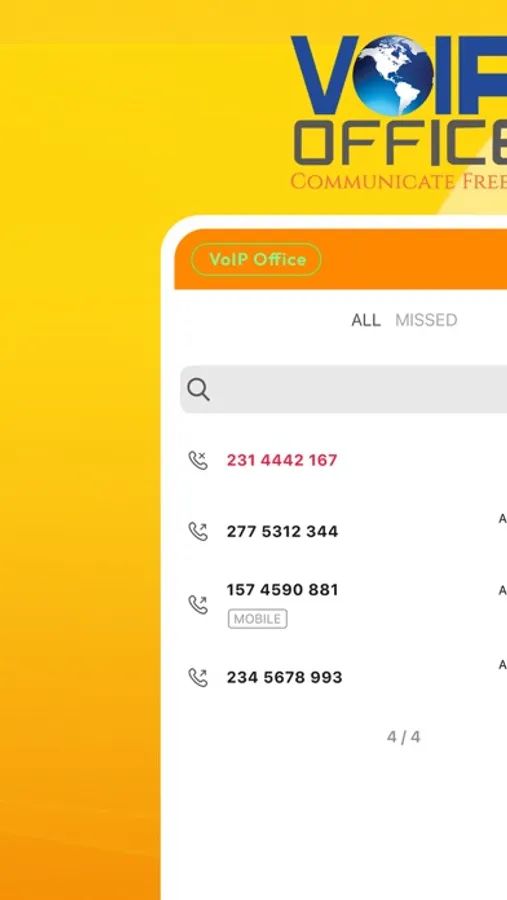
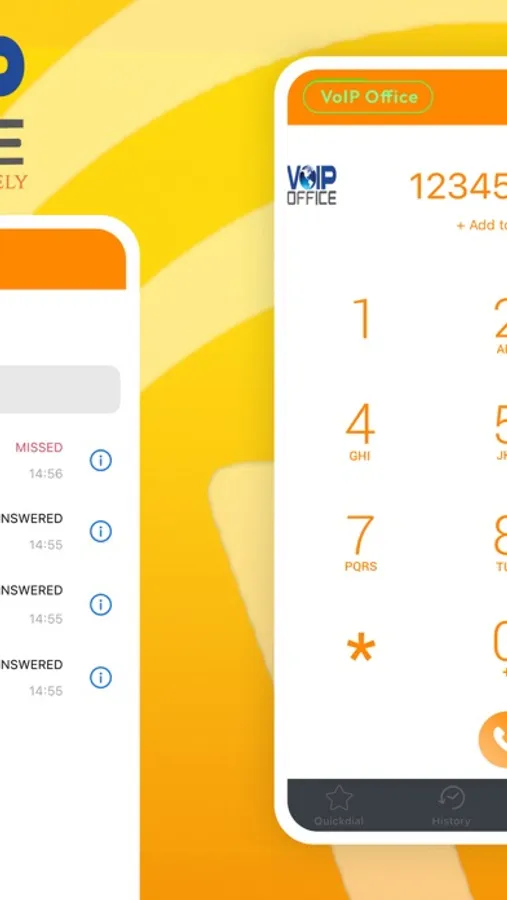
Download the Voip Office mobile app for IPhone. Use the Voip Office app to make VoIP calls over Wi-Fi without using carrier minutes or use 3G/4G when Wi-Fi is not available. Manage all of your business calls, voicemails and SMS messages from your mobile device when you’re away from the office. Voip Office makes it easy to show your business number as your caller ID when you make outbound calls from your cell phone and tracks call history so you have quick access to return calls directly from your mobile app.
Voip Office for IPhone Features:
- Quick Dial – Allows you to store favorites and have instant access to place a call or send an SMS message
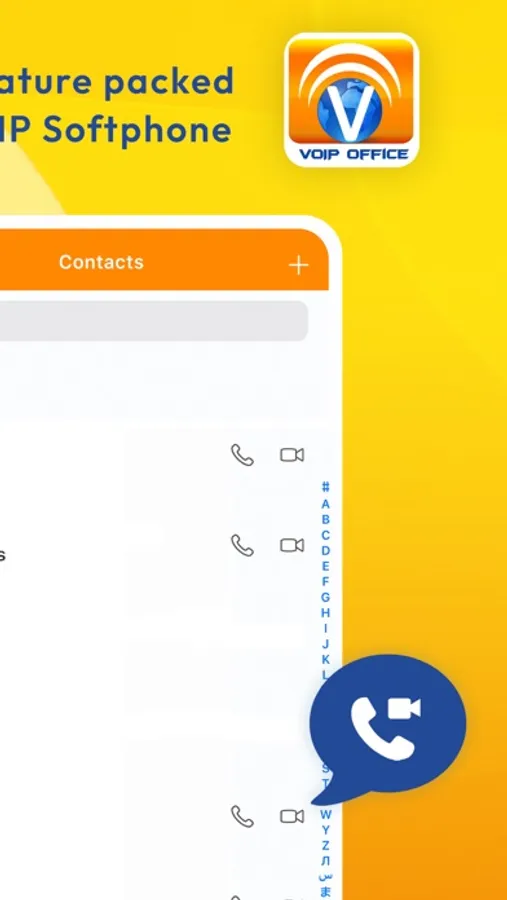
- Contact Integration – Integrate all your contacts
- International calling – Use the Voip Office app to make unlimited calls to the US & Canada while traveling internationally
Important: Voip Office for IPhone requires an existing Voip Office account.
Voip Office for IPhone Features:
- Quick Dial – Allows you to store favorites and have instant access to place a call or send an SMS message
- Contact Integration – Integrate all your contacts
- International calling – Use the Voip Office app to make unlimited calls to the US & Canada while traveling internationally
Important: Voip Office for IPhone requires an existing Voip Office account.
voip office Screenshots

Tap to Rate:
Reviews for voip office
Ravi5222
Call quality!
Voice is not good quality even in WiFi setting during a call