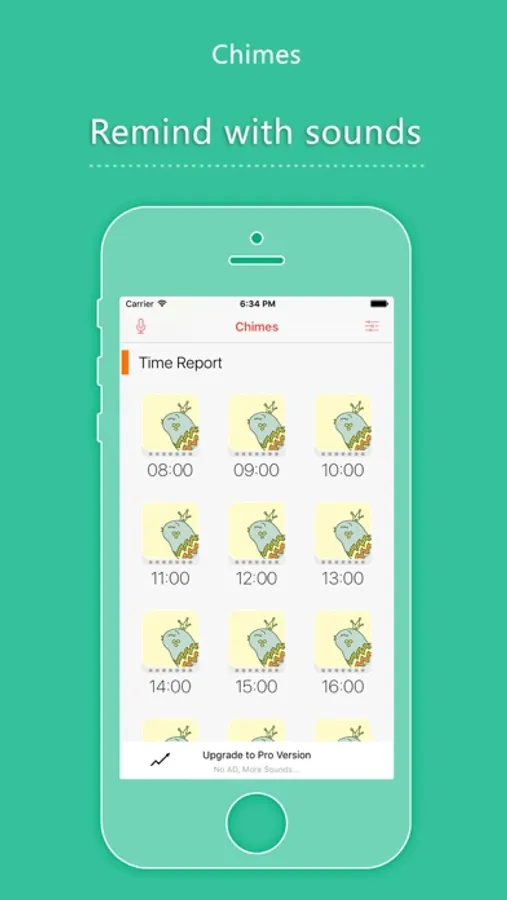
With this clock chime app, you can select and customize various clock sounds and set notification modes. Includes cuckoo clock, church bell, Big Ben sounds, hourly reports, and voice recording features.
AppRecs review analysis
AppRecs rating 4.0. Trustworthiness 79 out of 100. Review manipulation risk 25 out of 100. Based on a review sample analyzed.
★★★★☆
4.0
AppRecs Rating
Ratings breakdown
5 star
66%
4 star
16%
3 star
5%
2 star
4%
1 star
10%
What to know
✓
Low review manipulation risk
25% review manipulation risk
✓
Credible reviews
79% trustworthiness score from analyzed reviews
✓
High user satisfaction
82% of sampled ratings are 4+ stars (4.2★ average)
About Chimes - clock chime
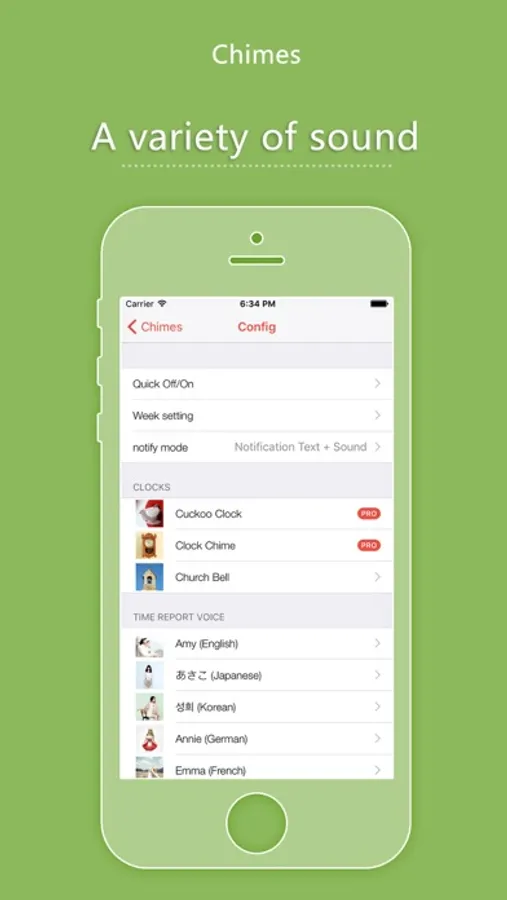
- Cuckoo Clock
- Clock Chime
- Church Bell
- Big Ben sounds
- Hourly time report for you
- Custom time to make a sound tips
- multi-language time report voices
- Silent mode and quick on/off make it easy to manage
- Record your voice to make a voice tips
notification mode to choose:
1 Notification Text + Sound
2 Only Notification Text
3 Only Sound
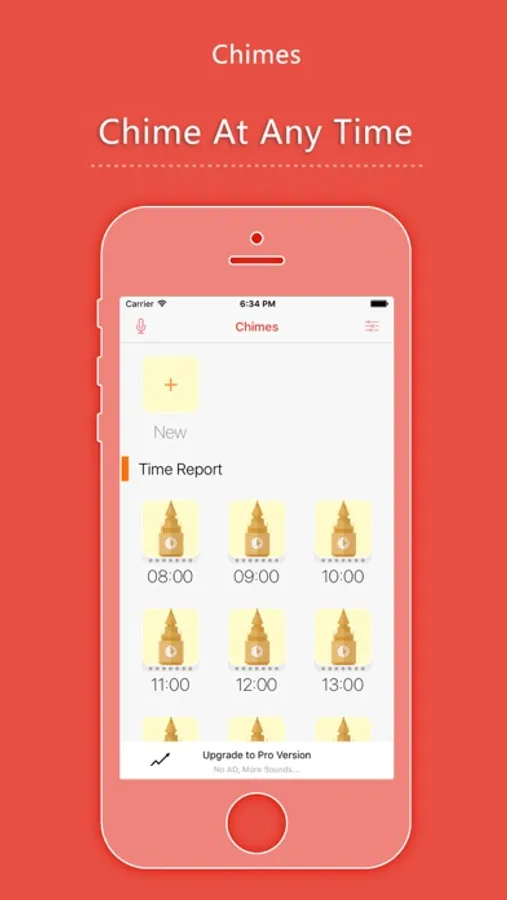
Chimes - clock chime Screenshots
Tap to Rate:
Reviews for Chimes - clock chime
AnotherGirlGenius
Chime not Chiming. Why is it on Silent Mode??
I downloaded this yesterday, so perhaps it’s not set up correctly, but I can’t figure out why it is not auditory Chiming. My volume is on,my volume is turned up, I am NOT on iPhone’s Focus setting or Do Not Disturb setting. But kn the hour - the app sends a notification that says (silent mode. It is 11 o’clock etc.) How can I hear the CHime?
Lamesalobo
I like it a little…
I would like it more if I could figure out how to use it. I don’t see any instructions. If they are there, i don’t find them.