
LNFCUmobile
Lakehurst Naval Federal Credit Union
4.7 ★
115 ratings
Free
With this financial management app, you can view all your accounts in one place, set alerts, and add transaction details. Includes account aggregation, alerts, notes, photos, and contact features.
AppRecs review analysis
AppRecs rating 4.7. Trustworthiness 70 out of 100. Review manipulation risk 26 out of 100. Based on a review sample analyzed.
★★★★☆
4.7
AppRecs Rating
Ratings breakdown
5 star
85%
4 star
9%
3 star
3%
2 star
0%
1 star
3%
What to know
✓
Low review manipulation risk
26% review manipulation risk
✓
Credible reviews
70% trustworthiness score from analyzed reviews
✓
High user satisfaction
85% of sampled ratings are 5 stars
About LNFCUmobile
FEATURES
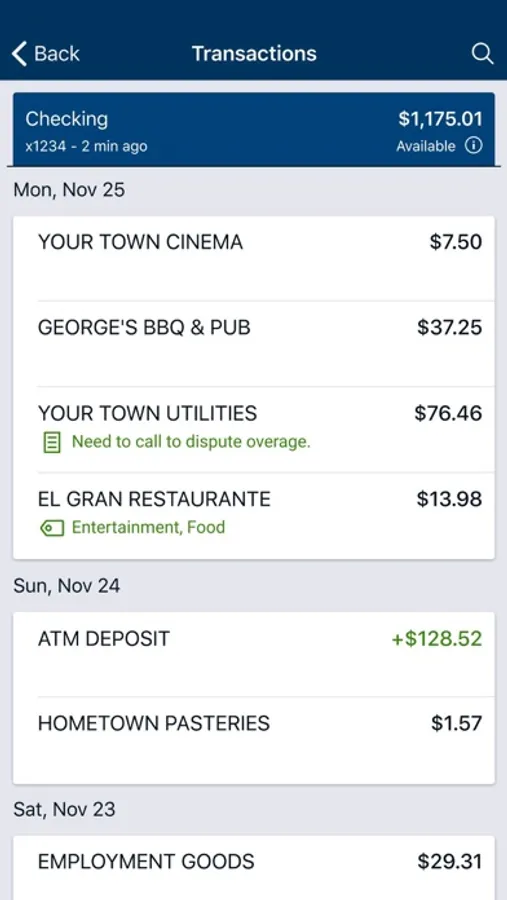
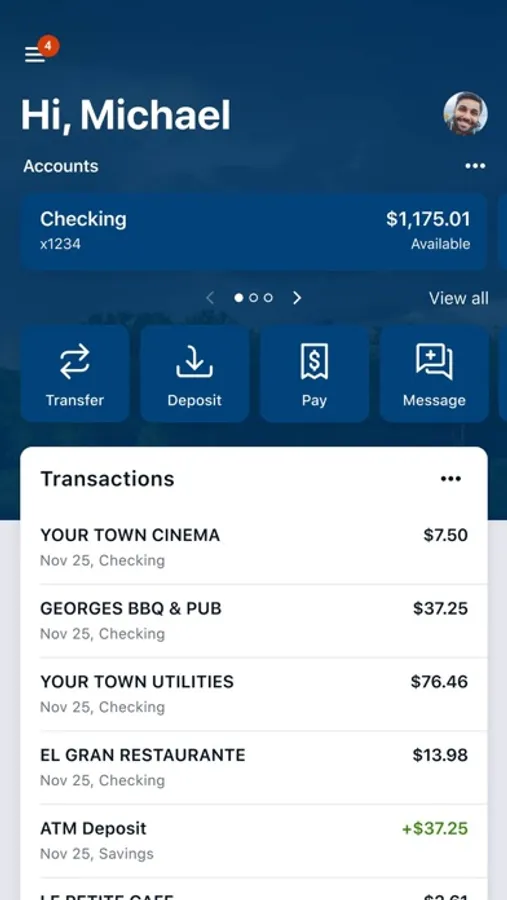
Multi-Account Aggregation: View all of your financial information (balances, transaction history, merchant spending averages) in one place for on-the-go organization.
Alerts & Notifications: Set alerts for low funds and be notified about upcoming bills.
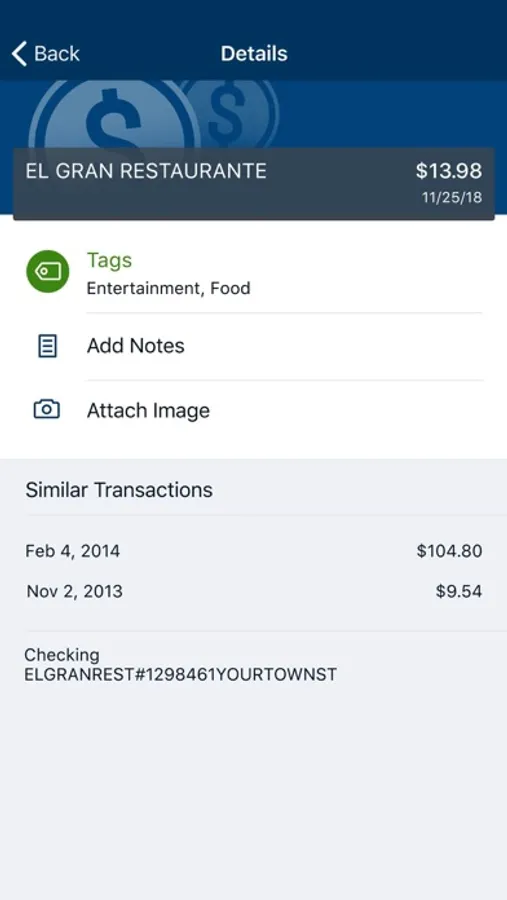
Add Tags, Notes, Images & Geo-Information: By enhancing transactions with custom tags, notes or photos of a receipt or check, you have the ability to stay organized and find exactly what you’re looking for when searching through your finances.
Contact: Locate ATMs or branches and contact Lakehurst Naval FCU customer service directly from the app.
SAFE AND SECURE
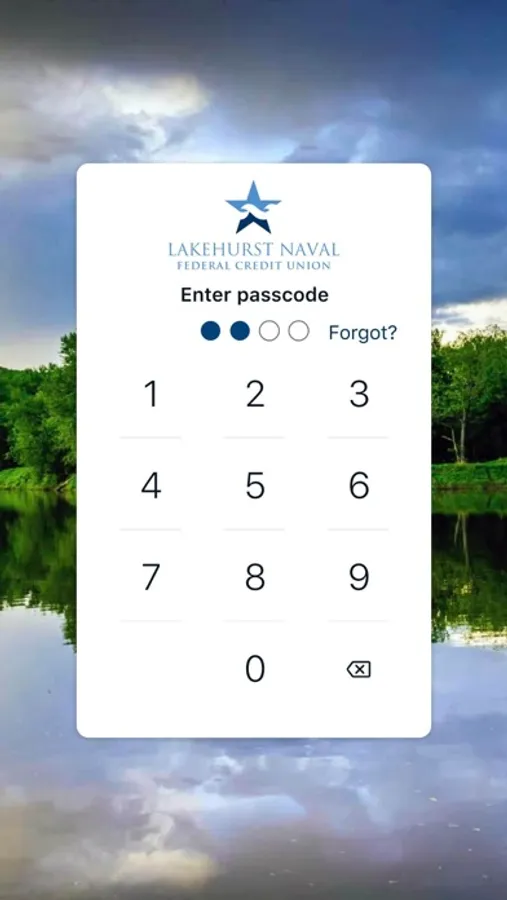
The app utilizes the same bank-level security that protects you when you’re on Internet Banking. The app also features a unique 4-digit passcode setting that prevents unauthorized access.
GETTING STARTED
To use the LNFCUmobile App, you must be enrolled as a Lakehurst Naval FCU Internet Banking user. If you currently use our Internet Banking, simply download the app, launch it, and login with the same Internet Banking credentials. After you successfully login to the app, your accounts and transactions will begin updating.
LNFCUmobile Screenshots
Tap to Rate:
Reviews for LNFCUmobile
kpage222
Sign out feature missing
Add a sign out feature please. Wells Fargo has one
Naes2007
Does not work
It will not update anything, and that’s if it even lets you in since the authentication questions never work. Security questions are never “correct”, even when the answer is definitely correct. I’ve reset the app multiple times to no avail. Honestly this lack of function has made me consider using another institution for my banking.