With this drawing app, you can create artwork using various tools like pencils, brushes, and markers, and customize brushes with textures. Includes support for adding text, shapes, and backgrounds, as well as sharing finished drawings.
AppRecs review analysis
AppRecs rating 3.7. Trustworthiness 75 out of 100. Review manipulation risk 30 out of 100. Based on a review sample analyzed.
★★★☆☆
3.7
AppRecs Rating
Ratings breakdown
5 star
65%
4 star
17%
3 star
8%
2 star
3%
1 star
7%
What to know
✓
Low review manipulation risk
30% review manipulation risk
⚠
Ad complaints
Many low ratings mention excessive ads
⚠
Pricing complaints
Many low ratings mention paywalls or pricing
About Drawing Pad - apps for Drawing
Main Features:
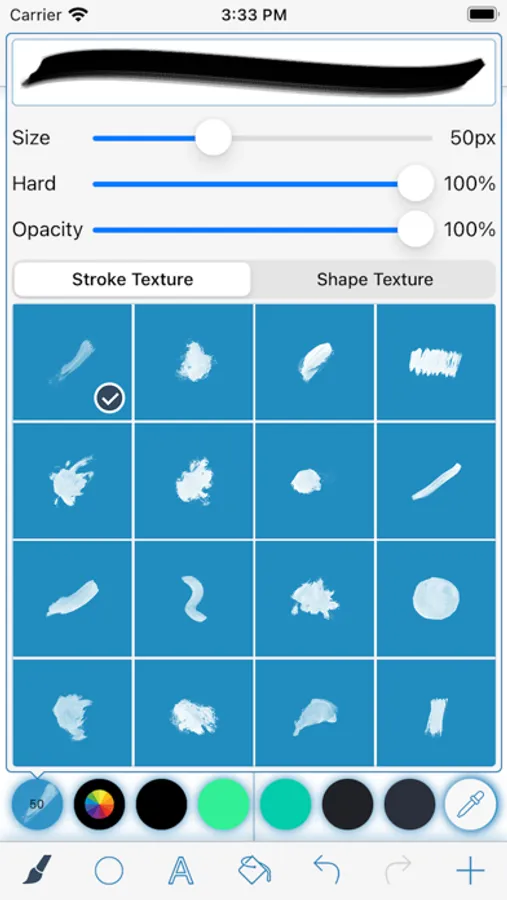
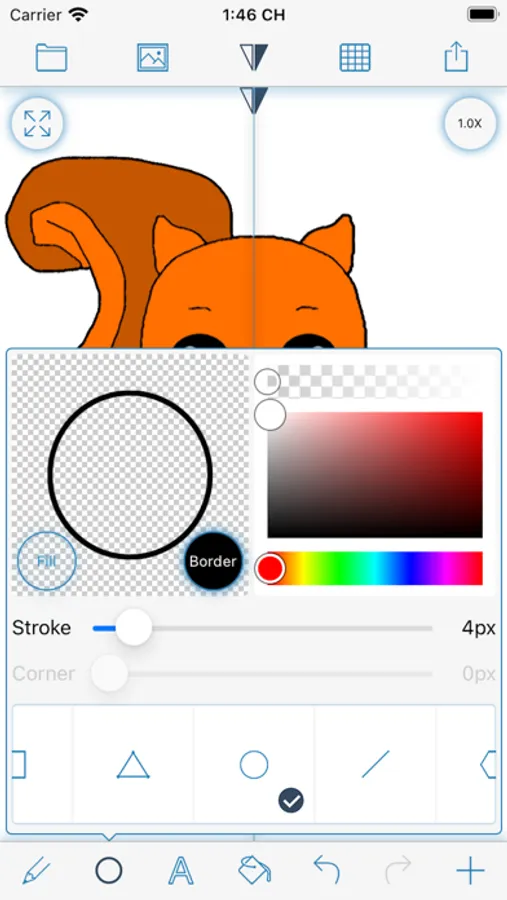
- Drawing with Pencil, Brush, Eraser, Marker, Pen.
- Customize Brushes with texture.
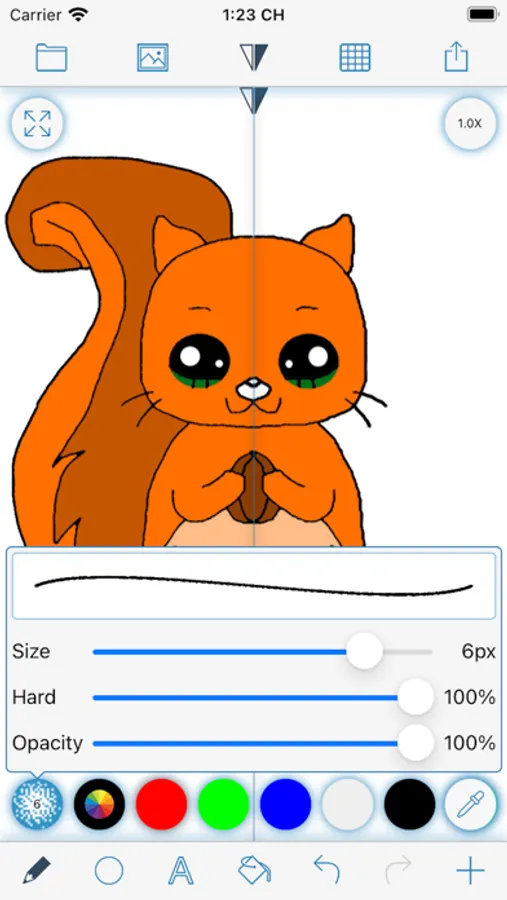
- Fill color with bucket.
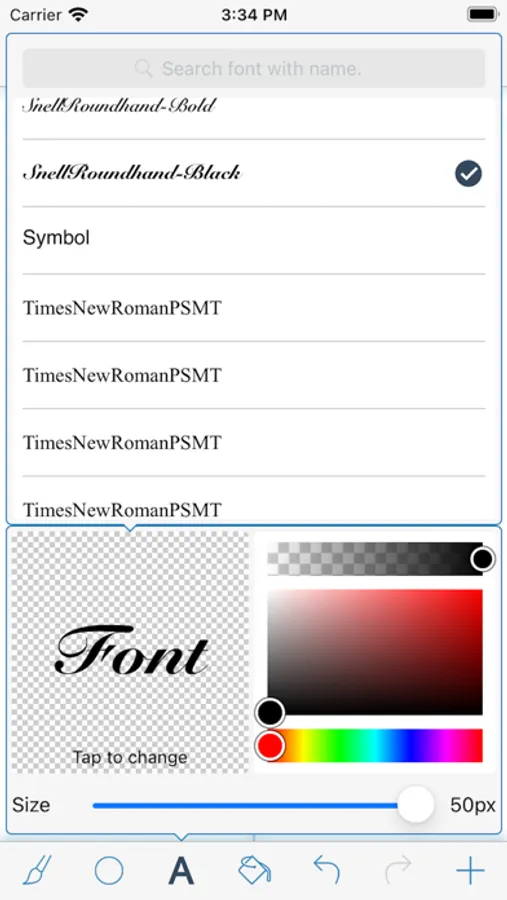
- Adding Text on drawing.
- Adding Shape on drawing.
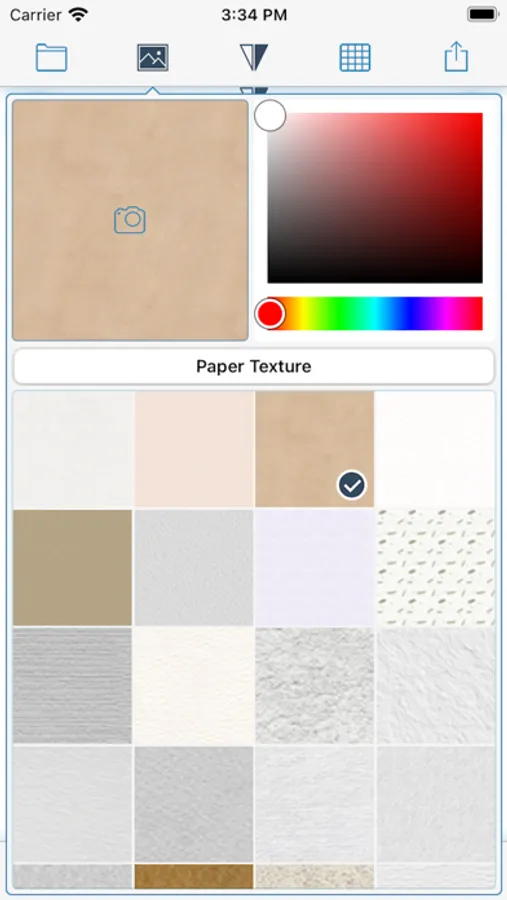
- Change drawing Background with color, texture and picture.
- Speed up drawing with Mirror.
- Easy drawing with Grid
- Share drawing.
Drawing Pad - apps for Drawing Screenshots
Tap to Rate:
Reviews for Drawing Pad - apps for Drawing
Mad😇😡😡😡😡
Good job
You have good things just more bravery So good job stay good or go bad but 5 stars is goooooood
🌮🌮🍫🍫
Not bad
I’d like this game, but most likely you draw better with the Apple pen, but if you don’t like with your hand, it just gets all skinny but when you draw with your like apple pen, something to draw with it it’s so much better like yeah you should get an apple pen with the strong if you guys don’t have an apple pen you should probably don’t download this game