In this contact management app, you can create, organize, and synchronize contact groups with various features. Includes group messaging, email, advanced search, bulk delete, and real-time data synchronization.
AppRecs review analysis
AppRecs rating 4.3. Trustworthiness 77 out of 100. Review manipulation risk 21 out of 100. Based on a review sample analyzed.
★★★★☆
4.3
AppRecs Rating
Ratings breakdown
5 star
77%
4 star
9%
3 star
4%
2 star
2%
1 star
8%
What to know
✓
Low review manipulation risk
21% review manipulation risk
✓
Credible reviews
77% trustworthiness score from analyzed reviews
✓
High user satisfaction
86% of sampled ratings are 4+ stars (4.4★ average)
About iContacts: Contact Group Tool
▷ Optimal technology for contact group management
◉ Evolution of the contacts App
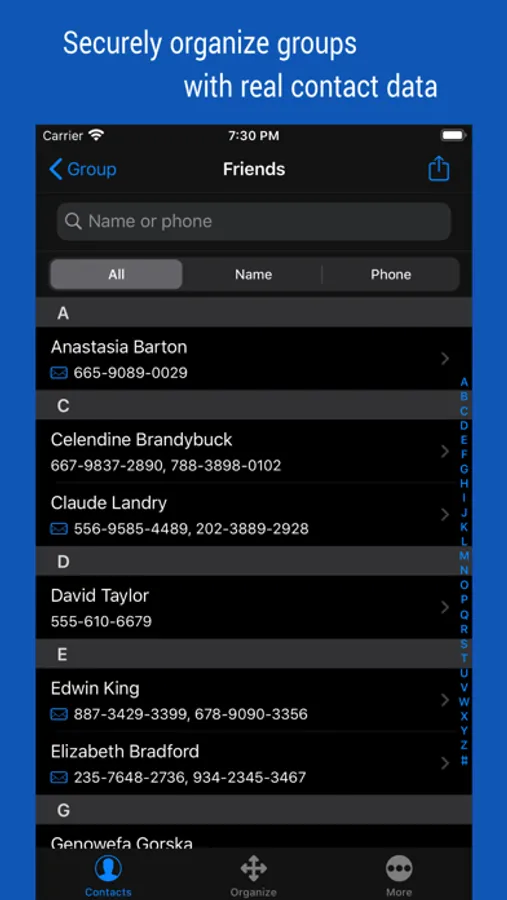
Manage your contacts into groups and contact your contacts as a group.
Contact group management is only a basic function. And you can manage groups more conveniently than the default app.
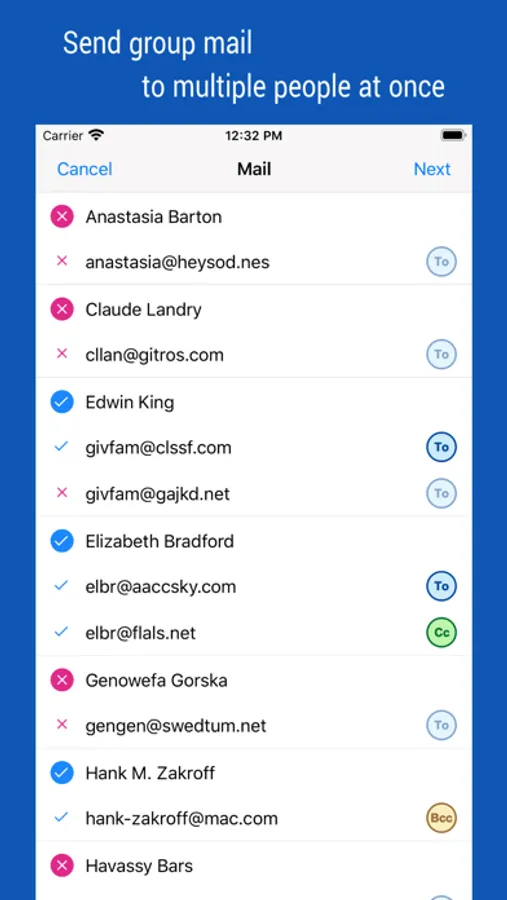
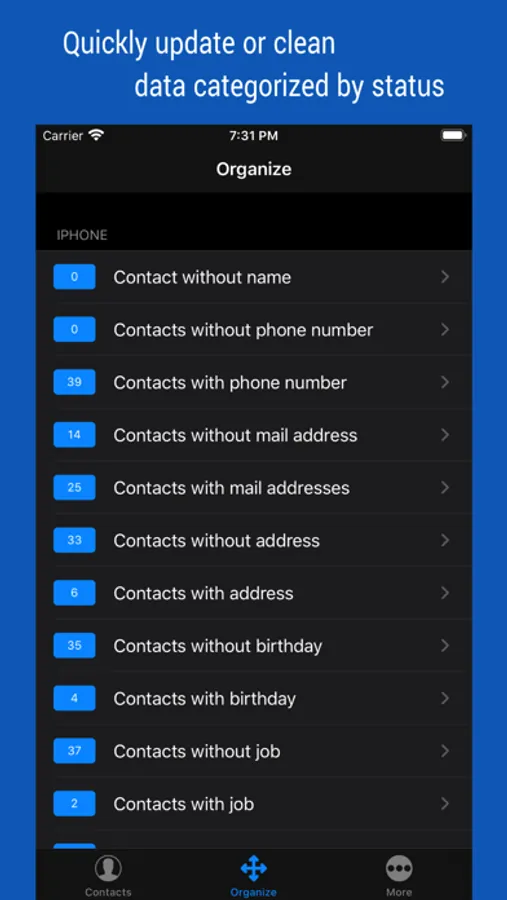
Additionally, advanced search features, group messaging, group email, bulk delete contact, organize contacts, etc.
◉ Secure Contact Tool
Contact data is valuable information to you. The contacts App uses the system's data, so it should work correctly and handle your data securely.
◉ Functions and Features
[Real-time Synchronization]
• Since the Contact data of the system is used as it is, the work contents are immediately reflected.
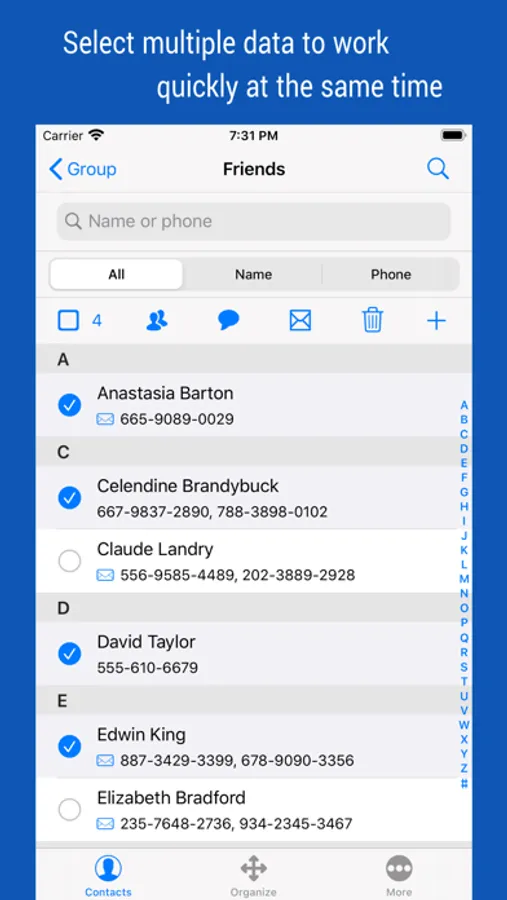
[Multiple selection methods]
• Most tasks can be processed quickly with multiple selections.
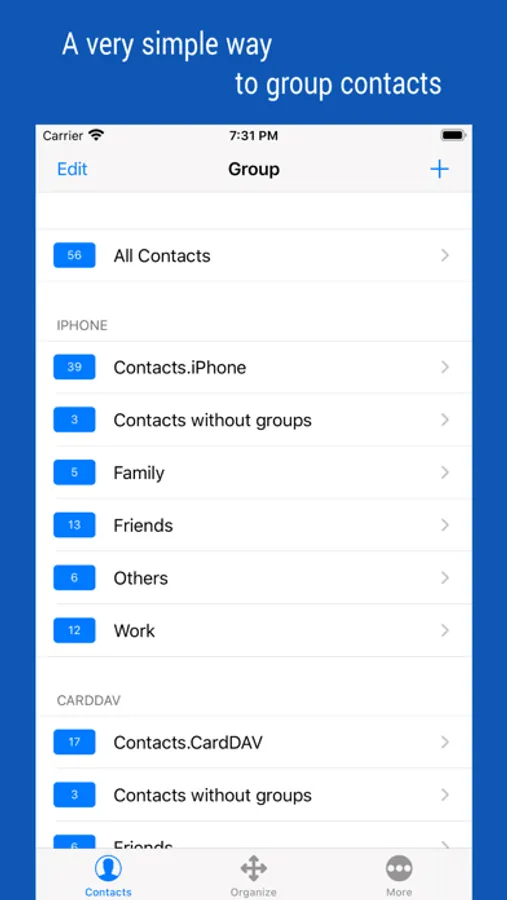
[Contact Group Management]
• Create a group and add contacts as group members
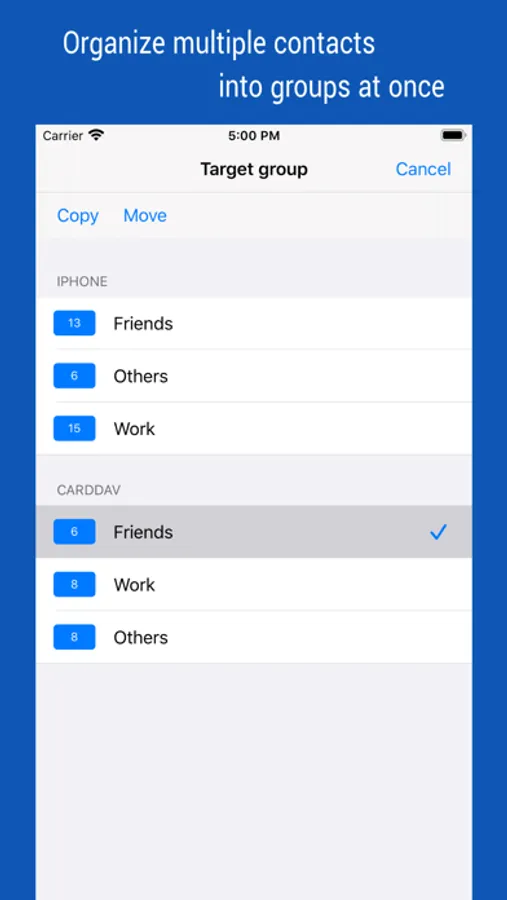
• Copy or move contacts between groups
• Real-time synchronization with the contact group on the system
• Simultaneous support of iCloud and CardDAV
[Advanced Contact Search Function]
• Extract optimal data by specifying phone number or name as search method
• Can search for initials in Korean language including double consonants
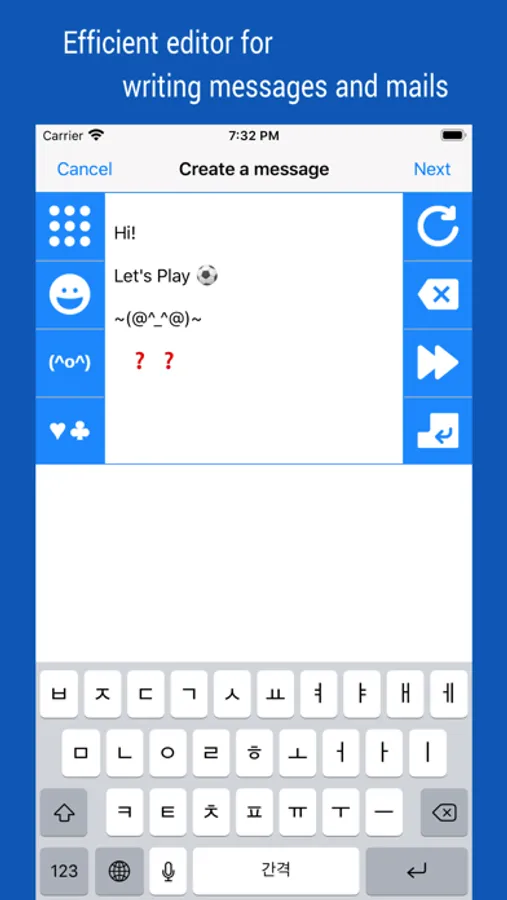
[Group Message, Group Email]
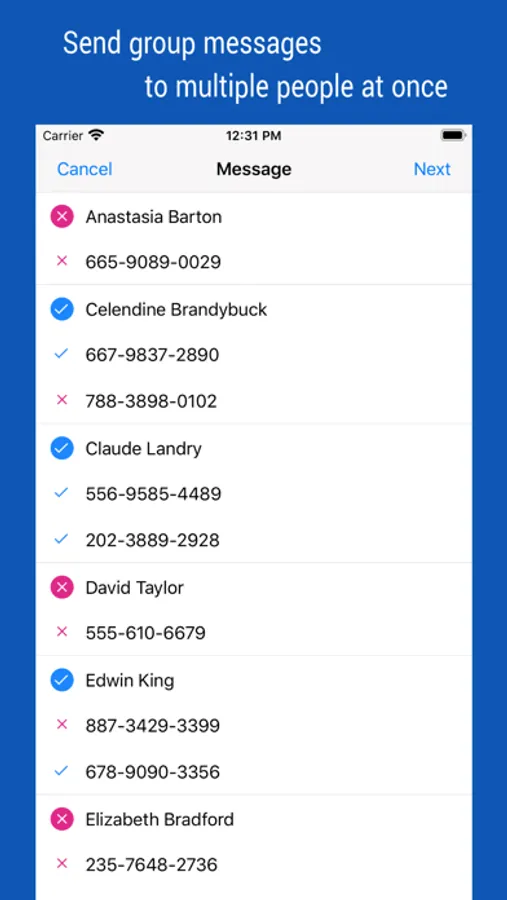
• Multiple contacts to send a message at the same time
• Provides separate message-writing tools for convenient input
[Organize contacts]
• Extract and organize contacts into various conditions
• Delete contacts in bulk
◉ Notification
• This is a completely free app, so no payment or subscription is required.
• You must allow access to your iPhone when you first launch the App.
• If the list of the order in your contact list changes after iOS updates, please change your iPhone settings. (Mail, Contacts, Calendars > Sort Order, Display Order)
• Contact groups in Exchange mail are not supported.
◉ Evolution of the contacts App
Manage your contacts into groups and contact your contacts as a group.
Contact group management is only a basic function. And you can manage groups more conveniently than the default app.
Additionally, advanced search features, group messaging, group email, bulk delete contact, organize contacts, etc.
◉ Secure Contact Tool
Contact data is valuable information to you. The contacts App uses the system's data, so it should work correctly and handle your data securely.
◉ Functions and Features
[Real-time Synchronization]
• Since the Contact data of the system is used as it is, the work contents are immediately reflected.
[Multiple selection methods]
• Most tasks can be processed quickly with multiple selections.
[Contact Group Management]
• Create a group and add contacts as group members
• Copy or move contacts between groups
• Real-time synchronization with the contact group on the system
• Simultaneous support of iCloud and CardDAV
[Advanced Contact Search Function]
• Extract optimal data by specifying phone number or name as search method
• Can search for initials in Korean language including double consonants
[Group Message, Group Email]
• Multiple contacts to send a message at the same time
• Provides separate message-writing tools for convenient input
[Organize contacts]
• Extract and organize contacts into various conditions
• Delete contacts in bulk
◉ Notification
• This is a completely free app, so no payment or subscription is required.
• You must allow access to your iPhone when you first launch the App.
• If the list of the order in your contact list changes after iOS updates, please change your iPhone settings. (Mail, Contacts, Calendars > Sort Order, Display Order)
• Contact groups in Exchange mail are not supported.
iContacts: Contact Group Tool Screenshots
Tap to Rate:
Reviews for iContacts: Contact Group Tool
Johnmrx
Last upgrade
The most recent apple up date is terrible? Too many changes on the apps; especially Photos and contacts!
KING SOLOMON I
Pro
No way to contact developer with questions. What are backup choices in pro version?