In this personal finance app, you can track bills, expenses, and income while setting reminders and viewing reports. Includes budgeting tools, charts, reports, and data backup options.
AppRecs review analysis
AppRecs rating 4.4. Trustworthiness 78 out of 100. Review manipulation risk 20 out of 100. Based on a review sample analyzed.
★★★★☆
4.4
AppRecs Rating
Ratings breakdown
5 star
85%
4 star
8%
3 star
3%
2 star
1%
1 star
2%
What to know
✓
Low review manipulation risk
20% review manipulation risk
✓
Credible reviews
78% trustworthiness score from analyzed reviews
✓
High user satisfaction
85% of sampled ratings are 5 stars
About MoBill Budget
You can disable ads and activate additional features by buying Premium Subscription. You can buy 3 months or 1 year subscription. If you buy a subscription, payment will be charged to your iTunes Account at confirmation of purchase. The subscription is an auto-renewal subscription and it will automatically renew unless auto-renew is turned off at least 24 hours before the end of the current period. You can turn off auto-renew in your Apple ID Account Settings any time after purchase.
Privacy Policy: http://www.mobillbudget.com/privacy.php
Terms of Use: http://www.mobillbudget.com/termsofuse.php
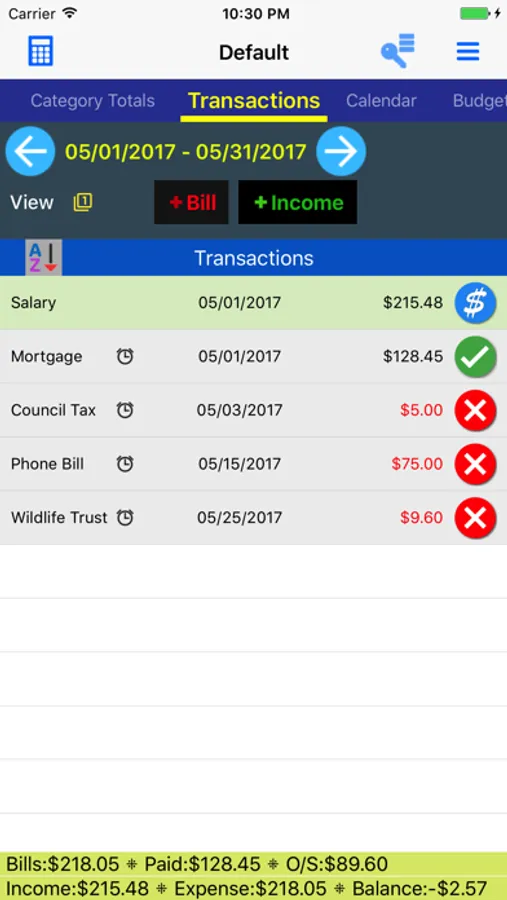
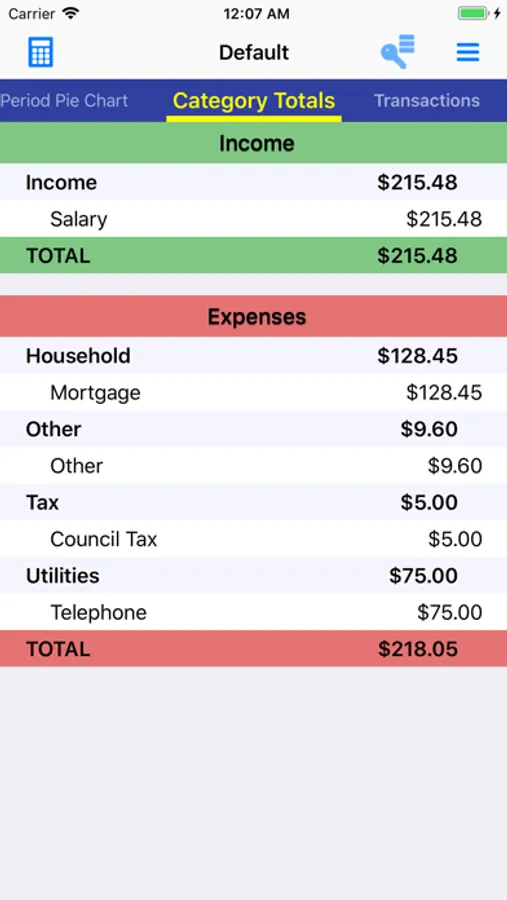
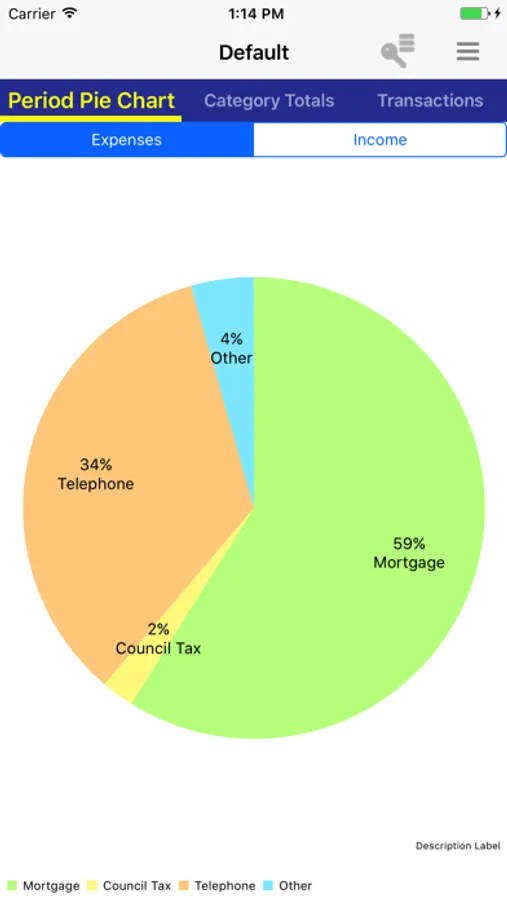
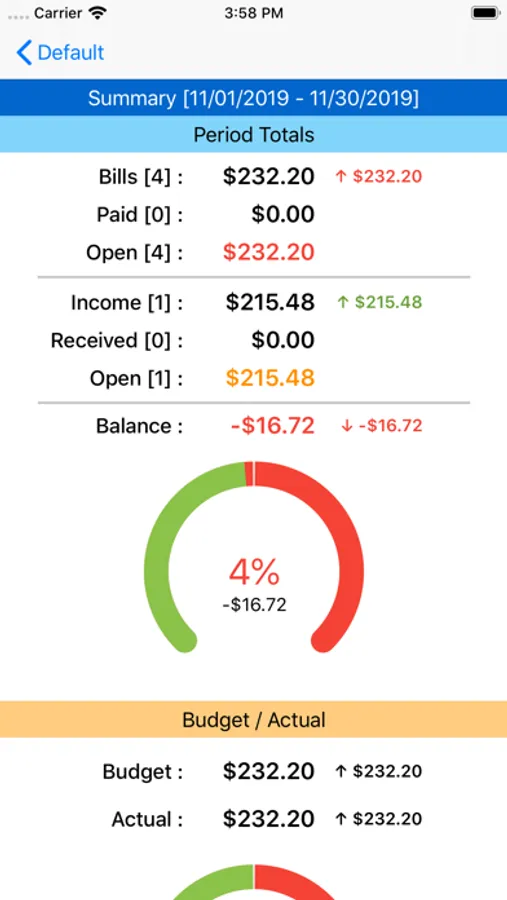
It has a simple and minimalistic look with the extensive features behind it. As soon as you add your bills and income, MoBill provides insights to your finance. The features, such as charts and reports, shows different aspects of your finance and helps you to analyse your finance in detail. By setting reminder for the transactions, you will not miss any due date.
* Sync your data between your devices or share with your family with MoBill Cloud Sync
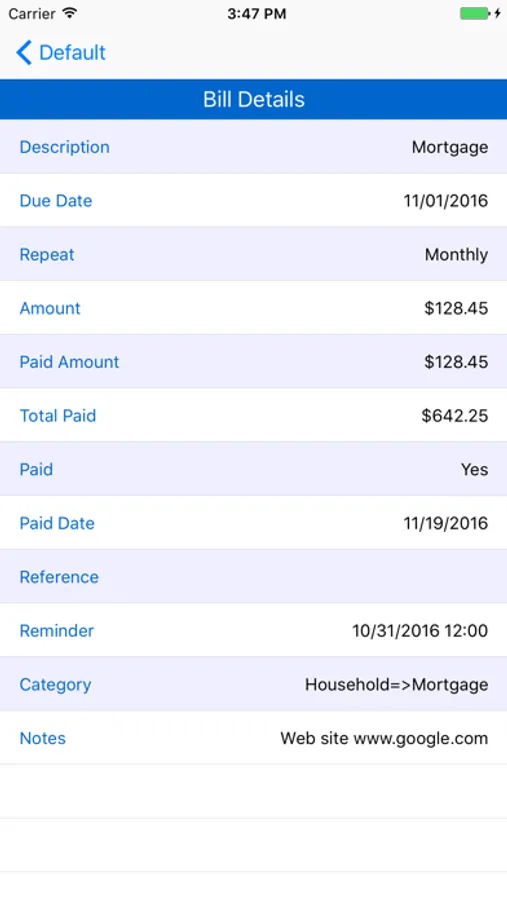
* Track one off or repeating bills or income
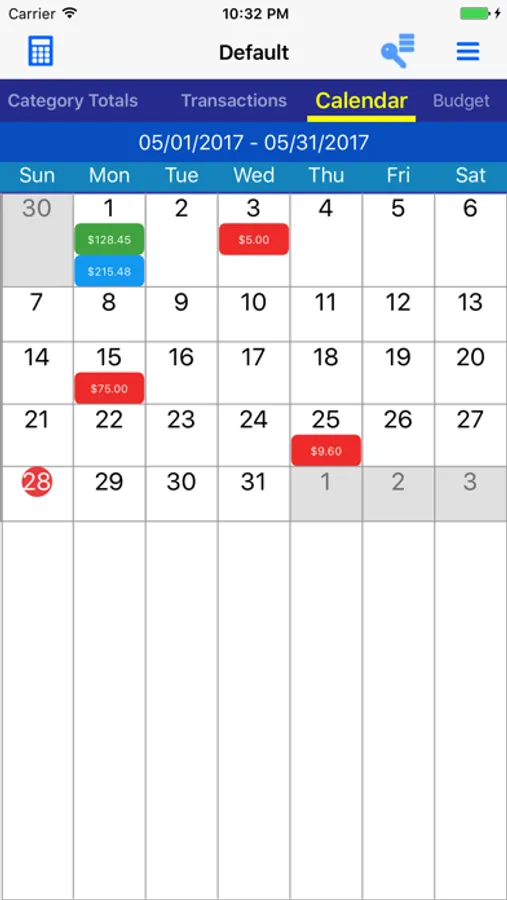
* View up to 3 consecutive month/week in one screen
* Setup your own categories
Some important free version features are:
* Bill/Income due reminder
* Multiple account/multiple currency support
* Repeating Bill/Income entry
* Add your own categories
* See bills and income in Monthly or Weekly periods
* In-app calculator
* Charts
* Password security
* Backup / Restore
* No internet account setup required. All data is kept in your phone
* Internet connection only required for ads
Some of additional Premium Subscription features are:
* No ads
* Cloud Sync. Sync your data between your devices automatically, share with your family
* Cloud Sync Web. Access your data through web site from any device
* Multiple/Partial payment against transactions
* Budgeting. Budget entry and comparison against the actual, and reports
* Reports. Can be emailed or saved in CSV format to open in Excel or similar programs
* Period outstanding balance carried over next period automatically
* Decreasing Bill that automatically rolls over the remaining balance to the following period
* Paid Amount and Payment Reference entry separate than bill amount
* Transfer between accounts
* Home screen widget
* Month Weekday recurrence. You can add bills/income such as repeating every third Wednesday
* Advanced Backup/Restore. You can save with any name and you can choose the backup file to be restored
* Auto Payment that marks bill paid automatically on the due date
* Additional period types
Please don't hesitate to contact us for any question, issue or suggestion.
MoBill Budget Screenshots
Tap to Rate:
Reviews for MoBill Budget
BWRanch
Needs work
I’d give it more stars, but the fact is you type in a name and it clears it out and I’m not sure why. If it does it to the title of the bill, it will also do it to the amount you’re trying to input. This has been an ongoing issue and should be fixed and I would probably give it 4.5-5 stars at that point. But is very irritating.
Bettyb#
Issues with last year bills
I love this app and have been using it for years now. Not sure why I’m getting my bills from 2023 interfering with my current bills making it confusing. Any advice? Thanks.