AppRecs review analysis
AppRecs rating 3.3. Trustworthiness 0 out of 100. Review manipulation risk 0 out of 100. Based on a review sample analyzed.
★★★☆☆
3.3
AppRecs Rating
Ratings breakdown
5 star
0%
4 star
0%
3 star
67%
2 star
33%
1 star
0%
About BrailleEasy
BrailleEasy: Custom touch-screen keyboard for the visually impaired
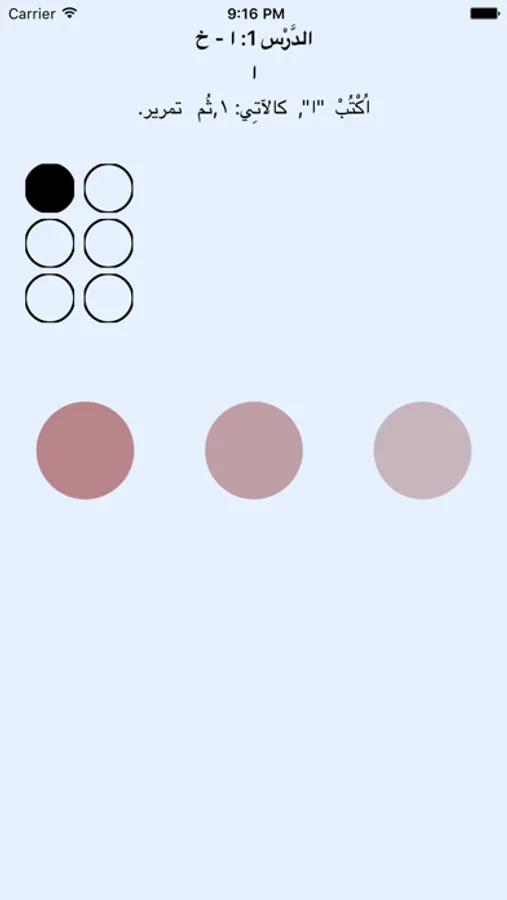
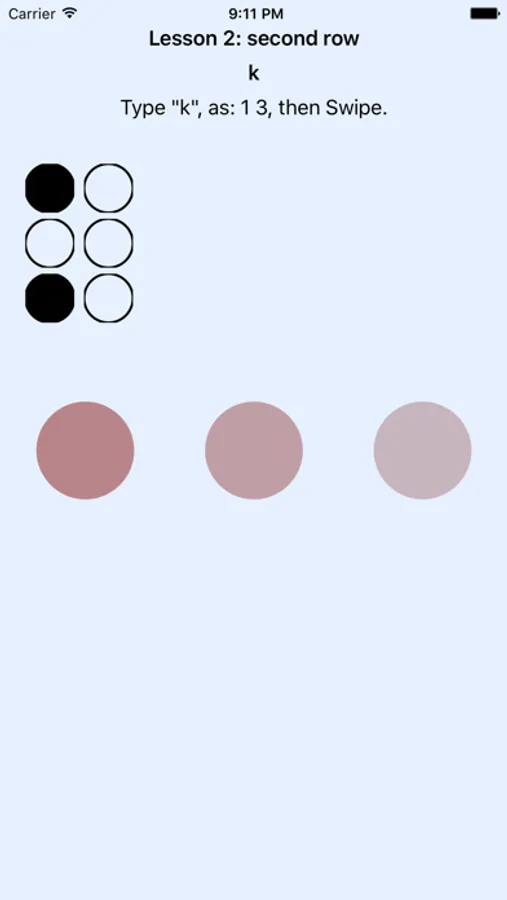
BrailleEasy is a custom keyboard that combines the comfort of one-handed typing with the speed of two-handed Braille-like typing. With the simple adaption of transforming two-handed Brailling into two gestures, users can quickly learn how to use this keyboard. The current version provides support for both English and Arabic keyboards.
If you are not accustomed to Braille typing, or simply wish to practice using this keyboard, we also offer the BrailleEasy-Tutor application with enough lessons to master this new form of typing.
- Comfortable one-handed use of handheld device
- No keys needed
- No fixed hand positions required
- Full compatibility with iOS 8.0 or higher
- Full compatibility with VoiceOver
BrailleEasy is a custom keyboard that combines the comfort of one-handed typing with the speed of two-handed Braille-like typing. With the simple adaption of transforming two-handed Brailling into two gestures, users can quickly learn how to use this keyboard. The current version provides support for both English and Arabic keyboards.
If you are not accustomed to Braille typing, or simply wish to practice using this keyboard, we also offer the BrailleEasy-Tutor application with enough lessons to master this new form of typing.
- Comfortable one-handed use of handheld device
- No keys needed
- No fixed hand positions required
- Full compatibility with iOS 8.0 or higher
- Full compatibility with VoiceOver
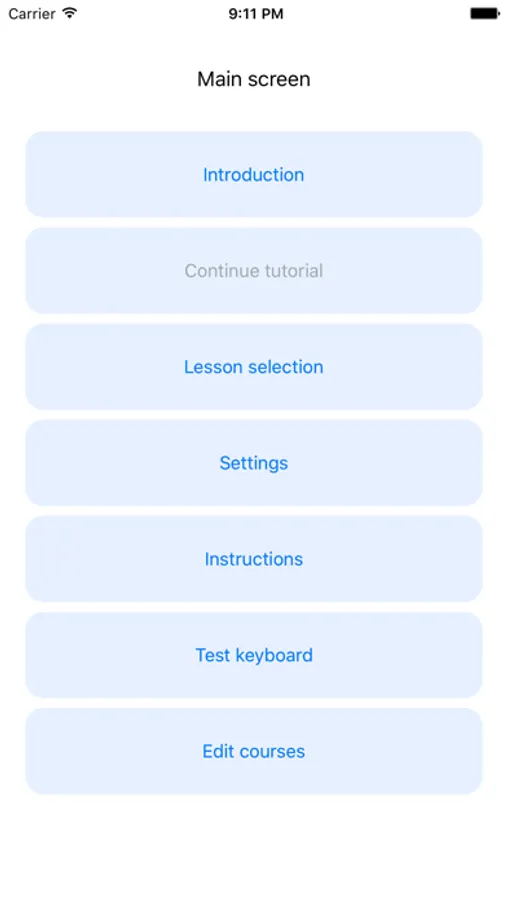
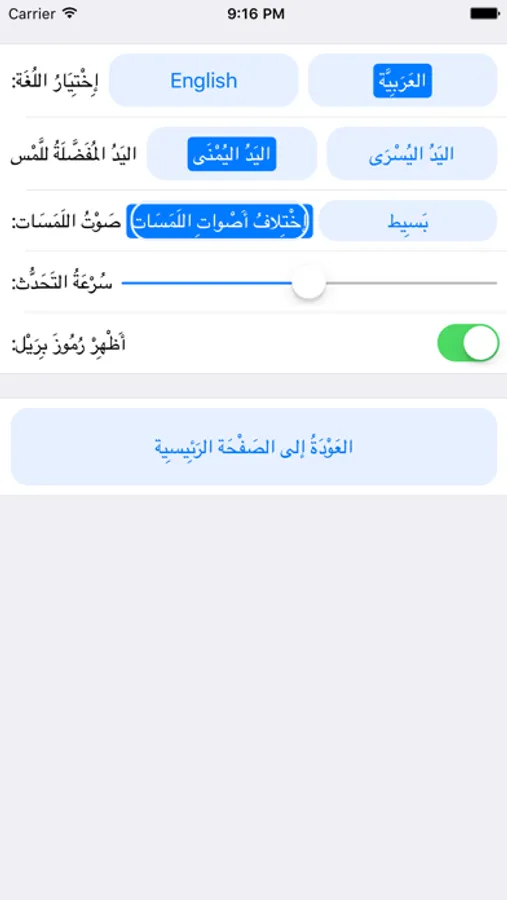
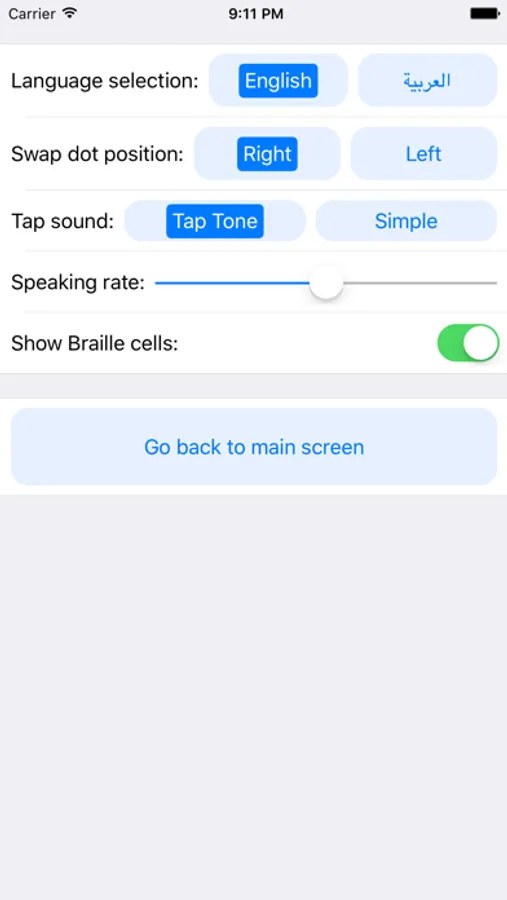
BrailleEasy Screenshots
Tap to Rate:
Reviews for BrailleEasy
Captain feather sword 
Interesting concept
I can see how this might be more helpful for someone or easier than just using the Braille screen input feature built into your phone, but I’m not that person and learning to translate typing physical braille onto a touchscreen is hard enough without having to think about how you’d split the cell in half
sinnaannis
Double tap?
I am double tapping like on voiceover but It says one finger tap what do I do?