With this calculator app, you can perform calculations using large buttons, with features like multi-line input and scientific formatting. Includes color themes, gesture controls, and VoiceOver accessibility.
AppRecs review analysis
AppRecs rating 4.3. Trustworthiness 67 out of 100. Review manipulation risk 22 out of 100. Based on a review sample analyzed.
★★★★☆
4.3
AppRecs Rating
Ratings breakdown
5 star
89%
4 star
7%
3 star
2%
2 star
0%
1 star
1%
What to know
✓
Low review manipulation risk
22% review manipulation risk
✓
High user satisfaction
89% of sampled ratings are 5 stars
✓
Authentic reviews
No red flags detected
About Big Button Calculator Pro
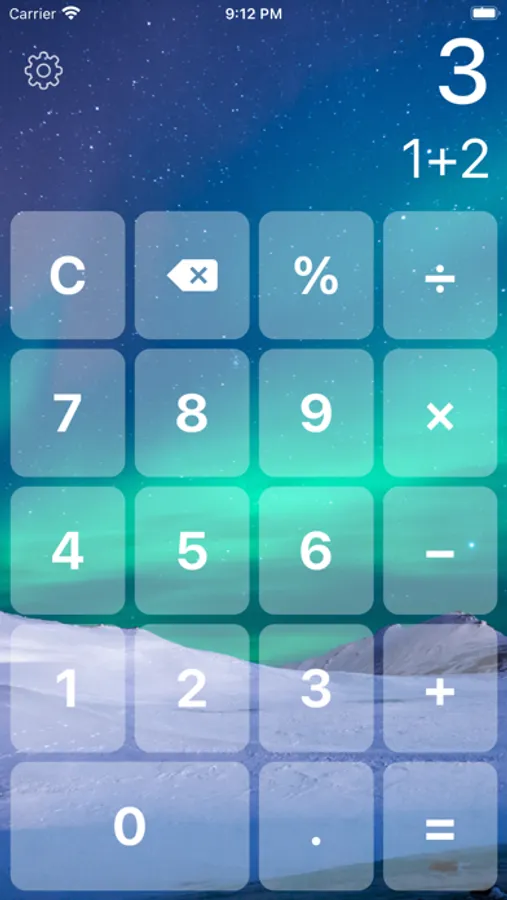
This is THE BEST calculator for iOS with big buttons and colorful backgrounds!
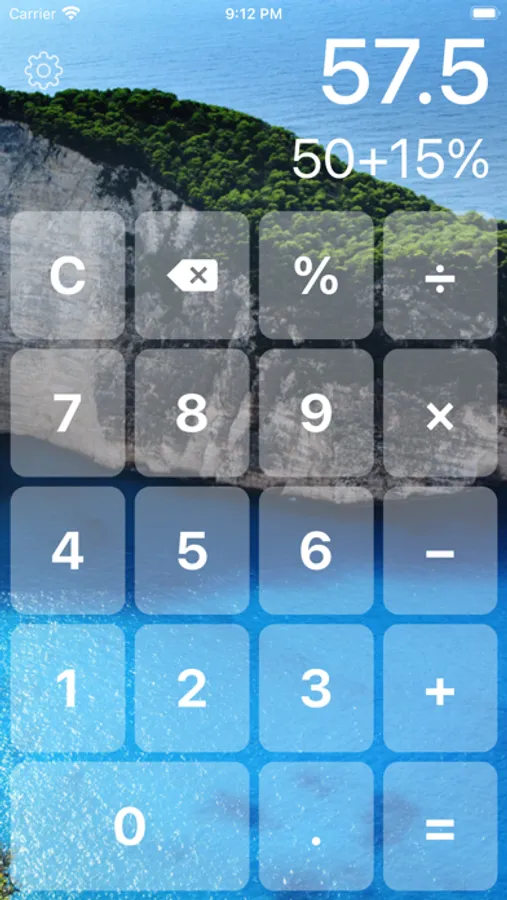
・Dual-line display - shows the input and result at the same time
・Percentage and backspace button
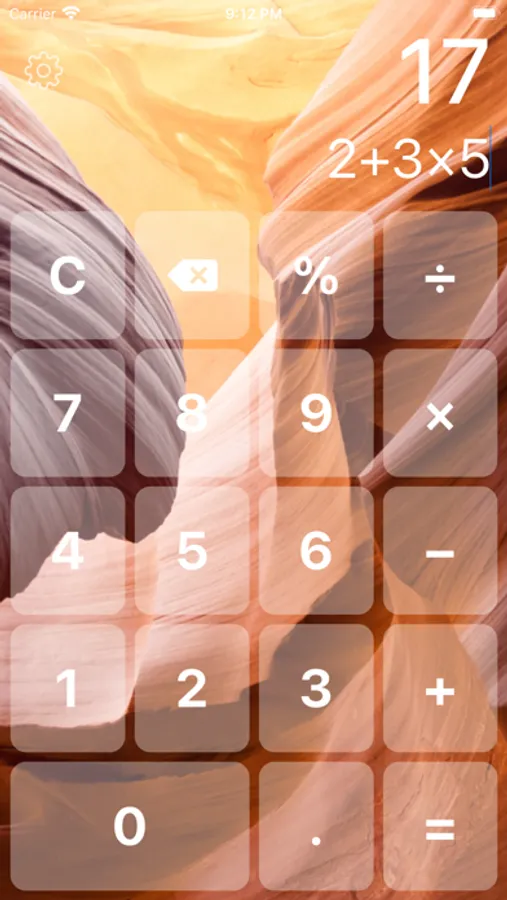
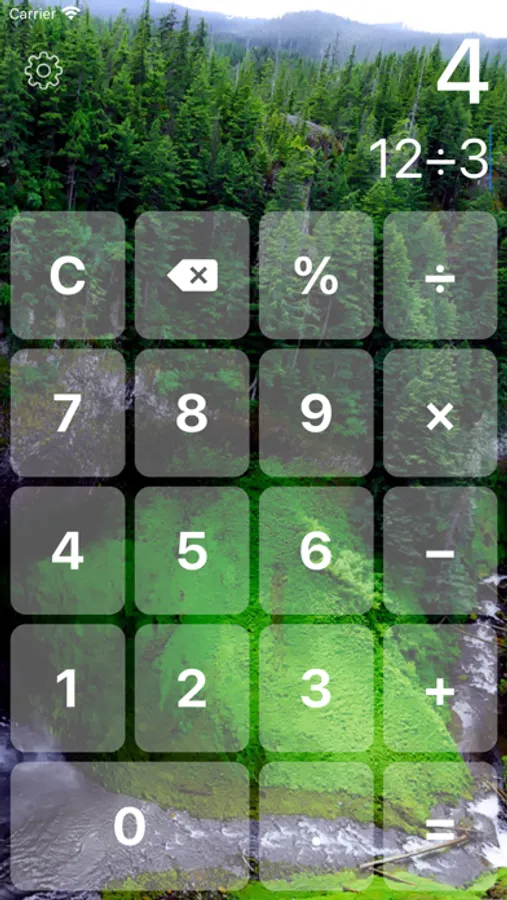
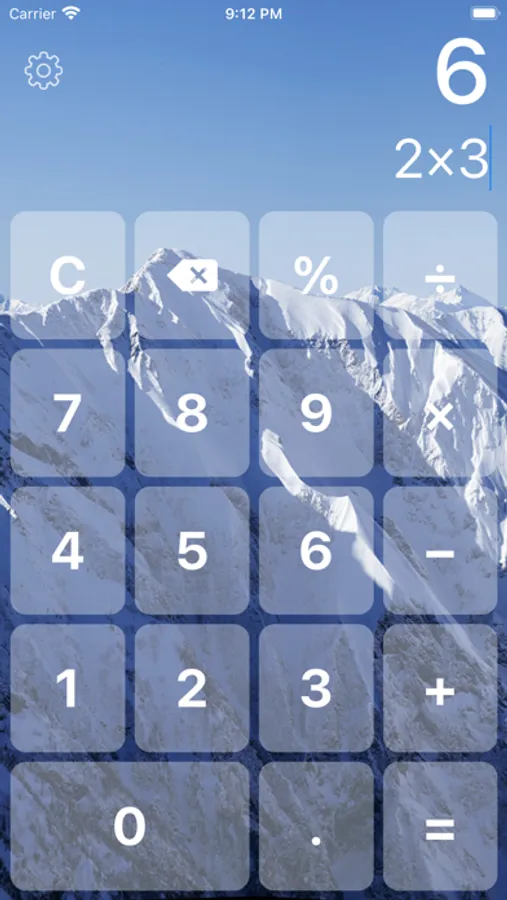
・18 color themes
・Multi-line input for really long equations
・Automatic scientific formatting
・VoiceOver accessibility
・Split View
Gestures
・Swipe left on the display to backspace
・Swipe right on the display to clear
・Tap & hold on the result to copy
・Tap & hold on the input to move the cursor, copy, paste
Customize
・Color Theme
・Sound
URL Scheme: bigcalculatorpro://
・Dual-line display - shows the input and result at the same time
・Percentage and backspace button
・18 color themes
・Multi-line input for really long equations
・Automatic scientific formatting
・VoiceOver accessibility
・Split View
Gestures
・Swipe left on the display to backspace
・Swipe right on the display to clear
・Tap & hold on the result to copy
・Tap & hold on the input to move the cursor, copy, paste
Customize
・Color Theme
・Sound
URL Scheme: bigcalculatorpro://
Big Button Calculator Pro Screenshots
Tap to Rate:
Reviews for Big Button Calculator Pro
Witchcraftie
Love It!!
I am a senior and this makes it so much easier to type! I don’t make as many mistakes.
Mama T.J.
Easy to Read
I like the large numbers on this calculator. However, I prefer a calculator with the memory function. So, I can go back and see previous calculations. Which helps me when I’m doing my budget in my notebook. Yes I use a notebook, I’m old school.