
Coast360 Federal Credit Union
Coast360 Federal Credit Union
4.7 ★
5K ratings
Free
With this banking app, you can manage accounts, deposit checks, transfer funds, and pay bills. Includes account balance checks, transaction history, mobile check deposits, and bill payment options.
AppRecs review analysis
AppRecs rating 4.5. Trustworthiness 0 out of 100. Review manipulation risk 0 out of 100. Based on a review sample analyzed.
★★★★☆
4.5
AppRecs Rating
Ratings breakdown
5 star
83%
4 star
10%
3 star
4%
2 star
1%
1 star
2%
What to know
✓
High user satisfaction
83% of sampled ratings are 5 stars
⚠
Pricing complaints
Many low ratings mention paywalls or pricing
About Coast360 Federal Credit Union
From everyday account management to mobile check deposits, the Coast360 Mobile App helps you take care of your everyday finances from your favorite mobile device anytime, anywhere.
Use your existing Coast360 Online banking login to get started or, if you’re a first time user, create your login credentials right from the mobile banking app.
Use Coast360 Mobile to:
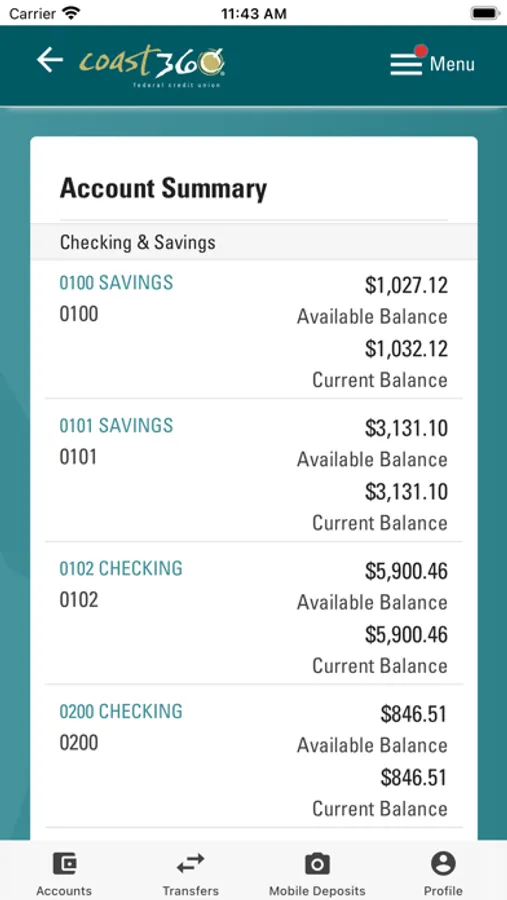
• Securely check account balances, recent activity and transaction history
• Deposit checks quickly and view images of cleared checks
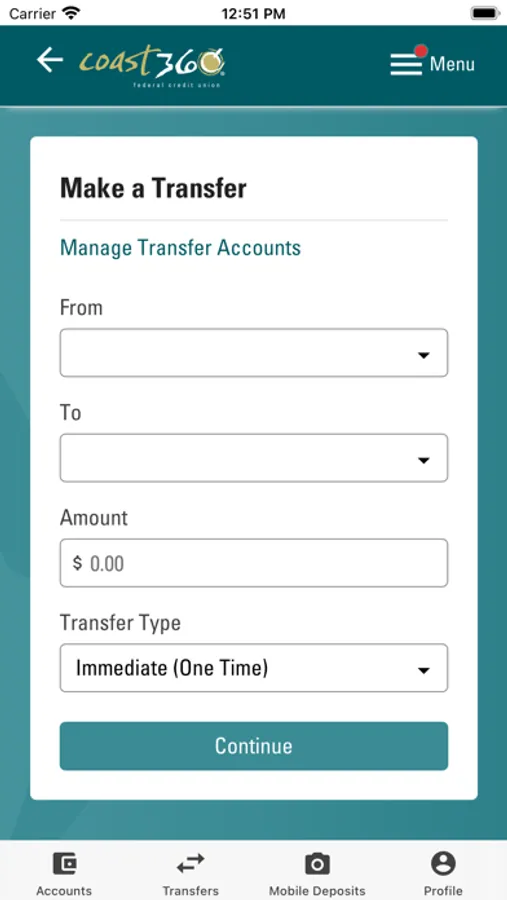
• Transfer money between accounts, including your accounts at other financial institutions
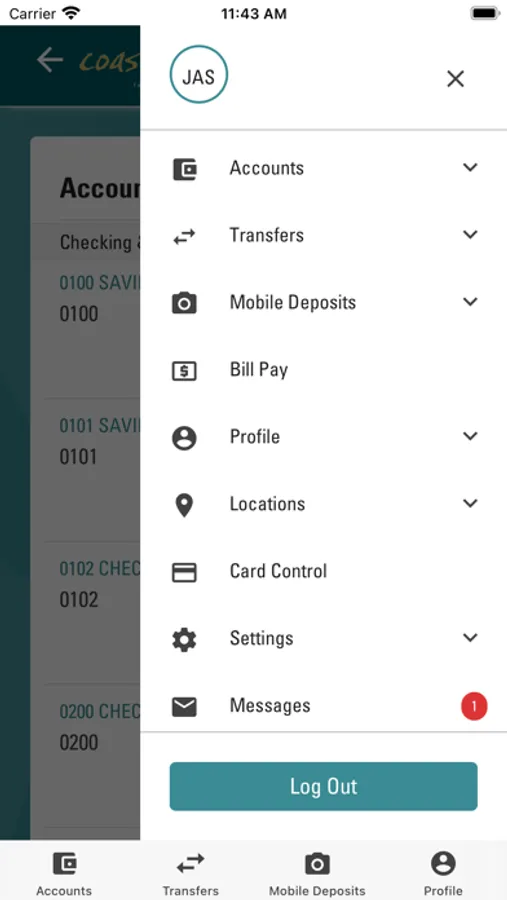
• Pay monthly bills and set up new payees
• Locate Coast360 ATMs and member centers
Additional Features include:
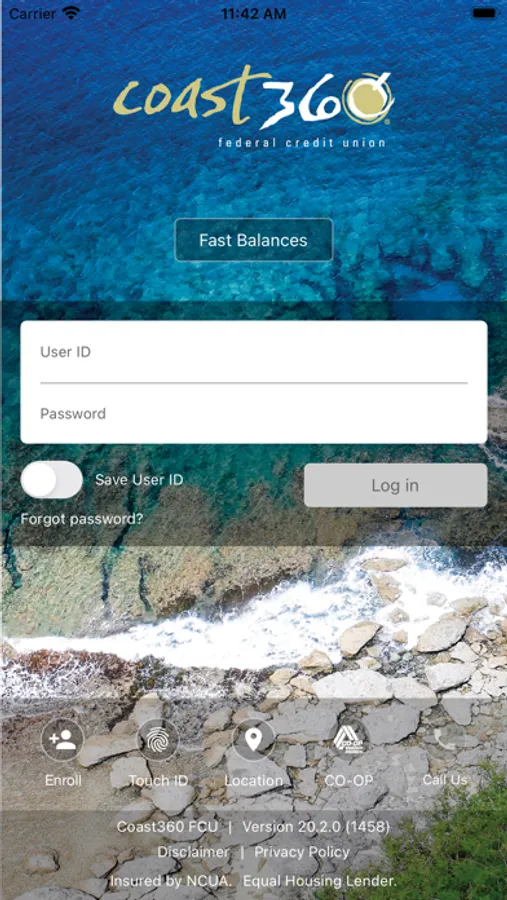
• Fingerprint & Facial Authentication – log in with the touch of a finger or facial recognition
• Instant Balance – view your balance instantly prior to logging in
• Travel Notifications – notify us of upcoming travel plans to ensure uninterrupted access during your next trip
• Card Control – enjoy all the features of Card Control through Coast360 Mobile
Requirements
Coast360 Mobile Banking works with devices using iOS 13+
Transfer Limits
• Checking accounts: There are no limits on the number of transfers you can make in a calendar month.
• Savings accounts: You can make up to six total transfers to another account or a third party in a calendar month per federal regulations.
Security
Coast360 Mobile uses Transport Layer Security (TLS) encryption to communicate securely through all mobile service providers. Security measures block unauthorized access and protect your data, no matter how you access your accounts.
Permissions
• Location permissions are needed to determine your location in order to find ATMs.
• Camera permissions are needed to deposit checks.
Disclosures
Using Coast360 Mobile constitutes acceptance and/or reaffirmation of Coast360’s Privacy Policy and Online Terms and Conditions. Message and data rates may apply with your mobile carrier.
Deposit limits and other restrictions apply. Coast360 mobile deposit service is subject to eligibility. Some features are available for eligible members and accounts only. All deposits are subject to the Coast360’s Funds Availability Policy. Refer to Coast360’s Account Agreement and Disclosures for more information. Please retain your check for 90 days before destroying.
Contact Us
www.coast360fcu.com
(671) 477-8736
Toll-free from U.S. 1-866-217-4858
Use your existing Coast360 Online banking login to get started or, if you’re a first time user, create your login credentials right from the mobile banking app.
Use Coast360 Mobile to:
• Securely check account balances, recent activity and transaction history
• Deposit checks quickly and view images of cleared checks
• Transfer money between accounts, including your accounts at other financial institutions
• Pay monthly bills and set up new payees
• Locate Coast360 ATMs and member centers
Additional Features include:
• Fingerprint & Facial Authentication – log in with the touch of a finger or facial recognition
• Instant Balance – view your balance instantly prior to logging in
• Travel Notifications – notify us of upcoming travel plans to ensure uninterrupted access during your next trip
• Card Control – enjoy all the features of Card Control through Coast360 Mobile
Requirements
Coast360 Mobile Banking works with devices using iOS 13+
Transfer Limits
• Checking accounts: There are no limits on the number of transfers you can make in a calendar month.
• Savings accounts: You can make up to six total transfers to another account or a third party in a calendar month per federal regulations.
Security
Coast360 Mobile uses Transport Layer Security (TLS) encryption to communicate securely through all mobile service providers. Security measures block unauthorized access and protect your data, no matter how you access your accounts.
Permissions
• Location permissions are needed to determine your location in order to find ATMs.
• Camera permissions are needed to deposit checks.
Disclosures
Using Coast360 Mobile constitutes acceptance and/or reaffirmation of Coast360’s Privacy Policy and Online Terms and Conditions. Message and data rates may apply with your mobile carrier.
Deposit limits and other restrictions apply. Coast360 mobile deposit service is subject to eligibility. Some features are available for eligible members and accounts only. All deposits are subject to the Coast360’s Funds Availability Policy. Refer to Coast360’s Account Agreement and Disclosures for more information. Please retain your check for 90 days before destroying.
Contact Us
www.coast360fcu.com
(671) 477-8736
Toll-free from U.S. 1-866-217-4858
Coast360 Federal Credit Union Screenshots
Tap to Rate:
Reviews for Coast360 Federal Credit Union
mhyganda
Review
So far, so good
vin671
Alvin
The best app for banking 👍🏼👍🏼👍🏼😍